




- Export saves: export the savegame files from your browser, so you can switch to another browser or computer. You can also use them in an emulator installed on your computer.
- Import saves: import savegames that you exported before with the Export saves button.
- Download disk: export the whole game from your browser, with all your savegames. Useful to switch to an emulator installed on your computer.
- Reset game files: if you somehow messed up the game files, you can reset them to an exact copy of the original.
- Reset saves: delete all savegames from your browser. We recommend that you export them first: there is no turning back!
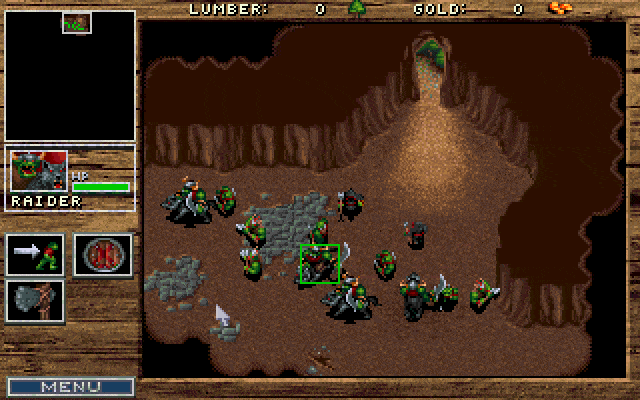
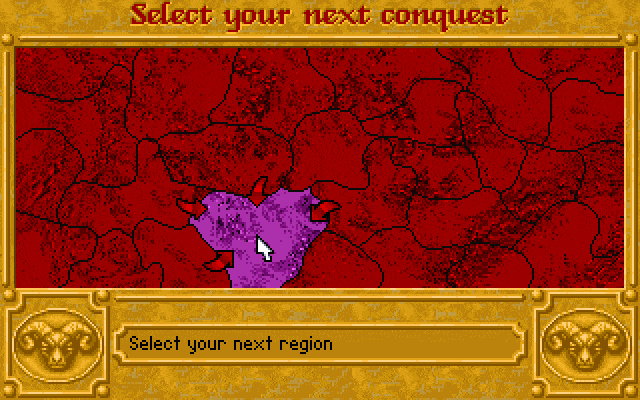
Warcraft II: Tides of Darkness - Play Demo Online
DOS - 1995
Also available on: Mac
For small DOS games like Warcraft II: Tides of Darkness, you can play online immediately with your browser (Chrome, Firefox, Safari, Edge, Opera...). This feature is experimental, the game may not work properly.
Warning: game save should work, but you should try it early! Also, be careful to select the right game executable in the list above.
Extras

 English

 Mod 8
Mod 8

Similar games



4.5/5 - 1441 votes
Sid Meier's Civilization DOS, Windows 3.x, Mac, SEGA Saturn, Amiga, Atari ST
1991

Comments and reviews
Emulator worked however it kept prompting me for a disc/cd and woulnt allow me to play... Shame! Was keen for this one.
Nice game dude!
Hey love this reboot – However, WTF is the saved game file?
everything worked for me, including the audio. windows 7, opera browser. Thank you for bringing back some good old memories ^_^
A little laggy, but still fun. Thanks for uploading!
Awesome ! Thanks for sharing !!
way to laggy unplayable
The emulator doesn´t work. At least for me.
No music with the versions defaulted in the dropdowns, windows 10 chrome browser
Muito bom...!!! Jogo super foda!
GOOOOOOOD ! ! ! ! !
The new version of a great game that is so fun.
No comment nor review for this game at the moment.