


How to Play
The game has been tested on Windows 7 64-bit, works okay. But the game has some issues on Windows 8 and newer systems, for troubleshooting check our Notes
Install & play guide:
- Mount the disc image. You will need the utility for mounting disc image files, like WinCDEmu, UltraISO, Alcohol 52%/Alcohol 120% or Daemon Tools Lite
- Install the game (if autorun doesn't work - simply launch the installation from Setup.exe inside the disc)
- Optionally install NoCD (simply copy PB.exe from the archive and put it into
Adventure Pinball/Systemfolder, replacing original PB.exe. Please note that the game with NoCD doesn't recognize CD music) - Open the directory
Adventure Pinball/Systemand find PB.exe. Right click on PB.exe - Properties - Compatibility - Set "Run this app in compatibility mode with Windows 2000 or XP" and "Run as administrator" - Launch the game and play. If the game doesn't work - try to launch the game, then open Task Manager (Ctrl+Alt+Del by default) and check for processes PB.exe and rundll32.exe. Close PB.exe but don't touch rundll32.exe (it's a Windows app for running old apps from 32-bit operational systems, most old games running through rundll32.exe). Now try to launch the game again, it must work. Don't forget to close rundll32.exe process in Task Manager after finishing playing
Notes:
- If the installation doesn't start - try to launch Setup.exe in compatibility mode with old version of Windows (98, 2000 or XP)
- It is recommended to install DirectX from the disc
- The game works on DirectX 7, so if you're using Windows 8, 8.1, 10 or 11 - you probably will need to enable DirectPlay: Go to Control Panel, and select 'Programs'. Select 'Turn Windows features on and off', click on 'Legacy Components' and check the box 'DirectPlay'. Select OK, once the installation is done, restart your computer
- The game is using CD Audio music, which means that the disc image must be mounted in virtual drive if you want to hear the music
- Please note that the game with NoCD doesn't recognize CD music
- During the launch you may see error "pmovie.exe has stopped working", just click "OK". It is intro video and for unknown reason it doesn't work on some systems. After that the game will be launched
- If you have black screen after launch - try this: right click on PB.exe - Properties - Compatibility - Check "Disable fullscreen optimizations"
- Also, try to set monitor at 60 Hz, sometimes it also helps with other problems
- If brightness slider doesn't work, you have low frame rate or stuttering - download DDraw Compact (ddraw.dll) and put it in
Adventure Pinball/Systemfolder, next to PB.exe. Check this guide for more details. If the game shows error with DDraw.dll - delete that file and try to launch through next methods - If you have troubles with running the game - try to run it through dgVoodoo utility (here's the guide how to use it with DirectX 1-7 games; dgVoodoo requires video card with DirectX 9 support, so it doesn't work on most of Intel graphics)
- If it didn't work - try to run the game with nGlide. The game is 100% compatible with nGlide
- Don't forget to check PCGamingWiki page if you have troubles!
 English








Comments and reviews
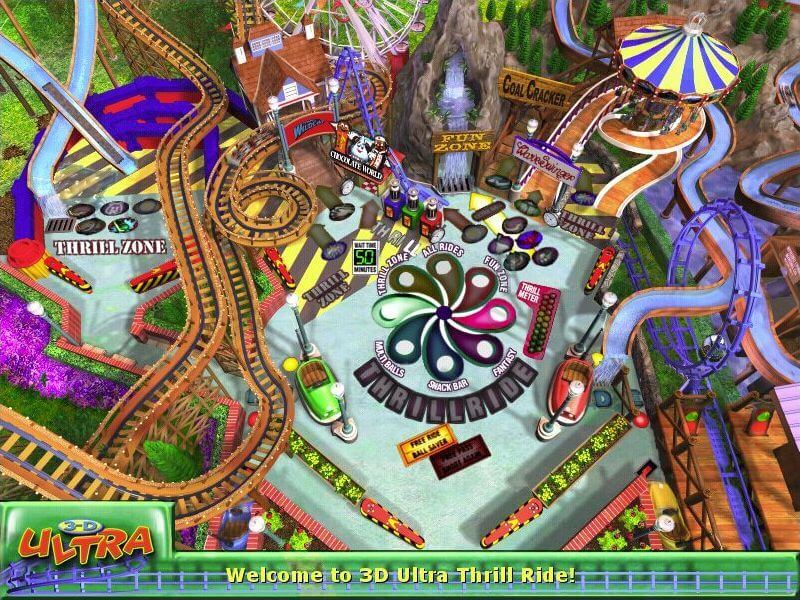
I still have my CD disk for this game, but haven't been able top get it to work due to it being a 32 bit game. I'm hoping this file will fix that a sI used to love playing this game. It was one of my favourites next to 3D ultra Pinball Creep Night and Thrill Ride.
I am going to need some help over here, I have windows 10 and have tried everything and it still says disc corrupted. I can't get pass getting asked to pay for WinRAR.
Great game and huge nostalgia rush! Works great on Windows 10, and the ddraw.dll fixes all graphical issues. The game can ocasionally black screen after booting (after the digital extremes intro) but this seems to be rare. Also, high scores do not seem to update.
This is a fantastic game that is still enjoyable in 2025. Of course, the graphics are quite dated, but I think it holds up very well for it's age. This is a very unique game. Give it a try, you'll probably like it!
No comment nor review for this game at the moment.