
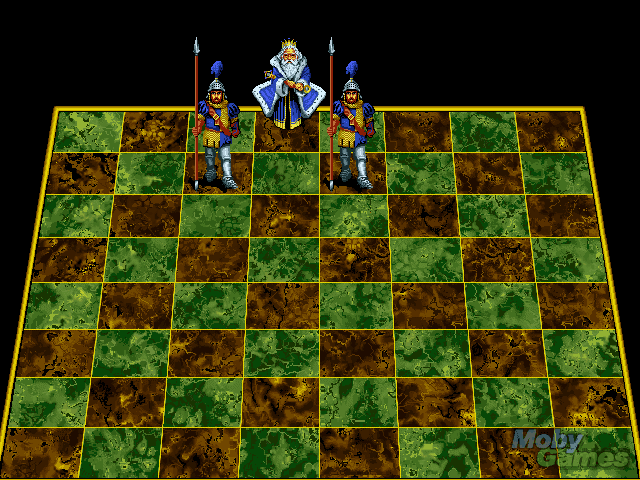
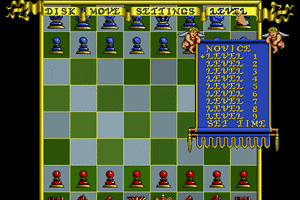
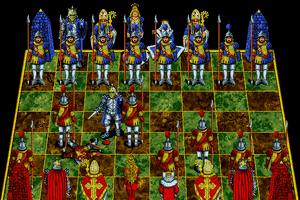
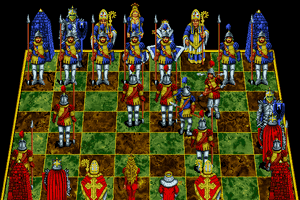
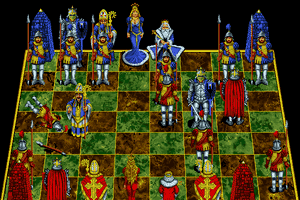
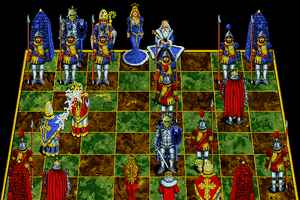
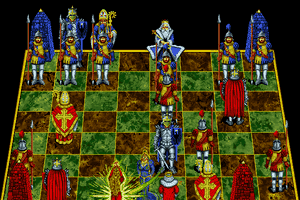
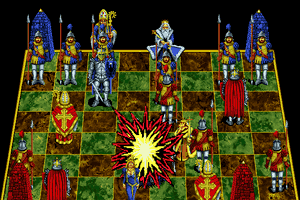
CD image for Battle Chess Enhanced, contains the DOS version and the MPC Computers (Micron Electronics) version. Mount the disk in DOSBox and do a full install, works like a charm with music in the background.
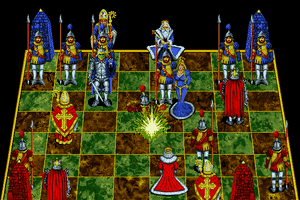
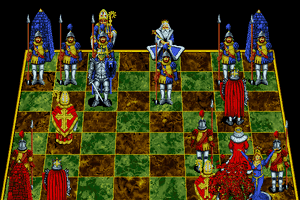
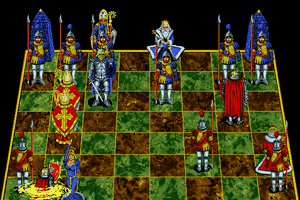
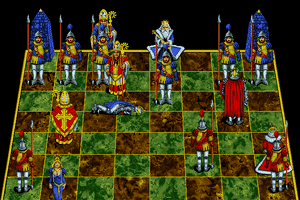
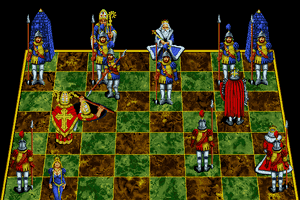
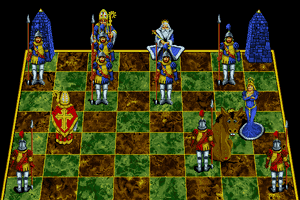
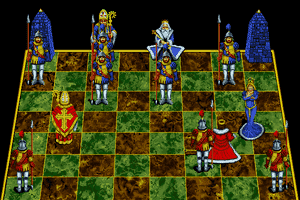
How to Play
InterPlay technical support here : http://www.interplay.com/games/support.php?id=384.
Buy on Digital Stores
Battle Chess: Enhanced CD-ROM is available for a small price on the following website, and is no longer abandonware.


 English



Comments and reviews
Is this game aviable without DRM (STEAM) anywhere?
I'm trying to get this running in DOSBox. I have applied the patch and still no luck. It works up until trying to capture a piece, then it does nothing. I've got the CD iso mounted, I get sound from the flappy cherubs in the menu, and the game works fine up until then. I set it to Paradise VGA in DOSBox and the installer. I don't get it.
To bardzo dobre szachy. Spędziłem wiele godzin przed PC grając w Battle Chess. Miałem je zainstalowane do Windows XP włącznie. Niestety, nie mogę zainstalować w Win10. Kto mi pomoże? (mam oryginalną, dobrą płytę CD)
I would like to download this game for Windows 10. Is it possible ?
How do I get a site or the game battle chess for windows 10 a working version. There are so many super techs out there. Someone must know how to make or create a working version if Battle chess for windows 10. Thank you in advance Joe
for people with trouble, mount iso try this https://www.youtube.com/watch?v=6AEbofXsoRY&t=65s
I remember seeing this game played on a huge projector screen at a computer fair in the early 1990s. A large crowd gathered to watch the action. Another game shown was Prince of Persia 2.
We've come a long way in gaming.
A year or two ago, running this in DOSBox would always result in a freeze. Tried it on DOSBox yesterday and it was flawless. Even tried it on an xBRZ variant of DOSBox and it ran flawless. It's just super nice to be able to play this again like back in the day.
lmao can't even come to a website for abandonware without seeing some lunatic whining about something or other being leftist
This is the enhanced version not the GOG DOGSH!T CGA version don't let GOG the leftist bootlegger's steal the titles, they don't contact the original owners or publishers they just snatch and sell.
Thanks @crogonint, added the file in the downloads
Well, no guaranties, but after extensive searching and scouring archives, I managed to find a copy of the patches that used to be listed on cdrom.com here:
https://patches-scrolls.de/patch/504/7/38795/download
That's to the actual download page for what appears to be the patch listed above.
The patch linked up top under 'How to Play' has disappeared. Does anyone have a backed up copy they can share here?
Got it back on the page
Misleading information. This version is NOT for purchase on GOG! Please remove the "buy here" link because it's not the same one!
This is NOT the version available on GOG. DO NOT BUY FROM THEM. They have the original (essentially) demo version of this game. They do not have this version.
i have a cd copy of the game for pc, how can i get it to work on windows 10
imgmount c .\base\cd\battle_ches.cue -t iso
mount d .\base
d:
CDCHESS.EXE
exit
!!!THIS IS THE CODE!!!
If some body have it on a normal cd just burn five of them and sell them i like to buy one i'am in Colombia and i like to play that, i have my years on that un 1995 un my country Aruba here in Colombia is dificult to buen all that on a cd with that special box.her i left my WhatsApp (+57)-3218221943 just do ir and send by Fedex ok...
Game seems to have problems running in DOSBox on Win 10. I mounted all as described. Game first starts normal, but crashes at the first battle.
Anyone else who has this problem and/or a solution for this?
drag battle_ches.cue and drop it over the dosbox icon place the CDCHESS.exe file into the file with the battle_ches.cue file then enter cdchess game will now load and run
never mind I used
mgmount c c:\dos\bchesscd\cd\battle_ches.cue -t iso
mount d C:\dos\bchesscd
d:
CDCHESS.EXE
i cant get it to work, is their any way to download it without a cd
There is a .cue file along with the .iso. It is best to use these together. When mounting the image in dosbox I used this and it worked fine: (Your directory structure may be different.)
imgmount c c:\dos\bchesscd\cd\battle_ches.cue -t iso -fs iso
imgmount c "the folder containing the iso" -t iso
imgmount d "folder containing the game"
d:
CDCHESS.EXE
I installed the game per the instructions listed above, and I can't get the audio to work not to mention that the game when started goes straight into a chess match and when the peices are set to run their animations when one peice takes another the game freezes and nothing happens. I am running this on dosbox .74 with no luck.
This game run fine on DosBox Emulator 0.74 for Ubuntu. Just burn the cue image with K3B cd & dvd burner software and copy into a regular CD 700MB after the compilation is done. Just open the CD and fine the Installation setup and run on Wine then wait for the installation is complete. And enjoy this amazing program. :)
Hi hello how i must to install
I have tried this using D-fend reloader, does not work.. I also installed windows xp on one of my hardrives, still no luck. trying a copy of Windows 95 to see if that works
You must mount the CD image. For instance:
imgmount d c:\games\bchesscd\cd\bchesscd.bin -t iso
not working. same problem as frustrato said
wtf. how do you get this to work? the readme isn't that clear, and I've followed all the instructions for d-fend reloaded.
whenever i click on it in dfend it comes up and then the dos window runs a few lines that have something to do with virtual memory and then closes itself and says there was an error
good game indeed
No comment nor review for this game at the moment.