



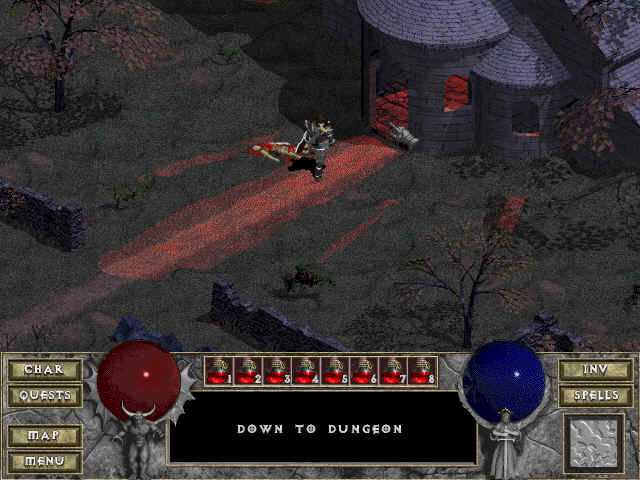
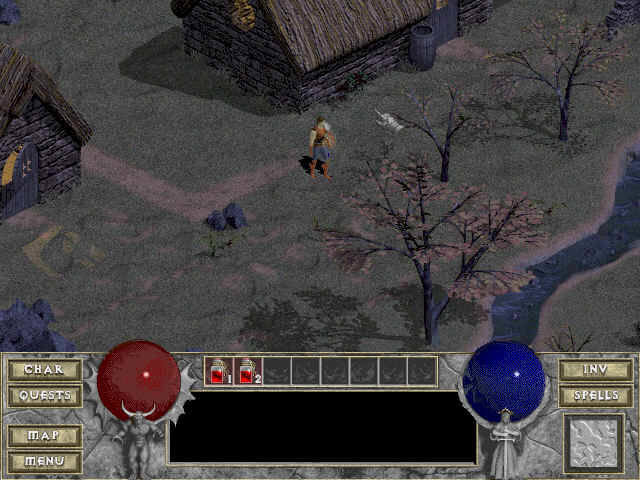
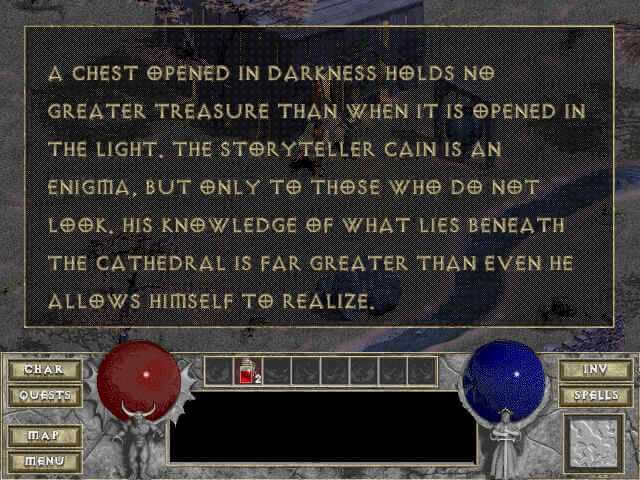
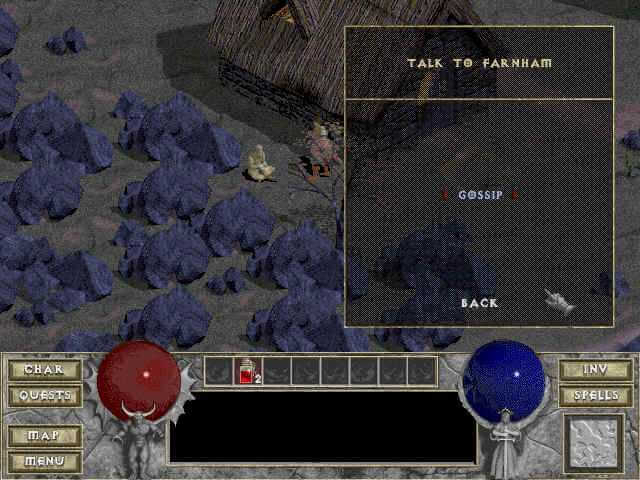
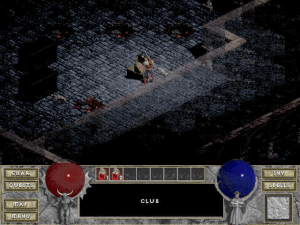
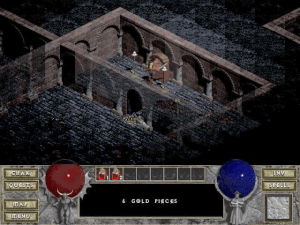
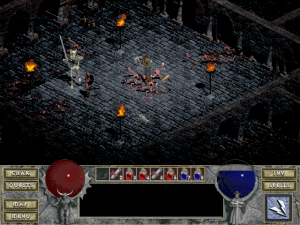
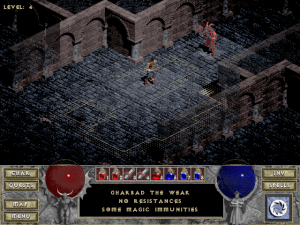
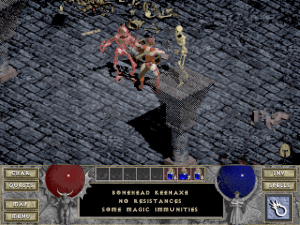
Combining elements of traditional roleplaying games with the simplicity of an action game, Diablo achieved both critical and commercial success for Blizzard Entertainment and went on to become one of their best-selling games of the late 1990s. While there had been similar games in the past, Diablo was a landmark title which significantly contributed to the increase in popularity of the action-roleplaying-game subgenre following its release.
Set in the Kingdom of Khanduras (within the world of Sanctuary) the game’s plot is a fairly straight forward affair. A lone adventurer must journey into the dungeons below the town of Tristam fighting the monsters that inhabit them before battling the Lord of Hell himself, Diablo. As with many roleplaying games there are the usual choices of character class. The Warrior, Rogue and Sorcerer all have their own set of attributes and each has a unique skill which gives three very distinct ways of playing the game.
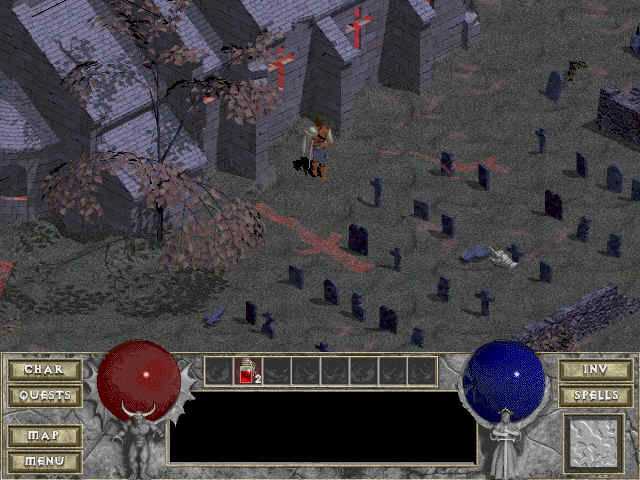
The dungeons themselves are randomly generated at the start of the game (which is good for replay value) and offer a mix of exploration and action based combat. While full of atmosphere, they can become slightly repetitive at times. However the game’s relative short length means it doesn’t become a chore and overall remains a fun action based alternative to the more hard-core roleplaying games of the time.
Review By Richard
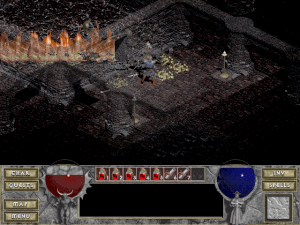
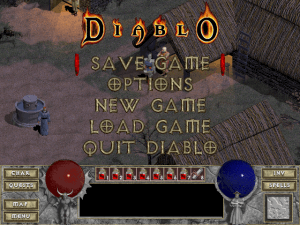
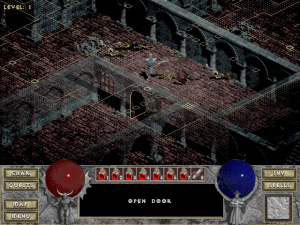
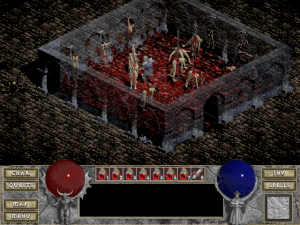
Diablo 1 in HD with Belzebub
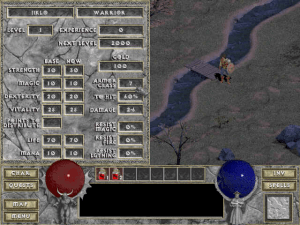
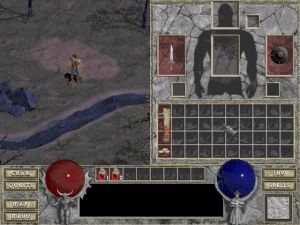
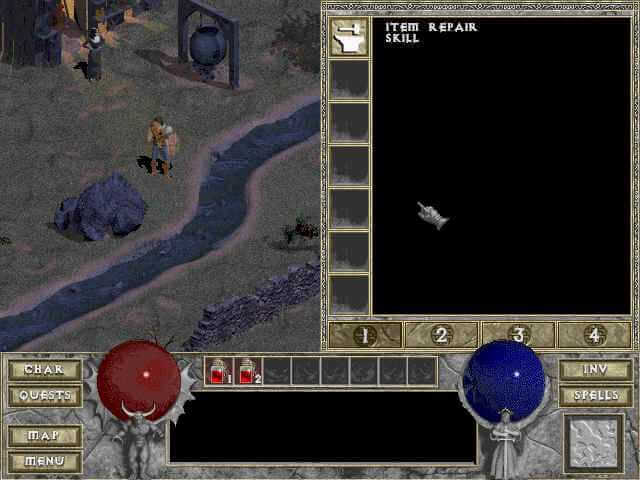
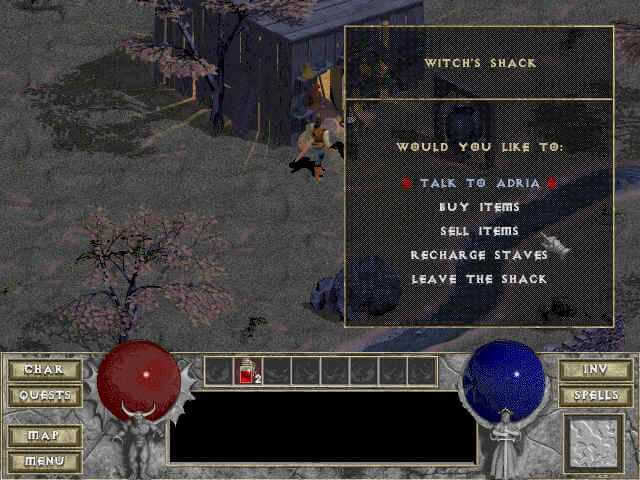
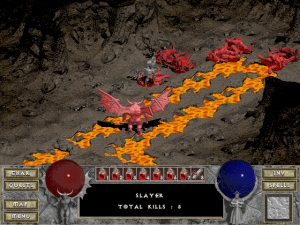
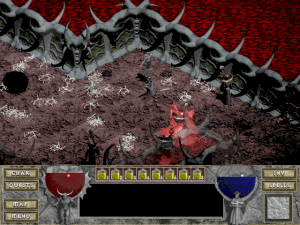
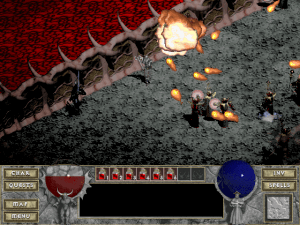
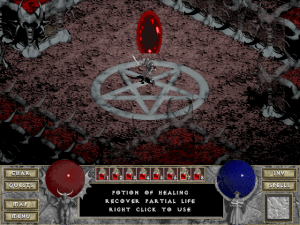
A new game mod allows you to play the game in HD: Belzebub . Some of the features:
- Increased resolution and support for panoramic screens
- Fully integrated with new windows systems
- Many user interface improvements
- New hero classes Barbarian and Assassin
- All quests which were missing from original game are now implemented
- Four difficulty levels available in single player
- New locations
- New special and randomly generated bosses
- New spells
- New character skills
- Great number of minor gameplay changes
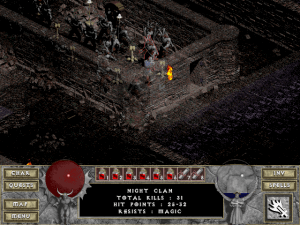
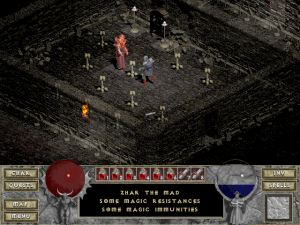
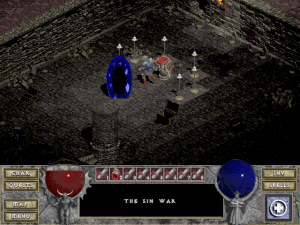
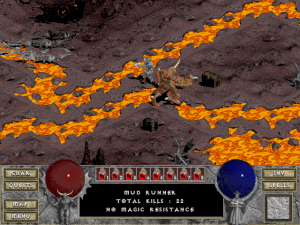


 English





Comments and reviews
In response to h0uek h0uowczyc - The GOG version is Diablo *WITH* the Hellfire Expansion, with the final content patches available for both and ported to launch either the original version (for use on Win9x/2000/XP systems or VM's) with BNet 1.0 support or the GOG-specific Enhanced Port with LAN but no BNet 1.0 support but able to support 1920x1080p+ screen resolutions.
As far as I can see on GOG.com it looks like an abandonware to me. Only thing you can buy on GOG.com is Hellfire from Sierra. Diablo itself is not avialable on sale at any of the known (to me) stores. Maybe it's time to revision of the legend?
This is truly a masterpiece of a game and everyone must play this sooner or later.
To make it work in modern systems, you can use DevilutionX, that is is modern recreation of the original game engine. Just search google and you will find it easily.
https://youtu.be/I_QoCzGBjKo
Bu efsane oyun 1996 sonunda çıkmıştı. Basit ama eğlenceli yapısı ve derin mekanikleri ile keyifle oynadığımız oyunlardan biriydi. Videosunu izleyip yapım hikayesini öğrenebilirsiniz. Beğenirseniz kanala abone olun :)
Diablo did for action roguelikes what DooM did for FPS games. A must play!
Be sure to use Diablo Clicker! It will save your wrists!!
https://freshmeat-blog.de.tl/Downloads.htm
I have no idea what I am doing. I just want to play Diablo 1. How the hell do I do that?
i am not good with computers and am completely lost on how to get this to work
Got it to work in minutes, awesome!! Thank you!!
GREAT GAME GOOD MEMORIES FUN TIMES
id love a ddraw.dll file that makes the game window a bit bigger?
Awesome game, awesome memories! Did all what Game-Twe@ker said and worked perfectly. Also added the Belzebub mod and no problems so far. Excellent work guys!
in $zip file is two $sit files and in there is $toast file what is image - but in macos show info
You can’t open the application “Diablo Installer” because the Classic environment is no longer supported.
After following the same steps that GAME-TWE@KER listed my game still crashed.
To fix this all I had to add the Diablo.exe to the Data Execution Prevention.
- right click on my computer and go properties
- advanced system settings
- on the advanced tab go the settings under the performance heading
- Then goto data execution prevention, and turn it on
- add Diablo.exe and it should run.
I remember playing this as a kid with my cousin and exploiting (by accident) a Butcher's bug in order to kill him, those were fun times
Just cant get it to run after extracting
does not work did everything correct but as soon as i click on single player it crashes and goes to a black screen and says not responding, before it would crash when it was loading and i would click the to skip the beginning BS. trash
Does this version work with Blizzard's battle.net multiplayer option?
it is a good game
Try to run this on winx 64
Game doesnt start, Diablo was unable to find ddraw.dll but the file is right above the diablo.exe
I installed it like GAME-TWE@KER (2017-06-05) posted it.
what went wrong?
Got this to work on Windows 10 Very Happy
this version isnt saving any of my games, they get deleted on exit, i am using belzebub
anyway to fix the audio if you have the .rar files for voice and music?
If your sound is not working, maybe your headset is focusing surround sound. Try to unplug it and use a different headset or speaker.
I loved the original Diablo game on Sony Play station then later on my computer. I would love to be able to play it on my phone also.
for people having issues after blizzard logo, download the windows fix and place it in the same folder your game is in.
hi I just installed Diablo but its not working. Mine is Windows 10 64bit version. Please advsie?
dope game
I have a black screen right after the Blizzard logo ... i have the sound of the Main menu , i only miss the image ... any idea what is wrong ? ... also ... me and my old friend want to instal it on both our laptops ... will we be able to play LAN/Multiplayer !?
For those trying to play Hellfire, and are getting a black screen instead, with the game probably crashing afterwards: copy the ddraw.dll of your Diablo instalation directory, and paste it on the Hellfire folder. It worked for me.
one of the first games I got for my 1st Home made PC (Pentium MMX 233 40GB and 2Gb of ram.)
Can't get it to run in windows ten. Crashes right after the blizzard logo
Damn, so this is a modded version? I thought I was playing the real thing :/
hope this works, would be awesome
Before you start complaining about a lack of dialog or music check that you downloaded the ISO not the RIP. The RIP is a pre-installed version in a folder with no music or dialog to keep the size down. If you want the sounds that are missing you need to download the ISO version and use a virtual drive to mount and install or burn it to a CD and install.
Is this only singleplayer? :)
Everything went fine installing diablo, but at hellfire, I mounted and couldn't find any file that would be HELLFIRE.bin, there was HELLFIRE.exe that didn't work, and double clicking setup didn't do anything either.
+ I didn't really understand do I still need the hellfire 1.01 patch if I'm on x64 windows or is that just for x86?
Says I need to put the CDRom in the drive to play, what am I doing wrong? I have Windows 10 64bit, all I did was download and install everything into one folder.
brooooo i loved diablo 3 now i get to play the classic
my first time with diablo
you guys are amazing thank you for letting me play this awesome game again
no music...
rip diaLOUGE/MUSIC
So, downloaded YES
then, instlled YES
then, ran YES
GETTING EXCITED !!!!
then, started new game YES
then, working good: NO
colours and graphics are a bit off
help
I just want to say thank you.
I love this game it is my favorite.
Diablio
Have made a step by step guide on how to install:
https://www.youtube.com/watch?v=BDdwIANOxkU
this game is legit i scanned it with multiple softwares this game is my all time favorite and im glad i finally found it.
Lots of memories and good times on B.net in my clan circle of blood.
Thank you so much!! Finally get to play diablo 1 after so many years. Atmosphere is amazing :D still awesome game!
Got everything working fine but can't press ~ in-game. Just get a Windows error chime. I can alt+enter to toggle fullscreen/windowed however.
I cant seem to get the virtual clone drive to mount. i downloaded and installed it with .bin file box checked and when i rightclick the icon on desktop it gives me no option to mount
After step 6 @GAME-TWE@KER it says it could not find ddraw.dll even though it is inside the folder C:\ProgramFiles\Diablo .. what am I missing here?
Thank you! Great instructions.
Sorry.maybe you know why option game as multiplayer is immpossible?Game give information : "unable to create character".
thank you.
Is there a way to get music and dialogue in there? That's like half the game...
Truly would appreciate guidance with this, since I love the game so much.
Poor Kyle! :(
Tania, I put you a star, because I want you to be my wife... it will be the next thing to do.
It's time to send 'em right where they belong, by hacking 'em in bits... Let's free Tristram now!
Every time me get to 3rd floor, me guy tell "no way!"
Please help.
ok I have the iso, when I open it, there's something telling me to buy an app online to open the file. I bought WinZip, now what should I do?
@Duh!
Good suggestion with Linux to use VirtualBox or Wine to play Win-blows games.
btw I am very sorry for you...
You now there is still hope out there.
Take Care!
@Game-Twe@ker
Thank you a 1000 times, you're the first who gives a real fix.
Thumb's up!!!
Beware of communists ignorants that says that everything with Windows are viruses, viruses are made with Linux OS, then released to attack Windows. I can say boo-hoo Windows users, to look cool. I prefer the easy ways that Windows let you install programs in your computer. Linux... extract, recompile... what else... uhh! I don't want to recompile the whole program to play game, just I have no time for this. Double-click the icon and play, very simple, no "sudo" or whatever... So, please let those who play games in peace, keep doing your viruses and annoy big entreprises, Linux boy. (You should be happy there's tons of people that steel Windows, or hack the software every day.) If you can't play the game under Linux, use VirtualBox or Wine, your Ubuntu or Fedora or Red Hat will not be infected.
Theres no download just a Drive update installer that puts virus in computers
KAT
Now you have the original files, I hope you will try my way, like I wrote earlier, if it works for Windows 10 it should work for you and DON'T FORGET the ddraw.dll it's necessary to copy it inside your install folder, or the game will crash.
There is a step-by-step process to install and play Diablo - Hellfire with Windows 10 Pro (32-bit). (To install the Hellfire patch, you will need a 32-bit Windows or you can install and play Hellfire without the patch on a 64-bit Windows.)
Before proceeding to download Diablo - Hellfire and their respective patches (Diablo patch 1.09 and Hellfire patch 1.01) including the ddraw.dll this one is very important to copy inside your Diablo installed directory, or else Diablo will keep crashing, later I will explain how to troubleshoot that configuration file, so you can play the game on his maximum screen resolution, which is very close from 1080p (1650X1080 at 60 Hertz).
If you do not have a virtual optical drive, you will need one. Many folks around suggests to install programs such as Daemon Tools or Alcohol 120% for virtual CD/DVD/Blu-Ray drive(s), I prefer to use Virtual CloneDrive by Elaborate Bytes (very simple to install and to use and it does not conflict with games/programs that stop working due to virtual optical drive(s) installed.) During the install process, you check the .bin association box, you will need it to install Hellfire, at first the virtual drive will not see it, the last box on the bottom right you scroll down to All Files, and once clicked; you will see a angry-sheep icon, you select this one to install Hellfire. Later I will explain how to install it under a 32/64-bit environment.
1. Download Diablo the ISO version (631MB). The RIP version is Diablo already installed in a folder, both the music ambiances and voices are missing. The "Belzebub mod works great too, it's a no-CD patch that comes with few add-ons and gaming improvements. It slightly differs from the original Diablo but you cannot install and play Hellfire. This is for 32-bit Windows, it did not try it for earlier version of Windows, but if it works on Windows 10, great chances it will work with an earlier version.
2. Extract the files inside a different folder within Download folder or on your Desktop or whichever folder you like, but not inside C:\Windows or C:\Program Files.
3. Right-Click your virtual optical drive select mount, in the pop-up box you select the folder where you saved the Image File (Diablo.iso), when the file is mounted in the drive you will see the Diablo autorun program that will tell you to install Diablo or Spawn (the trial version) you exit the installer. Right-click on the virtual drive and select Open, then select setup.exe, right-click and select Properties, then you choose the Compatibility tab and you check "Run this program in compatibility mode for: and select Windows XP (Service Pack 2), then check "Run this program as an administrator" box, click Apply and OK. Close all folders, on your desktop double-click This PC, then double-click on Diablo, select Yes when it ask you to run Diablo.exe. The install screen should pop-up, then install Diablo.
4. Go to C:\Program Files\Diablo, right-click on Diablo.exe and click copy. In the same folder right-click and paste, select Yes at the pop-up windows. You will see Diablo - copy.exe, close the folder.
5. Extract the ddraw.dll file, like in step 2. Copy the file inside C:\Program Files\Diablo, once again click Yes when the pop-up window appears. Close the folder.
6. Extract the patch installation file, like in the previous step, then double-click on drtl109.exe (Diablo patch 1.09), click Yes to install the patch. When the patch is successfully installed the game starts, and the game won't crash (not supposed too, if the game crash double-click on Diablo - copy.exe, to restart the game). Before enjoying hours, you need to configure the graphics. When you are in-game press the ~ key on your keyboard, under Esc key (shift+`), the programs goes into windowed screen again press ~, and select Full Screen: On, then select 1650X1080X60 and press enter, and have fun!
The same way is done to install and play Diablo and Hellfire (no patch) under a 64-bit Windows except you install it in C:\Program Files (x86) folder.
7. To install Hellfire, right-click on your virtual drive and select mount, at first the pop-up window will not showing anything, then at the bottom-right corner click and scroll to All Files or (*.*), then select the file with a bin extension (HELLFIRE.bin).
8. IMPORTANT: THIS IS FOR A 32-BIT WINDOWS, YOU DO NOT NEED TO PROCEED WITH THIS STEP IF YOU HAVE A 64-BIT WINDOWS.
Mount the Diablo Image in the drive again, extract Hellfire patch 1.01, like step 2, double-click on hf101.exe, and click Yes to accept to install the patch.
9. Go to C:\Program Files\Diablo\SIERRA\HELLFIRE (or C:\Program Files (x86)\Diablo\SIERRA\HELLFIRE) and double-click on hellfire.exe and play hellfire.
Be patient, follow these steps, if it do not works retry again, or use the alternative program (Diablo RIP or Belzebub mod) if you do not feel that patient.
ENJOY!!!
alright i got the ISO version, installed it and directX
keeps saying "direct draw error" and never starts, any suggestions?
running Windows 95 virtualbox 256 colors
i got the RIP version and it wont run on anything
not windows 7, nor any versions of windows on my virtualbox
installing the ISO version now and see if that works
hi ich liebe dieses spiel
I downloaded the Diablo RIP for Windows, and can't seem to get it to run. I just get a message saying "Diablo has stopped working" whenever I try to open Diablo.exe so what do I need to do to get it to work?
To Tea Hunter, you will need to get a program like Alcohol 120% or Daemon Tools Lite to install a virtual a disk drive, then you mount the .bin extension file and the drive reads it as a CD, then you install the expansion pack in C:/Diablo from your virtual drive. ( I suggest Daemon Tools Lite earlier than 5.0.1 version; downloaded from oldversion.com, it can read .bin extension files. Therefore; you don't need to convert them into .iso extension file).
I hope that helps
no music/dialog also screen turns fully black and cant exit when trying to turn off game. will not allow tabbing out or use of task manager to close or minimise. if not for the problem closing it would be alright.
Norton hates the game file and removes it any time I extract it.
Love This Game!
First, I haven't been on the internet in ten years. However, I've installed hundreds of pieces of software, into the XP environment. Just not much of the modern stuff. I downloaded Diablo into a C:/Diablo directory and ran the executable. The conventional game works just fine. But the original game I have no desire to play, as it is tedious beyond measure. [I've had the Hellfire-Diablo for years but do not currently have my disks available... thus, this option.] I downloaded Hellfire, but all I get from the .zip extraction is a Hellfire.bin file - which I have no idea how to use. Suggestions?
Hi Guys,
I don't get dialogue sound, or game music.
How can i make it work, and also is the HD version available here?
Thanks!
Windows 10 o.s
the game could not play in DOS box
after mounting c
c:\DIABLO~1DIABLO
it says "this program cannot be run on DOS mode
please help.
Hi. Downloaded the file for Mac. Now what do I do to run it? When I open the file, it’s text.
Thanks.
To play Diablo without the color problem, try to open the Resolution Screen (Right-click on screen) and leave it in the background. Many guys say, this will solve it.
If not, do the following:
Create a .bat file (just create a new text file and save it as NAME.bat later) in the game directory with the following content:
__________________________________________
@echo off
taskkill /f /im explorer.exe
diablo.exe
pause
start explorer.exe
exit
__________________________________________
Start Diablo with that .bat file. It will simply close your explorer.exe, before the Diablo.exe will start. The explorer comes back, when you quit Diablo.
woah! i remember this game as one of my earliest gaming experiences. so much fun and got to learn about story. which inevitably made me the kind of person that needs a story driven game. so happy for this.
Loved this game. I have a problem with the video on this downloaded one, though. It installed fine, used img mount and worked fine. However, when loading blizzard logo and for the in game dash are all weird looking. It looks like old school dos vga, light blue/green/red colors. Game works fine other than the distorted and pixelated color. bad sprites? not sure whats causing this. I run win 7 and use clonedrive img mount. Also, the patches wont install either. Hoped that would help, but cant even get those to install? Anyone ran into video issue?
It works fine on Windows 10 for me, I didn't need to use any fixes. Bnet patched it for me when trying to connect.
No music, no Dialogue. :(
The downloads keep stopping, I keep getting "fatal network error." Is this on my end, or y'alls? I have good enough network speed to download steam games etc I just am having issues downloading from this specific file...
The npcs are not talking
This game was and is still one of the best of it's kind!
I nearly crapped my kiddie-pants back in 1997, when I first saw and played it at a friend's place ^^
Today, I play it again with the Diablo 1 HD Mod (Belzebub - Download it here: http://diablo1.ovh.org/hd/?download ) for a completely new experience!
New classes, new enemies, new items (including rares and sets), new quests (which were originally actually built into the game but hidden in the programming code.) So awesome! Check it out - you won't regret it :)
Any help getting this to run on OSX?
This game was amazing when i first played it. I'm so hype about it being free :D. Perfect to casually have going while working.
First time trying any abandonware - will this run on Boxer for Mac 10?
The Mac OS 9 emulator found here works terrifically:
http://www.macwindows.com/OS-9-emulator-works-on-Mavericks.html
But both .sit files result in errors when they're opened in that emulator. The toast file doesn't work, and the other comes up with an error saying it needs a CD to run. If someone could fix this and supply a new file, it would be so great!
ops Now my issues is why don't you have anything on step by step instructions on how to play individual games... I downloaded the shepshaver whatever thats called and its not working... Never opens or anything I am running Bosc el capitan latest version of march 2016 so please advise what to do next.... its very important that i play this game I LOVED THIS GAME AND NEED TO FINISH THIS GAME ASAP.... it reminds me when i was back in the good old 90's and its amazing how we can preserve the games its a shame that the Operating systems keep chasing and fewer programs software whatever lets us play lesser and lesser oldie games....
any one know where I can find the Ripper for mac game?
mid 95 i think...
thanks
Hey everyone, Ive been trying to place this. Sheepshaver seemed to difficult to install and I did not have an OS disc. This one seems promising however!
http://www.macwindows.com/OS-9-emulator-works-on-Mavericks.html
I am still downloading a game to test it
When you guys will get the PC version? I NEED THIS FAST!!!!
i downloaded this on my macbook and mounted it but it says its incomplete or missing a file. how do i get this to work?
I loved this game's atmosphere. Nothing could match it since.
asking for cd when i launch game......even when toast mounted, shame
Hi,
I was trying to install Diablo on my MAC with Yosemite 10.10. It wrote me that it's unable to open install file because it's damaged. How could I fixed it?
Thanks
A free emulator for Mac OS 9 that runs on all versions of Mac OS X (at least, I have never had a problem doing so) is called Sheepshaver. I believe there are Linux and Windows ports now, as well, however, I cannot vouch for their reliability of those versions. I am a huge fan of all the Diablo releases and I have not had any trouble running Diablo 1 in Sheepshaver. Get info here: http://sheepshaver.cebix.net/#info.
So I guess you're supposed to execute this from ~bash right?
It opens as a text file on my Mac. What program should I use to open it with?
ian_m_hunter@yahoo.com
Someone really ought to create an older Mac OS emulator...
No comment nor review for this game at the moment.