You are on the beta version of My Abandonware. The live site is still myabandonware.com. Your favorites and ratings here are copied to the live site. Comments and other changes are not — we delete them every morning at 08:00 Paris time, when this site goes down for about an hour. Leave feedback through this link to Pastel (email required).
The beta goes down at 08:00 Paris time, in a few minutes. We rebuild the database from the live site. It comes back in about an hour.
Here is what worked for me in Windows 10 64bit. Download PCem with pre-configured Windows 98 from Internet Arcive: https://archive.org/details/pcemwin98se . Next download the game zip file from here. Extract the bin cue files. Rename the extension of the bin file from .bin to .iso. Launch PCem. On the toolbar use CD-ROM, load image, and load the iso file. The install menu should open. Choose install. After the installation is complete choose play.
0
Helleradi15 Aug. 2023
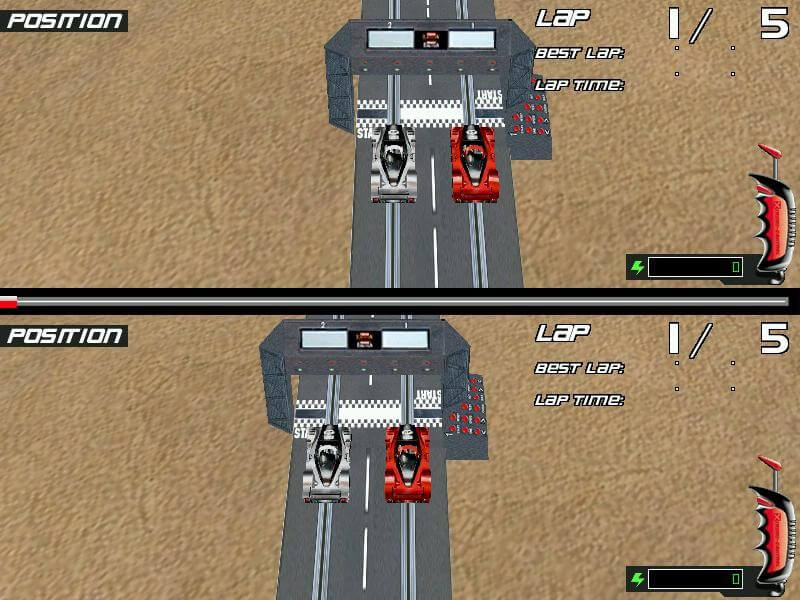
I was able to install and launch the game, but it doesn't show the complete graphics. Does anyone have any ideas?
-1
MR SIEROWSKI10 Dec. 2022
No, it uses directX 6
1
Vanillerille27 Oct. 2022
Hello, is there a way to play it on Windows 10?
1
No comment nor review for this game at the moment.






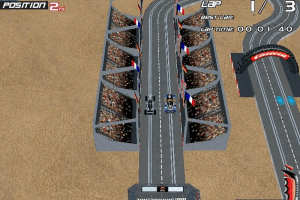
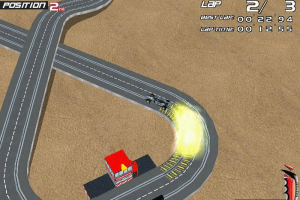
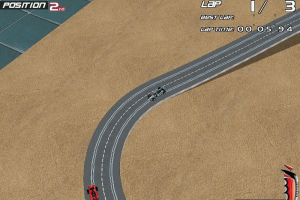
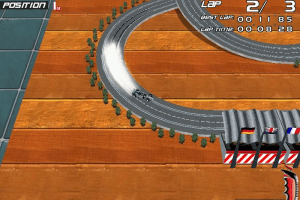


 English
  French
  German



Comments and reviews
Here is what worked for me in Windows 10 64bit. Download PCem with pre-configured Windows 98 from Internet Arcive: https://archive.org/details/pcemwin98se . Next download the game zip file from here. Extract
the bin cue files. Rename the extension of the bin file from .bin to .iso. Launch PCem. On the toolbar use CD-ROM, load image, and load the iso file. The install menu should open. Choose install. After the installation is complete choose play.
I was able to install and launch the game, but it doesn't show the complete graphics. Does anyone have any ideas?
No, it uses directX 6
Hello,
is there a way to play it on Windows 10?
No comment nor review for this game at the moment.