
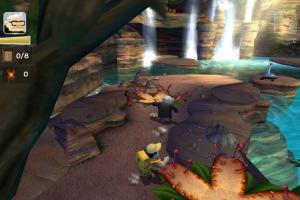
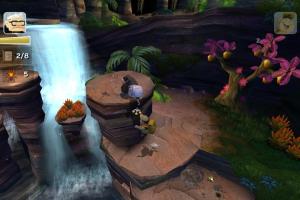
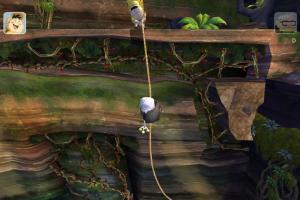
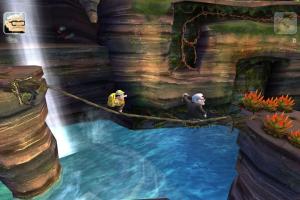
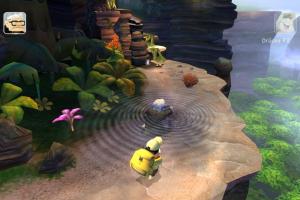
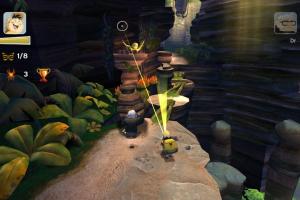
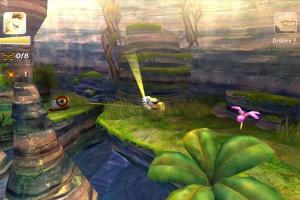
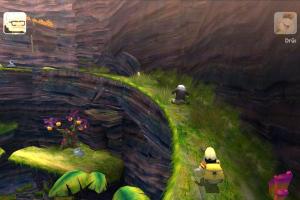
How to Play
Most versions of the game released as PC/Mac hybrid DVDs, visit MacintoshGarden for more details about Mac version.
The game has been tested on Windows 7 64-bit and Windows 10, it works fine, the game supports widescreen and high resolutions up to 4k. You may experience some small troubles when you play the game on modern systems, check our Guide and Notes for details
Install & play guide:
- Mount the ISO image with disc image utility, like WinCDEmu, UltraISO, Alcohol 52%/Alcohol 120% or Daemon Tools Lite, etc.
- Install the game (if autorun doesn't work - simply launch the installation from Setup.exe inside the disc). It is recommended to install the game not in default path, but in some other, non-system folder, like
C:/Games/Up Video Game - After you installed the game, open the disc and copy
VIDEOSfolder from the disc to the directory with installed game - Then use NoDVD, simply copy Up.exe from the archive and put it into game folder, agree to replace the original file
- Open the game folder and find Up.exe. Right click on Up.exe -> Properties -> Compatibility -> Set "Run this app in compatibility mode with Windows XP" and "Run as administrator"
- Run the Launcher (GameSetup.exe) to configure the game settings
- Launch the game and play. If the game doesn't work in compatibility mode with Windows XP - try to launch it in compatibility mode with other version of Windows (Windows 98, Windows 2000, etc.)
Notes:
- If the installation doesn't start - try to launch Setup.exe in compatibility mode with old version of Windows (98, 2000 or XP)
- It is recommended to install all versions of Microsoft Visual C++ Redistributable and NET Framework for the correct work of the game. Also it is recommended to install K-Lite Codec Pack for the correct work of in-game videos
- The game works on DirectX 9, so if you're using Windows 8, 8.1, 10 or 11 - you need to enable DirectPlay: Go to Control Panel, and select 'Programs'. Select 'Turn Windows features on and off', click on 'Legacy Components' and check the box 'DirectPlay'. Select OK, once the installation is done, restart your computer
- The game was using SecuROM DRM protection, which may have issues on modern systems, use NoDVD to "break" the DRM protection and play without the disc. If you see the error that there's not enough space on the hard drive when you copy NoDVD files - re-install the game in non-system folder, like
D:/Games/Up Video Game, Windows Protection may block copying of files to system folders (likeC:/Program FilesorC:/Windows) - If you want to change the game settings, run the Launcher (GameSetup.exe). The game supports high resolutions up to 4k, but some of in-game text doesn't scale on higher resolutions, and may be too small at resolutions higher than 768p
- By default, the game has framerate cap at 500 FPS. If you have an issue when the game works too fast on your system, or other gameplay troubles - try to limit the game's framerate to 120 or 60 FPS with one of framerate limiter utilities
- If you want to run the game in Windowed mode, run it with
-wcommand line argument: right click on desktop shortcut -> Properties -> inTargetline add-wat the end (should look like"C:/Games/Up Video Game/Up.exe" -w) - The game has a controller support, it should work fine with any XInput-type controller (Xbox gamepad or similar), and probably will work with most of DirectInput-type controllers. If the game doesn't recognize your controller - try use one of the additional tools from PCGamingWiki guide for controllers
- If you have problem with broken sound effects or cracking/disappearing sound - first try to change the sound settings. If it didn't work - set sound quality to 24 bit, 48000 Hz or 24 bit, 44100 Hz. Read this guide how to do that
- Brazilian version features the full version of the game with text and audio in Portuguese. There was also unofficial Brazilian version, with translation ported from PSP version of the game, it can be found here or here
- Don't forget to check PCGamingWiki if you have troubles!
 English
  French
  Czech
Czech  German
  Spanish
  Italian
  Polish
  Portuguese (Brazil)
  Russian





Comments and reviews
this game is great!
up video game
great game,anyone know how to play in widescreen?
OOF... CLASSIC ALERT. RIGHT IN THE NOSTALGIA
Thanks a lot for appreciating my request.
No comment nor review for this game at the moment.