






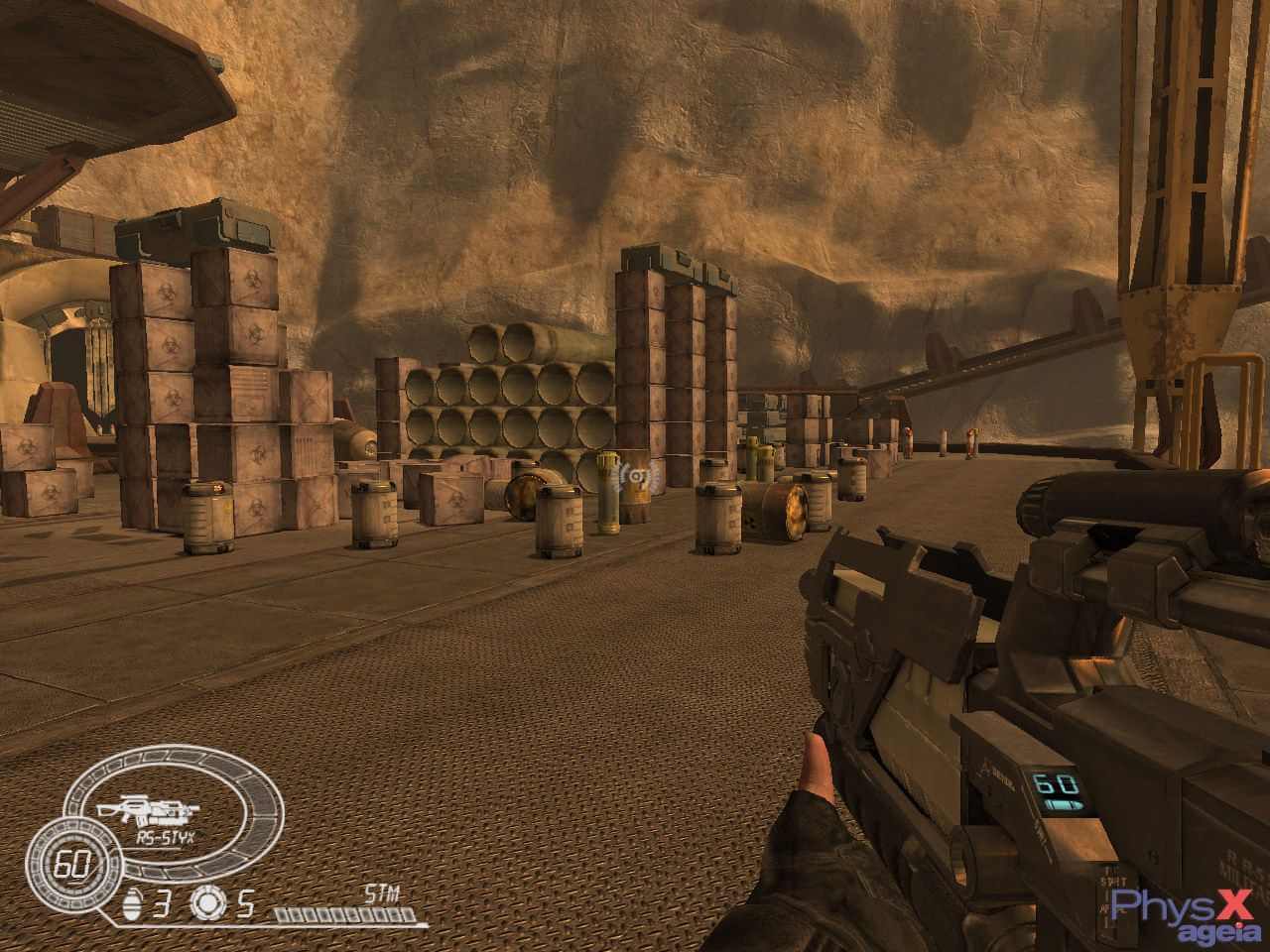
CellFactor: Combat Training is a physics-intensive game originally developed as a one-level technical demo for the AGEIA PhysX chipset. Later authors of this demo made free game CellFactor: Revolution
How to Play
You'll need to install nVidia's PhysX Legacy System Software and download the Missing PhysX Runtimes from this page (provided by Burning Fish), extract the archive and copy all files into Program Files (x86)\NVIDIA Corporation\PhysX
 English





Comments and reviews
I got CellFactor: Combat Training and Revolution working on a modern Windows 11 system with an NVIDIA RTX 4070.
1. Install the game.
2. Extract the Missing PhysX Runtimes from this page to "Program Files (x86)\NVIDIA Corporation\PhysX".
3. Add "EnablePhysX=false" without the quotes to the shortcut of the game e.g.: "C:\Games\CellFactor - Combat Training\SystemGame\CellFactor.exe" EnablePhysX=false
REMOVE 45FPS LIMIT
Open *gamedir*\SystemGame\RealityEngine.ini and change DisableAllFramerateCaps = false to true.
Bear in mind that the vehicles are glitchy above 100 FPS.
You can enable a 100 FPS limit through the NVIDIA Control Panel.
DISABLE STARTUP MOVIE
Rename *gamedir*\CellFactor\Textures\IntroVid.avi.
I could not get this to work. I even uninstalled my PhysX drivers and installed the older drivers the game package comes with, but no luck..
so it requires heavily outdated physx (also legacy doesnt work) and on a first run at least for me it required to run as admin
The iso download is broken :"(
No comment nor review for this game at the moment.