


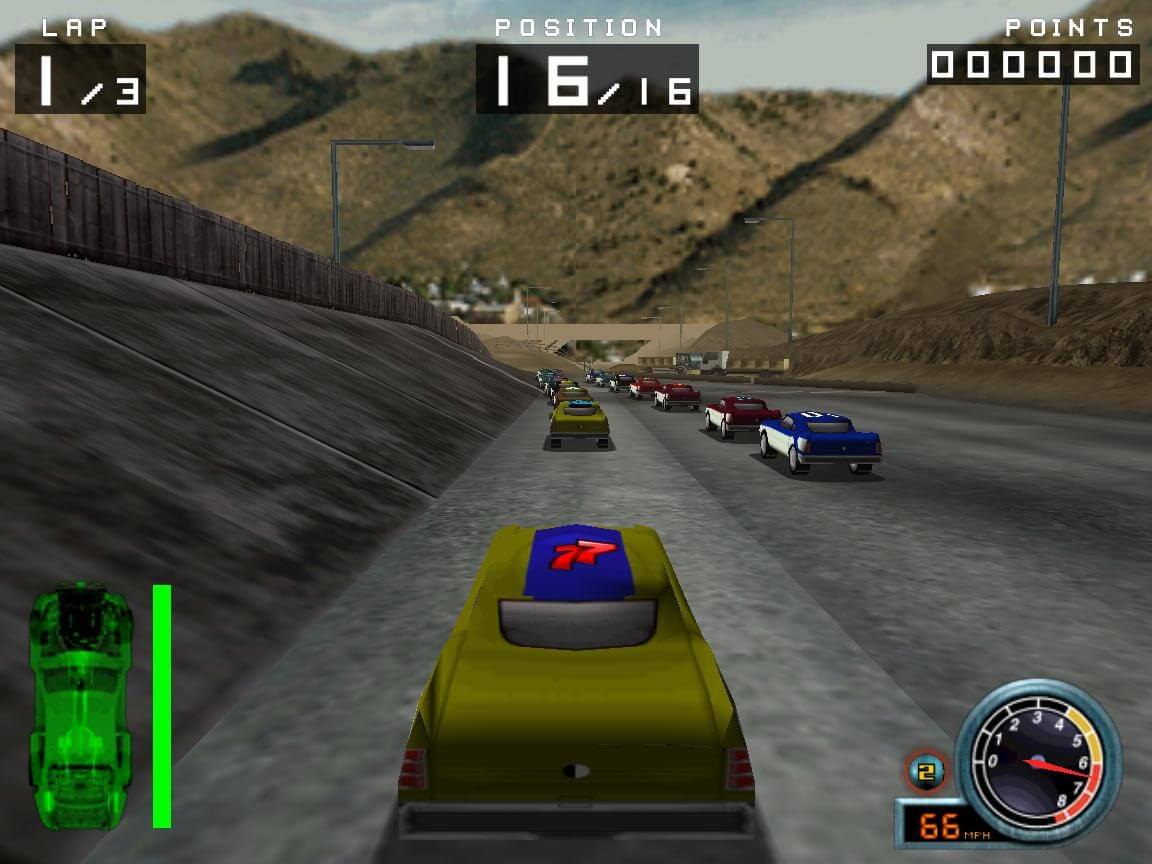
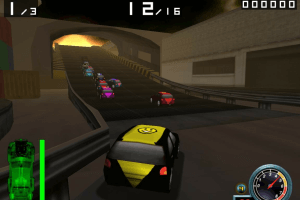
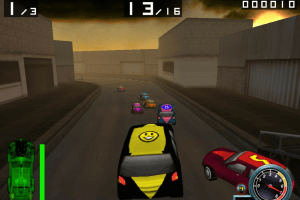
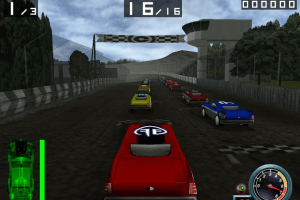
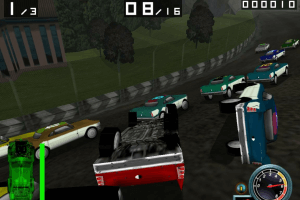
How to Play
Notes:
- Installer of the game is 16-bit, so it doesn't work on modern 64-bit systems. Use Winevdm to install the game on 64-bit systems
- If the game shows error about missed wmaudsdk.dll and drmclien.dll files - download the archive with that files and put them into game folder
- US version is protected with SafeDisc DRM, use NoCD to disable it. European version is DRM-Free. Please note that the disc image must be in virtual drive if you want to play with music, because the game is using CD Audio music
- The game was using CD Audio music, to play with CD Audio, you will need the utility for disc image files, like Daemon Tools Lite or similar, and have disc image in virtual drive when you play the game. If CD music doesn't work or you see error about missed strmdll.dll - follow this guide
- There was a patch #1 for US version, it fixes some gameplay issues. That patch is not required for European version
- It is recommended to run the game in compatibility mode with Windows 95. Also, if you have any graphic issues, such as white textures, run the game with dgVoodoo 2
- If the game works too fast on your system, limit the game's framerate to 60 FPS with one of framerate limit utilities. For example, if you play with dgVoodoo 2, you can set the framerate limit in dgVoodoo.conf - open it in Notepad and change the line
FPSLimit=0toFPSLimit=60
 English
  French
  German
  Spanish
  Italian







Comments and reviews
This game is legendary! However, I had some random crashes on my modern laptop. I have installed the dll from this library to it's installation dir and now it's working great, at 2k ;).
https://github.com/narzoul/DDrawCompat/releases/tag/v0.5.4
reply to user that has white squares: try using dgvoodoo or try downloading the patch if your wheels where the same as my glitchy i recomend you dgvoodoo ok?
Everytime I start up the game a lot of the graphics are just white squares, I'm not exactly a computer science genius and am not sure how to fix it, anybody have the same problem?
Brother Luke, what are you extracting from an EXE file? i am not sure.
I downloaded the DLL files and the game finally started. But it is always windowed. when I change the resolution it crashes. how did you open the game on higher resolution? do I have to change the system resolution?
For those having audio issues on Windows 7 or later, or are unable to run the game due to missing DLLs; you don't need to go to any DLL sites or anything, you'll just need to manually extract them from the disk image:
1: Mount the disk image.
2: Browse to the WMA folder on the mounted image.
3: Open "WMAudioRedist.exe" in 7-Zip or an equivalent, then extract all but the installer file to wherever Demolition Racer is installed. You might not need to extract every single component; I just did it to be safe.
4: The game should now run correctly.
Also not sure what the commenter who says it is on Steam is seeing - the "Demolition race" game on there has nothing to do with this one.
Look on steam if you want a legal version of this game. It is not abandonware.
@TOMMY VERCETTI you have to check box "music" in the installer
OK one more update about the graphics.... sorry for all these posts but I just want people to know how to handle this properly... after experimenting with various compatability modes and launch settings - I still don't know what the right setting is. But the game looks like it should now. So don't give up.
That being said, this is one of the BEST Abandonware games to ever be. I played a demo of this game back in 2003 and didn't have enough of my own money to purchase the real thing. Now 20 years later, I'd love to buy it... anywhere... but it doesn't exist in distribution anywhere outside this site.
The game is exactly what you think it is, but it's FUN. Don't expect the best detail or refinement, but this is the game that started the whole... Demolition Racing genre after Demolition Derby...
Eve of Destruction, Destruction Derby, Burnout, Flatout, Wreckfest, and all other games with an emphasis on crushing your racing opponents as much as you outdrive them would never exist without this game. This is a piece of history. Crash on!
Me again - please disregard my previous post - The .ISO is fine, it must have been an error when downloading or transferring the files that corrupted it. Re-downloaded it, mounted, and installation works fine!
However, there are a few other issues to note:
1) After installing, there are several missing DLL files that you may need to download and install into the game's main directory (3 of them). You can go to DLL-files.com and get them there easily. Then just extract and paste them into the main game folder.
2) The patch provided here did not work, it says it cannot locate the game installation location. That's OK I guess, the game runs fine, except for my 3rd point...
3) When playing the game, I have an issue with the light rendering - the ground plane is mostly dark except a short distance in front of my car. Changing the graphics settings and draw distance don't seem to improve this. The game has also crashed a few times, and it can screw up your Windows desktop resolution when it does.
I'm not sure if this has anything to do with the system I'm running it on, the DirectX installation that comes with the game, or something else... but it looks nothing like the screenshots here or other videos I have seen of the game. Running on a Dell XPS with a GeForce Go 7900 GS. I remember running this game on lesser hardware and it looking way better.
If anybody has any advice about how to resolve this, I'd really appreciate it. The game is still playable... but it would be nice to have the full experience.
Other than that, I really appreciate this is available here. Thank you mods and rippers!
Having issues extracting the .zip archive... apparently a lot of it is encoded as a .jpg file and it just doesn't extract, producing an error... any tips?
Hey all,
just installed an al. i have zero soundtrack (other audio effects work fine). any chance i can add them somehow?
thanks
No comment nor review for this game at the moment.