



How to Play
- Mount the ISO and install it with the setup, during the setup it will open an extra setup to install some drm driver stuff, if that fails just ignore it
- When the installation is done DON'T RUN THE GAME
- Now go back to the ISO, Inside the ISO you will find an Update Folder. Inside of it you will find
Update\DJMax trilogy update 1.23.exe. Run it and install it - After you finished the update go to the
ToolFolder and copy paste the 2 files inside it it into the directory of DJMax trilogy (C:\Pentavision\DJMaxTrilogyby default) - Now go to the
CrackFolder and also paste the 3 files inside of it into the DJMax directory. Note : VirusTotal has several generic positives on the crack, should be safe. - At last, launch the
DJLauncher.exefile to set up the graphic. Otherwise if you start it without setting it up you will get a bad graphic error. Anyways, here are my recommened settings. NOTE: only the resolution are a must, the other options can be changed by your like or if you have problems with it, try to use the resolution of your monitor
Allow Alt + Tab = On
Display Width= 1920
Display height= 1080
Refresh Rate = 60
Widescreen = On
Vertical Sync = On
Ingame Banners = Off
Language = English
Swear Filter = Off
- Finally start the game ONLY from the
TR1.exefile. I recommned you to create a shortcut of it - Have fun :)
Note: i didn't write that guide myself but i did edit it a little bit in a few places to specify some stuff or to make it flow better, if you follow it everything works fine
 Korean
  English





Comments and reviews
Game sets up with little to no issues on Windows 10. You may need to reopen DJLauncher to fix the resolution sometimes though
Works fine (so far) on linux w/ wine. Just make sure to follow the installation instructions.
I love this game, I wish I didn't miss out on this one when the netplay was working. I still love it nonetheless
Works fine, the save file location is the game directory itself.
Hi where is the save file located? I downloaded save file of another user who unlocked all songs but I can't figure out where Trilogy reads save files
I've gotten a few games from the website, but I really had to make a comment for this one. Thank you so much, it works wonderfully by following the instructions! Running it on a Windows 7 PC, it works great c:
To anyone who might get the 'No Correct Hardware Dog Found' error, that's because you're skipping the last step like I did, haha. You have to open it through DJLauncher.exe to set up the settings, then you apply and close it. If you try to launch through that, you'll get that error. If you run it through TR1.exe it'll work, though you might get an error like I did, something about a Runtime syntax error thingy. If you get THAT, then open your Start menu, type 'Windows Features' and something like "Turn on or off Windows Features" will pop up. You then open that, click on the plus symbol next to "Microsoft .NET Framework 3.5.1" in order to expand it, and enable both "Windows Communication Foundation HTTP Activation" and "Windows Communication Foundation Non-HTTP Activation" on. From what I saw on YouTube, if you have Windows 10 or 11, you'll have to download some files. If you're doing it on Windows 7 like I am, specifically Windows 7 Ultimate, then it won't ask you to do anything else, it'll just finish and close itself, and you can run the game right after it.
I'm so happy I found another rhythm game that lets me play with 4 and 5 keys... BeatMania stopped doing that, and I'd never played any other DJMax game aside from the PSP ones (Which have game-breaking DRM) and the PSVita ones, but I don't like touchscreen controls. So again, thank you so much! Hope my comment helps someone else
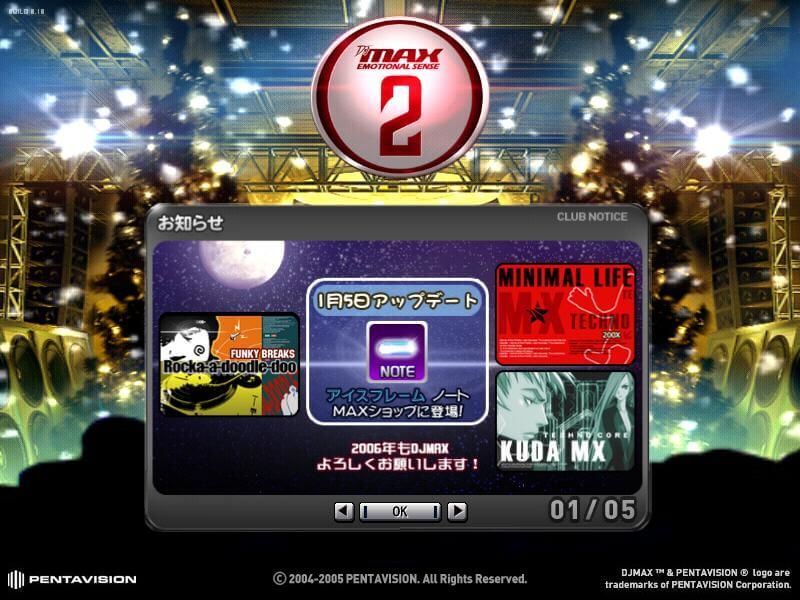
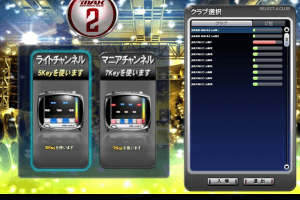
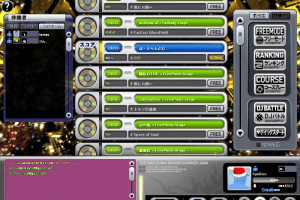
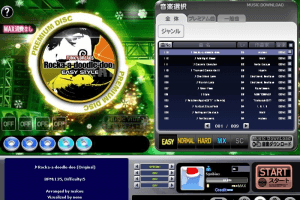
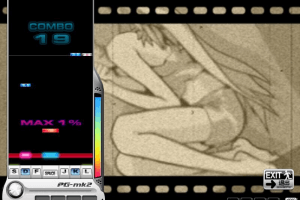
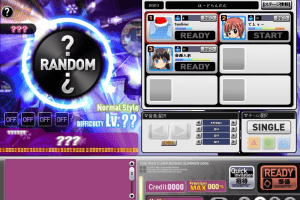
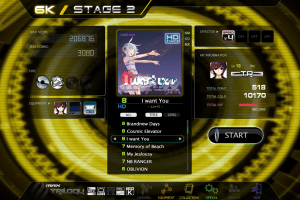
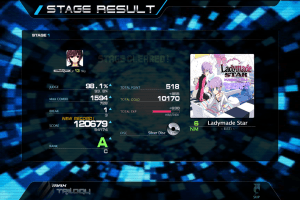
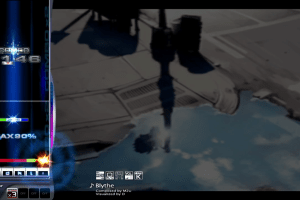
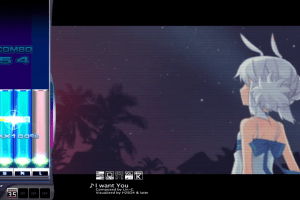
the screenshots you see is not djmax trilogy, the screenshots you see is djmax online
I followed the guide but when I try to launch the game I get an error message saying "No Correct Hardware Dog Found"
If it automatically closes after you done everything correctly. Try running it in comparability mode Windows 7
No comment nor review for this game at the moment.