
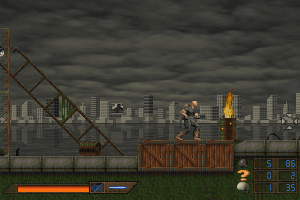
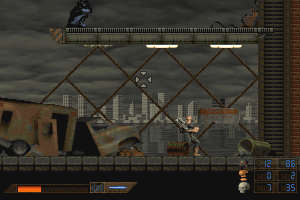
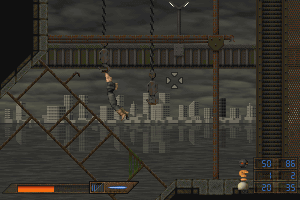
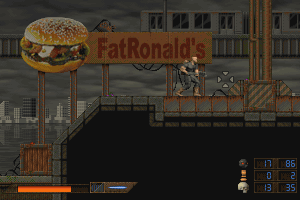
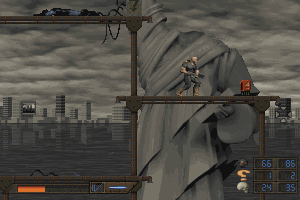
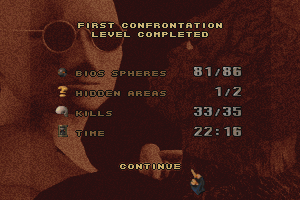
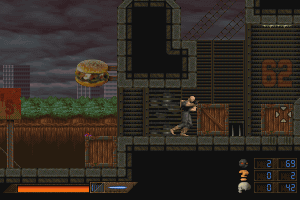
How to Play
During first launch, the game will ask for CD-key, use these codes to install the game on your language:
CD keys:
- English: 15in6
- Français: 24fr6
- Nederlands: 49nl3
- Deutsch: 38de1
- Spanish: 64sp0
- Danish: 94dn3
- Portugues: 72po9
- Swedisch: 85se3
- Italian: 53it8
The game doesn't work on modern systems properly, the best way to play it - to use Virtual Machine (VirtualBox or Virtual PC) with Windows 98. If you're playing on Windows XP, launch the game from Wing32.exe in compatibility mode with Windows 98. Also, you can try to use compatibility utilities for old games , like dgVoodoo or DXWnd
If the game shows error about missed .dll files, copy all files from disc image (folder X:\BIN/WING) to the directory of the game
 English









Comments and reviews
Yeah, you'l need a 32 bits system for this one, I'm able to run it on Windows 7 32 bits.
I'll give you some tips :
******
Config
******
This is a 16 bit game and it seems to only work it an 32 Bit system
I run it on Windows 7 32 Bits SP1
***
DLL
***
You'll need those 2 DLL files :
dispdib.dll
wing.dll
Place them in C:/Windows/System
**************
Videos & Music
**************
You'll needs Indeo Codec
I grabbed the files from here :
https://soggi.org/misc/articles/Intel-Indeo-video-audio-codec.htm
Important : Run the setup in Admin
If you run it in normal you'll need to delet "isuninst.exe" From C:/Windows and retry because you'll have this error :
"setup has detected uninstallshield use error 432"
So, I tried the intel one in normal, the installation was slow and buggy (alt+F4 it in the end)
I tried the ligos one (typical, without Browser support) & works fine !
******************
Launching the game
******************
Mount the game and run "Menu.exe"
Start the game
DON'T CHANGE WINDOW MODE, it will crash, and also crash the game if you try to relaunch it (you'll have to deleted your C:/EatThis fodler after that)
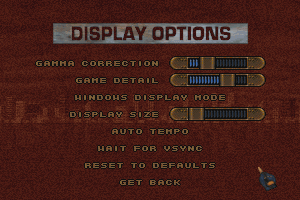
You can add detail to the map
Also screen size, but full screenmay be in 4/3 depending on your screen. Keep a 16/9 ratio, it's better
********
Controls
********
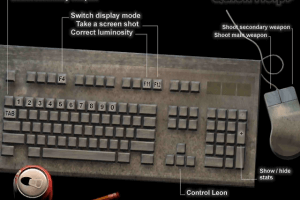
Use mouse & Keyboard
Up/down/right/left
Up also is "jump" and "open door"
F1 = Help
1 - 0 = change weapons
F11 = Gamma change (defaut = 5)
F12 = Screenshot in PCS format
TAB = Switch Weapons
No comment nor review for this game at the moment.