





How to Play
Translated from old-games.ru game page, many thanks to the website's contributors:
A.P.$lasH's patch is critical for launching the game anywhere - without it, it will almost 100% fail to launch on any computer. This patch solves both the problem of non-launchability in general and the problem of displaying quack-jabs instead of Korean texts in the game itself, options and so on. The latter, however, only applies to Windows XP and above. On Windows 7 the game may have problems with incorrect color palette display and graphical glitches.
To run the game, the first disk (from which you installed the game) must be in the first drive on your computer. If you don't want to change the drive letters, create a text document called Drive.txt in the Check folder in the directory with the game and in it write the letter of the drive in which the first disk will be located during the game (only the letter itself), saving the changes in the document. After that the game will see at startup the disk in this particular drive.
General points on gameplay:
- All interaction with the surrounding world the hero performs after pressing the "Space" key;
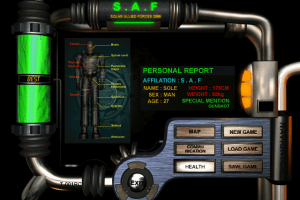
- The game menu is called by pressing F10 or Alt. 3;
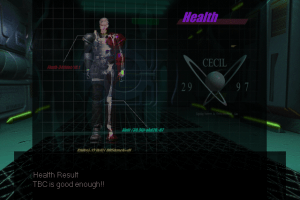
- The inventory is opened with F2 and closed with Shift; use vertical cursor keys to navigate through its categories, and horizontal keys to navigate within a selected category.
 Korean





Comments and reviews
No comment nor review for this game at the moment.