You are on the beta version of My Abandonware. The live site is still myabandonware.com. Your favorites and ratings here are copied to the live site. Comments and other changes are not — we delete them every morning at 08:00 Paris time, when this site goes down for about an hour. Leave feedback through this link to Pastel (email required).

Search more than 30000 retro games
/ Genres / Action / Ice Age: Dawn of the Dinosaurs

Ice Age: Dawn of the Dinosaurs

Windows - 2009

Description from the publisher:

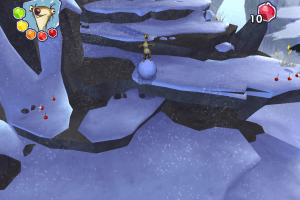
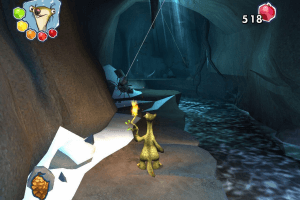
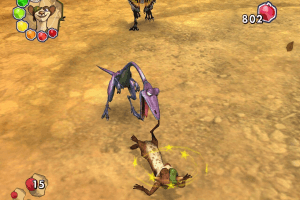
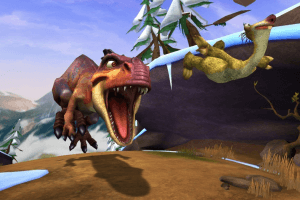
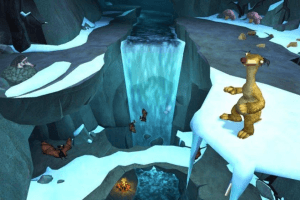
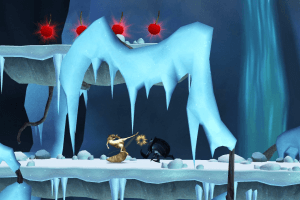
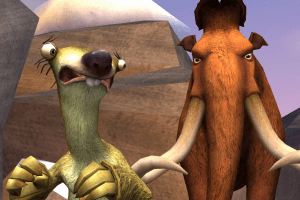
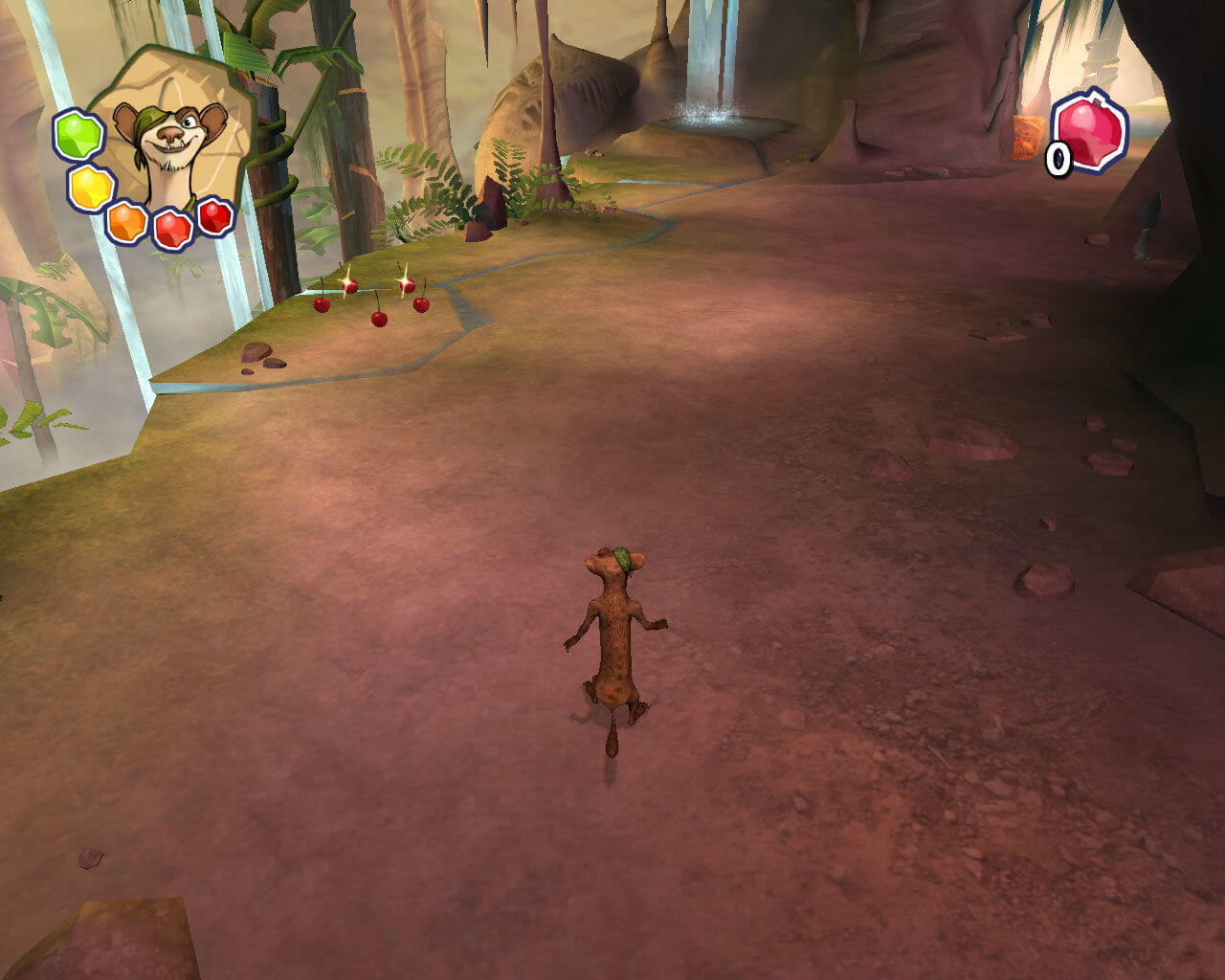
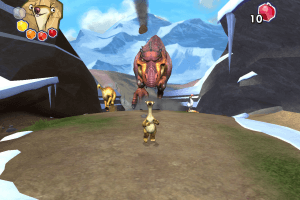
Join Ice Age’s unlikely herd of prehistoric pals for their wildest, wackiest, most exciting adventure yet! For the first time, play as six beloved Ice Age characters as they embark on a rescue mission across melting snow to the mysterious Dinosaur World – an all-new, fur-raising jungle of carnivorous plants, lush foliage and fierce dinosaurs. Based on the highly anticipated Fox film Ice Age: Dawn of the Dinosaurs, it’s a rollicking ride of mammoth proportions!
How to Play

The game with NoDVD has been tested on Windows 7 64-bit and Windows 10, works with no problem. The game supports widescreen and ultra-high resolutions up to 4K

Install & play guide:

  • Mount the disc image of DVD. You will need the utility for mounting disc image files, like WinCDEmu, UltraISO, Alcohol 52%/Alcohol 120% or Daemon Tools Lite
  • Install the game (if autorun doesn't work - simply launch the installation from Setup.exe inside the disc)
  • It is recommended to install the game in path by default (i.e. C:/Program Files/Activision/Ice Age Dawn of the Dinosaurs)
  • Also it is recommended to install DirectX 9 from the disc (if you're using Windows 10 - enable DirectPlay, read this or this guide how to do it)
  • After you installed the game - install NoDVD (simply copy iceage3.exe from the archive and replace the original exe-file inside the game folder)
  • Open the directory with the game and find iceage3.exe. Right click on iceage3.exe - Properties - Compatibility - Set "Run this app in compatibility mode with Windows XP" and "Run as administrator"
  • Launch the game and play. If the game doesn't work - try to launch the game, then open Task Manager (Ctrl+Alt+Del by default) and check for processes iceage3.exe and rundll32.exe. Close iceage3.exe but don't touch rundll32.exe (it's a Windows app for running old apps from 32-bit operational systems, most old games running through rundll32.exe). Now try to launch the game again, it must work. Don't forget to close rundll32.exe process in Task Manager after finishing playing

Notes:

  • If the installation doesn't start - try to launch Setup.exe in compatibility mode with old version of Windows (98, 2000 or XP)
  • NoDVD is required for the launch because the game is using SecuROM DRM protection, which doesn't work correctly on modern systems. That NoCD "breaks" DRM protection and allows the game to work on modern systems
  • It is highly recommended to install Microsoft Visual C++ Redistributable for the correct work of the game
  • Also it is recommended to install RAD Video Tools and K-Lite Codec Pack for the correct work of in-game videos
  • The game works on DirectX 9, so if you're using Windows 8, 8.1, 10 or 11 - you need to enable DirectPlay: Go to Control Panel, and select 'Programs'. Select 'Turn Windows features on and off', click on 'Legacy Components' and check the box 'DirectPlay'. Select OK, once the installation is done, restart your computer
  • If you have white screen/flickering screen at launch - right click iceage3.exe - Properties - Compatibility - Check "Disable fullscreen optimizations"
  • Don't forget to check PCGamingWiki page if you have troubles!

Comments and reviews

Tape 28 Jul. 2026

Hey, I'm on Windows 11 Home. I've tried some solutions like copying d3dx9_38.dll changing Windows compability and it refuses to launch for some reason.

0
Ror 31 Dec. 2025

The Italian version is not included in the iso file even though it says it is

1
Max 29 Dec. 2025

where can i find the official website for the game?

0
Marvel 21 Dec. 2025

I like playing this game

0
Tape 18 Dec. 2025

Why the game won't launch? I've tried to follow the guide and still doesn't work. After I tried to Launch the game, the app doesn't show in the process bar with Rundll32!

1
OmnIzan 21 Jul. 2025

Im looking for the sound files but I can't seem to find where they are, How do I access the sound files?

2
KASUMI65 04 Jun. 2025

Polish :
https://archive.org/details/epoka-lodowcowa-3-pc

-1
Guilherme 20 Jun. 2024

My game is very frozen, how can I solve it?

1
kryst 30 May. 2024

italian download?

2
Tom 22 May. 2024

You can find d3dx9_38.dll inside DirectX CAB files (they should be in the game disc directory) - I think you need to find "JUN2008_d3dx9_38_x86" and copy that .dll file from it and put it into the installed game directory.

0
ramoz 21 May. 2024

it says d3dx9_38.dll not found

1
ramoz 20 May. 2024

how to use the nodvd?

-1
Richard on the Good Path 28 Dec. 2023

I want to play the game.

-1
Anno 03 Nov. 2023

Where is password?

1
Fantic 15 Aug. 2023

My childhood game 🥹

1
Aria 12 Aug. 2023

I love to play the game.

0
Tom 13 Mar. 2023

*I mean digitally

0
Tom 13 Mar. 2023

The Ice Age 4 game is also no longer available.

0
admin 05 Mar. 2023
Admin

@ALEY Download ISO version (3.9 GB file) and select French language during installation, you will get full French version. ISO version has 7 languages, Full-Rip is English only and Disc Image is for Russian version.
Don't forget to use NoDVD once you installed the game

2
Aley 13 Feb. 2023

How can i change the language this game france rn and i cant play pls help :'(

1

No comment nor review for this game at the moment.

Comments posted on the beta are not kept. We delete them at 08:00 Paris time and they never reach the live site. Post on myabandonware.com if you want your comment to stay.

Downloads

Windows version
Full-Rip
United Kingdom English
2.6 GB
ISO Version
English French Spanish German Italian Dutch Swedish
3.9 GB
Disc Image
Poland Polish
2.5 GB
Disc Image
Russia Russian
2.5 GB

Extras

Demo Demo 1
Extra file
Windows 498 MB English English
NoCD NoCD 3
NoDVD
Windows 2 MB English French Spanish German Italian Dutch Swedish
NoDVD for the Polish version
Windows 2 MB Polish Polish
NoDVD for Russian version
Windows 4 MB Russian Russian

Similar games

Ice Age 2: The Meltdown
4.6/5 - 180 votes
Ice Age 2: The Meltdown
Windows
2006
Madagascar
4.5/5 - 390 votes
Madagascar
Windows
2005
Madagascar: Escape 2 Africa
4.5/5 - 148 votes
Madagascar: Escape 2 Africa
Windows
2008
Kung Fu Panda
4.4/5 - 194 votes
Kung Fu Panda
Windows, Mac
2008
Disney•Pixar Ratatouille
4.6/5 - 170 votes
Disney•Pixar Ratatouille
Windows, Mac
2007
Disney's Tarzan
4.5/5 - 737 votes
Disney's Tarzan
Windows
1999