




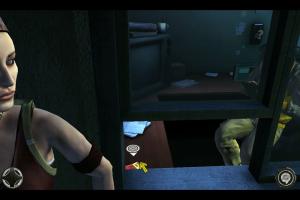
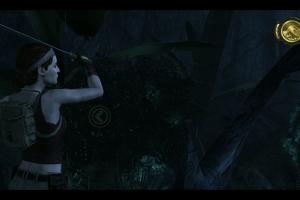
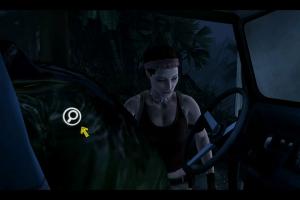
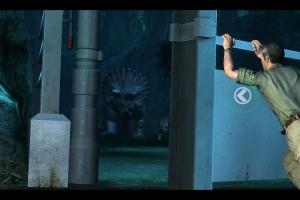
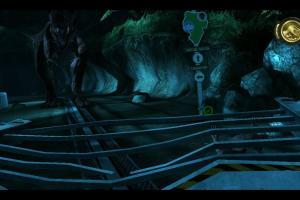
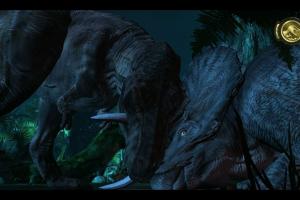
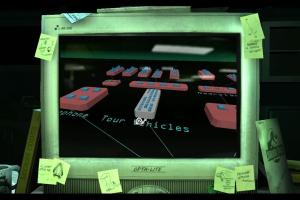
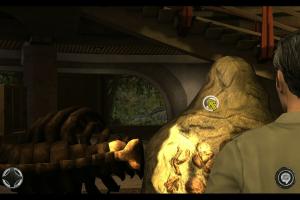
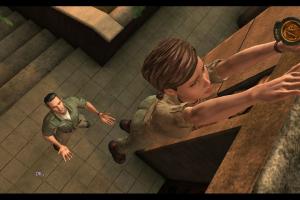
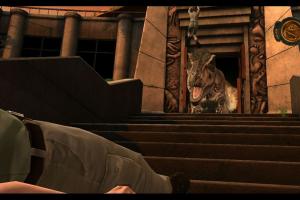
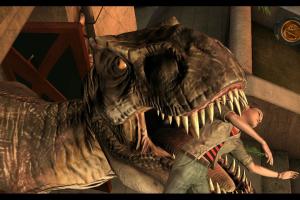
How to Play
Windows
The game has been tested on Windows 7 64-bit, Windows 8, Windows 10 and Windows 11, it works fine, the game supports widescreen resolutions up to 4K. You may experience some small troubles when you play the game on modern systems, check our Guide and Notes for details
Install & play guide:
- Mount the ISO image with disc image utility, like WinCDEmu, UltraISO, Alcohol 52%/Alcohol 120% or Daemon Tools Lite, etc. Or extract the files from ISO image with WinRAR or similar tool
- Install the game (if autorun doesn't work - simply launch the installation from Setup.exe inside the disc). It is recommended to install the game not in default path, but in some other, non-system folder, like
C:/Games/Jurassic Park The Game - Launch the game and play. If the game doesn't work - run it in compatibility mode with Windows XP or another old version of Windows OS (Windows 2000, Windows 7, etc.). To do that right click on exe-file -> Properties -> Compatibility -> Set "Run this app in compatibility mode with Windows XP" and "Run as administrator"
The ISO image is for 2012 retail DVD release by Kalypso, it includes the latest version of the game with all fixes. This version is DRM-Free, you can simply install & play. The game is multilingual, with English, French & German languages, the language can be selected in the main menu
Notes:
- If the installation doesn't start - try to launch Setup.exe in compatibility mode with old version of Windows (98, 2000 or XP)
- It is recommended to install all versions of Microsoft Visual C++ Redistributable and NET Framework for the correct work of the game. Also it is recommended to install K-Lite Codec Pack for the correct work of in-game videos
- The game works on DirectX 9, so if you're using Windows 8, 8.1, 10 or 11 - you need to enable DirectPlay: Go to Control Panel, and select 'Programs'. Select 'Turn Windows features on and off', click on 'Legacy Components' and check the box 'DirectPlay'. Select OK, once the installation is done, restart your computer
- If you get the error "Sorry, this account is not authorized to access this game" - use NoCD, simply replace the exe-file in
Jurassic Park The Game/GameDatafolder - If the game doesn't start - unplug gamepad or any other controllers connected to your computer, leave only mouse & keyboard
- If the game doesn't run or you see only the black screen after the start: add JurassicPark101.exe (or JurassicPark100.exe, depends on the game version) in
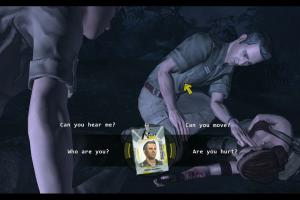
Jurassic Park The Game/GameDatafolder to the list of DEP (Data Execution Prevention) exceptions, here's the guide with pictures how to add any app to DEP exceptions list - At the first start the game asks you how you want to play: with mouse & keyboard or with controller. However, the game doesn't let you to change the control mode at the next launches. To do that you need to edit the Windows Registry: press Win+R, type regedit.exe to run Windows Registry editor, go to
HKEY_CURRENT_USER\Software\Telltale Games\JPGameplaypath and set your control mode - for keyboard and mouse, setInputSelectto1andControlstotrue; for controller, setInputSelectto0andControlstofalse. Repeat these steps if you need to change the control mode again; here's also a guide with pictures - Sometimes changing the screen resolution hard locks the game, so you cannot launch it again. To fix it you need to restore default screen resolution in Windows Registry: open Windows Registry editor (press Win+R -> type regedit.exe), go to
HKEY_CURRENT_USER\Software\Telltale Games\JPGraphicspath and delete the registry entries for the resolution's 'X' and 'Y' values. It will restore the screen resolution settings to default - If the next episode/scenario is still locked after you completed the previous one - you can unlock them in Windows Registry. To unlock a new episode in scenario, open Windows Registry editor (press Win+R -> type regedit.exe), go to
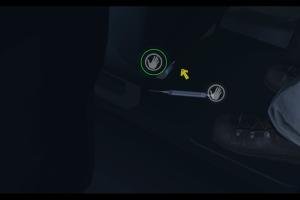
HKEY_CURRENT_USER\Software\Telltale Games\JPScore"*"(where"*"is the numbered scenario), create a new chain with the number of the episode to unlock and change the value to0. To unlock a new scenario: go toHKEY_CURRENT_USER\Software\Telltale Games\JPScenario, create a new chain"Unlocked Episode "*"(where"*"is the number of the episode) and create a key"JPScore "*"inHKEY_CURRENT_USER\Software\Telltale Games(where"*"is the numbered scenario). Here's also the guide with pictures - There's a bug in game when mouse cursor or action icons in Quick Time Events may disappear. If you don't see mouse cursor or action icons - use the fix for disappearing mouse cursor, simply copy the exe-file to
Jurassic Park The Game/GameDatafolder; that fix was made for digital download version but should work with retail release too. If it didn't work - while in game press Spacebar or Esc to pause the game, select Load and press "Yes" to reload the latest checkpoint, the mouse cursor and actions icons should appear again - The game natively supports high and wide screen resolutions up to 4K. If you want to play in ultrawide screen resolution - use Telltale Widescreen Patcher. Check this page to see the example screenshots how the game looks in ultrawide resolution
- There could be a bug in game when you can't select higher than 1280x1024 screen resolution in settings. But you can change it manually in Windows Registry: open Windows Registry editor (press Win+R -> type regedit.exe), go to
HKEY_CURRENT_USER\Software\Telltale Games\JPGraphicsorHKEY_LOCAL_MACHINE\SOFTWARE\Telltale Games\JPGraphicsand changeResXandResYvalues for required screen resolution (i.e. your desktop resolution). After that the game should launch in new screen resolution, check this guide for more details - If you have a random FPS drops - open in-game settings and change Graphical Settings from Highest to High. It will disable depth-of-field effect in the game but framerate will be more stable
- The game has many unofficial translation patches: Spanish, Italian, Polish, Russian and Brazilian Portuguese. If you have Steam version of the game, we recommend to check Steam guides for instructions how to install translation patches on Steam version
- The game has support of controllers, but the game probably won't work with all types of controllers. If the game doesn't recognize your controller or you see the error "Gamepad is not working" - try to put dinput8.dll in
Jurassic Park The Game/GameDatafolder, next to exe-file, it should help. That dll-file is from Windows 7 installation DVD, but it should work on later Windows OS too; check this guide for more details - If it didn't help - try to use one of the additional tools from PCGamingWiki guide for controllers. For example, on some systems the game doesn't recognize X360 gamepad, so you will have to use x360ce or similar utility
- Don't forget to check PCGamingWiki if you have troubles!
Mac
Notes:
- The installer is for digital download version, this version includes English, French & German languages, the language can be selected in menu. Please note that the Mac version is compatbile only with 32-bit macOS and does not work on macOS Catalina (10.15) or later. Visit MacintoshGarden for more details about Mac version
- There's also an unofficial Italian translation patch that translates in-game texts & textures. Also it seems that translation patches of other languages, available for Windows version, should work on Mac version too, but we couldn't test it
 English
  French
  German





 Spanish
  Italian
  Polish
  Portuguese (Brazil)
  Russian


Comments and reviews
I remember playing this game on xbox when it was released. I was disappointed because it's not a game but more of a user controled movie. You just have to hit buttons at the right time to progress through a story.
is it safe? just asking i don't want to get a virus on my pc
I'm yet to try it but I've seen a lot of recommendations to turn off internet on install or play since the game tries to connect to the defunct TellTale Games website or servers, which can cause some problems
For some reason the controller inputs just aren't working.
I downloaded the fix from this page, I edited the windows registry, and nothing. The game settings are set to Gamepad.
My controller worked for other abandonware games, even older ones.
In case you're wondering, I haven't gotten further than the main menu, because I want to make sure my controller inputs are working before playing.
Es will nicht Funktionieren
After finishing Episode 2, the game rolled out the credits and I couldn't play the Third Episode. I tried regedit.exe to unlock all game episodes after checking troubleshooting, but I was just able to play the Fourth Episode. Interesting game with fascinating dinosaurs to look at, but gamplay can be boring and the story isn't great.
Nothing of this Works. I am not surprised given that ABSOLUTE CRAP operating System.
thank you so much for this game file, i am a huge Jurassic fan and i never got to finish this game and steam doesn't have it so i thought i was SOL. but i found it here thanks to you.
Hey that was really cool
No comment nor review for this game at the moment.