


Description from the publisher:
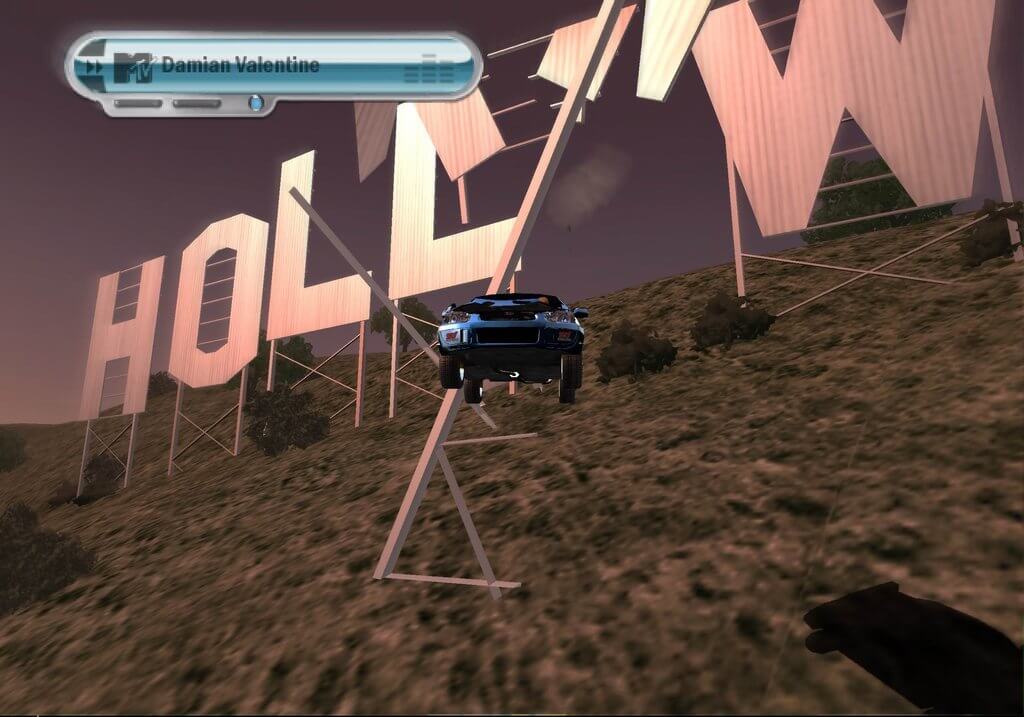
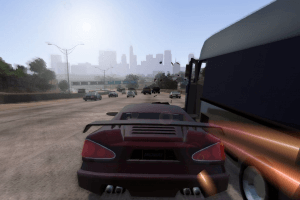
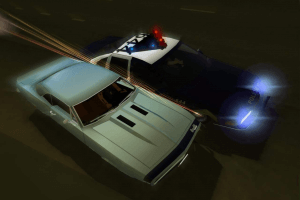
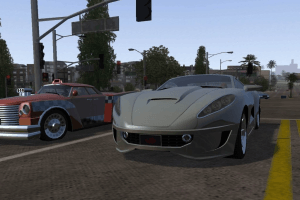
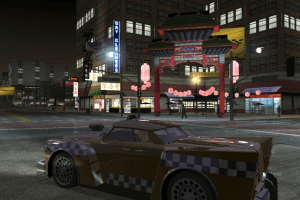
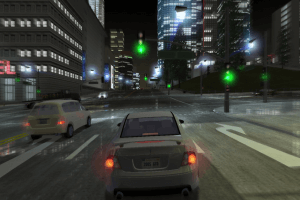
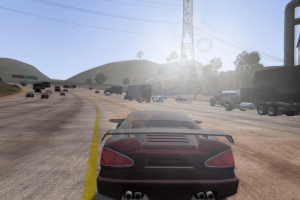
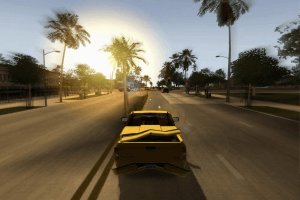
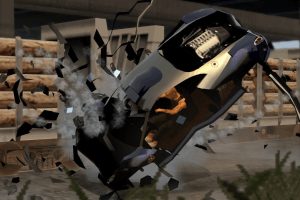
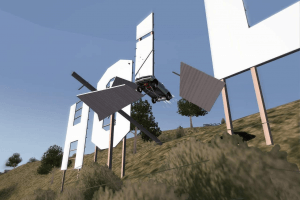
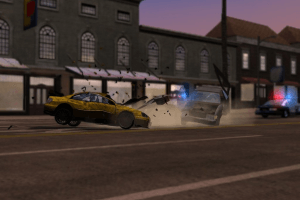
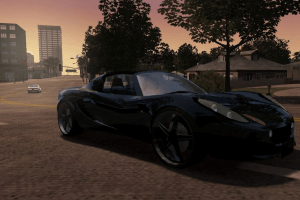
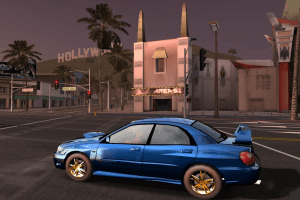
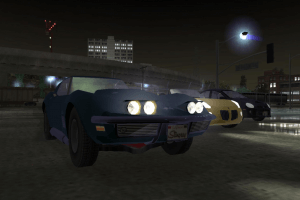
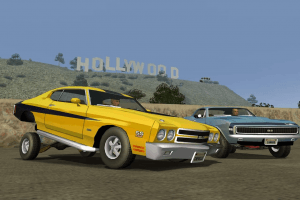
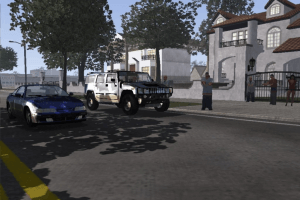
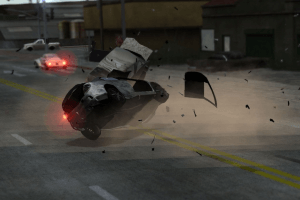
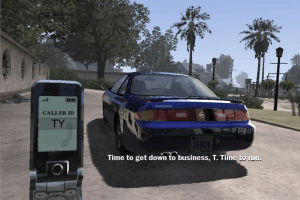
In L.A. Rush, you'll pimp out your ride and live the fabulous lifestyle of an L.A. street racer. Race through 5 fully-open Los Angeles city re-creations, from the streets of Hollywood to the beaches of Santa Monica. An exciting and unique story-driven experience pushes you to find treacherous shortcuts and death-defying jumps. Upgrades Galore - Tune the performance of your car through an array of aftermarket parts
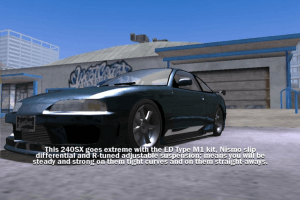
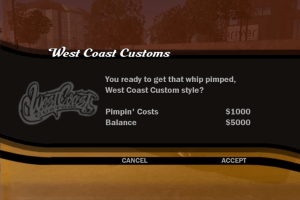
- Race, modify, steal and pimp over 50 rides exclusive tricked-out street racers designed by West Coast Customs and Rides Magazine
- Open World Racing through Hollywood, Santa Monica, South Bay, South Central and Downtown
- Re-acquire 30 cars taken from your Personal possession and gain back your respect and street credit through missions
- Steal your enemies' prized rides and then chop them for revenge and extra cash
- Pit yourself against a buddy in split-screen racing on routes opened previously in Story Mode
 English
  Russian





Comments and reviews
Unfortunately, this PC version is unplayable. When once I'm played a PC version when I'm completing this game, but, when I'm returning, it's stuttering, and there's no fix... This is unplayable...
Ich würde Mir das Spiel gerne Hier installieren Ich habe es Auch zuletzt Beim Release 2006 Gespielt aber Mein Internet ist so schlecht Das es 1 Tag dauern Würde
reminder to play the ps2 version and not this crap but also you need an average pc to run the emulator well. DONT TRY ON 4GB RAM OR YOULL REGRET DOING ANYTHING IN YOUR PAST LIFE
Game crashed my pc twice. 0/10. Would not recommend
thanks for the game . i am interested on ricochet .that game brought to your site.
for those suggesting to play the PS2 version, is there a working 60 FPS patch?
The repack doesn't work.
For who looking to play this game in 2026, I recommended the repack, as it's not infected by StarForce. Using the retail one and launch it without No CD will 90% results in a bricked PC.
PC version is very strange. It has a bad problem where, if you look back, the roads become blindingly white even if you're in a shadowed area.
Get the ps2 version instead
This thing's exe file has some sort of program that requires you to provide administrator access to it and restart it. After restarting, your pc gets stuck on a repair/recovery screen. It shows that the winload.efi file got corrupted and hence your data on the drive is also corrupted. the only solution is to reinstall your windows os from a usb or a disc. It acts literally like a USB killer. But in this case, it wants you to grant it administrator access, and after that kills your pc. I say Abandonware to remove this file before anyone else gets their pc dead. Also all gamers, try to read all comments before downloading files and be sure to check it in virustotal if in doubt. Have a safe and happy gaming. From an unlucky chap who got his pc fried because of this.
Don't play the PC version, it's hard to make it work and it's anti piracy program may fuck your pc. even if you make it work, this version it's way inferior to the console version, for example the car sounds like electric cars.
Play the PS2 instead, which is the superior version, it works well with the PS2 emulator
Just a heads up the repack doesn't work, reinstalled 3 times and each time it's missing a different file.
I swear to StarForce DRM....
How can I play the rush movie?
I installed this game on windows 11 and now my pc is on a reboot loop (windows 11). Please help
Este juegos es muy bueno pero veo los gŕáfico bastante mal veo demasiados reflejos en los colores lo e probado todo es de los pocos juegos viejos que no puedo arreglar bien que pena.
Ye' ol' game it is a brok as ye'
pocket afta buyin' smallest burger
at th' loca bar
HOBBLA BOO !!
DITTA BOO GAAME !!
BOBOB A AHA
this game broke my mother pc
Muy bueno el juego
Is there starforce in this.
Hey guys I downloaded the MagiRepack and the game crashes after every 15-20 minutes.I am using windows 10 GTX 1660 ti GPU with amd cpu.Can anyone help?
Another game that I never played but heard a lot about. Back in the days many reviewers recommended this game to play. So yeah, maybe I will check it out.
Just a heads up, L.A. Rush was also released for the ps2 as well.
repack doesnt work its missing 2 dll files
Cuando apago mi ordenador, no se guardan los datos, que tengo que hacer para que cuando vuelva a abrir el juego tenga todos mis datos guardados?
I have a problem when I start the game but when it is running it stutters and runs at 15 fps
does anyone have any tips on how i can fix it
btw i have windows 10 64 bit
Thank you very much admin :)
BTW is there any possibility of a repack of Toca Race Driver 2 without starforce?
Yes, StarForce DRM was removed in repack by MagiPack, this is the main reason why we added that repack. I added a note about it in filename. It is recommended to use that repack if you install the game on modern systems, that repack has been tested on Windows 10, works with no problem
What about MagiPack repack?
That doesn't contain starforce right?
StarForce DRM remover doesn't work, just don't download this. Bricked my computer, not the sites fault, just the uploader because there are definitely no DRM cracks out there. Fucking piece of shit
@Benoit C'est arrivé parce que vous avez installé le jeu et l'avez lancé sans NoCD, puis vous avez obtenu les pilotes StarForce. Vous devez lancer le PC en mode sans échec et supprimer les pilotes StarForce, l'outil de suppression se trouve dans les téléchargements.
La prochaine fois que vous installerez ce jeu, assurez-vous d'utiliser NoCD pour éviter tout problème avec StarForce DRM. Nous avons fait un guide d'installation pour installer le jeu sans StarForce, vérifiez la description
J'ai installé le jeu mon pc ne marche plus est ce que quelqu'un sait comment régler le problème ?
After the update from admins, I followed the instructions and did not get the STARFORCE setup asking for permissions. It works 100% as long as you do not get asked for permissions from a STARFORCE setup.
BE WARE FOR STARFORCE DRM!
THIS DRM KILL YOUR COMPUTER I HAD MISTAKE FROM A LONG YEARS AGO!
IF YOU DON'T WANNA BRICK THIS COMPUTER DON'T INSTALL THIS GAME OR DELETE DRM!
We have updated the game, added some fixes and instruction how to install the game avoiding StarForce, plus added repack
For everyone talking about viruses.
No, the Starforce DRM is NOT a virus.
The reason your computer BSOD once you install the game (and by extension the DRM) is because it isnt supported on Windows 8 onwards.
MyAbandonware isnt at fault, the game shipped with Starforce, as do most early 2000 games on this site.
If you mistakenly ran the game without patches, do the following, those are the easy steps:
-Disable driver enforcement from the settings that appears after some restarts
-Use the Starforce Removal Tool, just search it on Google
You can reenable driver enforcement after that
If that didnt work, you can manually remove the "sfsync" "sfhlp" and "sfdrv" files from system32 - drivers
And if you cant even boot into windows after disabling driver enforcement, you can use another OS, like a liveCD or liveUSB (you should always have one just in case)
Fucking remove this game, it almost destroyed my pc with BSOD or I will fucking sue your fucking ass
This is interesting how this game weight 1.2 gb. How the game from 2006 can be very heavy ?
I was a victim to this pos so called drm app. Sure it seems fine once you install it to run the game properly, but after you restart your computer, bad news. You get the b.s.o.d, stating that your hard drive has been corrupted by a trojan type virus. Yeah Starforce is considered by Norton Anti-Virus a Trojan Virus. But the person who uploaded this on this site claiming that it was released for windows is in fact wrong, this was also released for the ps2 as well. I know this because I once had the game for the ps2. If you want to play this, buy a ps2 and then buy this game off of amazon.
This is a virus. I tried it on another site and was hoping this one would work, but seeing the comments are the same as my experience. You have to have a restore point ready cause it will mess up your PC and you will have to use a restore point
The reports of a virus are in fact not false. The StarForce DRM contains some malicious code that requires you to give the LA Rush directory admin privileges for it to install. By allowing it this you put your computer at risk or permanent death. I didn't take the hint from the comments that suggested the DRM did this and now I'm warning you it is not a myth. Do NOT install this! Currently I am trying out a restore point to see if the damage can be reversed. I am uninstalling this once I know it got me out of it.
Is there really a Virus or false alarm?
Does this game got already cracked or the dreaded StarForce DRM still presists in which will brick your computer?
I think their might be a virus within the game or the crack.
No comment nor review for this game at the moment.