You are on the beta version of My Abandonware. The live site is still myabandonware.com. Your favorites and ratings here are copied to the live site. Comments and other changes are not — we delete them every morning at 08:00 Paris time, when this site goes down for about an hour. Leave feedback through this link to Pastel (email required).
The beta goes down at 08:00 Paris time, in a few minutes. We rebuild the database from the live site. It comes back in about an hour.
Create a folder on your storage device. Open the game's disc and copy over Data, dll, InstData and Setup and LargoWinch.exe. Open Data and delete Video. From Data, move binkw32.dll and LWsetup.exe to the root folder, where LargoWinch.exe is.
-1
KASUMI6509 Jan. 2026
English, German, Spanish, Italian : https://archive.org/download/redump_pc_L/Largo%20Winch%20-%20Empire%20Under%20Threat%20%28Europe%29%20%28En%2CDe%2CEs%2CIt%29.7z
Russian : https://archive.org/details/LWINCH
-1
Dimwit Flathead19 Jan. 2025
I managed to get it to run in Windows 10 by installing it first in Windows 7 using Virtual Clone Drive. Without running it, I zipped the Ubi Soft directory and copied it to Windows 10. I put the virtual cd in the same letter drive as the one from Windows 7, then I ran LWsetup in the LargoWinch directory. Note that it won't run in a virtual machine because it needs a real video card, but it will allow you to install it.
1
BabsSpearsPayne13 Dec. 2024
I need tutorial how to burn it in a DVD i tried to run it too with clone drive and nothing i need help pls
-1
Sig01 Feb. 2024
Hiya! :) I just say "sssuper coool" w. 3 os, lol! :D Finally I can play it again. Got LW on GC, but my TV is broken! - 1st I had problems to run it, tried with Virtual Clone Drive, but it didn't work. But burned it to a DVD and now it works! Thx a lot guys! Cya, Sig.
2
No comment nor review for this game at the moment.







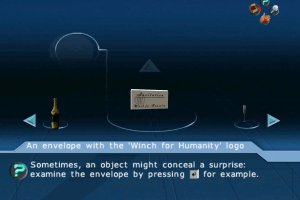
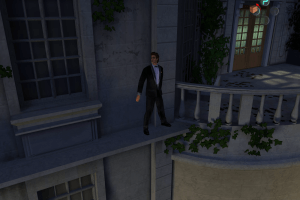
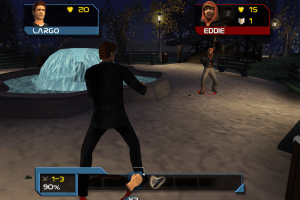
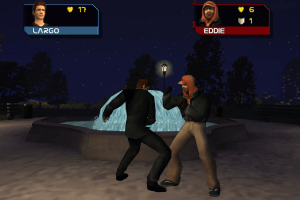
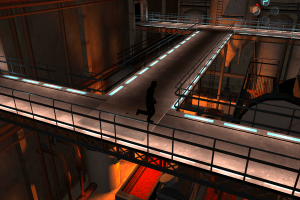
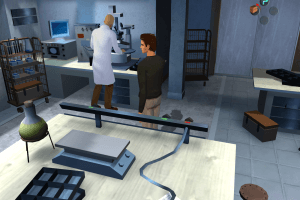
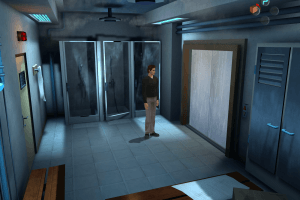
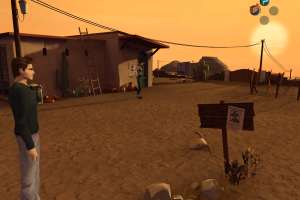
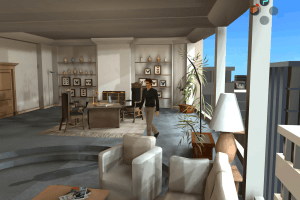
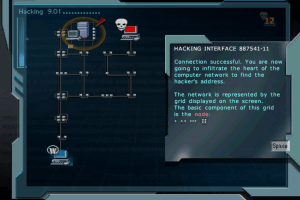
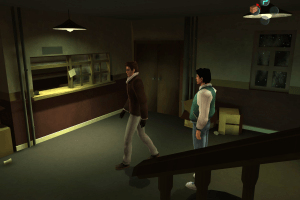
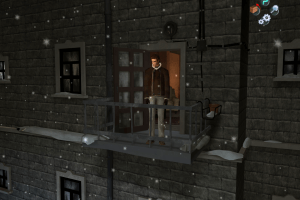



 English
  French




Comments and reviews
Working solution on modern windows:
Create a folder on your storage device.
Open the game's disc and copy over Data, dll, InstData and Setup and LargoWinch.exe.
Open Data and delete Video.
From Data, move binkw32.dll and LWsetup.exe to the root folder, where LargoWinch.exe is.
English, German, Spanish, Italian :
https://archive.org/download/redump_pc_L/Largo%20Winch%20-%20Empire%20Under%20Threat%20%28Europe%29%20%28En%2CDe%2CEs%2CIt%29.7z
Russian :
https://archive.org/details/LWINCH
I managed to get it to run in Windows 10 by installing it first in Windows 7 using Virtual Clone Drive. Without running it, I zipped the Ubi Soft directory and copied it to Windows 10. I put the virtual cd in the same letter drive as the one from Windows 7, then I ran LWsetup in the LargoWinch directory. Note that it won't run in a virtual machine because it needs a real video card, but it will allow you to install it.
I need tutorial how to burn it in a DVD i tried to run it too with clone drive and nothing i need help pls
Hiya! :) I just say "sssuper coool" w. 3 os, lol! :D Finally I can play it again. Got LW on GC, but my TV is broken! - 1st I had problems to run it, tried with Virtual Clone Drive, but it didn't work. But burned it to a DVD and now it works! Thx a lot guys! Cya, Sig.
No comment nor review for this game at the moment.