




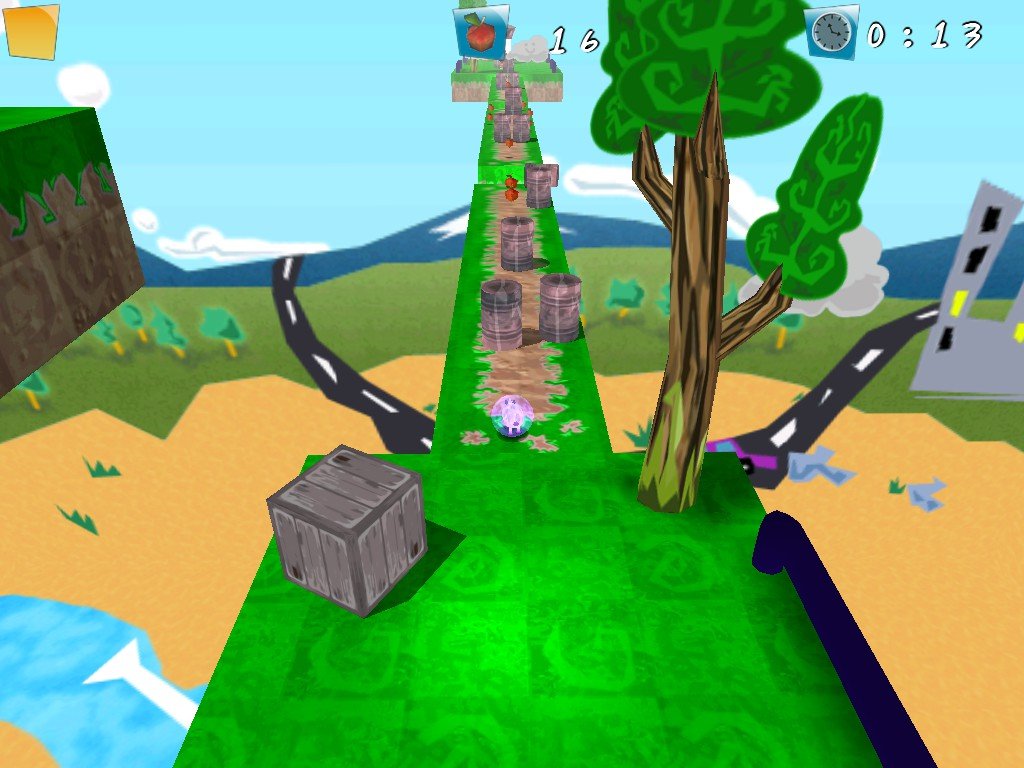
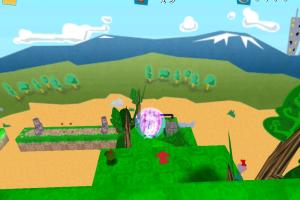
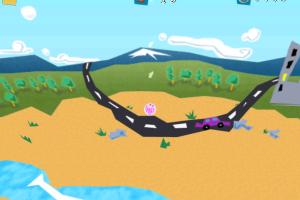
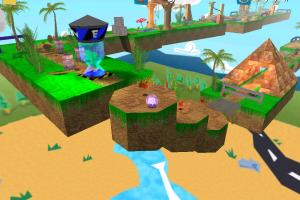
How to Play
The installer of the game is on German but if you're familiar with software installers it should be easy to follow. If you have troubles with installer, we additionally added the archive with pre-installed game. The installed game has English & German languages, the language can be switched in main menu.
The game has been tested on Windows 7 64-bit, Windows 10 and Windows 11, it works fine. You may experience some small troubles when you play the game on modern systems, check our Notes for details
Notes:
- If the installation doesn't start - try to launch the installer as Administrator and in Compatibility mode with old version of Windows (98, 2000 or XP)
- If the game doesn't work - run it in Compatibility mode with old Windows (like Windows XP) and as Administrator. Also, it is recommended to install all versions of Microsoft Visual C++ Redistributable and NET Framework for the correct work of the game
- The game works on DirectX 9, so if you're using Windows 8, 8.1, 10 or 11 - you need to enable DirectPlay: Go to Control Panel, and select 'Programs'. Select 'Turn Windows features on and off', click on 'Legacy Components' and check the box 'DirectPlay'. Select OK, once the installation is done, restart your computer
- On modern systems the game may close right after the start because of DEP (Data Execution Prevention). If the game doesn't run or closes right after the start - add game.exe to the exceptions of DEP (Data Execution Prevention): Go to
Control Panel -> System Properties -> Advanced System Settings. From theSystem Propertiesdialog, selectSettings. Select theData Execution Preventiontab. Select "Turn on DEP for all programs and services except those I select". ClickAddand use the browse feature to show the path to the program executable you want to exclude, in that case game.exe inside the game folder. Here's the guide with pictures - The game should work with no problem on modern systems, but if you have troubles with it - try to run it with dgVoodoo 2, it should help. Also, with dgVoodoo 2 you can play the game in higher screen resolutions, with Antialiasing and Texture filtering, to get the best in-game graphics
 English
  German





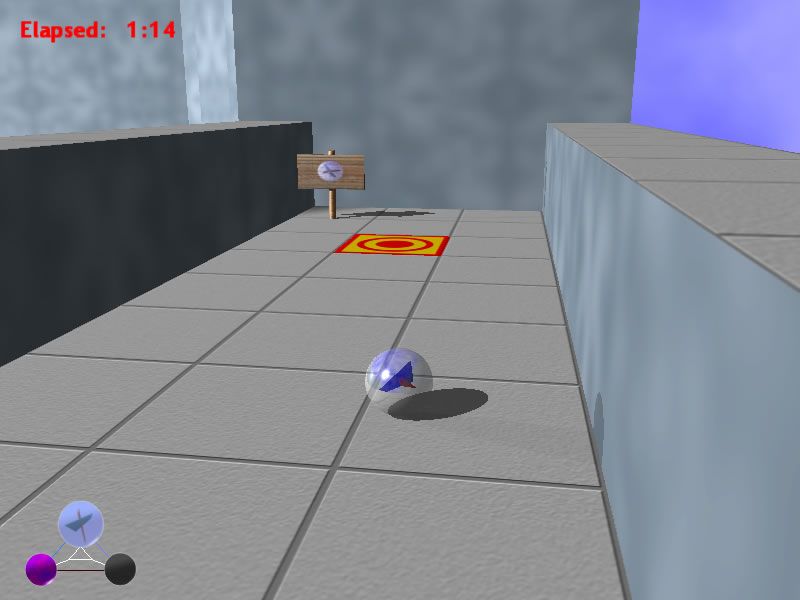


Comments and reviews
No comment nor review for this game at the moment.