You are on the beta version of My Abandonware. The live site is still myabandonware.com. Your favorites and ratings here are copied to the live site. Comments and other changes are not — we delete them every morning at 08:00 Paris time, when this site goes down for about an hour. Leave feedback through this link to Pastel (email required).

Search more than 30000 retro games
/ Genres / Racing / Driving / Motor City Online

Motor City Online

Windows - 2001

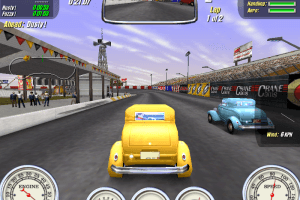
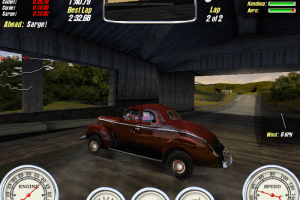
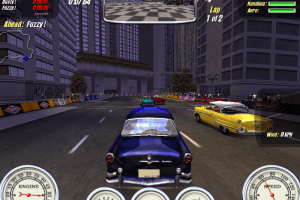
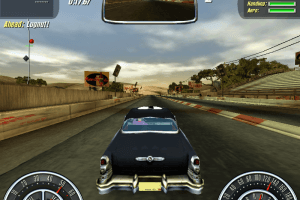
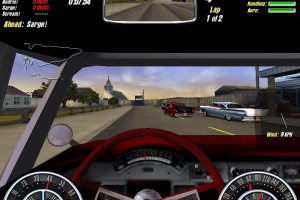
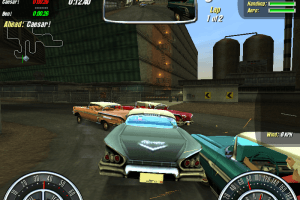
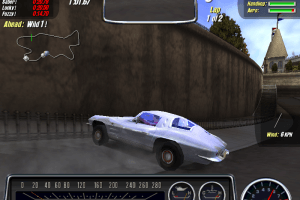
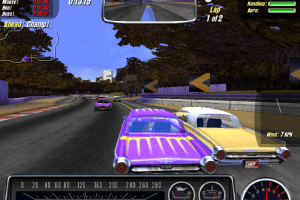
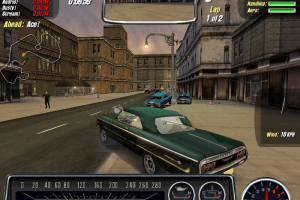
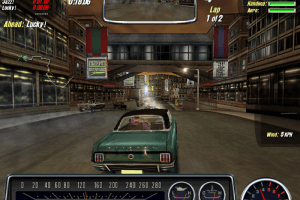
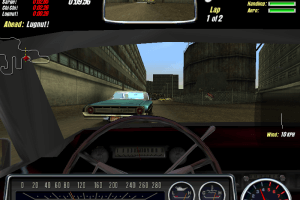
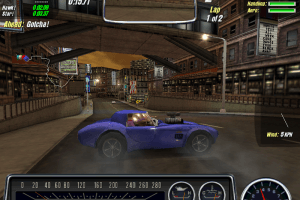
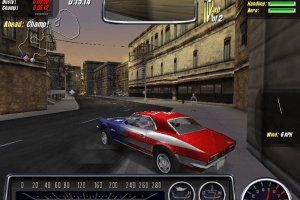
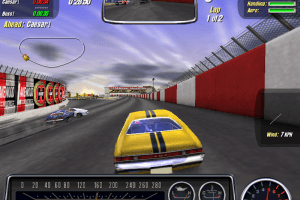
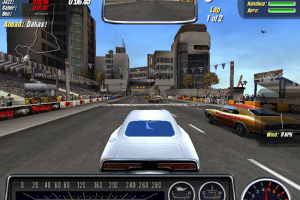
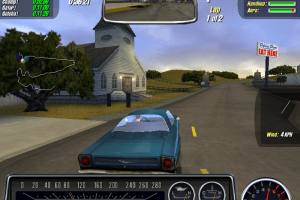
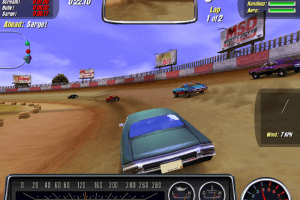
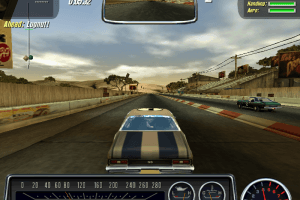
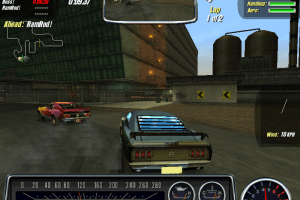
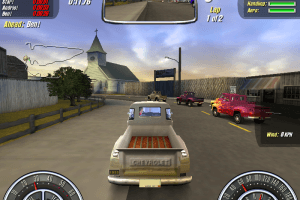
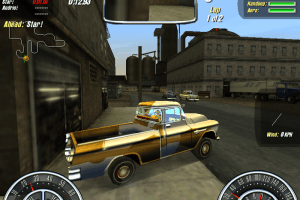
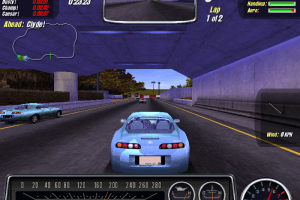
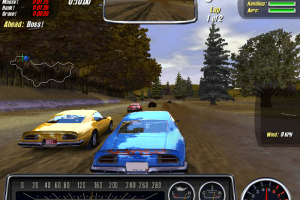
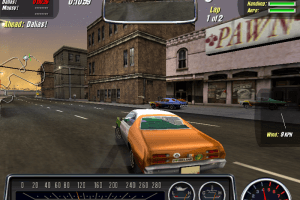
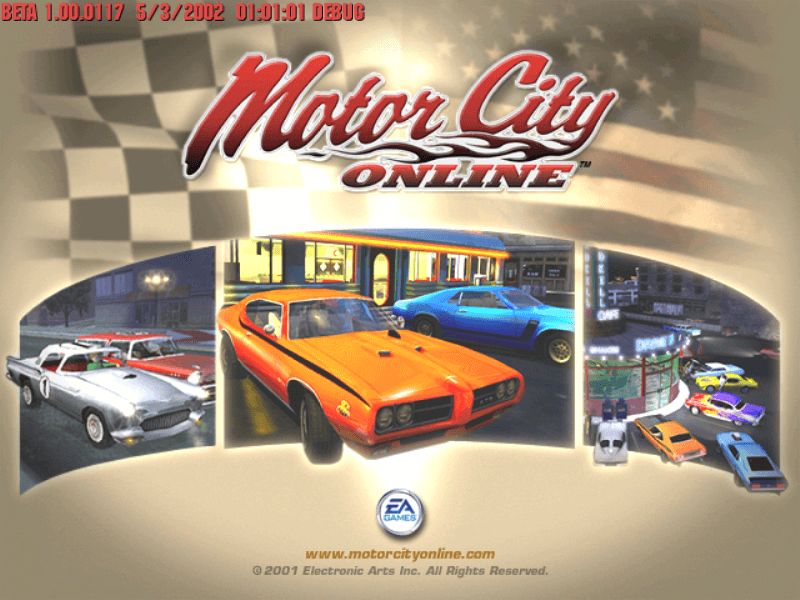
Motor City Online was a racing massively multiplayer online video game, spin-off of Need for Speed series. It was online-only game, and official servers were shut down in 29 August 2003. Luckily, fans made unofficial patch that allows to run the game offline and play races with AI opponents. If you want to know more about the game and see how it works on modern systems - watch this video by Akor or video review by LGR

Plus some fans of the game tried to "revive" multiplayer part of the game in MCO Re-Fired project; but unfortunately there were no news about it for a long time. However, developers of the project made some mods for the game, like new cars and tracks, you can find it on old forum or Discord server
How to Play

The game with Offline Launcher has been tested on Windows 7 64-bit and Windows 10, it works fine. You may experience some small troubles when you play the game on modern systems, check our Guide and Notes for details

Before installation - if you're using Windows 8, 8.1, 10 or 11 - make sure that you enabled DirectPlay if you didn't make it before, read this or this guide how to do it (if you're using Windows 7 or older - just install DirectX from the disc)

Install & play guide:

  • Mount the disc image. You will need the utility for mounting disc image files, like WinCDEmu, UltraISO, Alcohol 52%/Alcohol 120% or Daemon Tools Lite
  • Install the game (if autorun doesn't work - simply launch the installation from Setup.exe inside the disc).
  • Select "Full" type of installation. It is recommended to install the game not in default path, but in some other, non-system folder, like C:/Games/Motor City Online, so you won't have troubles with fixes
  • After you installed the game - install Offline Launcher, simply copy all files from the archive and put it into the directory with installed game, agree to replace original files
  • Now go to Motor City Online/3dsetup folder and find 3DSetup.ini. Right-click on 3DSetup.ini - Properties - Uncheck "Read only" box. Then open it with Notepad and in the line Hide_Resolutions=1 change 1 to 0. This way you can use screen resolutions higher than 640x480
  • Run 3DSetup.exe from same folder and choose the screen resolution you want. However, when launching for the first time, it is recommended to set the resolution to 800x600, since the game works most stably in 800x600 mode
  • Go to main Motor City Online folder and find MCity_Launcher.exe. Run it, configure the settings how you want (if you want to race against AI drivers - set Mode to 16) and press Go! to run the game
  • Always run the game from MCity_Launcher.exe and not from desktop shortcut or mcity.exe. If the game didn't run after the first time - try to launch it again. If the problem stays and the game still doesn't run - select compatibility mode with Windows XP (or another old Windows OS) for mcity.exe and MCity_d.exe

Notes:

  • If the installation doesn't start - try to launch Setup.exe in compatibility mode with old version of Windows (98, 2000 or XP)
  • It is recommended to install all versions of Microsoft Visual C++ Redistributable and NET Framework for the correct work of the game. Also it is recommended to install K-Lite Codec Pack for the correct work of in-game videos
  • The game works on DirectX 8, so if you're using Windows 8, 8.1, 10 or 11 - you need to enable DirectPlay: Go to Control Panel, and select 'Programs'. Select 'Turn Windows features on and off', click on 'Legacy Components' and check the box 'DirectPlay'. Select OK, once the installation is done, restart your computer
  • At the first launch the game creates configuration files and may crash to desktop with no error. If that happens - just try to run the game again, it should work fine once the configuration files were created
  • When you edit 3DSetup.ini and change Hide_Resolutions=1 to Hide_Resolutions=0, you will be able to select the game screen resolution via 3DSetup.exe. However, if you have any troubles with the game, like visual glitches, we recommend to run the game in 800x600 screen resolution
  • If you want to run the game in Windowed mode - go to Motor City Online/SaveData folder, open options.ini in Notepad and change windowed=0 to windowed=1
  • Even though the game doesn't support widescreen resolutions, it is possible to run it in Widescreen mode with dgVoodoo: extract the archive with dgVoodoo, copy the dll-files from the MS/x86 folder, dgVoodooCpl.exe and dgVoodoo.conf to the game folder, then run dgVoodooCpl.exe, go to DirectX tab and select the settings you want. Click on "Apply", close dgVoodooCpl and run the game from MCity_Launcher.exe. The game with dgVoodoo has been tested on Windows 7 64-bit, works with no problem. Also, with dgVoodoo you can run the game with anti-aliasing and texture filtering, and get the best graphics
  • The game does not have a framerate cap, so on some modern systems the framerate can be very high and the cars in the game move very fast. If you have this problem, try enabling Vertical Sync (Vsync) in your control panel of your video card (or set "Force Vsync" in dgVoodooCpl.exe if you play with dgVoodoo)
  • If the problem still occurs, limit the game's framerate to 30 FPS. If you are playing a game with dgVoodoo, open dgVoodoo.conf in Notepad and find the line FPSLimit=0, change 0 to 30. If you play the game without dgVoodoo - set framerate limit in control panel of you video card, if it has such a function, or use one of framerate limiter utilities
  • Don't forget to check PCGamingWiki if you have troubles!

Comments and reviews

Dude 12 Oct. 2026

https://mco.botworldnpc.com/ I made with AI

0
please.help 31 Jan. 2026

about the '99 Dodge Viper mod, i installed it but i can't see it in the launcher, what do i do?

0
ZachSkinner02 07 Apr. 2025

NFS Motor City Online: Just a warning this is basically just a glorified quick race game now, none of the actual MMO parts are there because it was server side when the game was online

4
Funky Munky 15 Mar. 2025

Setup.exe does not run. Cannot install. Tried everything listed

1
SteveoGTO 03 Sep. 2024

Runs on windows 11. Brings back so many good memories.

1
Giraffe 24 Jun. 2024

Follow the instructions listed above and I had zero issues. Didn't even have to change compatibility or anything.
The instructions on where to put each of the Viper files are in the zip of the mod.

4

No comment nor review for this game at the moment.

Comments posted on the beta are not kept. We delete them at 08:00 Paris time and they never reach the live site. Post on myabandonware.com if you want your comment to stay.

Downloads

Windows version
ISO Version
United Kingdom English
419 MB

Extras

Fix Fix 1
Offline Launcher - Allows to play singleplayer races with bots
Windows 141 MB English English

Mod Mod 1
'99 Dodge Viper mod - That car was cut from the final game, the mod returns it
Windows 1 MB English English

Similar games

Need for Speed: Underground 2
4.5/5 - 2063 votes
Need for Speed: Underground 2
Windows
2004
Need for Speed: Carbon
4.6/5 - 685 votes
Need for Speed: Carbon
Windows, Mac
2006
Need for Speed II: SE
4.4/5 - 4017 votes
Need for Speed II: SE
Windows
1997
Need for Speed III: Hot Pursuit
4.6/5 - 581 votes
Need for Speed III: Hot Pursuit
Windows
1998
Need for Speed: Underground
4.5/5 - 675 votes
Need for Speed: Underground
Windows
2003
Need for Speed: High Stakes
4.5/5 - 530 votes
Need for Speed: High Stakes
Windows
1999