



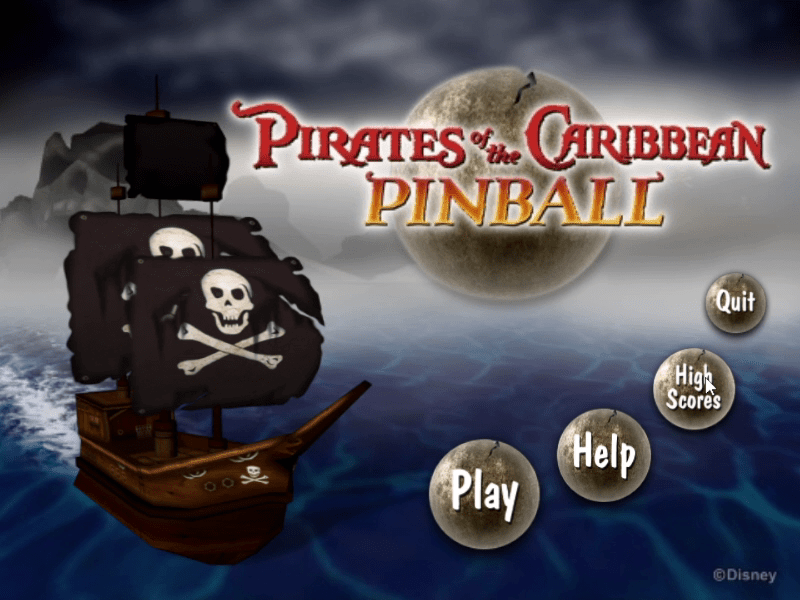
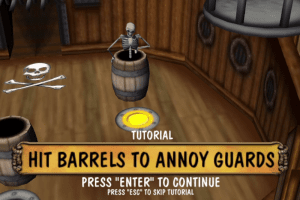
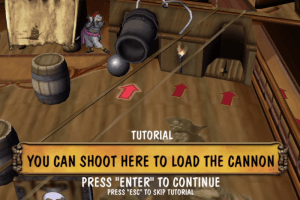
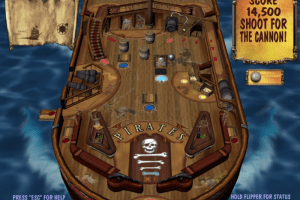
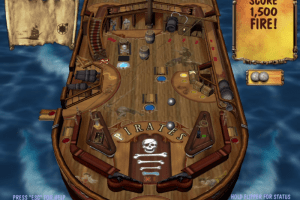
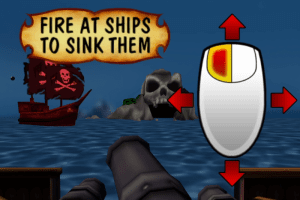
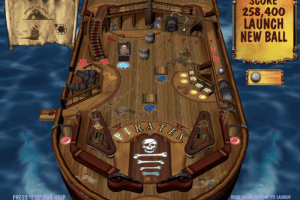
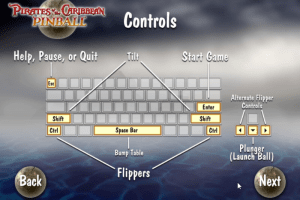
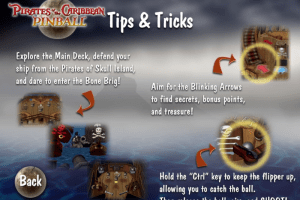
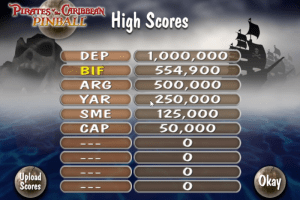
How to Play
Notes:
- At the start of installation, the installer will try to connect to the closed Boonty game distribution website, simply click "Cancel" to skip that step and continue the installation of the game. We additionally added the alternative installer that doesn't have such an issue, that installer features the different version of the game. If none of the installers work, you can also try the custom installer by TheCollectionChamber
- The archive with pre-installed game showed some generic warnings because of pythow.exe file inside. All warnings are generic, about suspicious/unsafe file, other files in the archive showed no warnings, here's the scan report. If you're worrying, you can run the game on Virtual Machine or sandbox app like Sandboxie. Also, the alternative installer features the other version of the game that doesn't have pythow.exe file
- The game has been tested on Windows 7 64-bit and Windows 10, it works fine. If the game doesn't work - try to run the game in Compatibility mode with old Windows, like Windows XP, and as Administrator (right-click on PiratesPinball.exe -> Properties -> Compatibility)
- By default the game runs in 800x600 screen resolution and in Fullscreen mode. But you can change the screen resolution and run the game in Windowed mode by editing Config.prc file in game folder. Open that file in Notepad and change
fullscreen truetofalseto run the game in Windowed mode. To change the screen resolution, editwin-size 800 600line, enter the desired numbers instead of800 600. Enter only 4:3 ratio screen resolutions (like 800x600, 1024x768, etc.), otherwise some of the in-game graphics will be off-screen! Also, the game may crash on some screen resolutions, revert the changes if the game crashes
 English





Comments and reviews
No comment nor review for this game at the moment.