




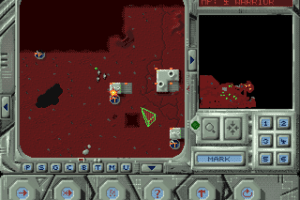
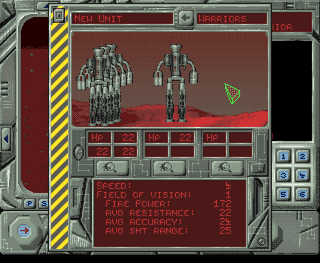
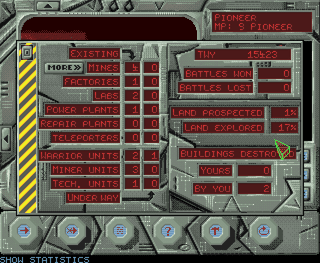
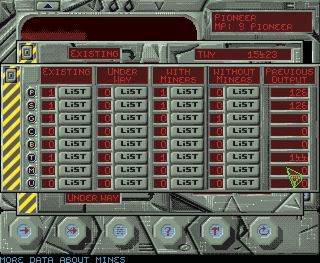
How to Play
ISO image can be used on real Amiga computer or Amiga emulator like ClassicWB. To run the game on ClassicWB emulator, you must create a folder for savegames on your hard drive (during the installation select an "experienced user" and manually prompt the path to directory). After that, you should copy the file marked "e" from the disc (in the emulator, copying is done by dragging the file into the folder) - this is the English version of the game. Versions with other marks are for German, French and Polish languages.
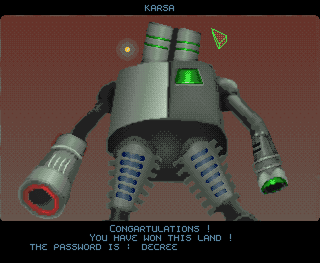
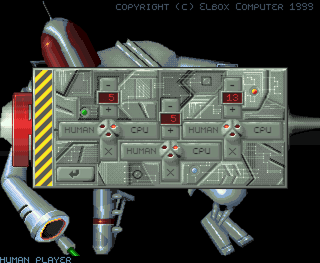
After the intro video, you must enter the copy protection codes 3 times in a row - without any mistake! You will see a symbol of a strange shape; you need to find the same symbol in the list of copy protection codes, and at the bottom of the screen enter the four letters that are indicated under that symbol, then press the arrow button in the lower right corner of the panel (in the game) to go to the next code. If you did everything correctly 3 times in a row, you will see a menu where you will be asked to confirm the password printed above, enter your name and select the game mode. It is impossible to start the game without the codes, so make sure to download it too!
 English





Comments and reviews
No comment nor review for this game at the moment.