You are on the beta version of My Abandonware. The live site is still myabandonware.com. Your favorites and ratings here are copied to the live site. Comments and other changes are not — we delete them every morning at 08:00 Paris time, when this site goes down for about an hour. Leave feedback through this link to Pastel (email required).
The beta goes down at 08:00 Paris time, in a few minutes. We rebuild the database from the live site. It comes back in about an hour.
To avoid "directx 8.0 object error" you need to set setup.exe into compatibility mode with Windows XP.
0
VEED10 Nov. 2025
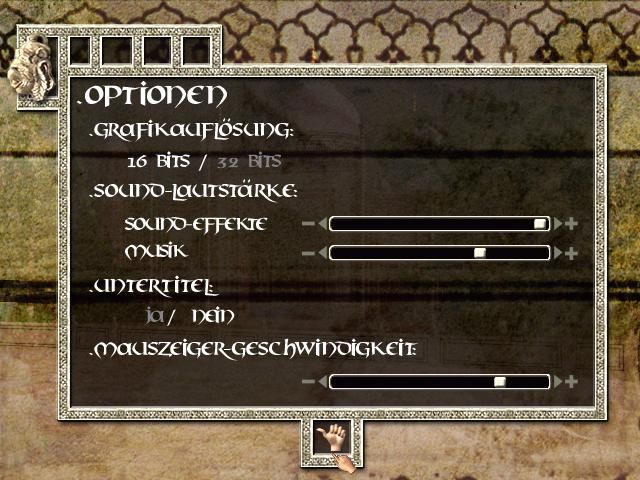
Let me know if the following works for anyone else with "directx 8.0 object error". When you nearly finish installing you get to two options "Create shortcut..." and "Read recomm..." at this time you need to copy the game folder (default location C:\Program Files (x86)\Microids) to a completely new location. Then click 'Finish' to complete the installation and get the directx error. The original Microids folder gets deleted automatically due to the error, so use your copy and put it back where it should be (default location C:\Program Files (x86)\Microids). Mount both CD1 and CD2 before you start the game as I could not find a way to swap disks within the game. Use india.exe to run the game. I could only get it to work on my Win 11 PC at resolution 640x480 with 16 bit. If anyone finds a better solution or how to get improved display resolution please put a comment on here.
1
KASUMI6501 Jun. 2025
Italian : https://archive.org/details/india1_202003
0
bubba08 May. 2025
I also got the "directx 8.0 object error", tried literally everything and cannot seem to fix it. Does anyone have any idea how to get this game working?
hello i have problems to install the game, and i mounted the game on windows 11 and give me the error : "directx 8.0 object error:" can someone help me install and play the game thanks for understanding
2
No comment nor review for this game at the moment.




 English
  French
  Polish




Comments and reviews
To avoid "directx 8.0 object error" you need to set setup.exe into compatibility mode with Windows XP.
Let me know if the following works for anyone else with "directx 8.0 object error".
When you nearly finish installing you get to two options "Create shortcut..." and "Read recomm..." at this time you need to copy the game folder (default location C:\Program Files (x86)\Microids) to a completely new location. Then click 'Finish' to complete the installation and get the directx error. The original Microids folder gets deleted automatically due to the error, so use your copy and put it back where it should be (default location C:\Program Files (x86)\Microids).
Mount both CD1 and CD2 before you start the game as I could not find a way to swap disks within the game. Use india.exe to run the game.
I could only get it to work on my Win 11 PC at resolution 640x480 with 16 bit. If anyone finds a better solution or how to get improved display resolution please put a comment on here.
Italian :
https://archive.org/details/india1_202003
I also got the "directx 8.0 object error", tried literally everything and cannot seem to fix it. Does anyone have any idea how to get this game working?
French version provided by the French website Abandonware France :
https://www.abandonware-france.org/ltf_abandon/ltf_jeu.php?id=2931&fic=liens
hello i have problems to install the game, and i mounted the game on windows 11 and give me the error :
"directx 8.0 object error:"
can someone help me install and play the game
thanks for understanding
No comment nor review for this game at the moment.