



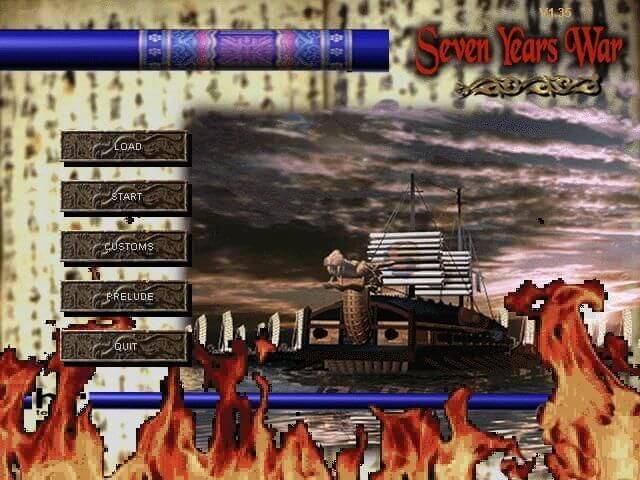
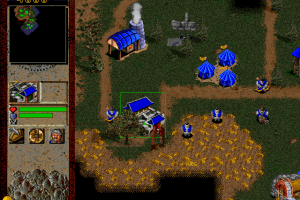
Seven Years War is a decent WarCraft II clone – that is, a real-time strategy game - based on the “Seven Years War,” the period between 1592 and 1598 A.D. during which Japanese shogun Toyotomi Hideyoshi invaded Korea twice as part of his audacious plan to conquer China and divide it among feudal lords. Hideyoshi waged an extremely brutal war that by some accounts killed more than one million Koreans – more than one third of Korea’s total population at the time.
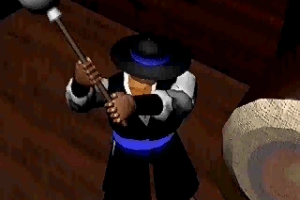
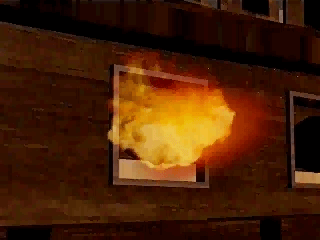
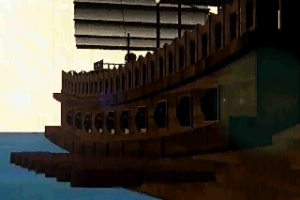
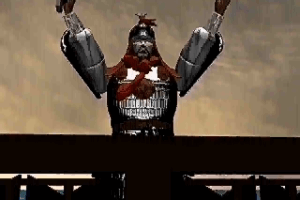
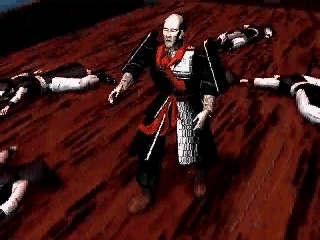
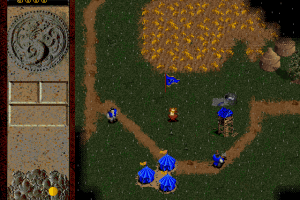
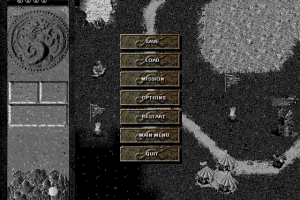
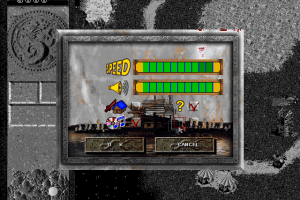
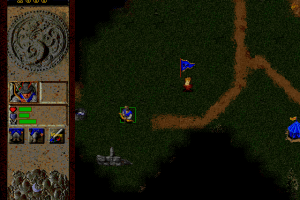
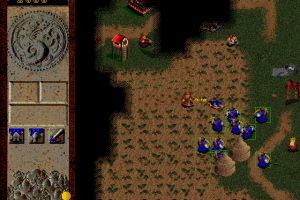
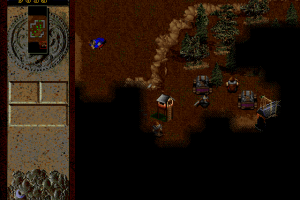
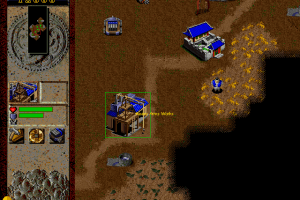
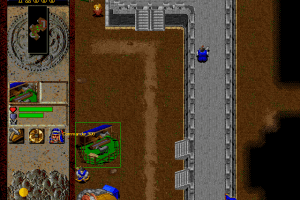
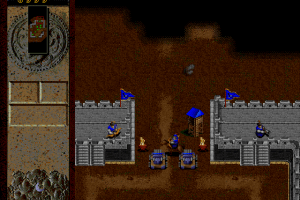
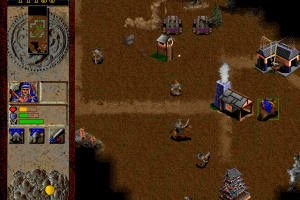
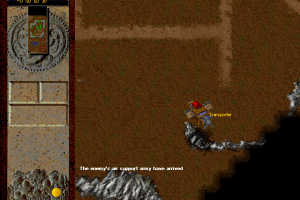
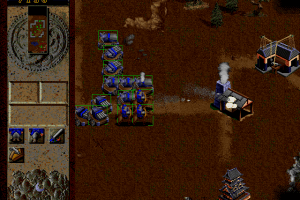
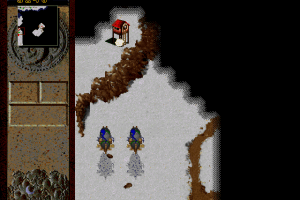
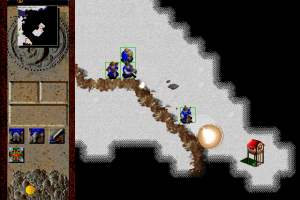
Except for Oriental motif of units and buildings, Seven Years War looks almost identical to WarCraft II - down to the interface layout and blue-vs-red gameplay. Upon closer inspection, though, you’ll notice some interesting differences. For instance, the gameplay mechanics has been simplified: you only need to worry about accumulating food to build buildings and units – unlike multiple resources e.g. wood, gold, etc. of WarCraft II.
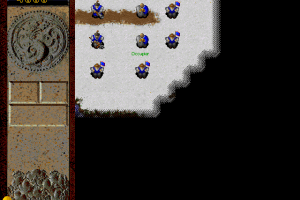
A neat feature, though, is the existence of realistic weather effects in the game, including night/day cycle and seasons. When day turns into night, your visibility will naturally be limited. Your crops need rain to grow, and so you must plan carefully before summer, when draught is more likely to occur. Seven Years War includes 2 campaigns: Japan’s invasion of the Korean peninsula, and Korea’s resistance against the invaders. Each campaign includes only 10 missions, which means it won’t take you weeks to finish it. You can play a random map against another player via the Internet, though, which helps increase the replay value quite a bit.
Overall, Seven Years War doesn’t offer any compelling innovations (such as, say, Seven Kingdoms) to set it apart from WarCraft II clones. However, if you’re looking for a decent RTS that is accessible and not overly complex, or a RTS set in the Orient, Seven Years War is well worth a look.
Review By HOTUD
 English
  Korean






Comments and reviews
I made a 273 MB package that includes the full CD version of the game in compressed audio (opus), plus DOSBOX-X and Windows 95.
Everything working in emulation. I feel like this is the kind of early Windows game that will break completely the next time Microsoft changes anything so I prefered to go the full emulation way, that will never break.
I'm not sure if I can post a link that includes a working Win 95 inside, so I will ask first.
Anyway, if you want to do it yourself:
1) First, I installed Windows 95 OSR2 in a portable DOSBox-X x64 environment, using a virtual HDD.
2) Download the 294 MB game disc image and convert the IMG/CUE image with bchunk, separating the data track into an ISO and the audio tracks into WAV files:
.\bchunk.v1.2.1_repub.1.exe -w "Seven Years War (EU).img" "Seven Years War (EU).cue" SWW
3) Convert the WAV audio tracks to Opus with FFmpeg, then rebuild the CUE file so that DOSBox-X can mount the whole set as a normal CD.
4) Mount the game CD as a CD-ROM drive in Windows 95.
5) Start Windows 95, open the CD drive, and install the game.
6) DirectX 5, included on the game CD, is required. Install it and restart Windows 95.
7) Finally, to enable the videos, install the Microsoft Video 1 (MSVC) codec: Control Panel → Add New Hardware → No, I want to select the hardware from a list → Sound, video and game controllers → Microsoft → Microsoft Video 1. Restart Windows 95.
I made a tool to slow this game down, tested on Windows 11:
https://github.com/jeannekamikaze/Slowdown/releases
Check the readme for how to run:
https://github.com/jeannekamikaze/Slowdown
The Windows compatibility modes do not appear to help, and the best thing I found on forums was to run Win95 on a virtual machine. The tool above should be a lot more convenient.
so fast to play under win10 compability , so any slow loader manager to use with this oldie?
I love this game I played it when it first came out and really enjoyed it, it brings a lot of good memories. Thank you for providing this game still!
God bless you!!
No comment nor review for this game at the moment.