
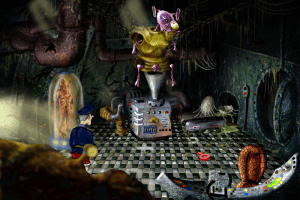
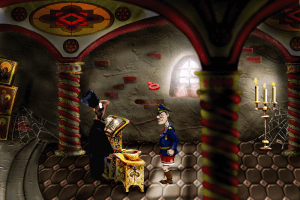
How to Play
Notes:
- There's no installer on the disc because it was intended that the game would be launched directly from the disc. But for some reason the publisher put StarForce DRM protection on the disc. Be careful, StarForce DRM can break your computer, especially if you use 32-bit variant of Windows! To run the game without the disc and annoying StarForce, do the next steps: copy all files from the disc to your hard drive, then install the patch and NoCD (simply replace the files in game folder). That way you can play the game without StarForce; we also made a Full-Rip with patch and NoCD
- To watch in-game videos, make sure that you installed K-Lite Codec Pack and run the game in Compatibility mode with Windows XP. If it didn't help and you still don't see in-game videos - the reason is that the game uses obsolete Indeo codec for videos, that codec works only in Windows XP or older and was disabled in new Windows OS for security reasons. If you use Windows XP, you can find the installer for Indeo 5 codec here. If you want to enable it on Windows 10, you can restore Indeo codec with this Registry Fix; make sure to disable it once you don't need it anymore!
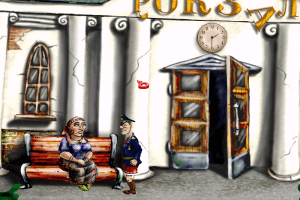
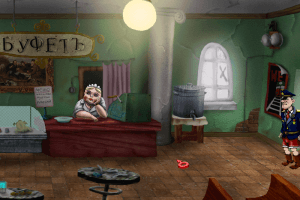
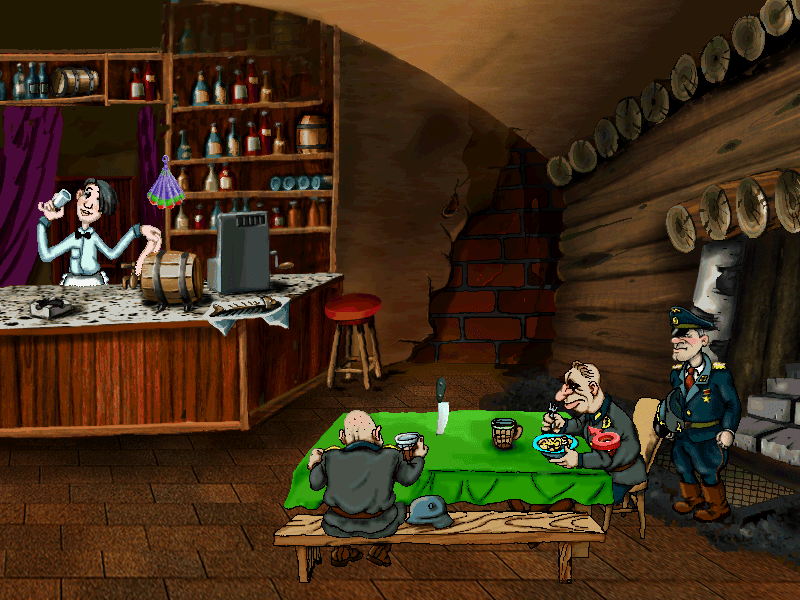
- There's a game breaking bug on second location when the game crashes at attempt to talk with a saleswoman in cafe. To fix it install the patch, simply copy the files from the archive and put them in game folder
- StarForce DRM drivers doesn't work on Windows Vista and newer but should work on Windows XP. If you use Windows XP and for some reason want to play the game with StarForce DRM, here's the StarForce activation key:
Z2PU59-7J6JJB-FYZQXR-9XNHPF
 Russian







Comments and reviews
No comment nor review for this game at the moment.