How to Play
NoDVD generates standard warnings, which are usual for "cracked" exe-files, here's the VirusTotal report. The game has SafeDisc retail DRM that doesn't work on Windows Vista and later, so if the game doesn't work - install NoDVD.
The game with NoDVD has been tested on Windows 7 64-bit, Windows 10 and Windows 11, works with no problem
Install & play guide:
- Mount the ISO disc image of DVD. You will need the utility for mounting disc image files, like WinCDEmu, UltraISO, Alcohol 52%/Alcohol 102% or Daemon Tools Lite
- As alternative - you can extract files from .ISO image if you have installed WinRAR. Right click on .ISO file -> Extract files. After that just launch the installation with Setup.exe
- Install the game
- Also it is recommended to install DirectX 9 from the disc
- Install NoDVD (simply copy Game.exe from the archive and replace the original exe-file inside the game directory)
- Launch the game and play. If the game doesn't run - open the directory with the game and find Game.exe. Right click on Game.exe - Properties - Compatibility - Set "Run this app in compatibility mode with Windows 2000, XP or Vista" and "Run as administrator"
Notes:
- If the game crashes at the very beginning, you need to switch the default layout to English. Also try deleting the entire registry branch
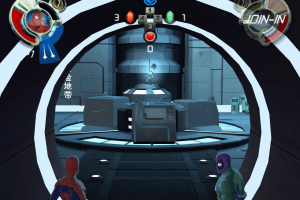
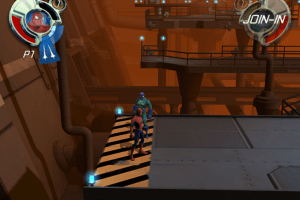
HKEY_CURRENT_USER\Software\Activision\Spider-Man FoF - The game supports local cooperative on one computer but you will need second controller (gamepad or keyboard), plug-in the second controller before starting the game
By default the max resolution of the game is 1280x720 but you can set the higher resolution through register edit:
- Run regedit and find the branch
HKEY_CURRENT_USER\Software\Activision\Spider-Man FoF\Settings - Look for the "ResolutionX" & "ResolutionY" values
- Double click "ResolutionX" and then choose Decimal under Base
- Enter resolution width , for example "1920", and click ok
- Repeat the same for "ResolutionY" and enter new height - if you entered width "1920" then height should be "1080". You can enter any other resolutions on your choice - 1366x768, 2560x1440, etc. The end result should look like this
|Name          |Type        |Data
ResolutionX   REG_DWORD   0x00000780 (1920)
ResolutionY   REG_DWORD   0x00000438 (1080)

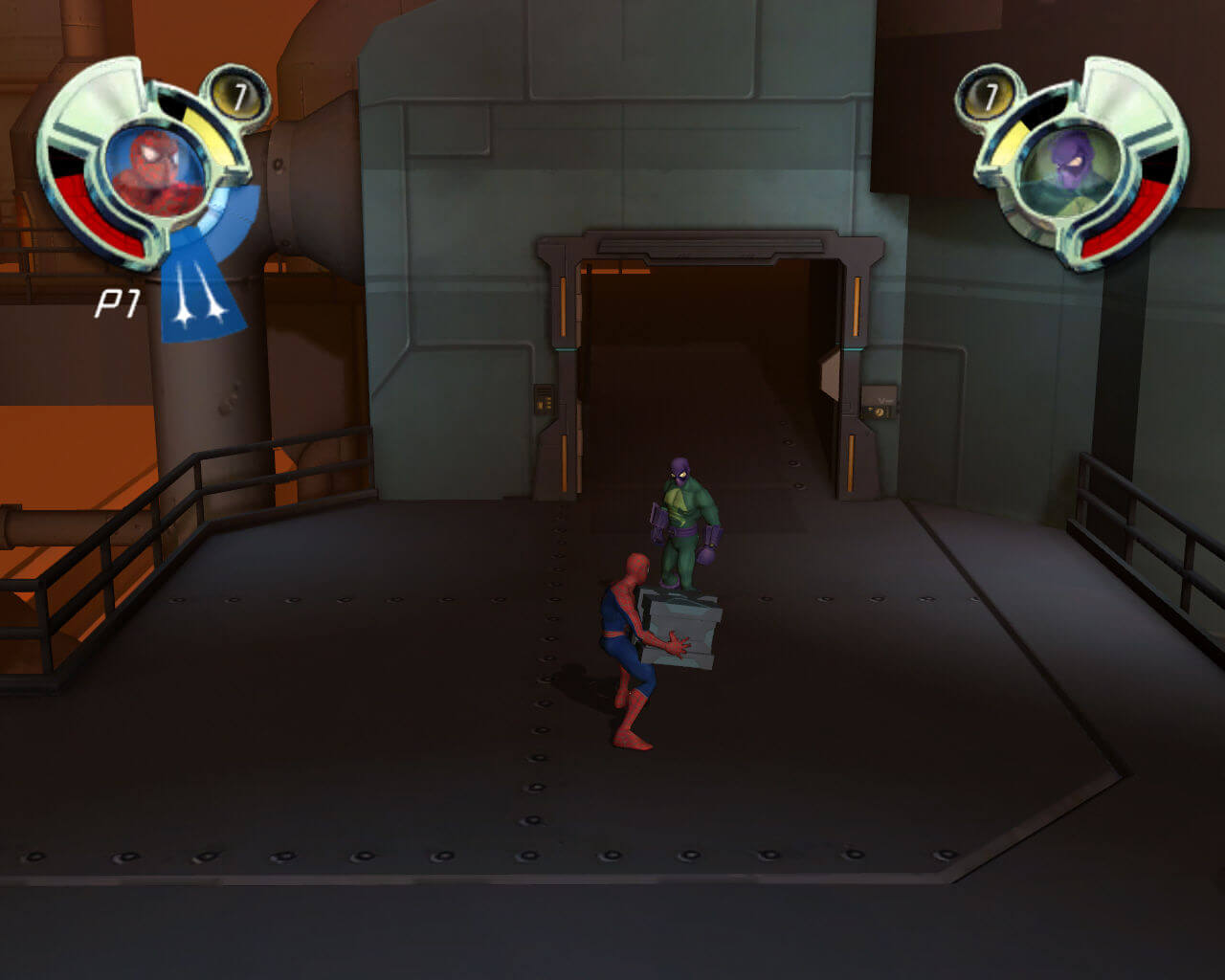
 English
  Russian







Comments and reviews
after openning the game and after clicking the new game button, a black screen appears and then happen nothinhg. its kind of stuck in black screen. pls fix it. i have downloaded the full rip [2.3] gb
How to install it in pc
I have been trying to install this game from sites like archive.or but kept getting some error, thankfully the one here works! Thanks
I been enjoying downloading games from this sight, hopefully this one runs just as smooth , thank you to the people who made this possible
in controls it says i need to atleast have binded move, jump, special, attack and tag sidekick, otherwise it wont get me out of the settings, and when i do this it still wont let me out of the settings. please help me
please insert the correct cd rom? what do i do?
would appreciate it if you kindly take a look at the reason why game crashes at Tokyo and Egypt and give us an instruction or a fix if possible (in Tokyo level the crash sometimes can be dodged if you don't shoot web at big enemies' legs and knock them on their back but there's absolutely no way around it in Egypt level which is unfortunate - once I heard the problem is caused because there is something wrong with certain 3D character models so thats worth checking out, would've done it myself if I had the required knowledge for it)
Can't extract the files when i try it says either multipart or corrupt ZIP archive
anyone got a fix for constant crashes in Tokyo and Egypt...?
Great game, works well on Windows 11. Thank you! Not really an issue, but is there any fix for the character stutter when running?
cuando lo descargue en setup me pidio el DVD y no lo pude jugar pero cuando descargue el ISO me dijo lo miso
Hi, I've had the same problem as LUCIFER where there is just a black screen after I started a new game when using the EN-Full-RIP folder.
I've tried downloading the different folders available and following the instructions as well a I could but it's my first time downloading a game like that and I'm french so I have double the trouble understanding the technical instructions.
With the other folders either the pc asks me to insert the cd or the game just doesn't start after a quick white screen. I have tried replacing the NoDVD game with one game of another folder but still the same result.
If anyone could help me I would be grateful thank you in advance ! :)
This game worked perfectly for me. All I had to do was run it as administrator the first time I played it. Every time after that I just opened it normally. The game is pretty good, but it does get old after a while. It's definitely better played cooperatively.
We updated the game, added ISO and Setup, plus some instructions, hope it will help you to launch the game
Black screen after clicking on new game, no game after that. Not working.
Works great on Win 10. Great upload!
No comment nor review for this game at the moment.