



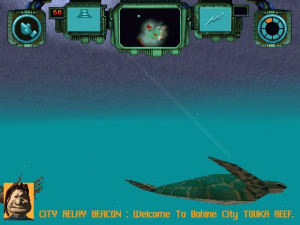
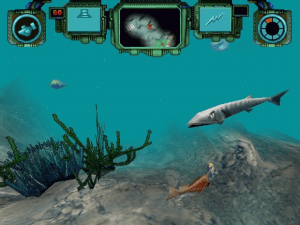
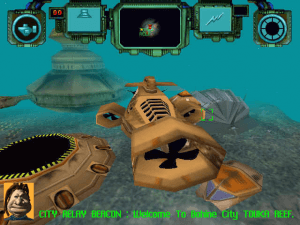
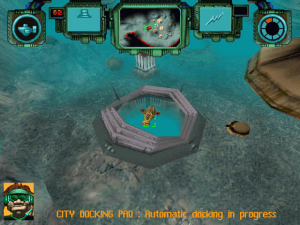
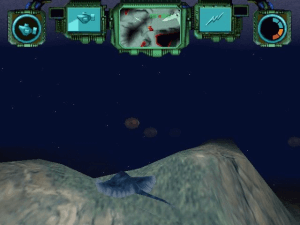
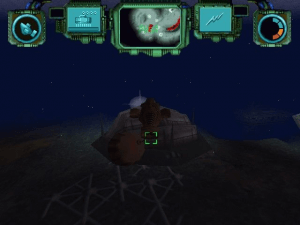
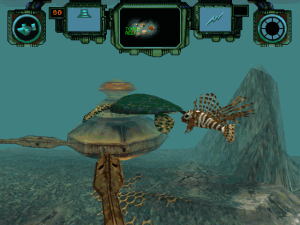
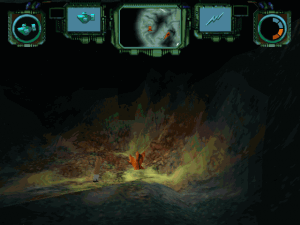
Sub Culture is THE best underwater simulation game I have ever played, bar none (well, except for Archimedean Dynasty perhaps).
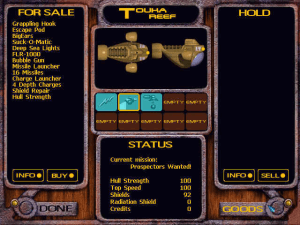
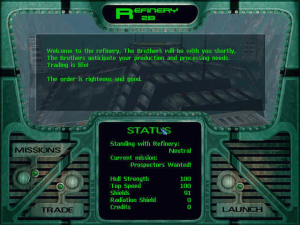
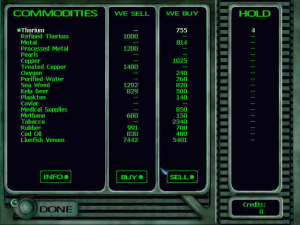
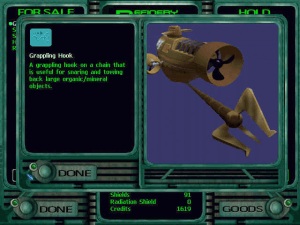
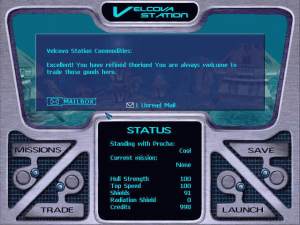
In the spirit of mercenary games e.g. Privateer, Sub Culture is an open-ended game allowing players to accept missions or just explore their surroundings. As a freelance mercenary running dangerous missions, you trade goods at the various cities and-- on the side of course-- bring peace to your underwater world where a nasty war is raging between two undersea nations Procha and Bohine. Trading is integral to the game, as you must earn cash to upgrade her equipment. You can make money by prospecting for ore, pearls, and scrap metal, or by completing the missions that advance the plot, which starts off interesting but gets even better as time goes on.
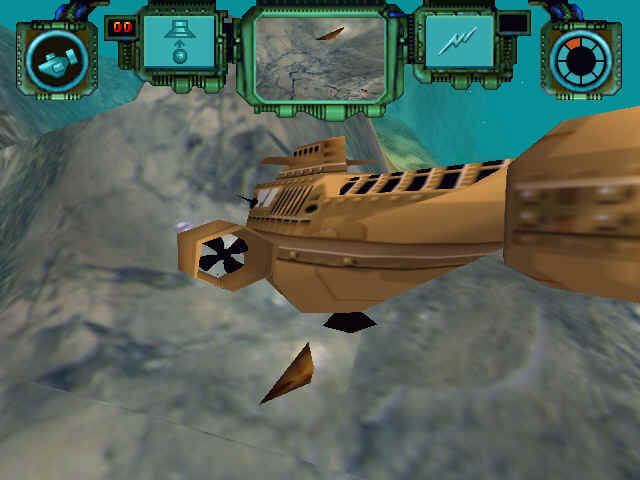
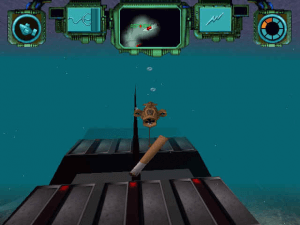
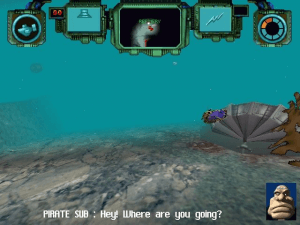
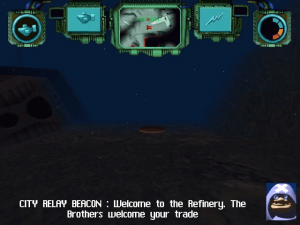
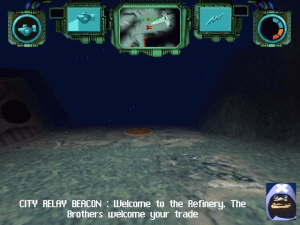
What qualifies this game as a simulation rather than trigger-happy action game is the fact that all objects and creature have been designed using realistic physics models which affect movement through the water. For example, if you stop your sub, you'll drift. This can make it difficult to accurately line up targets, but at the same time it really makes you feel as if you're moving underwater. If your joystick supports force-feedback, the game provides near-perfect immersion: you'll feel collisions shaking the ship and explosions rocking your little sub.
All in all, Sub Culture is a wonderful underwater simulation that is even better than MicroProse's underrated SubWar 2050. It might disappoint arcade fans due to some "lull" periods of relative quiet as you navigate to the waypoints and just taking in the amazing surroundings. For the rest of us, however, and even for reflex-impaired people like me, Sub Culture is a must have. Highly recommended!
Review By HOTUD


 English
  French
  German





 Czech
Czech 


Comments and reviews
Made a new engine for playing Sub Culture here:
https://github.com/Hendar23/OpenSC
okay, I managed to get it by basically doing what Zephon commented, but I didn't quite get the InstallShield point they were making. You don't install that as general software, it REPLACES the setup.exe of whatever game you want to install.
I used InstallShield3 from here:
http://toastytech.com/files/setup.html
for me, I couldn't get the installshield5 to work. I got an error 105 about a missing setup.lid file, which I created with some variables I found online, but after that it just gives an empty error popup and doesn't work anyway.
Here's the content of the file, maybe it's of use to someone.
[Languages]
key0=0009
Default=0009
count=1
Sadly, I dont seem to have music. I did mount the iso as Halicarnassus suggested, but that doesnt seem to work for me. I can live with it that. There always the option to play the OST in the background on YouTube
I wish someone would have made a complete install guide because it's quite a pain.
I tried the rip version, which seems to crash on all exe's I try, presumably because it can't find the CD.
The comment suggestions didn't fix that.
Then I tried the iso version straight from the mounted image, which seems to work, with some minor glitches such as the screen missing a bit off the top, and some building seem to run very fast lights?
But it doesnt seem to be able to properly save games. Although a save file is made in the save slot, I can't load it, and on restarting the save is gone. I assume this is due to playing directly from the image.
Trying to properly INSTALL the game gives an error, basically that the newer windows version is incompatible.
So I'm stuck on several avenues I tried.
Fix the slowmo issue by capping the game at 60 FPS in DXWnd:
- Open DXWnd
- Go to Options and check "Expert mode"
- Drag the game EXE into DXWnd
- Go to "Timing" tab and check "Limit" and set the delay to 16 ms
- Click "OK" and play
Doesnt work with new PCS
I managed to run the game on a new machine simply by reading through the comments (huge thanks to everyone here!) and following their tips.
For anyone experiencing issues with the music: Many games from that era stored their audio tracks in the same format as standard CD audio files (which could even be played on regular CD players). To fix this, just mount the .mds file using a virtual CD manager (I used DAEMON Tools, but there are other options available). Once mounted, you should be able to see all the cutscenes and hear the music while enjoying this amazing game.
I tried to follow Plejstocen's advice and run the 'ripped' version's SC3DFX.exe using dgVooDoo2. The rendering seemed to be nicely in control, but I couldn't get the game to be properly and fluidly running.
I locked it to a single CPU and spent a lot of time trying to use DxWnd to slow it down, but without success.
Can someone confirm that we're actually trying to fix the same issues? Because I read a lot about the game being "slow and choppy" and that doesn't really match what I'm experiencing. (Disclaimer: I've never played this game before, so I have very little reference for what it's supposed to look like!)
Rather, when I start a new game, the following elements seem to run at the right speed (30fps?):
- the menu runs perfectly fine
- the propellers of my sub rotate quickly and fluidly
- input is reflected in the game immediately and without delay
- some particles in the water move slowly, but not choppy (I believe this is how they are supposed to look)
- a ground vehicle is driving around fluidly in the bottom right corner of my view
However, what doesn't work:
- I cannot move! The propellers spin, but I can get barely any thrust.
- the camera movement (or maybe it's the world) feel somewhat choppy
Essentially, it feels like even though the propellers are moving fast, the sub itself is the only world element that's really 'choppy' somehow.
Is that what you're experiencing as well? And what some of you have reported to fix using CPU slowdowns or dgVooDoo?
For anyone having issues with game speed (sub going very slow or too fase, environment being to fast etc) I found a way to fix it - had this issue on my setup, now it's gone.
Instead of nglide use dgVooDoo. Download it, place the dgVooDoo/3dfx/x86 files into the Sub Culture game dir. Then run the dgVooDooCpl.exe (ensure to set the Config folder to the Sub Culture game dir), right click on the empty space next to the DirectX tab and click "Show all sections of configuration". A new tab will appear "GeneralExt". In it, there is Miscellanneous section and FPS limit. Set it to 30 (30 frames per second). Ensure you have NOT set the Force vSync in Glide tab. Now run the game with sc3dfx.exe. If you see 2 curours (the system one and the one within the game) just Alt-tab and then alt-enter to go back to the game. It should be gone.
I can get the game to work on either an 86Box virtual machine or the nGlide wrapper, but in either case there is no music in-game, and no cutscenes in 86box either.
I have the same issue as other commenters:
1. Installing this on Windows 10 works fine with the original (non-rip) ISO when copying all the files from the ISO into a local folder and then using a InstallShield3 or 5 Engine (Is3Engine or Is5launcher) setup.exe from the ReactOS Forums to replace the older one in the Install/Windows/ folder of the ISO. After that the setup runs just fine.
2. The game runs in slow motion on newer CPUs, just like other commenters mentioned. I haven't been able to get any further than this. Has anyone managed to run this flawlessly in Windows 10 without the submarine slowing down to a crawl? It runs fine on a virtual machine like PcEM or x86Box, but not directly on Windows 10
the game runs, from a virtual cd, al works, but i cant save the game... help...
another game from my childhood, everything went ok, the installation, music and cutscenes works great, until i started playing, the game is slow and very choppy fps, not even dgvoodoo2 program can fix this issues. then i find out it's somehow it's tied to the MHZ speed of the cpu (which is something i never heard of, very weird and unusual for a game) and i'm not risking playing with my cpu setting just to fix one game. so i installed it on my older pc and it works with no issues.
Music is not working. Can I get some help please. Thank you.
Here's a tutorial I created to play this game in WINE with UBUNTU. I got it working just fine:
https://www.cuevadeclasicos.org/comunidad/temas/jugar-con-wine-en-ubuntu.17219/#post-325213
Hi WALRUS,
the problem with the slow game is a old timing query by the most Ubi-Soft games. The solution is quite simple. Got under Windows 10 to the settings = system = energy safe option = energy settings = setup for energy safe = extendet option = now go down to the porocessor energy setup = and set the percent to 13% or less, that the main speed from your PC is by 350MHz, than the game runs in normal speed. Is you frequency to high, than the game runs very slow, that is very funny ;-)
The music wont play at all and cutscenes are missing, controls seem messed up too as I cant change tools nor use the suck-o-matic
If the turbine/engine sound of your sub annoys you, you can replace it.
Go to the installation directory, subdirectory "waves". Find "PROP3.RAW" and rename it, e.g. to "xPROP3.RAW" as a backup. Then copy the "PROP4.RAW" and rename the copy to "PROP3.RAW". Basically, you replace the PROP3 sound with the PROP4 sound which is much less annoying.
The game starts, but it is extremely slow. I use nglide 2.10 with a high-spec gaming laptop. Is there any way to play the game at normal speed?
The italian and spanish version are missing. The iso version miss those languages.
I was able to get the game to run under Windows 10 by downloading nglide and playing the SC3DFX application. You can download nglide from http://www.zeus-software.com/downloads/nglide
Doesn't run properly. The ship is all slowed down and in slow-motion. Running 3DFX executable under Windows 10 with nGlide 2.00. Anybody have other suggestions?
Hi! it doesn't work.
If you have doubts, send me an email:
toninilamborghini@gmail.com
thanks
Uno de los primeros juegos que terminé.
the game my childhood
No comment nor review for this game at the moment.