



How to Play
The game has been tested on Windows 7 64-bit, works with no problem. The game supports widescreen
Install & play guide:
- Mount the disc image. You will need the utility for mounting disc image files, like WinCDEmu, UltraISO, Alcohol 52%/Alcohol 120% or Daemon Tools Lite
- Install the game
- Also it is recommended to install DirectX 9 from the disc (if you're using Windows 10 - enable DirectPlay, read this or this guide how to do it)
- Optionally install NoCD (simply copy exe-files from the archive and replace the original exe-files inside the game folder)
- Open the directory with the game and find Starter.exe and SBike.exe. Right click on both exe-files - Properties - Compatibility - Set "Run this app in compatibility mode with Windows XP" and "Run as administrator"
- Launch the game and play. If the game doesn't work - try to launch the game, then open Task Manager (Ctrl+Alt+Del by default) and check for processes SBike.exe and rundll32.exe. Close SBike.exe but don't touch rundll32.exe (it's a Windows app for running old apps from 32-bit operational systems, most old games running through rundll32.exe). Now try to launch the game again, it must work. Don't forget to close rundll32.exe process in Task Manager after finishing playing
Notes:
- The game doesn't have any DRM protection, simple disc check, so you don't have to worry about strict DRM protection that can break your system
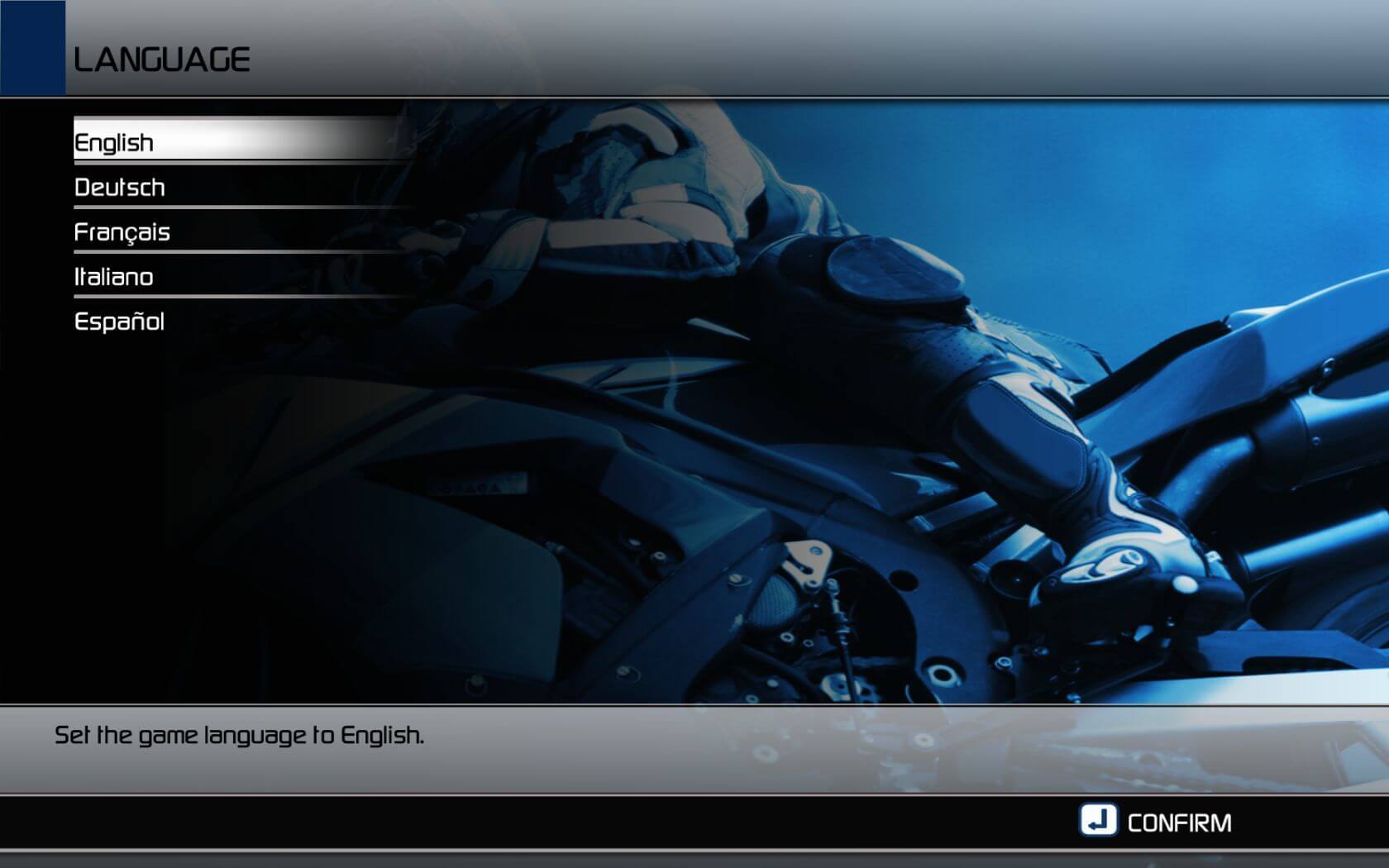
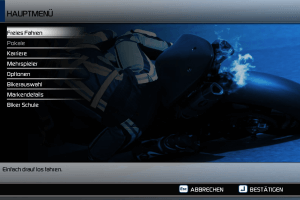
- The game installer is on English only but the game itself has 5 languages: English, French, German, Italian and Spanish. You can select the language in main menu
- NoCD disables intro videos of publisher/developer, so you may see flickering instead of videos. There's nothing to worry about, the game itself works fine
- If you have troubles with running the game on Windows 10/11 - try to run it through dgVoodoo utility (copy the dll-files from the MS/x86 folder, dgVoodooCpl.exe and dgVoodoo.conf to the game folder, then launch the game from Starter.exe or SBike.exe; to change dgVoodoo settings - open dgVoodooCpl.exe)
 English
  French
  Spanish
  German
  Italian
  Russian





Comments and reviews
Running well on win11 system. Ryzen 7 7700 and 7800xt. I downloaded disc image file, mounted it and ran SBike.exe with compatibility pack and admin permissions. To save progress between playthroughs, install the game using setup.exe and then use NoCD fix (u wont see the intro cinematic tho).
My Infos was wrong, you need AMD- Nvidia
At this Time this Devs want Intel ATI
No comment nor review for this game at the moment.