






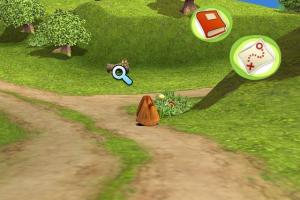
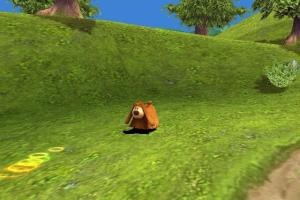
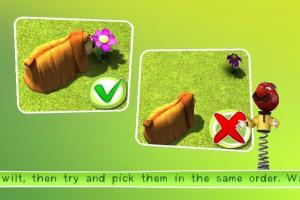
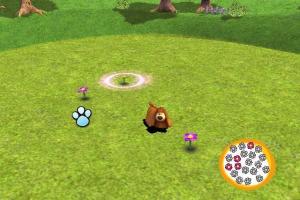
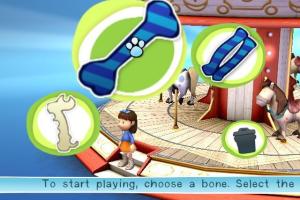
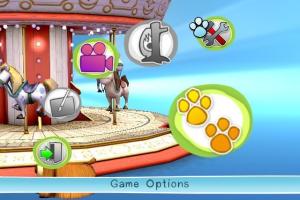

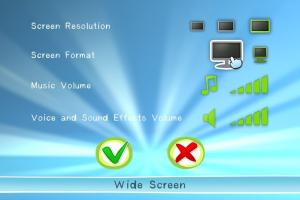
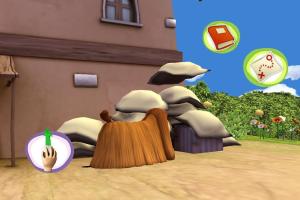

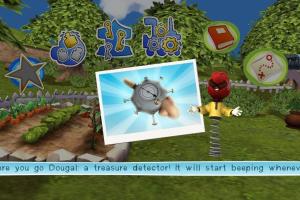
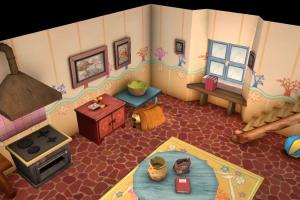
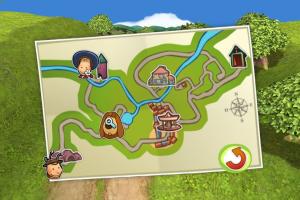
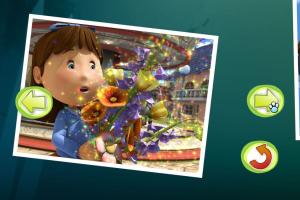
How to Play
The game has been tested on Windows 7 64-bit and Windows 10, it works fine. You may experience some small troubles when you play the game on modern systems, check Notes for details
Notes:
- To install the game, you will need the utility for mounting disc image files, like WinCDEmu, UltraISO, Alcohol 52%/Alcohol 120% or Daemon Tools Lite
- The game has localizations on English, French, German, Italian & Spanish languages, the installer will automatically select the language based on your system language (if you have some other system language - English will be selected by default)
- If the installation doesn't start - try to launch Install.exe in compatibility mode with old version of Windows (98, 2000 or XP)
- It is recommended to install all versions of Microsoft Visual C++ Redistributable for the correct work of the game. Also it is recommended to install K-Lite Codec Pack for the correct work of in-game videos
- The game works on DirectX 9, so if you're using Windows 8, 8.1, 10 or 11 - you need to enable DirectPlay: Go to Control Panel, and select 'Programs'. Select 'Turn Windows features on and off', click on 'Legacy Components' and check the box 'DirectPlay'. Select OK, once the installation is done, restart your computer
- The game is DRM-Free and has no protection, just install & play. If the game doesn't launch - try to run it in compatibility mode with Windows XP or Vista: right click on desktop shortcut or exe-file - Properties - Compatibility - Set "Run this app in compatibility mode with Windows XP (or Vista)" and "Run as administrator"
 English
  French
  German
  Italian
  Spanish





Comments and reviews
No comment nor review for this game at the moment.