

The fix provided may work in Win Vista / 7 / 8 / 10, it comes from this polish forum. Thanks to user Nikhil for pointing it out.
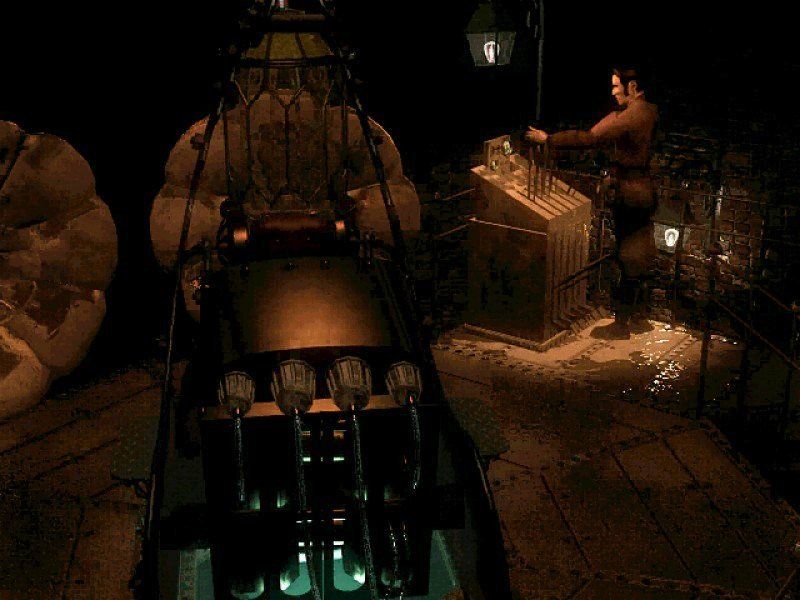
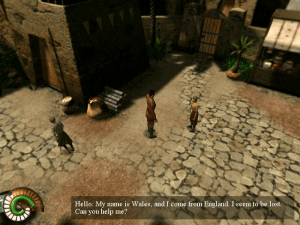
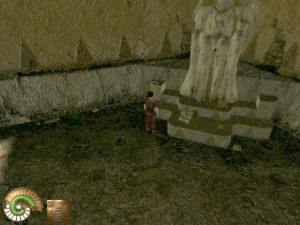
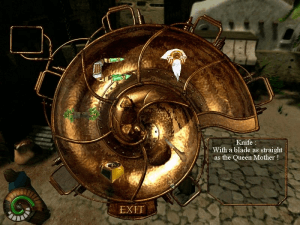
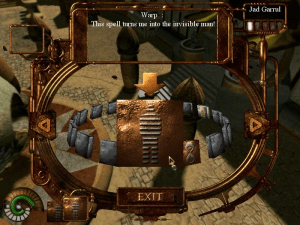
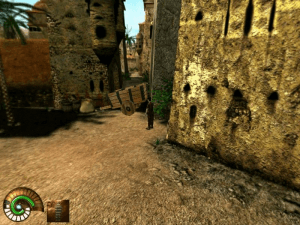
How to Play
How to run the CZ version:
- Insert Disc 1 into Daemon Tools
- Start the installation
- It is essential that the installation directory is in the root directory of the disk, e.g.: C:\Strojčasu
- After installation, apply Win XP Fix to the game folder
- Set the compatibility of the EXE file to WIN XP
- Insert Disk 2 into Daemon Tools
Disk 2 is important for starting the game, so enjoy!
Downloads
Windows version
 English
  Czech
Czech  Polish





Comments and reviews
I was able to solve the cutscenes problem by configuring "Compatibility-Settings-Reduced Color Mode: 16-bit".
I was able to run this flawlessly on Windows 10 a couple years back, but now, on the same setup, after multiple updates (BIOS, drivers, Windows) the cutscenes won't play. Also tried a different laptop with Windows 11 and have the same problem. I'm assuming Microsoft dropped some codec/file format support along the way...
Found folder Cryo Interactive Entertainment\TimeMachine\Cinematiques with *.hnm extension and some online info but don't know where to go from here:
https://wiki.multimedia.cx/index.php/HNM
https://github.com/ValeryAnisimovsky/GameMediaFormatsCoreFilters
Can someone please confirm cutscenes are still working on latest versions of Windows10/11?
Thank you!
This game works fine on PCEM at PII levels. NOT Pentium MMX or Pentium 1.
Here's a fun tip: If you have GAP (Game Audio Player v1.32) and scan files go to the 2nd CD that has Musiques and you can grab all the songs from it of course you'll have to title them yourself but you can hear them. Voix or something like that are the voice/sound FX and there's quite a lot in there packed into that one game. Never did figure out how to rip the Cinemetiques.
I tried as @JayZargo said but still gives BadWindowsVersion errors .
The old guides have been erased with the only this discurssion on GameBoomers ever mentioning them;
I had this game on a Windows 98 PC a long time ago and it required some tweaking of the video & audio acceleration to run.
I got a legitimate 2-CD copy of this game and followed all instructions - including getting the official patch from the Dreamcatcher website (via Wayback Machine), but when installed on two different virtual machines (DosBox X and Virtual PC 2007), as well as Windows XP, the game would get as far through the intro cutscenes, then crash no matter what system it ran on. Does anyone have a work around?
Not downloaded this game yet but.Have you tried mounting the iso with a ISO mounting tool like
Virtual clonedrive,WinCDEmu or Magicdisc there is loads more available and free. .Install the iso mounter open it,and direct it to you iso file.making a Virtual drive most games i have done this with will bring up the install window automatically. You wll also have to keep the iso in the vdrive when you play For more help scroll down to bottom the page look for (Help to play) click on this then scroll down till you see iso.cue and bin files click on this
I am also having the same problem with only obtaining a .bin and .cue file for each disk, i tried burning it to a DVD and a CDR and neither work, too bad :/
When I unzip that file I end up with two ISO files and two BIN files. What do I do with them?
What do i do with the files once i unzip them?
As tip, you might want to run the "Setup.exe" file in compatibility mode for Windows 98/me otherwise the installer won't finish. Anyway, very underrated game! Thanks for uploading.
No comment nor review for this game at the moment.