
The key to John Carpenter's 1982 scare flick, The Thing, was its incredibly effective build up of paranoia. Sure, it had the goop and gore scattered throughout, especially once "The Thing" really started to spread its, er, substance around. But it was Kurt Russell's performance when he was dictating a message into a tape recorder -- one he hoped would be found by a rescue party if no one survived -- that really conveyed the pure fear. You can never go to sleep. You can never ease that grip on your weapon. You can't stand close to the people who only hours before had been your comrades. And there is absolutely no end in sight.
Just 20 short years after the film was released, Universal Interactive has seen fit to bestow us with a game tie-in. This sort of thing usually sets off alarm bells with gamers early given the track record of titles based on movie licenses. However, unlike some movies, The Thing is perfectly suited to a creepy, action-adventure game. Set in an isolated Antarctic outpost, this game has the potential to scare you not with what you see, but when you don't see anything and yet you know the real danger could be standing right next to you with a gun in his hand.
The good news is that The Thing for PC lives up to a good amount of that promise. Its first smart decision is beginning the story soon after where the film left off instead of doing a predictable remake of the same plot. You play Blake, commander of a military team that has been sent in to investigate the disappearance of the scientific expedition - sounds a bit like another infamous sequel about a nameless "Alien", doesn't it? The Thing, for those who don't know, is an alien creature that has the ability to transform into a replica of whatever it touches, but it does so in a process a whole lot more gooey than the T-1000 Terminator.
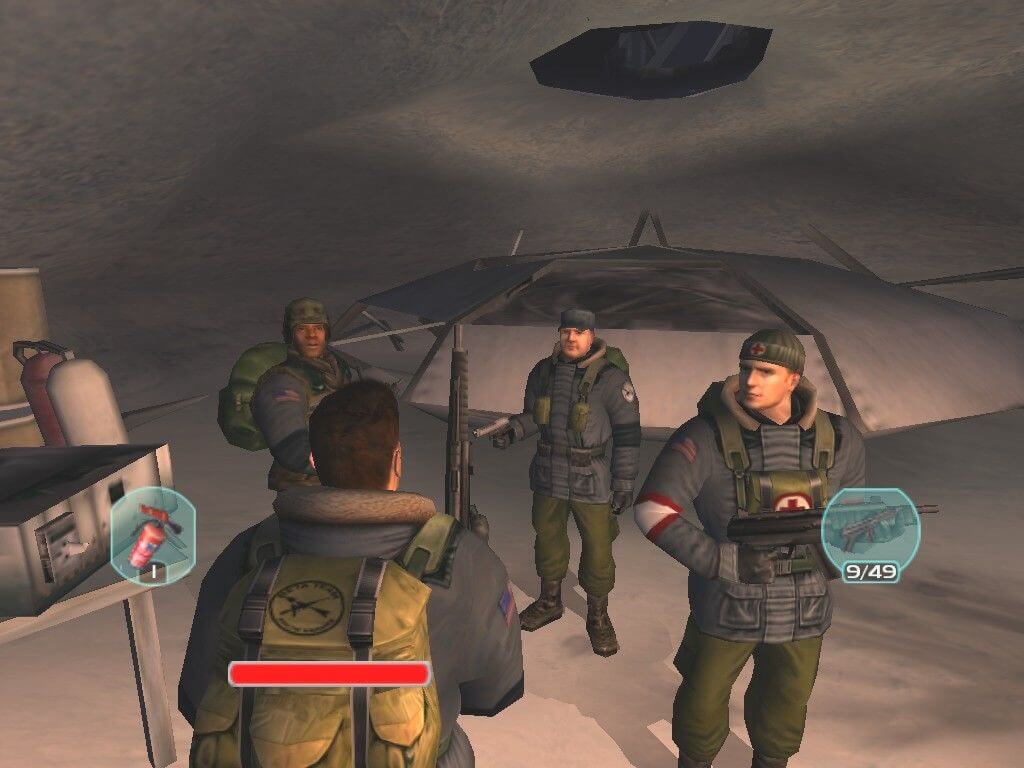
The Thing's interface is actually not quite as self-explanatory as you'd first imagine for a third-person action-adventure. To help you out, rather lengthy tutorial tips pop up throughout the game whenever you need to be taught about a new device or action; jarring at first, these become infrequent soon enough, and you'll be thankful once you've learned the interface.
Movement is the standard keyboard/mouse configuration, although for no apparent reason (other than it being developed simultaneously for console platforms), your free-look is limited to the horizontal axis. That is, unless you toggle first person mode, which in turn prevents you from moving. Strange, but at least the game's design has taken into account that you won't be looking up or down too often, so it doesn't put much of interest anywhere but on eye level. PC gamers will feel this title screams to be first-person by default, for immersion purposes if nothing else.
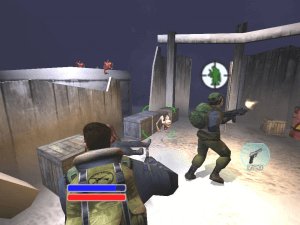
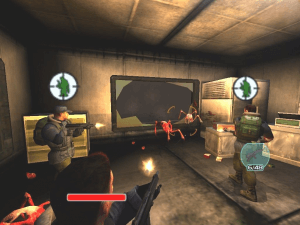
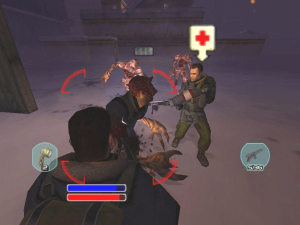
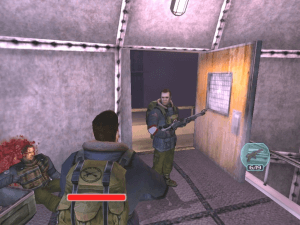
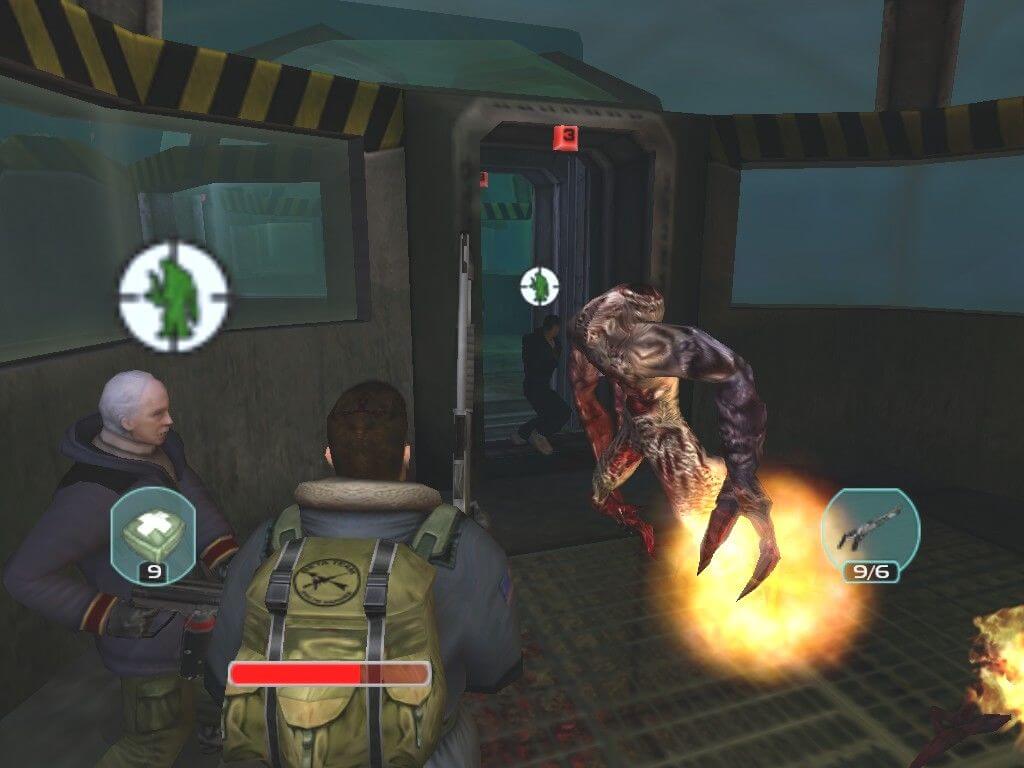
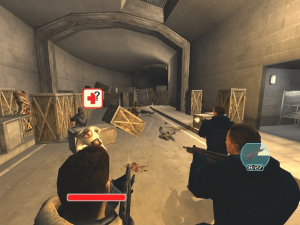
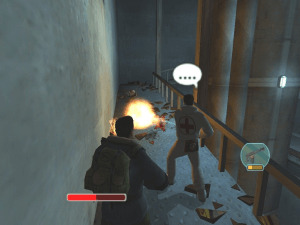
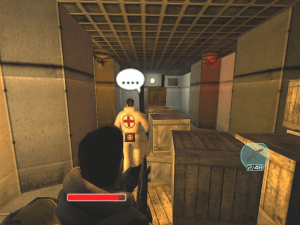
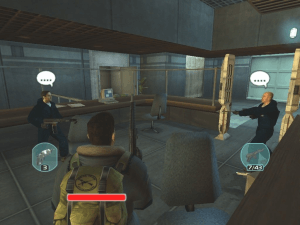
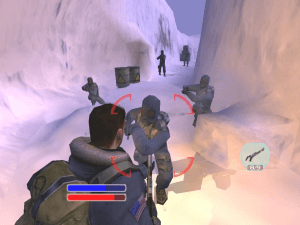
The thing that sets The Thing -- sorry! -- apart from other games in this genre is having the ability to command up to four members of your squad, or as is usually the case, any persons you happen across that are willing to go with you. The same trust/fear mechanic that was prominent in the film plays a relatively large role in the game, too. Everyone has a trust meter that needs to be at least halfway filled for them to follow you around; gaining trust from someone is often a simple matter of giving them a gun, although some secondary missions require you to prove you're human by killing a certain number of Things. Later in the game, you can also perform a blood test on yourself to gain trust - The Thing is made up of millions of individual living cells, so Thing blood reacts violently to just about any aggravating chemical you could throw on it.
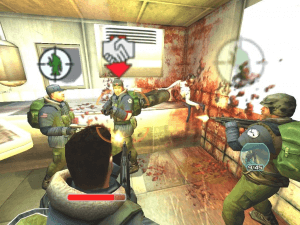
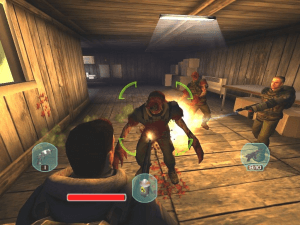
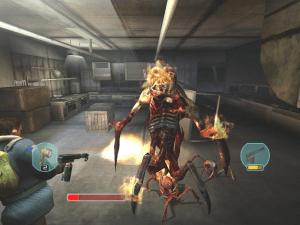
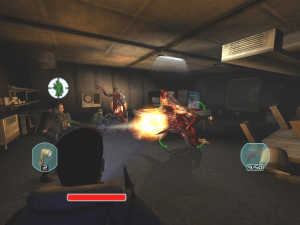
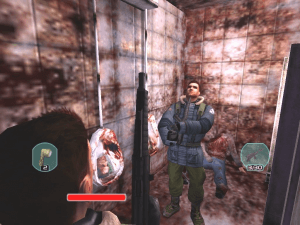
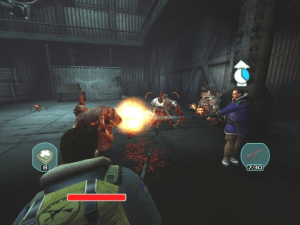
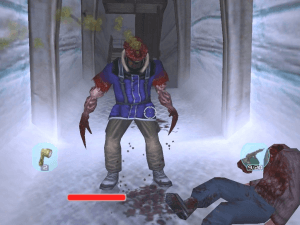
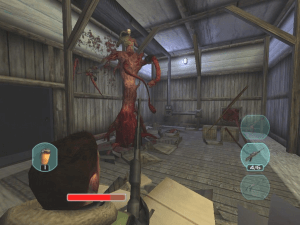
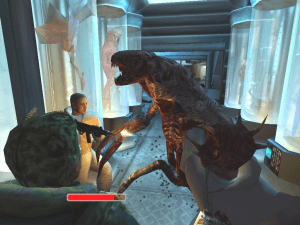
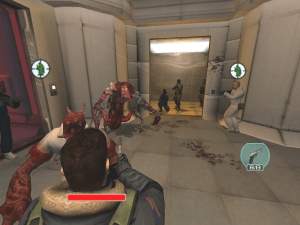
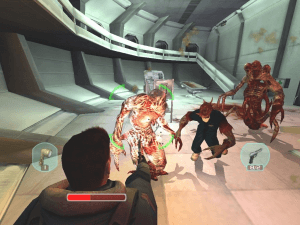
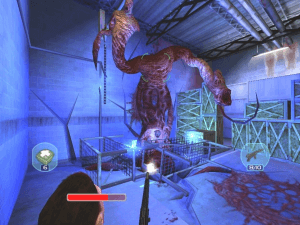
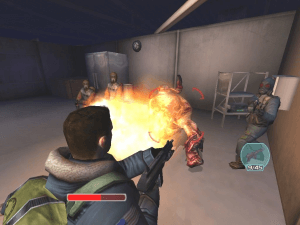
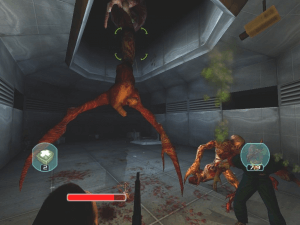
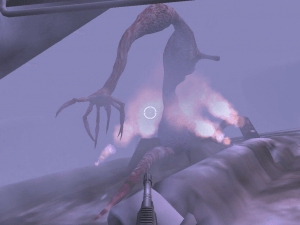
The gameplay itself is a compelling mix of survival horror games like Resident Evil, with simple adventure elements and puzzles and your bog standard fast paced shooter. The pacing has been tuned well, starting slowly, keeping all the aliens out of sight, then slowly revealing the carnage as you explore further, until you eventually come under attack on a regular basis. The Thing itself comes in two basic forms; little spider-like crawlers that are dispatched with one quick shotgun blast, and bloody humanoid monstrosities with varying amounts of misshapen heads and claws and tentacles. The latter kind takes multiple hits, and as in the movie, need to be burned to kill off permanently.
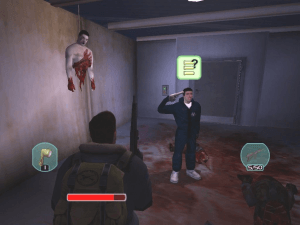
Team members also have various uses other than just being another target for evisceration. Some have the ability to heal you and other team-mates, and others are engineer class and can fix various power boxes and override door locks. You're required to interact with the environment often, accessing logs and codes on computer terminals, picking up notes and even controlling CCTV cams hunting for clues.
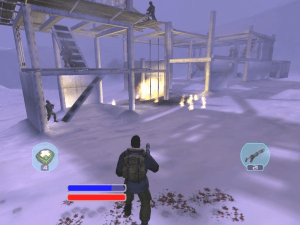
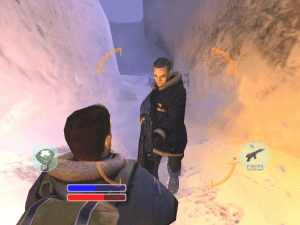
Visually, The Thing excels. The attention to detail in all the environments is extremely high, textures are sharp and the people are hugely realistic, with fluid animation and lip-synced voices. They also react to things around them - point a gun at their head and they'll retort with a lewd hand gesture. If they see something particularly grotesque, they'll even lose whatever meal they last ingested. You know how far we've come in bringing games into the cultural mainstream when non-essential characters start puking without any contribution to advancing the plot. Hey, it spelled success for every gross-out comedy since There's Something About Mary. Audio also matches the high visual production values, creeping you out with all sorts of ambient effects.
The Thing falls short of greatness in two areas. One, it's seriously short. Even taking into account the scattered save points and consequent replay times -- another console annoyance, which can actually be fixed with a registry edit -- you should still be done with this in under eight hours, and there's no multiplayer mode to prolong its life.
Second, while the whole fear/trust element was an admirably innovative attempt at recreating the film's tension, it falls short because it's both quirky and ultimately pointless. There are times where a team member can come up clear in a blood test but only moments later transform into a Thing due to some trigger in the game's script. Generally, everyone ends up becoming a Thing or dying beforehand, so you feel no real loss and the only time it matters is when you can't complete a level because you needed that one engineer alive. There's also no real tension because even if someone is a Thing, once they reveal themselves, you can take 'em down in a matter of seconds.
The game also suffers from a rather nasty bug that remained unfixed in a recent patch. On some machines, including ours, all voice audio was muted during cutscenes, and the only way to fix it was by unarchiving a .pak file in the game's data directory, adding about 300mb to the install size - ouch!
The Thing on its own stands as a slightly flawed, yet atmospheric and alluring action-adventure. Hardcore fans of the film, however, will have fewer complaints and appreciate the touches added by the developer who obviously cared greatly about making a worthy follow-up to Carpenter's thriller. Coming across the actual tape recorded by MacReady and finding out where Childs ended up was a simple, yet brilliant idea to connect the two stories. For an alien that's 100,000 years old, The Thing can definitely hold its own against any other scary creature -- from a game or movie -- that you can throw at it.
Review By GamesDomain


 English
  German

 Czech
Czech 


Comments and reviews
شغلتها و لعبتها على برنامج بلايستيشن على الهاتف غصبن عن الجيمر العربي و غصبن عنك و عن عبسي و عن صاحب صفحة العاب الزمن الجميل على الفيس بوك
ty for link. i dont think remasters should replace originals. for many the og version be purer nostalgia and someone will want to play original first to see what game was closer to 2002 perspective.
precrime THANKS MAN!!!!!!!
If you still want to play the original version, The Collection Chamber made a really good repack of it. The link to the mega download was removed once the remaster released, but the download page is still available and works, and the game works great right out of the box. I highly recommend it. Link is here:
https://mega.nz/#F!zUNhFAKK!hgLX_fzfarnCSthfd-nUQg
Shame it was removed but it can be found on the internet archive and oldgamesdownload.
We might as well start archiving from a site that's supposed to be an archive.
I can't find any website with the game on it did it get DMCAED?
Just download it from magipack.games guys!
Hey, the links, you lefted, leads to stupid remaster, not the original game from 2002!
Awesome game i used to play a lot in 2004 and afterwards, would play it again but sadly this version doesn't work on my pc no matter how hard i tried making this run.
The good news is that this game will be re-released next year on steam as a remastered version cant wait :D
How to Install the Sound Fix ?
Thanks, awesome game, I start playing tomorrow live, hope to finish it soon!
@fayçal if you have troubles with saving, there's an archive with savegames available in Downloads
i can not save the game.
evrey time i try to save it the game chut down
We've updated this page, added more language versions plus some fixes for comfortable play on modern systems. Make sure to check our Guide and Notes if you have problems
Grab this now, before the site took it down, so it can be replace with the remasters.
Don't get me wrong, the upcoming remasters may be good and accessible, but removing the original for archival purpose is a dick move.
Old version is still consider an abandonware.
There's a magipack version available.
Such an epic game, they nailed the atmosphere with this one. Played a lot during my childhood, the defense mission still terrifies me.
One of the best survival horror games and one of the only legitimately good movie tie-in games ever made. Picks up directly after the events of the OG movie and delivers a solid tale of paranoia in a harsh landscape. Highly recommended.
How do I use no cd fix on windows 7 32 but
I remember 'Borrowing' a copy of this and it crashed close to the end of the game. Decided to buy it thinking there was more and it was just a video ending. Well worth the money anyways. A really good game.
Has anyone managed to get this to work on a windows 11 machine?
I have tried every tutorial I can find and all I get when I try to run the game is a black screen with a spinning cursor for about 3 to 4 seconds, then back to desktop.
Installation works fine and game runs on my old XP machine so I know the install files and patches are not corrupted.
Many thanks in advance
Game crashes when you want to load a save file after dying. Anyone else have this issue?
Hey guys, if you are looking to get this game working I have a tutorial on mod DB and it also shows how to get the HD mod working with it. Cheers!
https://www.moddb.com/mods/the-thing-hd/videos
Rip version is larger than iso version?
https://www.play-old-pc-games.com/2015/01/06/the-thing/ is the page you want to get this old beast of a game to work.
Hey has anyone run into the problem of having no sound at all? if you have and have a fix that be great as id love to experience the real thing!
There's an HD mod to improve textures, SFX and shadows.
https://www.moddb.com/mods/the-thing-hd
Hello
I have found some awesome secrets of THE THING game.
Link: https://youtu.be/ZckZeL5hQ9o
Thanks
How I installed this on Windows 10:
1. Install the game from the ISO
2. Use the No-CD fix
3. Use the patch. Bingo! The game should work now
4. If you want, you can use the sound fix, you can do that
Que jogo bom pra cacete!!!
Ok I got it! On windows 11 so for me I downloaded the ISO then unzipped it but before running the wizard download "1.1-1.2 Euro" patch and stick the application inside in the same folder as "The Thing" install wizard. As stated in an early comment make sure you rename the file that ends with "ex_" as "exe" and rename the whole folder as "TheThing_UK".
I keep getting "failed to rename the file to patch"
Also I know this sounds REALLY stupid but where do I stick the patch?
I keep getting "No CD-Rom drive found"
Is there a way to lock on to targets on the PC version? On the console version you can lock on to enemies, and the important thing is that the lock on indicator changes colors to reflect the enemies' health so you know when they're ready to be hit with the flame-thrower. But on the PC version I can't figure out how to get that target lock so I just have to guess when the enemy is low enough.
Hey, 'Read me', you're an absolute prick. Go and dust off your fedora you wanker.
EU TENHO ARTRITE!!!
The lack of knowledge on these posts is unreal. This is all basic game-ripping. Don’t come on here throwing a fit because you don’t know what to do.
Here's a bump mapping mod that makes the graphics slightly better.
https://community.pcgamingwiki.com/files/file/1162-the-thing-bump-maps/
Bump mapping • Link
https://community.pcgamingwiki.com/files/file/1162-the-thing-bump-maps/
https://community.pcgamingwiki.com/files/file/1039-the-thing-suis-wrapper/
Enabling bump mapping
Download and extract Sui's Wrapper to \bin\ directory.
Edit d3d8.ini with a text editor and make sure BumpMapping is set to 1.
Download bump maps and extract them to \data\textures.
PS Sorry! Forgot second link.
i do not understand how this works i thougth it would be just as easy as download and play. but noooo it takes me to some fucked up file screen which doesen`t have the launcher anywhere. and the way i understand it. i have all of the games data just no way to launch it
Thanks for this awesome game!!!
Game works without any problem on Linux via Wine.
Make sure to download the NoCD.zip file!
RIP Version is nonsense with incomplete directions. Comes with a "The.Thing" file, which isn't explained if it's an archive, an ISO, or whatever. It has filed in it according to my indexer, but nothing to execute a installer, or open the game.
Thanks Millenium Egg! So excited to re-experience the game!
Hey i have a question , on mission Ground floor the last doors of the tower are not opening. Some king of a bugg, you don't need a key to fallow the guy in this mission but yet it won't open. Any suggestions what to do? Thank you
the patch wont work it says i dont have the thing but i do
Despite not being exactly what I wanted it to be, this game is still fun and I managed to finish it back then. The atmosphere is tense and you never know who may turn into a thing.
well I love the movie (best horror of all time imo) but this game never encouraged me to play it as there was too many shooting to little non scary monsters, didnt find it as immersive as it could be with a more survial fpp horror instead of a shooter.
I never got to play this game as a kid. I love the original movie and the prequel. They are some of the best psychological horror movies in existence. The game I am told does a helluva job capturing that atmosphere. I can't wait to play it. Thank you so much for putting it up here.
This is one of those games I have always heard people say good things about in my PS2 days but for some reason I ended up skipping it back then. I didn't know it had a PC version until know, so I guess I'll give it a try.
I'm running it with Windows XP Service Pack 2 and as the admin but still nothing.
Anyone have a fix??
I watched first the New Movie, then the Old Movie, it made so much sense, now i plan to play the game, really nice idea, wish they make the third movie and another game, to actually be still made in DirectX 9.0.
Thank for this
Thanks a lot.
I need some help. I got the game in a state where I could run it, but every time I try to start it, it tells me I can't because it's not detecting a CD-rom drive. my issue is that my computer doesn't have a CD-rom, it dosne't have any hardware for running CD's or DVD's. is there some work around I could install or can I just not play this?
Seems the file ikernel.exe is named wrong as ikernel.ex_ and thus the install wizard won't work. So what I did was copy all the files from the .ISO to new folder I named TheThing_UK and then renamed the copied ikernel.ex_ to ikernel.exe , after that the installation worked from my new folder. I hope it helps you too!
it says install shield wizard could not be installed, what to do?
guys, girls, thanks for this! i enjoy a lot this game that a saw so many years ago.
ISTALL WIN 10
1)mount iso, istall the game by "setup exe."
2) istall the euro pach (download from this site)
3) run with admin privileges and compatibility set on "windows xp service pack2"
4) enjoy!
ISTALL WIN 10 + RESHADE (post processing for antialiasing and other fun thing and graphics improvments)
1)mount iso, istall the game by "setup exe."
2) istall the euro pach (download from this site)
3) download reshade (https://reshade.me/) and also the d3d8to9 (converter for directx8 to direct x9) because reshade dosn't support directx8, so you have to download this dll.file (https://github.com/crosire/d3d8to9/releases)
4)istall reshade in your games folder ( tutorial https://www.youtube.com/watch?v=RGNSxGvTFpY ) and select directx9 in the options.
5)copy your d3d8.dll file into the game folder (C:/x86/computer artworks/the thing/bin)
6) run the game WITHOUT admin permission and compatibility options.
7) enjoy. the first video credits doesn't appear but when you are in the main menu all works fine.
Doesnt work even with windows xp pack 2
Nice C(: :)))
Run with Administrator privileges and select Windows XP (Service Pack 2) and it WORKS. An awesome game.
Not to be a jerk by WHY post games that do not work? Frustrating.....
Had this installed and playing on win 8.1 with large screen..its was great...now no luke with win 10
It doesnt work! When i try to unzip it, it says " No archive found" and when i try to mount it with daemon tools it gives an error
Both version are ISO
@BENJAMINGRIMM Because games were usually compressed to fit on CD or DVD, they would unpack as they installed making the installation (or 'rip') larger than the disc contents.
Die Firma dankt für den Upload
The game installs via the setup wizard but once you install and click run it does not respond at all.
no kurt russell apparently
I just joined the Outpost 31 Facebook group and remembered this game and had to try to find it! Thanks!
How is ISO version smaller than RIP version?
No comment nor review for this game at the moment.