


How to Play
The homemade ISO can be installed if you launch Setup.exe directly - autorun will fail, asking for first CD. The serial can fail somehow, try to close and relaunch Setup.

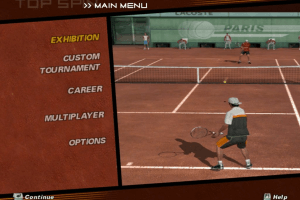
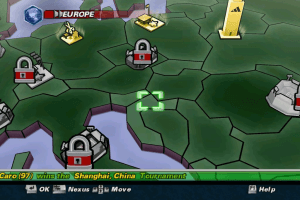
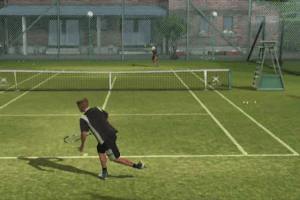
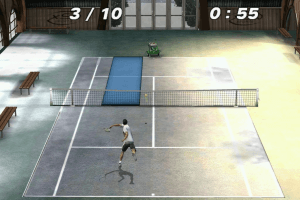

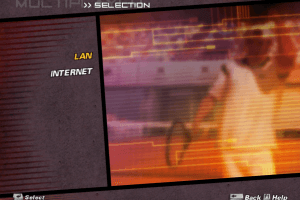
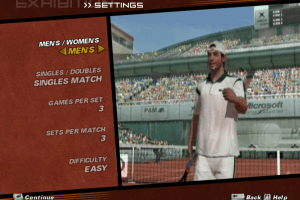
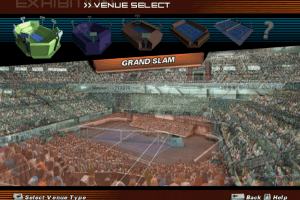
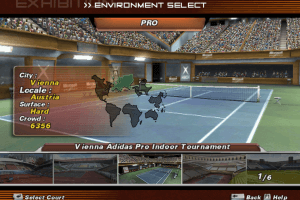
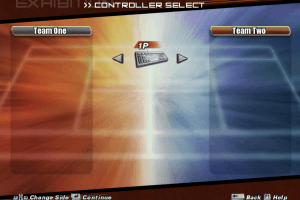
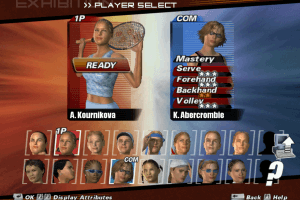
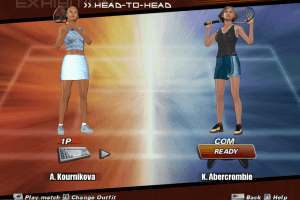
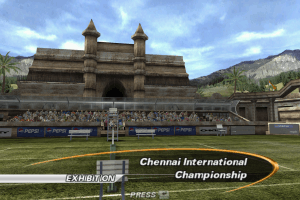
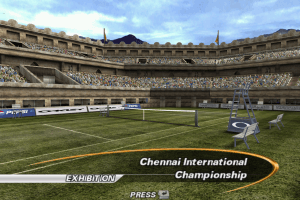
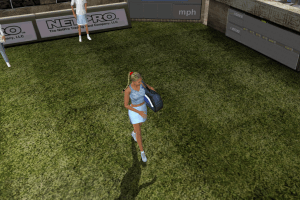
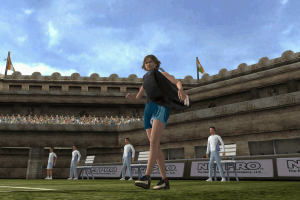
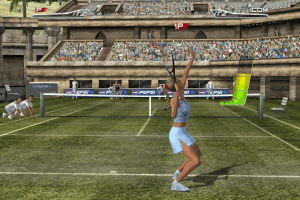
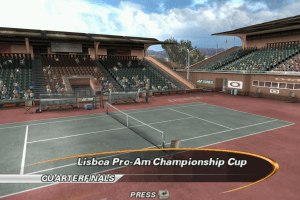
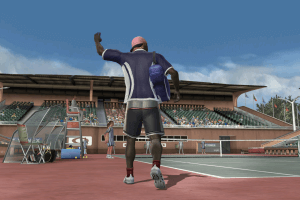
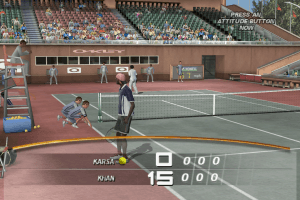
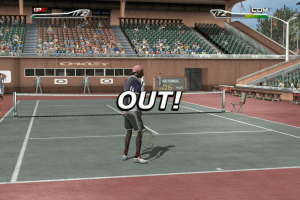
The homemade ISO can be installed if you launch Setup.exe directly - autorun will fail, asking for first CD. The serial can fail somehow, try to close and relaunch Setup.


 English
  French
  German
  Italian




Comments and reviews
does not work sadly...
im going to ask if this game is good only that for windows
Can I download it for mi MacBook Air M1?
After downloading the ISOs from internet Archive, it was asking for disk 2. I tried to run setup from disk 3 directly and it worked, go figure. Hope this helps someone.
Hi guys! when it doesnt work, just click the setup and select Repair option, it install something again and the game will work properly !!!!
Working Serial
DRT2-HC84-GFEY-VE56-L92J-HARV
The launcher wont open for me? i have windows 10 and i followed the video in the comments and it just will not open.
lol the serial keys dont work, so what now ?
Hi, so I found a fix to get the game to work properly!
I have made a video which I have uploaded to youtube: https://www.youtube.com/watch?v=e1anwd8xid4
The Brief text tutorial is written out below as well - Happy Gaming!
1. When you get the ISO, go double click on it and then select all the files and copy and paste into a brand new folder.
2. When in this folder launch 'setup' application and follow through the steps but when it asks where do you want to install it - put it in exactly the same folder as where you launched the 'setup' from!
3. Then once this is done, simply run the 'Launcher' and do your display settings to get 1080p resolution. It is also worth putting compatibility settings on 'Windows XP (Service Pack 2) as it helps the game to not crash!
The original 3 x CD ISOs are located here:
https://archive.org/details/top-spin_202102
Have installed off these ISOs and all is well. Game has to be run with XP compatibility or it crashes to desktop during intro videos. Intro Videos are still a bit glitchy with XP compatibility, but it works.
come si risolve il problema del disco 2 ?
any fixes for the disk 2?
Yeah, it's still saying to insert Disk 2!
I was gonna say exactly that.
While installing it demands to insert Disk #2
No comment nor review for this game at the moment.