You are on the beta version of My Abandonware. The live site is still myabandonware.com. Your favorites and ratings here are copied to the live site. Comments and other changes are not — we delete them every morning at 08:00 Paris time, when this site goes down for about an hour. Leave feedback through this link to Pastel (email required).
The beta goes down at 08:00 Paris time, in a few minutes. We rebuild the database from the live site. It comes back in about an hour.
Redownloading the game again, but it's a gem with an Xbox controller.
Keyboard controls I would never use, as I had this as some sort of duel feature for an Xbox game or something.
-1
Anomoxus04 Aug. 2024
Working Serial number pls
1
AleSauih31 May. 2023
It worked for me, on win10 (in winxpsp3 compatibility mode) but I don't know what the directional keys are, since the arrow keys on the keyboard did not respond. And in the options, it was not possible to configure these keys.
-1
Gerovo5226 Jan. 2022
To tack onto PBBAKER's comment
Fortunately, some saint on the Steam forums figured out how to quell the infinite loading screen. Assuming you're on Windows 10, with the game running open up task manager and go to Details, right click Top Spin 2, click Set Affinity, and uncheck all but one processor. Worked like a charm for me, hopefully it does for others as well
2
ADVAITH S24 Jan. 2022
It's a nice Tennis game to play
1
PBBAKER19 Jul. 2021
Hi, so I found a fix to get the game to at least get to the main menus, still trying to work out how to get in a game as the loading screen is continuous!
1. When you get the ISO, go double click on it and then select all the files and copy and paste into a brand new folder. 2. When in this folder launch 'setup' application and follow through the steps but when it asks where do you want to install it - put it in exactly the same folder as where you launched the 'setup' from!
For Step 3: Look for folder that says 'Crack', go into that and then copy 'Top Spin 2' application. Then go back to main folder and look for a folder that says 'Data', go into that folder and paste the 'Top Spin 2', it will say there is another file with the same name, are you sure you want to overwrite, click yes! After this, launch from that new 'Top Spin 2' application and the game should load up!
2
giuliano10 Jul. 2021
Top comment
non funziona....mi dice che il disco è danneggiato ahahahahahha
6
No comment nor review for this game at the moment.





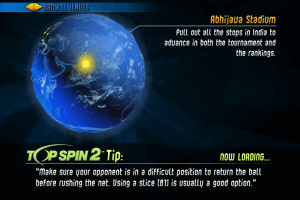
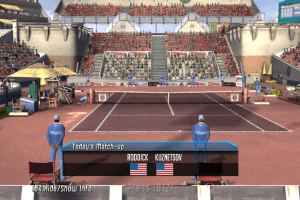
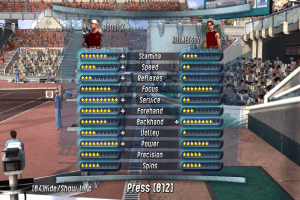
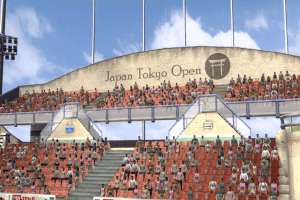

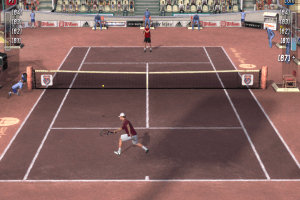

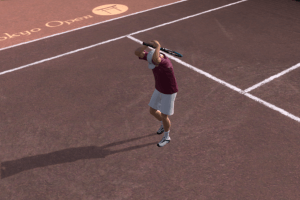

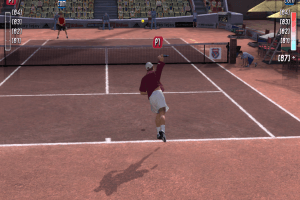
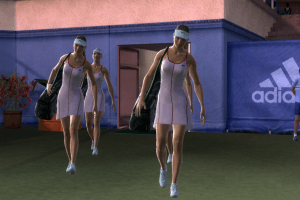
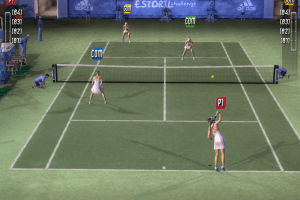
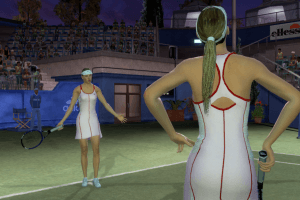
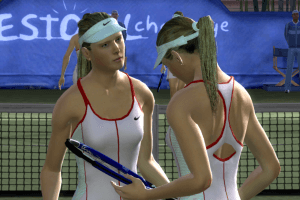







 English



Comments and reviews
is it working in 2026 anyone?
Redownloading the game again, but it's a gem with an Xbox controller.
Keyboard controls I would never use, as I had this as some sort of duel feature for an Xbox game or something.
Working Serial number pls
It worked for me, on win10 (in winxpsp3 compatibility mode) but I don't know what the directional keys are, since the arrow keys on the keyboard did not respond.
And in the options, it was not possible to configure these keys.
To tack onto PBBAKER's comment
Fortunately, some saint on the Steam forums figured out how to quell the infinite loading screen. Assuming you're on Windows 10, with the game running open up task manager and go to Details, right click Top Spin 2, click Set Affinity, and uncheck all but one processor. Worked like a charm for me, hopefully it does for others as well
It's a nice Tennis game to play
Hi, so I found a fix to get the game to at least get to the main menus, still trying to work out how to get in a game as the loading screen is continuous!
1. When you get the ISO, go double click on it and then select all the files and copy and paste into a brand new folder.
2. When in this folder launch 'setup' application and follow through the steps but when it asks where do you want to install it - put it in exactly the same folder as where you launched the 'setup' from!
(These first two steps are in a similar manner to the tutorial I did for Top Spin 1, so follow this video: https://www.youtube.com/watch?v=e1anwd8xid4)
For Step 3: Look for folder that says 'Crack', go into that and then copy 'Top Spin 2' application. Then go back to main folder and look for a folder that says 'Data', go into that folder and paste the 'Top Spin 2', it will say there is another file with the same name, are you sure you want to overwrite, click yes! After this, launch from that new 'Top Spin 2' application and the game should load up!
non funziona....mi dice che il disco è danneggiato ahahahahahha
No comment nor review for this game at the moment.