







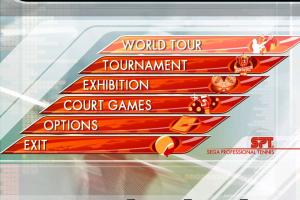
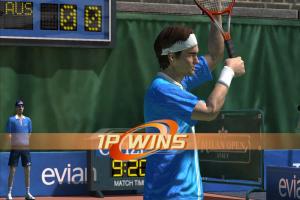
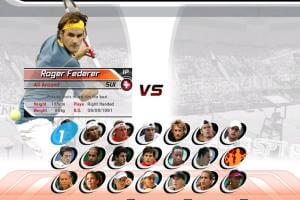
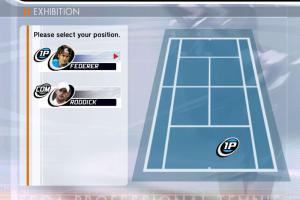
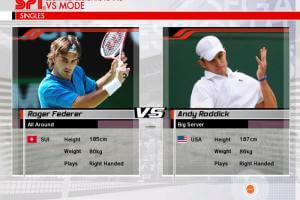
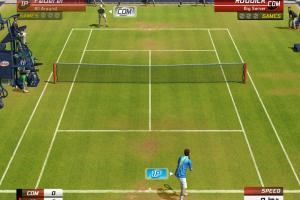
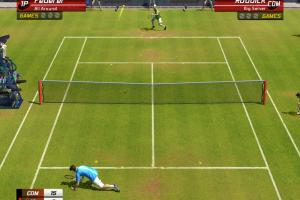
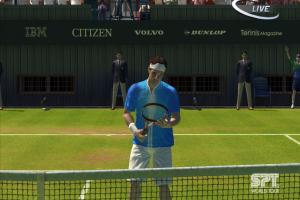
How to Play
The game has been tested on Windows 7 64-bit and Windows 10, it works fine, the game supports widescreen and high resolutions up to 4K. You may experience some small troubles when you play the game on modern systems, check our Guide and Notes for details
Install & play guide:
- Mount the disc image. You will need the utility for mounting disc image files, like WinCDEmu, UltraISO, Alcohol 52%/Alcohol 120% or Daemon Tools Lite
- Install the game (if autorun doesn't work - simply launch the installation from Setup.exe inside the disc)
- It is recommended to install the game not in default path, but in some other, non-system folder, like
C:/Games/Virtua Tennis 3, so you won't have troubles with NoDVD - Also make sure that you enabled DirectPlay if you didn't make it before, read this or this guide how to do it (if you're using Windows 7 or older - just install DirectX from the disc)
- After you installed the game - install international patch v1.01, it fixes some small bugs
- Then install NoDVD, simply copy VT3.exe from the archive and put it into game directory, agree to replace original file
- Open the directory with the game and find VT3.exe. Right click on VT3.exe - Properties - Compatibility - Set "Run this app in compatibility mode with Windows XP" and "Run as administrator"
- Launch the game and play. If the game doesn't work in compatibility mode with Windows XP - try to launch it in compatibility mode with other version of Windows (Win98, Windows ME, Win2000, etc.)
Notes:
- If the installation doesn't start - try to launch Setup.exe in compatibility mode with old version of Windows (98, 2000 or XP). Please note that on old systems may take more time, if installer window "stuck" and doesn't react - wait a minute or two, while it check the files
- NoDVD is required for the launch because the game is using SafeDisc DRM protection, which doesn't work correctly on modern systems. That NoDVD "breaks" DRM protection and allows the game to work on modern systems
- It is recommended to install all versions of Microsoft Visual C++ Redistributable, and NET Framework for the correct work of the game
- Also it is recommended to install RAD Video Tools and K-Lite Codec Pack for the correct work of in-game videos
- The game works on DirectX 9, so if you're using Windows 8, 8.1, 10 or 11 - you need to enable DirectPlay: Go to Control Panel, and select 'Programs'. Select 'Turn Windows features on and off', click on 'Legacy Components' and check the box 'DirectPlay'. Select OK, once the installation is done, restart your computer
- To change the game settings run Configuration tool (Config.exe) from Start menu or from game folder. And you can choose the language of the game in same Configuration tool (Config.exe), the game has multi-language support. Optionally, you can change configuration manually, in VT3.ini file inside the game folder
- The game has native support for wide screens and high resolutions up to 4K, but it doesn't support ultra-wide screens. Luckily, there's a fix for that, so if you have ultra-wide 21:9, 32:9 or 32:10 display - you can use Virtua Tennis 3 Ultrawide Fix
- If you see flickering instead of intro video - just press Enter to skip it. That trouble usually happens on modern systems because the game is using CriWare audio/video codec, and looks like it is not compatible with some revisions of modern Windows OS
- The game has controller support, however first you need to connect both keyboard and controller, then navigate with keyboard to Options and select the controller
- Don't forget to check PCGamingWiki if you have troubles
 English
  French
  German
  Spanish
  Italian










Comments and reviews
Is there some option to add language files from 1.01 to 1.0? i need czech :(
@Shinobi
Disregard updating to 1.01. Stick with 1.0.
There's another "error R6002, no floating point loaded" when entering a challenge when a player asks your custom character for a match.
@Shinobi
I forgot to mention that you can make a character first then update the game to 1.01 then apply the nocd.
@Shinobi
Don't update to 1.01.
Just install "ISO image of original DVD" & "NoDVD for version 1.0".
Hi Everyone,
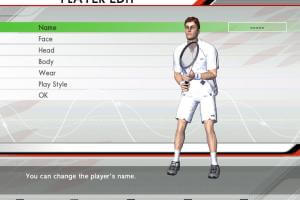
On Windows 11, when editing body of a new player, game crash (error R6002, no floating point loaded).
Worksaround like vc++ redist version or DXVK (vulkan wrapper) did not work.
It seems to be an error due to the NO CD version 1.01.
Anyone has the same issue ?
Rebooting the computer after install is needed to fix this.
The game runs not smoothly at all! It's like it's in 15 fps whereas my FPS counters says 144hz. I even tried in 60hz, same thing. What could be the reason it performs so poorly on modern hardware?
PLEASE HELP i have a slow mo effect in intro i try everything and nothing work i try compatibility,patches,changing resolution etc. and nothing work i have enabled directplay.
No comment nor review for this game at the moment.