


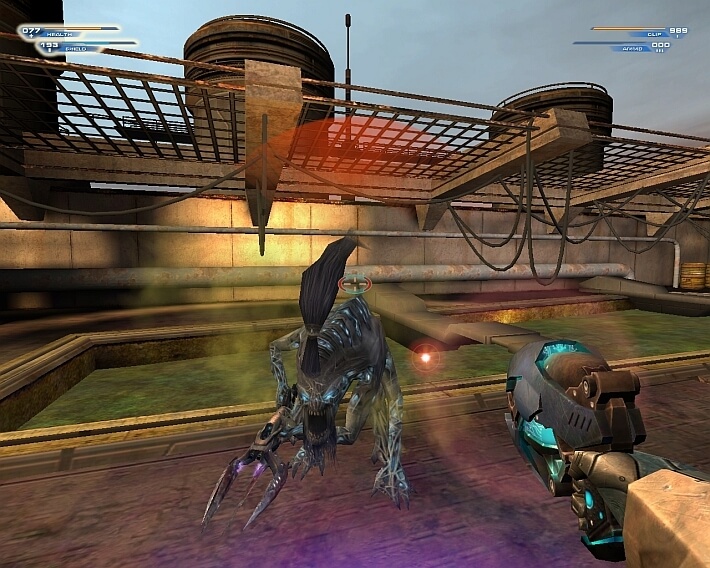
Unreal II: The Awakening - Special Edition was a re-release of Unreal II: The Awakening with all patches, eXpanded MultiPlayer addon is included
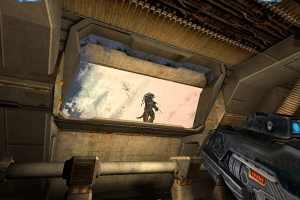
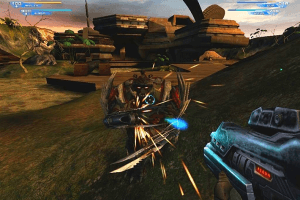
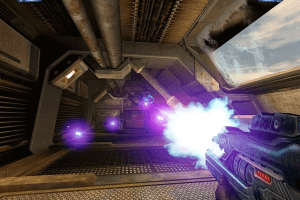
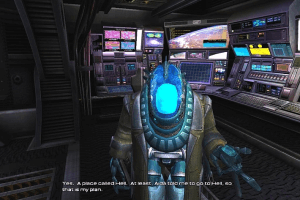
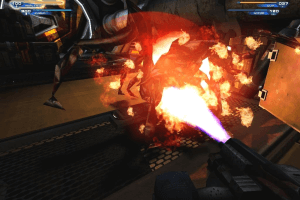
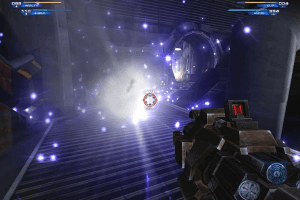
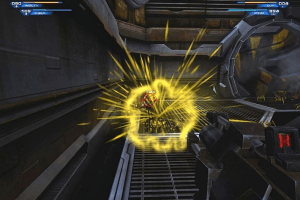
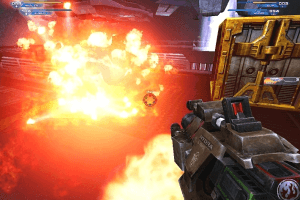
How to Play
The game with NoCD has been tested on Windows 7 64-bit, Windows 10 and Windows 11, it works fine, the game supports widescreen resolutions up to 4k. You may experience some small troubles when you play the game on modern systems, check our Guide and Notes for details
Install & play guide:
- Install the game from the discs. You will need the utility for mounting disc image files, like WinCDEmu, UltraISO, Alcohol 52%/Alcohol 120% or Daemon Tools Lite
- After you installed the game - use NoCD, simply copy Unreal2.exe from the archive and put it into
Unreal II/Systemfolder, agree to replace the original file - Open the
Unreal II/Systemfolder and find Unreal2.exe. Right click on Unreal2.exe -> Properties -> Compatibility -> Set "Run this app in compatibility mode with Windows XP" and "Run as administrator" - Launch the game and play. If the game doesn't work in compatibility mode with Windows XP - try to launch it in compatibility mode with other version of Windows (Windows 98, Windows 2000, etc.)
Here's also the list of essential files for Unreal II: The Awakening, by Unreal Wiki. We recommend to check it in case if there will be any updates of the list
How to play the game in multiplayer:
- The best and easiest way to play the game in multiplayer is to install XMP Community Edition patch, it is compatible with all releases of the game. There's two versions of installer: the newer installer is HD version of the patch that contains HUD scaling, new visuals, and modernized keybinds; the older one is original 2006 version. Here's the video example how the multiplayer game on XMP Community servers looks like. Both versions are already pre-configured for multiplayer game, to install it simply run the executable file, select "Complete Install" and show the path to the game folder. There's also a few additional mappacks available, we recommend to install it too
- Here's the master server list of U2XMP. If you want to interact with other online players, visit XMP Community Discord server. If you want to set up your own server - read this guide. If you cannot find any players, you can play with bots
- We recommend to check this guide for multiplayer game, in case if you get any troubles. We also uploaded text document with instructions how to edit the configuration files in case if the game doesn't find the servers
Notes:
- If the installation doesn't start - try to launch Setup.exe in compatibility mode with old version of Windows (98, 2000 or XP)
- It is recommended to install all versions of Microsoft Visual C++ Redistributable and NET Framework for the correct work of the game. Also it is recommended to install K-Lite Codec Pack for the correct work of in-game videos
- The game works on DirectX 8, so if you're using Windows 8, 8.1, 10 or 11 - you need to enable DirectPlay: Go to Control Panel, and select 'Programs'. Select 'Turn Windows features on and off', click on 'Legacy Components' and check the box 'DirectPlay'. Select OK, once the installation is done, restart your computer
- NoCD is required for the launch because the game is using SecuROM DRM protection, which may have issues on modern systems. NoCD "cracks" DRM protection and allows to run the game without the disc. If you see the error that there's not enough space on the hard drive when you copy NoCD files - re-install the game in non-system folder, like
D:/Games/Unreal II, Windows Protection may block copying of files to system folders (likeC:/Program FilesorC:/Windows) - If you want to change FOV (Field of View) in the game, you can do it through console or by editing User.ini file in
Unreal II/Systemfolder, it can be useful if you play on wide or ultra-wide screen; check PCGW or WSGF for instructions. If you want to change FOV in cutscenes, use Cutscene FOV Fix - By default the maximum selectable refresh rate is 85 Hz, so if you have the display with higher refresh rate, like 120 or 144 Hz, you may see a screen tearing. To fix it go to
Unreal II/Systemfolder, open Unreal2.ini file in Notepad, find the lineDesiredRefreshRate=60and change the number to your screen refresh rate. Please note that if you change any video options in the game after that, the refresh rate will revert to default - Vsync in the game doesn't work on Windows 10 & 11! The reason is that the game is using DirectX 8 as default renderer, and DirectX 8 renderers ignore Vsync settings in modern versions of Windows. Using additional wrappers like crosire's d3d8to9 wrapper or dgVoodoo 2 fixes the problem. Nvidia GPU users can force SGSSAA in "wrapped" D3D9 by setting 0x080000C1 antialiasing compatibility bit in Nvidia Profile Inspector
- If you have glitchy water animation or any other graphical glitches: it happens when the game runs with framerate higher than 60 FPS. The solution is to enable Vsync or limit the game's framerate to 60 FPS with one of framerate limit utilities. For example, if you run the game with dgVoodoo 2, you can set the framerate cap in dgVoodoo.conf - open that file in Notepad and in
FPSLimitline enterFPSLimit=60. Please note that limiting the framerate or enabling Vsync will result in longer loading screens, because the loading time is tied to framerate - You can enable the Anisotropic filtering by editing Unreal2.ini file in
Unreal II/Systemfolder, open it in Notepad and changeLevelofAnisotropyline - On Windows 10 & 11 you may get the error D3DERR_DEVICELOST, to fix it open Unreal2.ini in Notepad and change the line
ReduceMouseLag=TruetoReduceMouseLag=False. Also, it seems it fixes the random mouse jump/spin problem - The game has support of Surround sound, to enable it open Unreal2.ini in Notepad and set the lines
Use3DSound=trueandUseDefaultDriver=false; it will force the game to use the system OpenAL device as output and restore Surround sound. However, forcing the game to use OpenAL device may lead to audio dropouts, missing and substituted audio samples, so if you notice any issues with audio - revert the changes to make the game to use the default Stereo sound - If you enabled DirectPlay and has installed audio & video codecs, the intro video should play with no problem. However, for some users, the intro videos doesn't work properly; in that case use DirectMusic Fix
- If you have problem with broken sound effects or disappearing sound - first try to change the sound settings. If it didn't work - set sound quality to 24 bit, 48000 Hz or 24 bit, 44100 Hz. Read this guide how to do that
- If you don't like the standard speed of walking in game, you can edit it in User.ini in
Unreal II/Systemfolder. Open it in Notepad and in[Engine.Input]section edit the lines that ends withMoveBackward,MoveForward,TurnLeft,TurnRight,StrafeLeft,StrafeRight. Don't forget to create a backup copy of User.ini file before any changes! - The game has many mods, you can find them on ModDB, NexusMods or UnrealArchive
- About translation patches: German translation patch includes full audio & text localization, taken from official German release of regular Unreal II. Polish translation and Hungarian translation patches has only the text translation. Archive with Czech translation includes text translation by Mrazik and Sushi, and Czech audio translation by Fenix ProDabing. Russian translation patch includes full audio & text localization, audio is taken from unofficial "pirated" release; check this thread for more details. All translation patches should be compatible with both retail or digital (GOG, Steam) releases. If you don't want to use the audio, copy all files except the
Voicefolder; then the game will work with English audio and translated text - The game can be played on Linux systems by using Wine, you will need to use Lutris script to install it. Check this thread for instructions
- Don't forget to check PCGamingWiki if you have any troubles, it is very useful!
Downloads
Windows version
 English





 Czech
Czech  German
  Hungarian
  Polish
  Russian





Comments and reviews
im nearly 69. just built a computer for vr. im enjoying my old games thanks to yall.
Thank you!
I'm using "Repack by MagiPack" & "German translation patch" and it's working so far.
Previously I used the GOG special edition v2001 (19575) [own, not these ones from here] and this language patch, but it crashed during the first mission.
Small update: we edited the guide and added more translation patches, plus we added repack by Magipack and GOG installer
At the risk of sounding like a complete dumbarse, why not use the GOG version? They're a lot easier to use on modern systems, not least of which because they've already been cracked.
Okay, it's here :-)
You can still download this game as well as every other Unreal game formerly on GOG through this link: https://archive.org/details/Unreal-GOG-Collection
hmmm i wonder what happens if i click to direct me to the gog page, never would the developers just abandon the entire series
some one please set up the entire series of unreal games here, the whole series is considered an abandonware.
Epic games completely ditched the whole series at the store front
With this game removed from all stores, is this now abandonware?
No comment nor review for this game at the moment.