
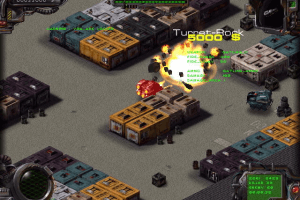
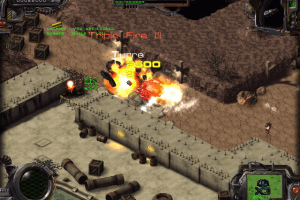
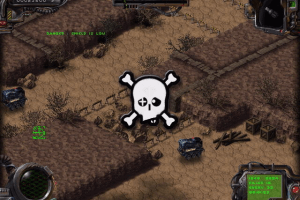
How to Play
To install / run, use Vyruz-start.exe. The game automatically creates the C:\Program files\C2V\Vyruz folder to work with. In theory, it can be changed with the setvzdir.exe utility in the archive with the game, but under WinXP, after such changes, the game did not start at all. For further launches - the Vyruz-start.exe file.
If, when navigating the game menu in WinXP, it starts to slow down, you need to enable Win95 compatibility mode.
The RIP has low detection rate, should be safe to use https://www.virustotal.com/gui/file/9d918e8e1af31dedeca87f80458474dcac39b7bd677c648b8ff146a1f4131f86/detection
 English





Comments and reviews
Oh god, the trick for the low FPS would be is so appreciated Danila ! Thanks for the tip...but it doesn't change anything on my computer.
Is there specific config to set ?
I just found this on an old Maxtor 200GB HDD! What a throwback!
To fix low fps problem on modern OS i recommend to install "Dxwrapper" (You can find it on github). You will need to put in game folder where "Vyruz-start.exe" next files: ddraw.dll, dxwrapper.dll, dxwrapper.ini.
I was looking for this game for a really long time! I owned a demo of it and i used to play it a lot when i was young. Thank you
No comment nor review for this game at the moment.