You are on the beta version of My Abandonware. The live site is still myabandonware.com. Your favorites and ratings here are copied to the live site. Comments and other changes are not — we delete them every morning at 08:00 Paris time, when this site goes down for about an hour. Leave feedback through this link to Pastel (email required).

Search more than 30000 retro games
/ Genres / Racing / Driving / World Racing 2

World Racing 2

Windows - 2005

Description from the publisher:

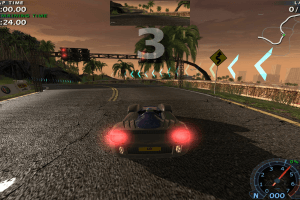
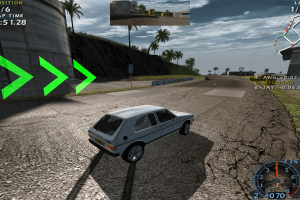
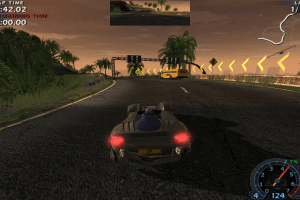
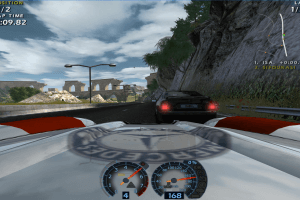
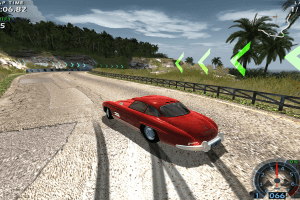
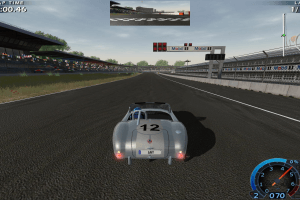
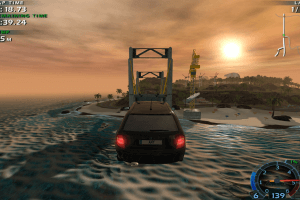
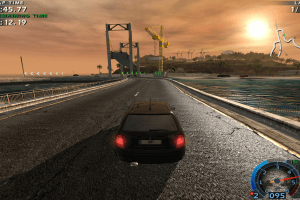
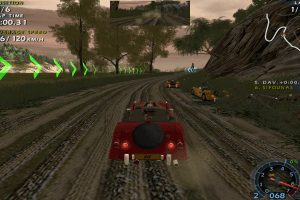
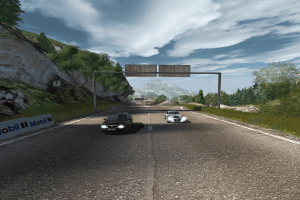
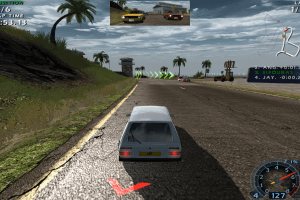
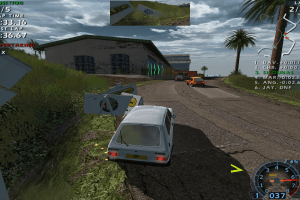
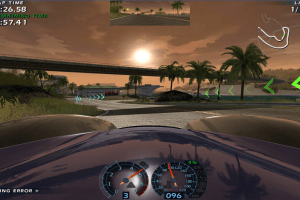
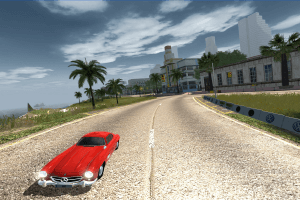
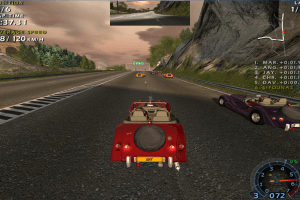
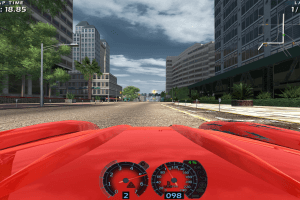
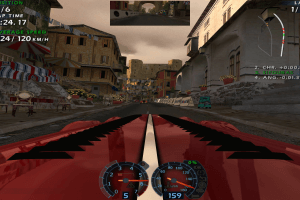
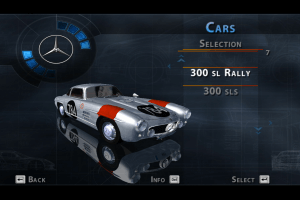
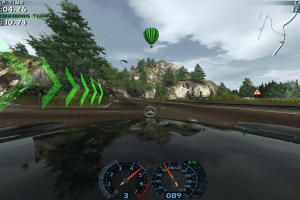
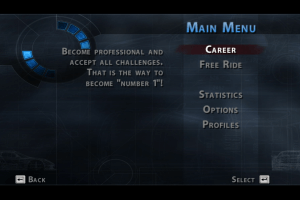
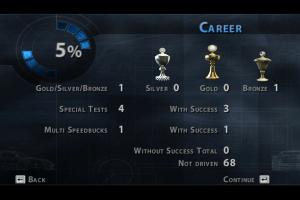
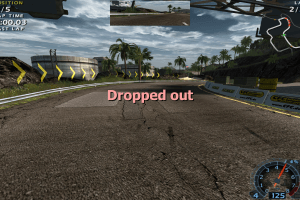
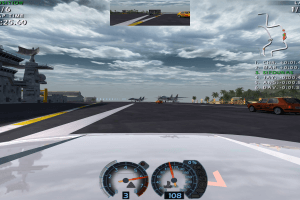
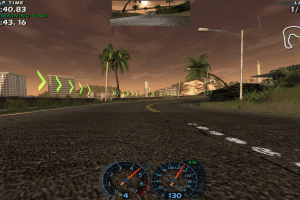
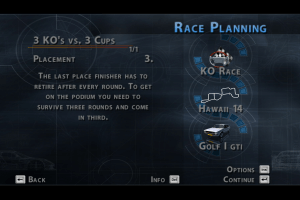
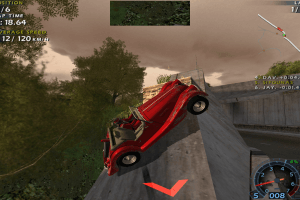
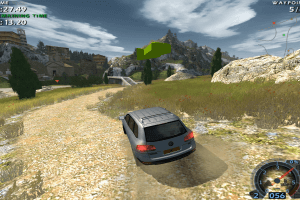
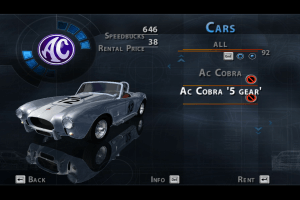
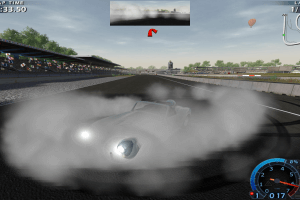
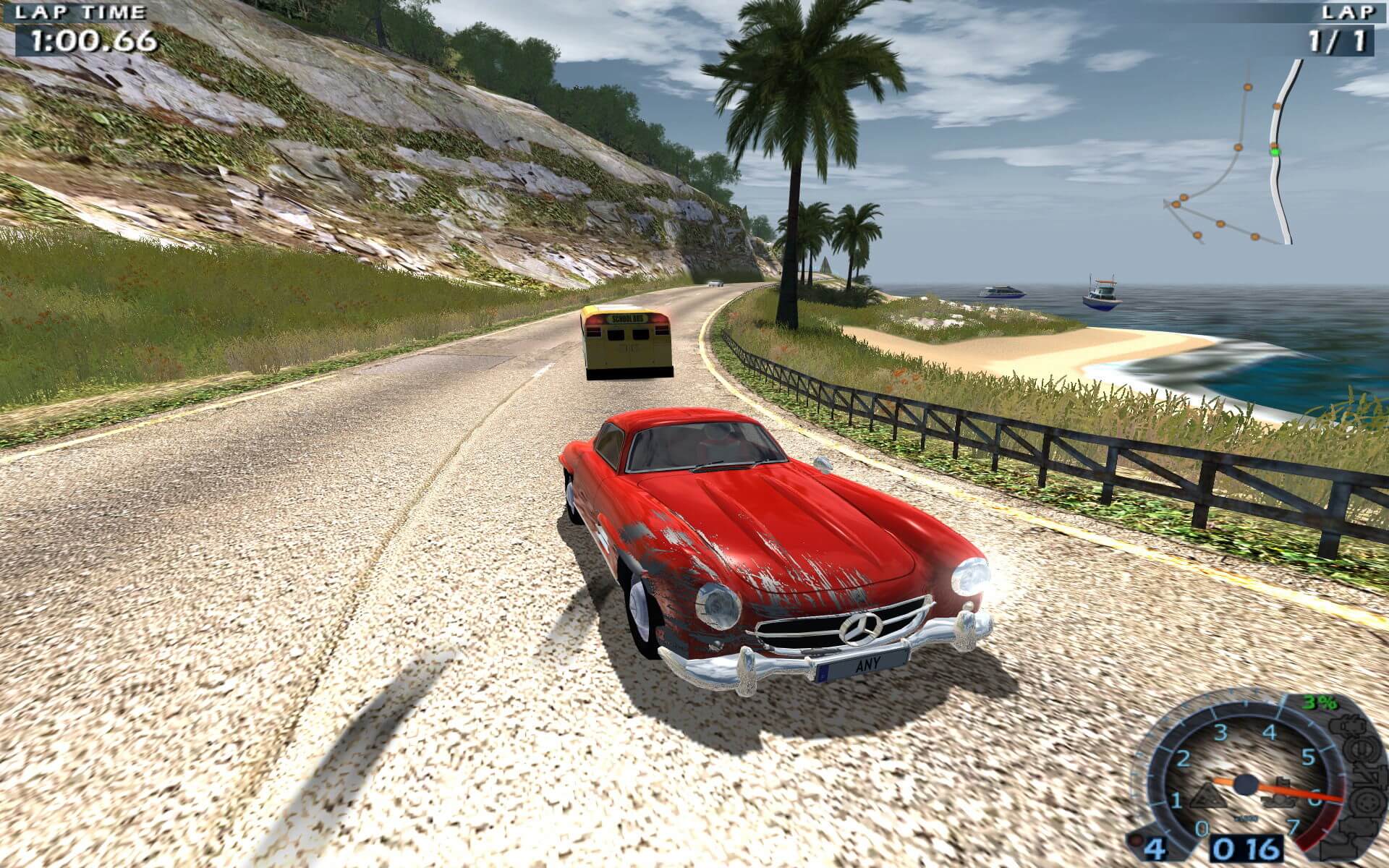
The new sequel to the popular World Racing puts fun of driving at center stage and presents a challenging racing experience featuring a revolutionary 3D landscape engine, adjustable driving characteristics, improved technology and an exciting selection of cars from various manufacturers. Players will enjoy better physics, simplified menus, speed optimized track layouts & livelier 3D environments

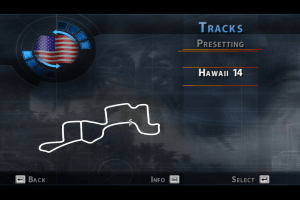
  • More than 160 challenging tracks including off-road and waypoint courses
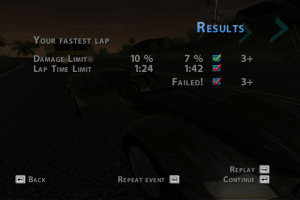
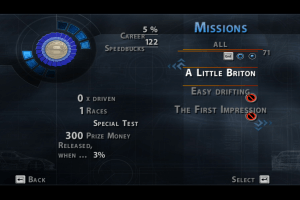
  • Over 100 racing missions
  • Highly detailed car models with realistic visual and logical damage model
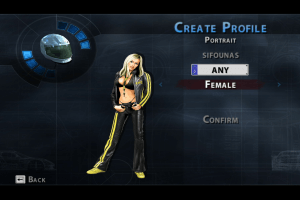
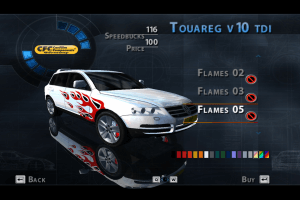
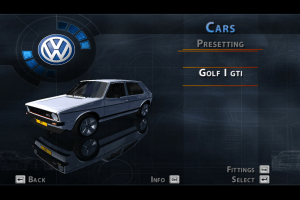
  • Customization galore: colors, wheels, car body vinyl and tuning in Evo level

The game has many mods by fans, visit games.reveur to find new cars and scenarios made by fans
How to Play

The game with patch v1.4.3 has been tested on Windows 7 64-bit and Windows 10, works with no problem. The game supports widescreen

Install & play guide (for DRM Free Setup):

  • This DRM Free Setup is from Computer Bild Spiele magazine, it has the game version 1.4.3 and doesn't requires the disc to play. We highly recommend to use this Setup instead of disc image. The installer is on two languages: English & German. The installed game has 5 languages: English, French, German, Italian & Spanish; you can choose desired language in game menu
  • Simply launch Setup.exe and install the game
  • Then install official addons with new cars, vinyls and rims, that pack includes 7 new cars, 7 new vinyls and 10 rims
  • Open the directory with the game and find WR2_PC.exe and WR2_Setup.exe . Right click on both files - Properties - Compatibility - Set "Run this app in compatibility mode with Windows XP" and "Run as administrator"
  • Launch WR2_Setup.exe, configure your setting and press "Play". If the game doesn't work - try to launch the game, then open Task Manager (Ctrl+Alt+Del by default) and check for processes WR2_PC.exe and rundll32.exe. Close WR2_PC.exe but don't touch rundll32.exe (it's a Windows app for running old apps from 32-bit operational systems, most old games running through rundll32.exe). Now try to launch the game again, it must work. Don't forget to close rundll32.exe process in Task Manager after finishing playing

Install & play guide (for DVD version):

  • Mount the disc image. You will need the utility for mounting disc image files, like WinCDEmu, UltraISO, Alcohol 52%/Alcohol 102% or Daemon Tools Lite
  • Install the game
  • Also it is recommended to install DirectX 9 from the disc (if you're using Windows 10 - enable DirectPlay, read this or this guide how to do it)
  • After that install the patch v1.3.3 (it may take some time, about 5-10 minutes)
  • After you installed the patch v1.3.3 - install the patch v1.4.3 (simply copy files from the archive in the game folder, agree to replace original files)
  • (Patch v1.4.3 removes DRM protection, so now you don't need to have disc to play)
  • Then install official addons with new cars, vinyls and rims, that pack includes 7 new cars, 7 new vinyls and 10 rims
  • Open the directory with the game and find WR2_PC.exe and WR2_Setup.exe . Right click on both files - Properties - Compatibility - Set "Run this app in compatibility mode with Windows XP" and "Run as administrator"
  • Launch WR2_Setup.exe, configure your setting and press "Play". If the game doesn't work - try to launch the game, then open Task Manager (Ctrl+Alt+Del by default) and check for processes WR2_PC.exe and rundll32.exe. Close WR2_PC.exe but don't touch rundll32.exe (it's a Windows app for running old apps from 32-bit operational systems, most old games running through rundll32.exe). Now try to launch the game again, it must work. Don't forget to close rundll32.exe process in Task Manager after finishing playing

Notes:

  • The game is using infamous StarForce DRM that can break your system, so DON'T RUN the game until you install all patches. Patch v1.4.3 removes StarForce DRM protection, so you can safely launch the game on modern systems with no danger, also with that patch you don't need to have disc to play
  • We also added StarForce drivers removal tool, you can use it after you installed the game to make sure that there's no more StarForce DRM files in your system
  • If you have troubles with in-game music - install WMCodec. Also, it is recommended to install K-Lite Codec Pack
  • The game supports widescreen, you can select desired resolution in WR2_Setup.exe. If you're playing in widescreen and game looks stretched - uncheck the box "Widescreen 16:9"
  • The game works on DirectX 9, so if you're using Windows 8, 8.1, 10 or 11 - you need to enable DirectPlay: Go to Control Panel, and select 'Programs'. Select 'Turn Windows features on and off', click on 'Legacy Components' and check the box 'DirectPlay'. Select OK, once the installation is done, restart your computer
  • If it didn't help - you can try to run the game through dgVoodoo, it is utility that helps to run old games on modern systems, you can find it here (please note that dgVoodoo doesn't work on Intel graphics). Just copy the dll-files from the MS/x86 folder, dgVoodooCpl.exe and dgVoodoo.conf to the game folder(it must be next to exe-file), then launch the game from WR2_Setup.exe. Also, with dgVoodoo you can launch the game with extra graphics settings, like texture filtering and antialiasing, to do that open dgVoodooCpl.exe, go to DirectX tab and select new settings, then run the game from desktop shortcut. Visit this page for more info about dgVoodoo utility
  • Don't forget to check PCGamingWiki page if you have any troubles

Comments and reviews

blsk 04 Dec. 2023
Top comment

What happened to games.reveur.de ?
There is a simple message "it's over" on the site.
It's a shame if it's gone. There were tons of mods for WR2 and other Synetic games on that site.

6
My Nickname 04 Jul. 2023

PUT IT BACK!

2
LeRutY 12 May. 2023

The steam re-release is a simple cashgrab, don´t like the guys behind it

1
MC Chase 24 Jan. 2023

At least keep the DRM Free copy of the game with all of the licensed cars.

3
blask 12 Jan. 2023

Steam version of WR2 is ok, but honestly, the only Synetic game that I want to be re-released on Steam, GOG and so on, is Crash Time 4, and that only because the retail version uses the obsolete Games for windows Live. A version without GFWL will be great.

1
admin 29 Nov. 2022
Admin

@MUHAMMAD OKKY most addons are simple installers, just launch exe-files. For addons with no installers - put files manually in World Racing 2/AddOns folder

2
Muhammad Okky 28 Nov. 2022

How I install the car addons?

1
foodzilla 24 Nov. 2022

please don't take this game down, the new one lacks licensed vehicles

2
admin 16 Nov. 2022
Admin

We have updated the game, added Disc Image of original DVD, patches and Full-Rip. Also, we tested that No StarForce DRM Setup from Computer Bild Spiele magazine, and highly recommend to use it to install the game, it's DRM Free and already patched to the version 1.4.3

0
~ 09 Oct. 2022

What about the No Starforce Setup?
I may sound dumb but I just need confirmation.

1
blask 26 Sep. 2022

I guess the no-starforce setup should be already patched to v1.4.3
(I've downloaded the game from other site several years ago and haven't tested this setup)

What a great game. It runs on every PC, the graphics are nice compared to system requirements and most important - there are tons of mods, cars and tracks on games.reveur.de
Despite the fact WR2 is from 2005 it has the overall feel of playing classic 90's arcade racing title.

0
Jack Foxtrot 06 Jul. 2022

Hey, does anyone know what version of the game this is? Went to try patching it from 1.3.3 to 1.4.3 but it had issues, so it's possible this might not be 1.3.3.

1
MC Chase 17 Jun. 2022

This game has some Custom Soundtrack options, but I can't seem to get it working

0
Lavamat 26 May. 2022
Top comment

I found the Game on Archive.org
without Starforce Crap.

https://archive.org/details/cbs-2007-11-gold-coverdisc

10
LazarheaD 25 May. 2022

Synetic have better games like the Crash Time/Alarm for Cobra 11 series.

0
MC Chase 25 May. 2022

I think this game looked familiar.
Okay, little context, there used to be a video on YouTube where TF2's Scout played a game similar to this, and I think this might be the game used in that video, but I don't know since I can't seem to find the video anymore. these videos are basically dubs with voices of TF2 characters overlayed over video game footage.

1
GERNOUL HUMMER 14 Mar. 2022

WHAT ONLY 2.2 GB DOWNLOD SIZE MY STROAGE IS 128 GB AND 6 GB RAM INTAL CORE I3 AND MODEL IS GETWAY \

-4
GERNOUL HUMMER 14 Mar. 2022

THIS GAME IS SO NICE ITS WOKING IM MY WINDOS VISTA

0
blask 05 Feb. 2022

Well, guess what - this is "coming to Steam soon".
So either download it here while you still can, or wait for the steam version.

0
facebonez 25 Nov. 2021

be aware that this will cause driver signature failure under windows 10 if starforce is not removed properly.... such a fun game that somehow works with modern steering wheel controls held back by a crippling early 2000's DRM... disappointing that this isn't on steam or anywhere else....

1
Babydoll 08 Nov. 2021

There is a small software (about 2mb) to remove StarForce protection. The link can be found in PCgamingwiki. You can use the software to install the game without worry in a OS above windows XP. I used it to install on my windows 10 system. The game is not bad.

1
böğürt 01 Oct. 2021

no dashboard, everytime old is gold, the first game must better then this.

0
blask 16 Jul. 2021

There is DRM-free version of WR2 from "Computer bild" but I don't think this is it.
The "install guide" is very old - only Windows Vista is mentioned - and it actually encourages you to install starforce drivers!
That's something I strongly advise you against.
Maybe the safest way to install WR1 and WR2 nowadays is to find and download repack version of the game with starforce already removed.

0
TheKingGamerBr 09 Jul. 2021

This version has the starforce DRM?

0

No comment nor review for this game at the moment.

Comments posted on the beta are not kept. We delete them at 08:00 Paris time and they never reach the live site. Post on myabandonware.com if you want your comment to stay.

Buy on Digital Stores

World Racing 2 is available for a small price on the following website, and is no longer abandonware.

Extras

Manual Manual 1
Extra file
Windows 3 MB German German
Patch Patch 2
International patch v1.3.3
Windows 24 MB English French Spanish German Italian
International patch v1.4.3 (install over v1.3.3)
Windows 3 MB English French Spanish German Italian
Misc Misc 3
Official addons with new cars, vinyls and rims
Windows 133 MB English English
WMCodec (required for the game)
Windows 1 MB English English
StarForce drivers removal tool
Windows 151 KB English English
Demo Demo 1
Extra file
Windows 145 MB English French Spanish German Italian

Similar games

World Racing
4.6/5 - 102 votes
World Racing
Windows
2003
Blur
4.5/5 - 3336 votes
Blur
Windows
2010
Need for Speed: Underground
4.5/5 - 678 votes
Need for Speed: Underground
Windows
2003
Need for Speed: Underground 2
4.5/5 - 2071 votes
Need for Speed: Underground 2
Windows
2004
TOCA Race Driver 3
4.4/5 - 206 votes
TOCA Race Driver 3
Windows, Mac
2006
Need for Speed: ProStreet
4.5/5 - 315 votes
Need for Speed: ProStreet
Windows
2007