





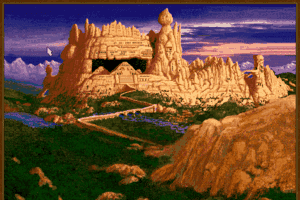
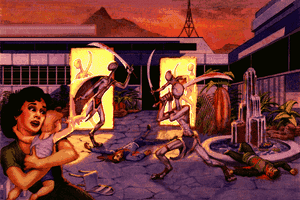
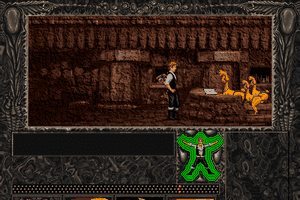
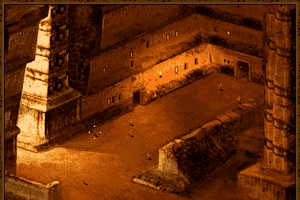
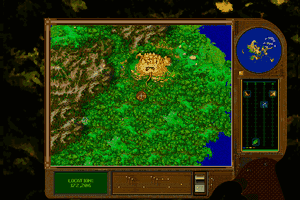
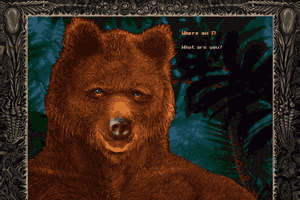
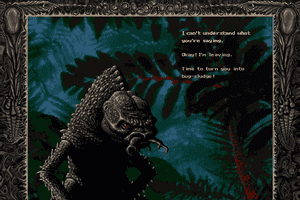
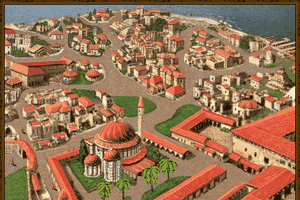
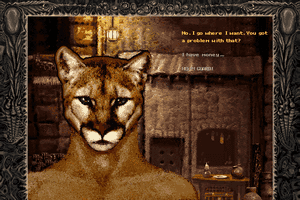
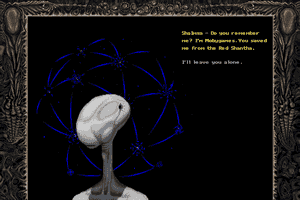
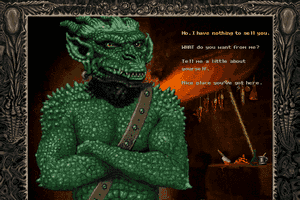
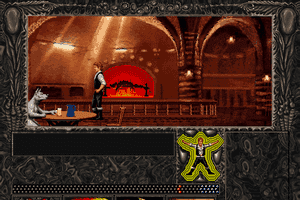
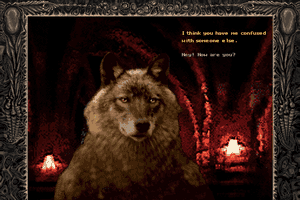
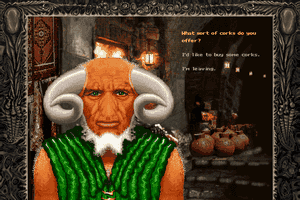
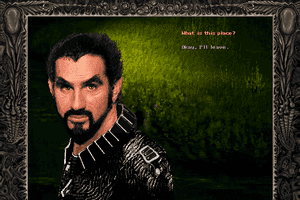
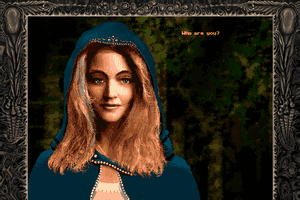
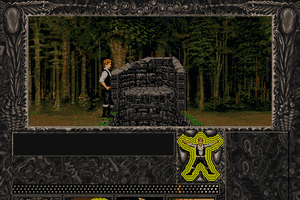
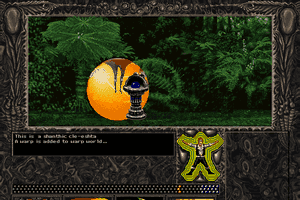
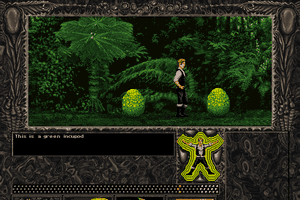
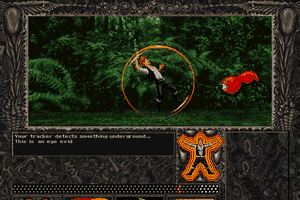
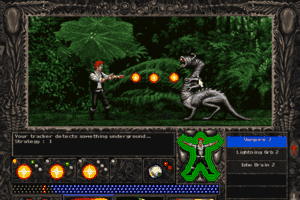
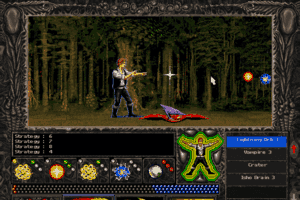
In one of the most unique RPGs ever, you must discover the secrets of the Warpworld to defeat the evil Red Shantha and rescue your fellow villagers.
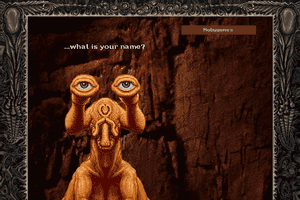
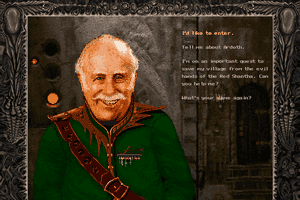
Despite it being based on a good paper & pencil RPG, the game is more akin to an action/adventure game than traditional RPG due to its lack of character stats and focus on puzzles and conversation with NPCs, and combat relies more on reflexes than planning. Still, the intriguing alien world and neat spells make up for its quirks. Just be prepared for some serious bugs, some repetitive combats, and a lot of time spent on travelling.
Review By HOTUD



 English







Comments and reviews
There is a still problem with CD music. Here is solution:
1. Get patch from PCGamingWiki ( That patch is correct and working )
2. After patch you must run file
alien.exe /m ( /m parameter means that game will run without CD music but working fine )
1. First there is a problem with long names, you can rename alien logic.cue and alien logic.bin as alien.cue and alien.bin
2. Problem with alien.cue. That commands works fine:
mount d c:/path/
imgmount e c:/path/alien.bin -t iso
e:
install
select a ( Jorune Alien Logic )
Update to the speed of this game constantly going up and down. You can edit the DOSBox config file and change the cycles. Change the cycles from AUTO to FIXED 8000 and this will keep it set at 8000 cycles. Then you can use "CTRL F-11 and F-12" to increase and decrease cycles.
Instructions on how to get this game to run in DOSBox:
Download the game.
Also, find the Manual online in a quick Google search, you need to read it to figure out how to play.
Extract the files to a folder you create for old games, I made it E:\Downloads\OldGamesForDosBox
Just extract the files there, don't need to create a new folder there.
The three files you need are Alien Logic.cue, Alien Logic.bin, and Alien11.exe. (Alien11.exe is the patch for the game)
Download and install the newest version of DOSBox 0.74-3
Open the DOSBox folder and find the file "DOSBox 0.74-3 Options.bat" and save a copy next to the DOSBox executable that's on your desktop or wherever you keep it, to make it easier to access.
Open the DOSBox Options file mentioned above and it will open a text config file. Scroll down and find these and change to the below options if not already set. Please note the windowresolution is what DOSBox reverts to in windowed mode (Alt-Enter to switch between fullscreen and windowed), so change this to whichever is best for your monitor in windowed mode.
fullscreen=true
fullresolution=desktop
windowresolution=1400x1050
Scroll further down under [render]
frameskip=0
aspect=true
Now scroll all the way down to the very bottom of the file where you find [autoexec] section.
add the following lines, just changing the location of where you saved your old games folder.
mount c e:\downloads\oldgamesfordosbox
imgmount d "e:\downloads\oldgamesfordosbox\alien logic.cue" -t iso
Now open DosBox. It will open in fullscreen mode, but you can easily switch to windowed mode.
go to the D: drive you mounted in DOSBox, which the game will think is your CD Rom drive.
Type INSTALL and hit enter and go through all the installation steps and install the game into the new mounted C: Drive.
Once installed, go to the c: drive and type in ALIEN11 and hit enter. This will install the patch.
Once the patch is installed, the game is ready to play. Just go to the new installed folder "Alien" on the mounted C: drive and type in ALIEN to play.
Tip, the game runs too fast when trying to walk around. Just use Ctrl-F11 to slow it down. Ctrl-F12 speeds up.
There ya go!
Loved this game in its time... Then upgrade to a Pentium made it unplayable. Sprites in combat ran off processor clock. It was like a speed freak on a 75, and a very brief blip on a 90. Good times though.
so i followed anonymous' steps and got it working but only if muted... any fixes to get sound to work?
Does anyone know where I can find the rule book? either to buy or download(pdf)
Thank you
Still can't get this to work after following three different tuts about using Dosbox. UGH.
I (a professional DAU) did it like that (and it works somehow):
First, I created a Folder which schould work as c-Drive in DosBox (let's lable it DBxHDC).
Then I created a "Games"-Folder and one Folder to contain all stuff related to the Game (let us call it "AL")
Then I created two folders within the Folder I would mount as C: - let us lable them "ALiso" and "ALdisc".
As tree it looks like that:
C:\
- Games\
-- AL\
--- ALiso\
--- ALdics\
Now I unpacked the downloaded ZIP to the "ALiso" via WinRAR.
Now I started DOSBox and mounted DBxHDC as C: for DOSBox (type in DosBox):
-- mount c [Path of your DBxHDC-Folder on your real HD]
Then, I mounted the Image of the CD as CD as D:-Drive (type in DosBox and use the Path INSIDE the DosBox and not the one on your real Computer):
-- imgmount d C:\Games\AL\ALiso\ALIENL~2.cue -t iso -fs iso
Then switch to d: and type "install" which should start the installation.
If it won't install, just mount the same data to DTL (DemonTool) and copy the content to "ALdics" and install from there (go to the DIR in DosBox and type "install") (do not forget to quit DOSBox whilst doing so and redo the mounting of DBxHDC as C: if you restart and had not already wrote it to the DOSBox-Config and remount the Image again) - still, you need to mount the iso for playing, I just had some issues installing from the mounted Image so I did it this way.
Funny note: It works even without the "Patch" - which you find named Alien11.exe in the ALiso-Folder - go there (in DOSBox) after the Installation of the Game and start it - then Type in the Path of your Installationfolder (In my case it was "C:\Games\AL\ALIEN" in DOSBox).
Done.
installed and patched fine in d-fend but crashes on the first screen after start new game,where you enter your name. probably sound related,how do you setup sound card irq,dma anyway? no setup exe
i had to rename the cue and bin a ten I made a batch that say this
mount c: \games\alien
imgmount d c:\games\alien\Alien.cue -t iso -fs iso
c:
cd games
cd alien
alien11.exe
however there is no alien.exe file to update from zip to patch? Can any help with what or why im missing that?
I can't get the patch installed. I mounted the .bin file in windows using Daemon Tools Lite, then mounted it in DosBox, then installed the game. I put the patch files in the folder where I installed the game. But, when I run Alien11.exe in DosBox it just keeps telling me that it can't find the patch file.
í don´t remenber this game in my time but ,i loking is beutifull graphic´s
I cannot get past the initial enter drive location prompt from dosbox. Anything I type spits me out of the program.
For the bin/cue to work, put this in dosbox-0.74.conf
[e.g you have dosbox harddrive folder in c:\dosbox, you have bin/cue img named and edited img.cu in f:\alcd
----------------
mount c c:\dosbox
imgmount d f:\alcd\img.cue -t iso -fs iso
c:
cd \
cd alien
alien
#[you can put alien /m to disable cd music]
I loved this game! Thank you so much for sharing it.
God I still have the disks for this somewhere in storage. I remember playing this as a kid. It was really good for the time.
Thank you very much for sharing this game.
It's nice when you see someone finds a game he was looking for
i've been looking for it FOREVER!
thanx for having it ;)
No comment nor review for this game at the moment.