





Description from the publisher:
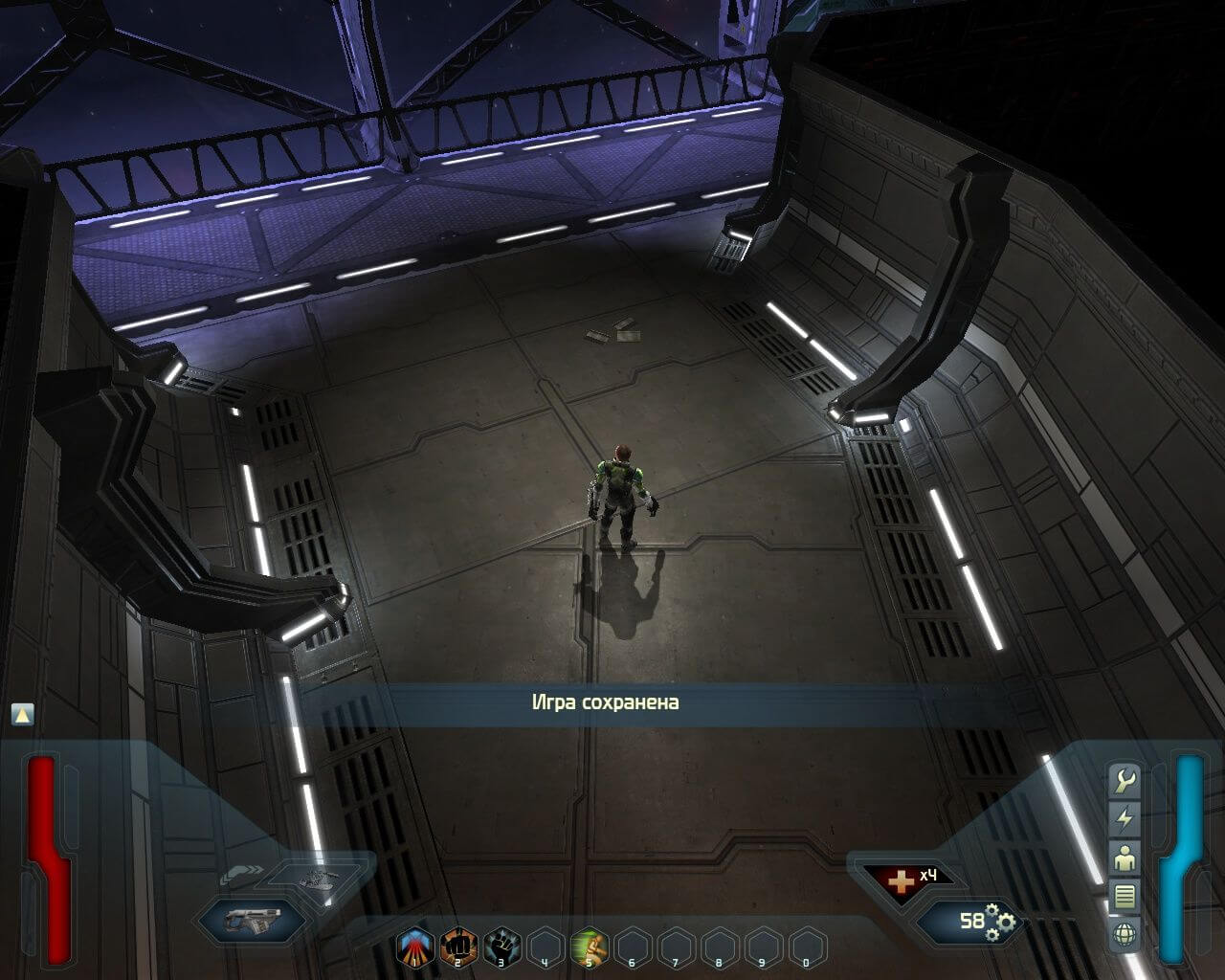
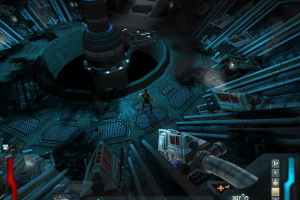
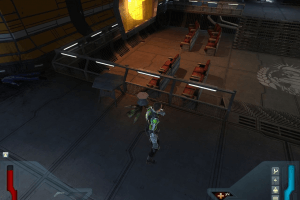
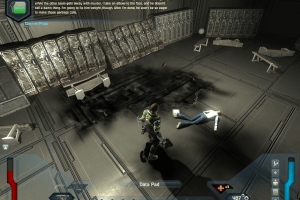
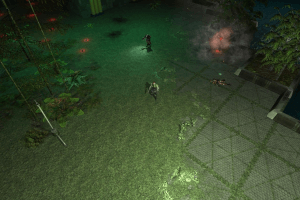
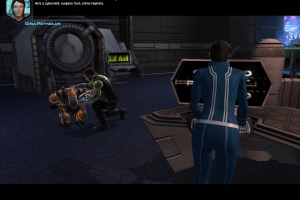
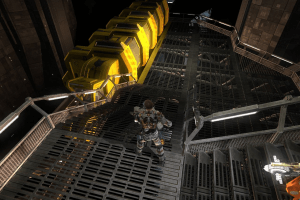
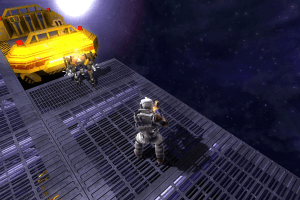
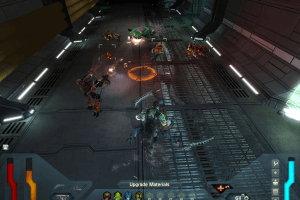
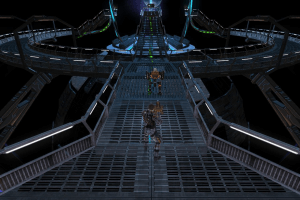
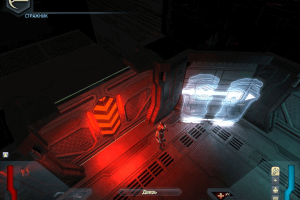
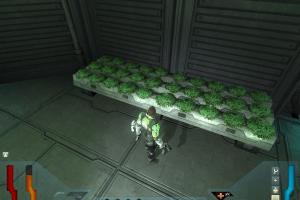
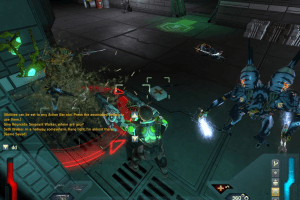
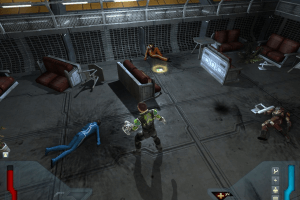
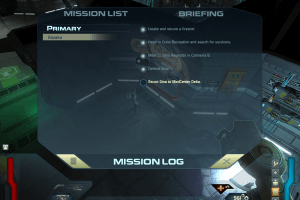
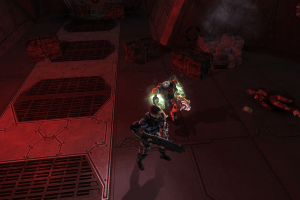
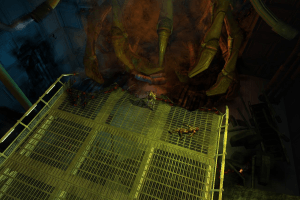
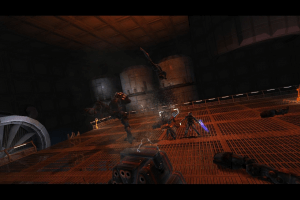
A game filled with heavy combat action, fast-paced tactics and decision making, Space Siege is an all-new science fiction themed action-RPG being developed by Chris Taylor and his talented team at Gas Powered Games, the creators of Dungeon Siege I & II and Supreme Commander.
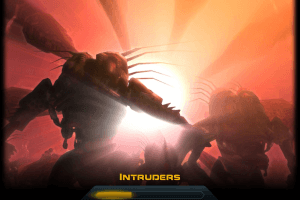
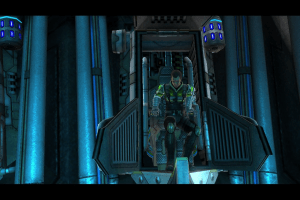
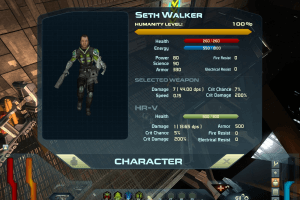
As humans are fleeing the planet during a massive alien attack on Earth, only one of five evacuation colony ships escapes intact before Earth is completely obliterated by the attacking aliens. In Space Siege, you take on the role of Seth Walker, a combat engineer aboard the Armstrong (the lone surviving ship). Your objective is to protect the human race from being annihilated by this unknown alien species. Ultimately, you must make a horrific choice: will you sacrifice your humanity to save the human race?
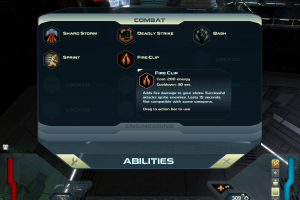
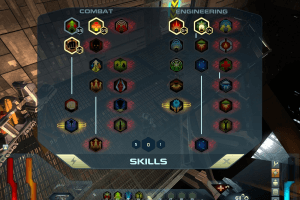
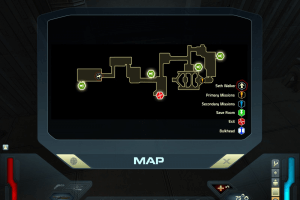
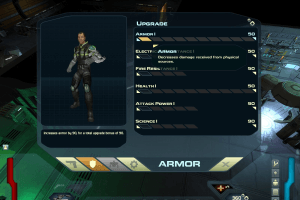
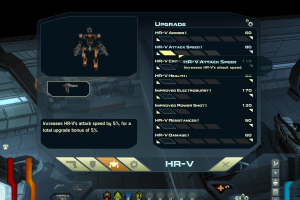
At your disposal will be an arsenal of futuristic weaponry and armor, cybernetic upgrades, and a robotic partner that you can customize and command. Space Siege will also feature a single-player campaign that takes place across the vast confines of the Armstrong, a separate mission-based multiplayer campaign, character-building gameplay elements and a storyline that asks: What does it mean to be human?
 English
  Russian







Comments and reviews
Need directx 9 full 2010.. here..
https://www.majorgeeks.com/files/details/microsoft_directx.html
Need NVIDIA PhysX System, here..
https://www.majorgeeks.com/mg/get/nvidia_physx_system_software,1.html
Ran without problem on Win 7 and Win 8.1..
Need WineD3D For Windows 10.. for mouse cursor.. also turn off Vsync..
solved the issue for windows users 11 if you have this problem with cursor disappearing do exactly what
PCGI did , by changing a bit of code in the ini file and it gets rid of the full screen feature thats cuasing the problem and the game is playable and fun. cheers
https://youtu.be/FCNDHcQFrX4
yep for windows 11 users this game does not work the cursor keep disappearing on startup and even when i tried the suggestions d3d9.dll and wined3d.dll suggestion above but that didn't work either, I'm at a loss here, i also tried emulators too to no avail.
yeah this game cursor disappears on window 11 i cant get past the loading screen or the movie cutscene, i even downloaded the latest win3d file for 11 doesn't work i tried 9 it still doesn't work like the guy suggested about compatibility doesn't work.
It is possible in some future day for GOG to acquire and upgrade then have this game on market.
I recently downloaded the iso (virtual disk), noCD (crack exe file), and keys txt file. I got the game to install and granny2.dll was in the install folder. I got the game installed correctly. I had a cursor issue but following the suggested actions by downloading the d3d9.dll and wined3d.dll and extracting to my install directory worked in allowing me to use and see the mouse cursor again on the main menu. From there I was able to play the game for about 1.5hrs without issues. I am on windows 10. It should work for others.
My version won't start, a file called Granny2.dll is missing. Any help?
The 'WineD3D for Windows to fix the disappearing cursor (read our guide above)' download link is being canceled on my system as having a virus.
Win7 64bits, Avast.
in linux just set wine in 32bit/prefix and install, windows you can not.
No comment nor review for this game at the moment.