





X-Men: Legends II - Rise of Apocalypse has very active Marvel Mods fan community that is still developing fixes, patches and mods for the game. You can find a lot of mods for the game here, including new skins, characters and total conversions. They're currently developing new ambitious mod X-Men Legends II Ultimate Patch that aims to improve the game in many aspects and add new content, you can follow the progress on GitHub or on Marvel Mods Discord server

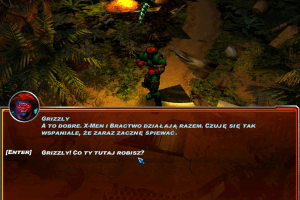
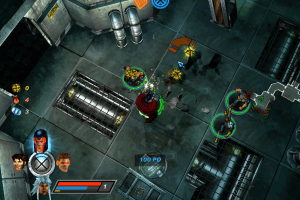
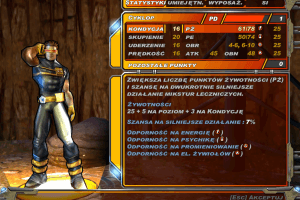
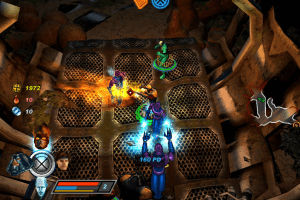
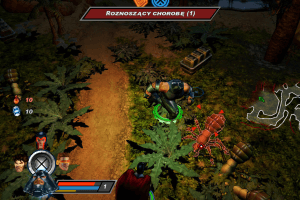
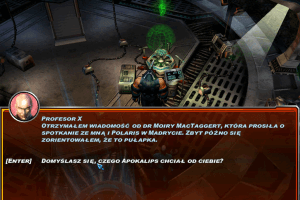
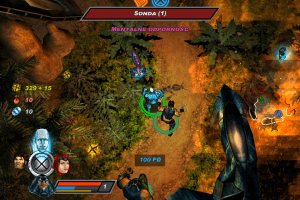
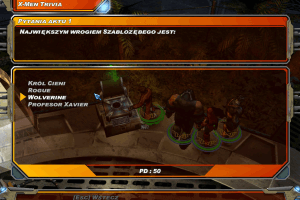
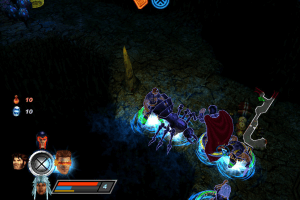
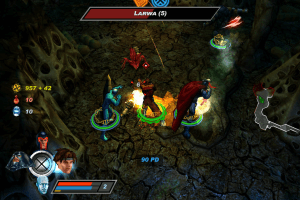

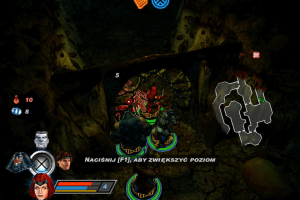
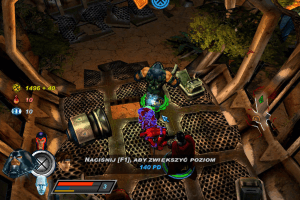
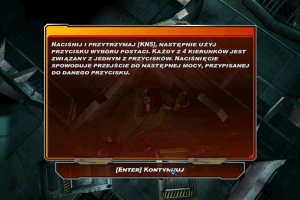
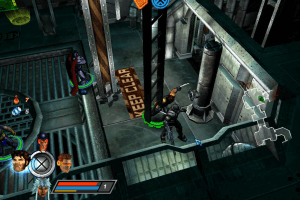

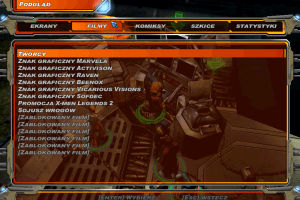
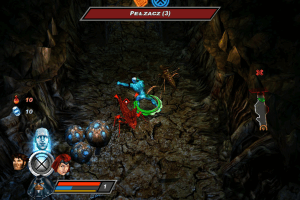
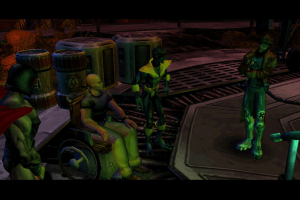
How to Play
The game has been tested on Windows 7 64-bit, Windows 8, Windows 10 and Windows 11, it works fine, the game supports widescreen. We also tested the game with dgVoodoo 2 on Windows 7 64-bit and Windows 10, works good too. You may experience some small troubles when you play the game on modern systems, check our Guide and Notes for details
Install & play guide:
- Mount the disc image of CD1/DVD. You will need the utility for mounting disc image files, like WinCDEmu, UltraISO, Alcohol 52%/Alcohol 120% or Daemon Tools Lite
- Launch the installation (if autorun doesn't work - simply launch the installation from Setup.exe inside the disc). It is recommended to install the game not in default path, but in some other, non-system folder, like
C:/Games/X-Men Legends II, so you won't have troubles with NoCD or fixes - For CD version: when the installation process will ask for the next disc, mount the disc images of next CDs. All discs must be mounted in the same drive, so first un-mount the disc image of previous disc and only then mount the next disc image
- Finish the installation. After you installed the game - use NoCD, simply copy Xmen2.exe from the archive to the game folder, agree to replace the original file
- Open the game folder and find Xmen2.exe. Right-click on Xmen2.exe -> Properties -> Compatibility -> Set "Run this app in compatibility mode with Windows XP" and "Run as Administrator"
- Launch the game and play. If the game doesn't work in compatibility mode with Windows XP - try to launch it in compatibility mode with other version of Windows (Windows 95, 98, 2000, etc.)
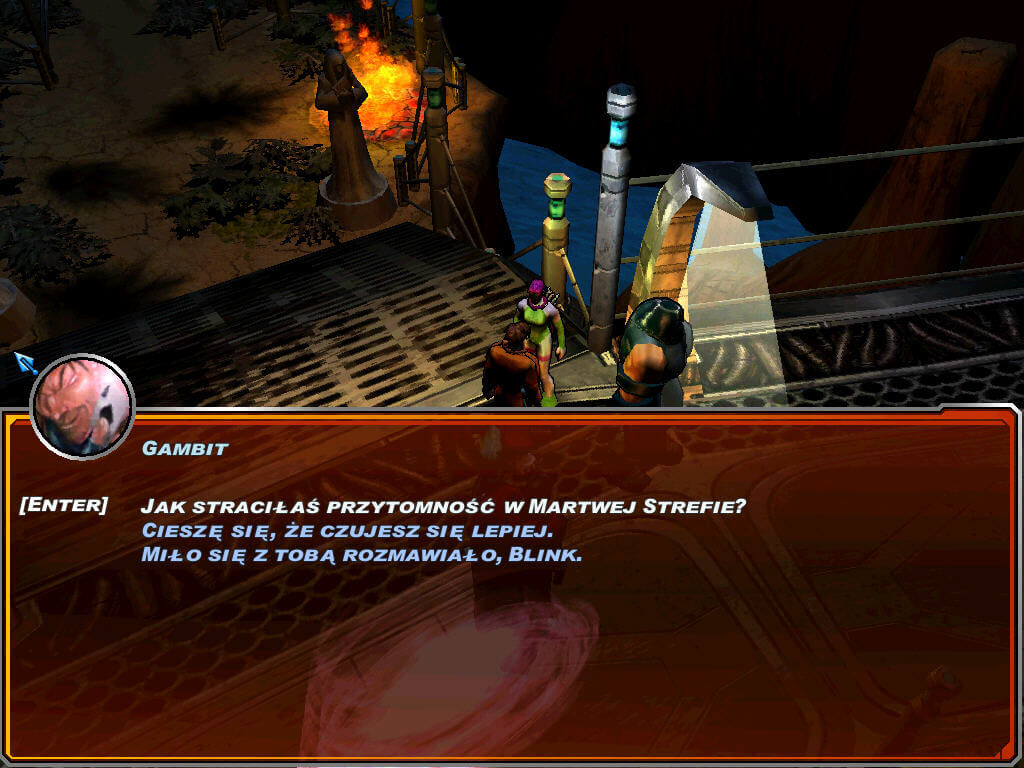
3 CD version has only English language, DVD version is multilingual and has 5 available languages: English, French, Deutsch, Italian and Spanish, you can select the language during the installation. English, German and Spanish languages are presented with full audio & text, French and Italian languages are available only as text
Notes:
- If the installation doesn't start - try to launch Setup.exe in compatibility mode with old version of Windows (98, 2000 or XP)
- You may get error at the end of installation - don't worry, the game will be installed properly, it's just some unknown bug of the installer
- It is recommended to install all versions of Microsoft Visual C++ Redistributable and NET Framework for the correct work of the game. Also it is recommended to install K-Lite Codec Pack for the correct work of in-game audio and video
- The game works on DirectX 9, so if you're using Windows 8, 8.1, 10 or 11 - you need to enable DirectPlay: Go to Control Panel, and select 'Programs'. Select 'Turn Windows features on and off', click on 'Legacy Components' and check the box 'DirectPlay'. Select OK, once the installation is done, restart your computer
- NoCD is required for the launch because the game was protected with SafeDisc 4 DRM that doesn't work on modern systems. NoCD "breaks" DRM protection and allows to play the game without the disc. If you see the error that there's not enough space on the hard drive when you copy NoCD files - re-install the game in non-system folder, like
D:/Games/X-Men Legends II, Windows Protection may block copying of files to system folders (likeC:/Program FilesorC:/Windows) - If you launch the game and see the error windows about missing dll-files - install Microsoft Visual C ++ 2008 Redistributable package. Theoritically, you can also skip that error windows by clicking "Ignore" until the game starts, check this thread for more details about that problem
- You may also get the error window about missed libIGAudio.dll, libCriMovie.dll or libIGDisplay.dll files, it is the dll-files of DirectX 8.1. Enabling DirectPlay (for Windows 8 or newer) or installing DirectX 9 from the disc (for Windows 7 or older) should fix that issue. If that error window still appears, we also uploaded the archive with dll-files copied from the folder of installed game; simply extract all that dll-files to game folder to fix the issue
- If you launch the game and see the error about Intrinsic Alchemy and msdia80.dll - download that dll-file and copy it to the game folder
- If you launch the game and see only the black screen or the game crashes at launch, do the next steps: open Registry Editor (press Win+R and enter regedit.exe) and go to the path
Computer/HKEY_CURRENT_USER/SOFTWARE/Activision/X-Men Legends 2/Settings/Display. Right-click on "Resolution" and select "Modify", input your desktop screen resolution (for example if you have 1920x1080 desktop resolution, enter1920x1080); after that click OK and close Registry Editor. Now the game should launch properly, you need to do this only one time after the installation - The game supports wide screen resolutions, including UltraHD 4K, ultrawide and multi-display setups, check WSGF page for example screenshots. To change the screen resolution, go to Options -> Advanced Options in the game. If you cannot find your screen resolution, you can try to enable the custom screen resolution in Windows Registry, the instruction is in the note above
- If the game crashes at random moments: this can occur if your stash and inventory is full or near full. Clear out your stash back at base and keep your inventory and stash low if this happens. The crash will occur when an item drops from an enemy or object that is destroyed, due to the game exceeding the item limit and not knowing what to do. Keeping these low can help prevent this
- On modern systems the game may work too slow or have the unstable framerate - in that case try to run the game through one of display wrappers, we recommend to use dgVoodoo 2. To run the game with dgVoodoo 2 copy the dll-files from the
MS/x86folder, dgVoodooCpl.exe and dgVoodoo.conf to the game folder, next to Xmen2.exe. To change dgVoodoo 2 settings, run dgVoodoo Control Panel (dgVoodooCpl.exe) as administrator. After you changed dgVoodoo 2 settings, run the game as usual from Xmen2.exe. Also, dgVoodoo 2 wrapper provides additional technical features, such as Texture filtering, Anti-aliasing and others, you can find such settings in dgVoodoo Control Panel - Looks like on some modern GPUs Anti-aliasing (FSAA) option in the game doesn't work, even if you enabled FSAA in game settings. If you want to play the game with Anti-aliasing, force it through control panel of your video card or run the game with dgVoodoo 2 and enable Anti-aliasing in dgVoodoo Control Panel
- If you get the error "Unable to initialise graphic display. Resolution and FSAA have been reverted to default" - try to run the game through one of display wrappers, such as dgVoodoo 2, DXVK, etc.
- The game has Cooperative multiplayer mode for 2~4 players. But the game was using GameSpy servers for online Cooperative, and GameSpy service was shut down in 2014. Luckily, the game also had support of LAN multiplayer, so fans made fixes that allow to play the Cooperative mode via LAN emulators like RadminVPN, Hamachi or Tunngle. We found two fixes: first one is by Xeth Gaming, the link and instruction is available in this video (check that channel for possible updates), second one is by Alex Trin created for his repack (check this thread for details)
- The game also allowed to play Cooperative mode in Local play, for 2~4 players with few controllers, so as alternative you can play Local Cooperative over the internet by using tools like Remote Play Together or similar. Online Cooperative mode was working through GameSpy service which was closed in 2014, but you can try to use GameSpy alternatives such an OpenSpy
- The game has controller support so you can play the game with gamepad. If the game doesn't recognize your controller - try to use one of the additional tools from PCGamingWiki guide for controllers
- Don't forget to check PCGamingWiki page if you have any troubles, it is very useful!
Downloads
Windows version  English
  French
  German
  Spanish
  Italian English French German Spanish Italian English
  Russian
English French German Spanish Italian 3.4 GB
English French German Spanish Italian 3.5 GB
English Russian 1.4 GB
 Polish





 Portuguese (Brazil)


Comments and reviews
ظبتت عندي بدون سي دي خاوه غصبن عن حموسه و عن عبسي و غصبن عنك انت شخصيا
Help needed: Combat music crackling/popping on Windows 10 (Looking for a fix)
Hi everyone! Does anyone know a working solution for the audio crackling and popping issue in this game?
The problem appears strictly on Windows 10, and it is entirely isolated to the Combat Music (and sometimes when rotating the camera during fights). The rest of the game runs absolutely fine — dialogue, sound effects, and ambient tracks are completely clean.
I have already tried almost every standard textbook method recommended by AI and the PC-gaming community, but nothing helped:
- Switched to standard Microsoft audio drivers (High Definition Audio Device)
- Disabled all Audio Enhancements in Windows settings
- Ran the game executable (xmen2.exe) as an Administrator
- Edited Alchemy.ini (disabled multiThreaded, toggled halfBuffer)
- Tried audio wrappers like IndirectSound
GREAT THAT IS POLISH NOT BUGGY
This is awesome!
Game runs great but I am having trouble getting it to work with my controller. Do I need to map each input(which I've figured out how to do, but it's janky, no diagonal movement, ran out of buttons) or is there a setting to switch to controller?
Polish version of X-Men Legends 2 has been found: https://archive.org/details/x-men-legends-2-rise-of-apocalypse-pl
Got the game running, and oh boy did nostalgia hit!
I find it interesting that many people in the comments remember this game from 20 years ago, and don't know the ancient technique of cracking, so let me write a few steps that might help someone. (I downloaded the separate CD versions)
- Download the game
- Right click on the .iso files and select "Mount"
- When it opens up the CD contents, find "setup.exe"
- This will start the installation. After a while it will ask you to insert CD2 and so on.
In "My Computer", you will find mounted .iso represented like it's a separate drive. When asked to switch CD, right click on the drive and "Eject" it. Now, mount the CD2 .iso. Repeat this for CD3, and at the end again for CD1.
- At this point game is installed, but you probably can't run it. Download the NoCD and .dll (you have them on this same site, a bit under the game download).
- Extract and place both of the files in the folder where you installed the game (C:/Program Files/Activision/X-Men 2... or similar by default)
Have fun with this absolute gem!
Where can i find the NoCD of this game?
links not working ;/
Does anyone know the solution to the "Save Failed" issue that chocolateFondue23 mentioned? I'm having the same issue. It happens both on game startup and also if you try saving at an Xtraction point. This is on the full rip version.
Surprise for me, I started the game... And it's just worked! Without me trying to figure out and fixing anything! THANK YOU SO MUCH!
P.S Windows 10 Home, download Full-Rip.
Is that the pc version where we can play as Sabretooth ??**
Is that the pc version where we can play as Sabretooth
This should have a highlight here because of its importance:
https://marvelmods.com/forum/index.php?topic=11057.0
The DVD multi-language version works perfectly "out of the box" on my Windows 11. It just needs the NoCD, I didn't even need the msdia80.dll. Great performance and the game has never crashed.
The only thing to keep in mind is to NOT fill your stash at the home base to full capacity. This is known to randomly corrupt save files. Just keep the stash one unit below the limit and make multiple save files to be extra sure.
got the game working great, however while playing multiplayer if my brother and I spam abilities we get disconnected, any help??
Great, got the full rip working so far and finished the tutorial level. Only issue I have is the nondiagonal controller movement after binding the control sticks. Using Xbox one controller
i downloaded it but like what do i do next i think i have to extract it or something i need a guide video or something to futher help
Downloaded the Full-Rip a few days ago and have not been able to even open the game. Every time I've tried, I've gotten the "unable to initialize graphics display. Resolution and FSAA have been reverted to default," error. I have tried just about every fix I can find and none of it has worked (compatibility mode, run as admin, update graphics, enable DirectPlay, etc.) Any suggestions that might not be in the readme? Running on windows 10 HP, with an intel graphics card.
d-pad binding works for this game on a ps3 controller but in game d-pad keys don't react. anyone else having this problem?
BRI, if you want diagonal analog support, you will have to use a PS3 controller. PS4 and PS5 controllers are 4-directions only.
Great game, got it working, but for some reason it doesn't register diagonal movement from my controller. Anyone know how to fix this?
I downloaded the Full-Rip version but when I load the game up it says "Save Failed", I did run the exe with administrator mode and manually setup the folder for the save location at %USERPROFILE%\Documents\Activision\X-Men Legends 2\Save\. Can someone tell me what did I do wrong or what am I missing?
I installed game where can ı find ( Xmen2.Exe ) file for setting s and starting game
@cloud paradox i was able to get my 8bitdo SN30 pro+ controller working with the game immediately. i just had to manually assign the buttons in the settings. ran in compatibility mode as administrator.
I wonder if magipacks have made a repack of this game 🤔
I added the link to mods in description, there's a community forum Marvel Mods that made and still makes mods for the game. There's too many mods so research it yourself
@CLOUD PARADOX PCGamingWiki says that the game has controller support. I guess you need to connect both keyboard and gamepad when you run the game, then use keyboard to go to game options and select the controller in settings. For most of old games you need to select controller manually in settings
add me on discord mikerprtr6969 if you want to play multiplayer!
Has anyone managed to get this working with a controller yet? Full Rip version works a treat, Just having trouble getting a controller connected.
Download the Full-Rip. Use the ReadMe for some quick setup. Game works great!
Does anyone know how to input the cheat codes for this game on PC?
Game doesn't open, dvd version
Is it possible to add mods?
Thanks, works great here with FullRIP version.
We have updated the game, added more versions and Full-Rip, plus solutions for most common problems, hope it helps
so once it's downloaded....how do you actually get it to run?
I'm gonna test if this works through the Wine Compatibility layer on a Chromebook!
Linux on Chrome OS is based on Debian Bullseye
how do you fix the graphics initaliziation issue?
windows 10
How do I configure my ps4 controller
theres an annoying host of dll errors at the start (can ignore them all, but still not good). How do I fix this?
Also I hotkeyed power 3 and power 4 to my keyboard, but only power 2 and power 1 work. Power 3 and power 4 perform melee attacks instead. I checked all the settings and I have not by mistake put the same button for both actions. It legit doesn't work.
Also, the options shows hotkeying for powers upto power 10. But the actual f1 menu only allows hotkeying of 4 powers. I'm confused?
I'm having trouble with the game not being to save on the extraction point. Anybody have a solution to this issue?
Its states that a password is needed to extract the files. Has anyone else came across this issue?
To unlock the chatacters. There are cheats that you can find online for PS2, that can works also on a PC keyboard but just in that way: don't use the default change characters arrows on the keyboard to apply the cheat. You need to set a secondary control keys, on advanced options, and use those. Choose any key on keyboard, and next get back to default control setting one done. I used numpad numbers and it works form me for the cheat to unlock almost all characters. Just an advice: use cheats only to unlock characters and have more fun, don't overpower yourself and enjoy the game because the game is great!
Online Multiplayer Patch: https://www.youtube.com/watch?v=yV3K2wud6co&t=1s
You need an high end phone if you want to emulate via ppsspp
So is this portable version actually safe to use? I've seen it linked on several X-Men/Marvel related subreddits and many people say it has a few funky things present in it can anyone confirm?
VAI TRABALHAR VAGABUNDO!!!
Pls add Marvel Ultimate Alliance 1 & 2
don't waste your time none of them work unless your computer genius im lazy and if it doesnt boot right up and there's any issues I'm giving up
HI everyone. The game brought back memories. Cant believe I am playing it again . After you download, extract all files. Remember you should have a computer running on Windows only. this is not compatible with mac or chromebook whatever non windows Computer is out there. Enjoy life!
I'm getting "Unable to initialise graphics display" error message, has anyone encountered it and has a solution for this ?
the game exe keeps disappearing and i also disabled my anti-virus software and it still disappeared
Thank you!It worked great!I just had a few dll issues before starting the game but you just press "ignore" all of the mand it will work fine.I love this game and I wonder if you guys plan on putting Marvel Ultimate Alliance in here for us to download too? Also love that game,would be amazing
Getting a weird "hard disk error" that's preventing me from saving. Anyone know what the cause of this might be?
Keep in mind, that this is on Top 10 best Marvel videogames ever made list
thank you for this!
could anyone help me get the game to work?
Y'all did pretty awesome job giving us this game, movies and audio are not missing in this copy, so thanks - BIG BIG BIG Thanks.
hhhhhhhh, i wish X-men legends 1 had a PC port
Worked so good for me. Thanks a lot. Just downloaded, and ran the program {dont have to install}, worked well for me.
And I completed the whole game without any issues. Recommended.
Hi
I like this game
new to pc gaming, what else do I need to play this game after I downloaded it?
Doesn't save. Please fix this so I can play and save the game progress.
No comment nor review for this game at the moment.