

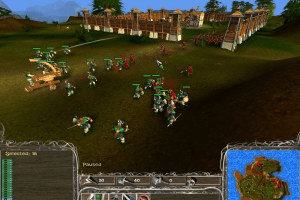
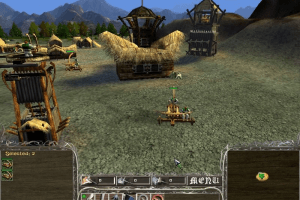
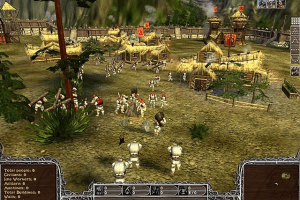
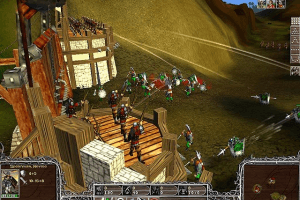
How to Play
Autorun for Polish version triggers a lot of false positive warnings. All other installation files showed no warnings, so run the installation from Besieger.exe (setup file), it shows 0 warnings.
Other versions showed almost no warnings (0 warnings for Russian version, 2 small warnings about malicious files for English version).
Patches for Russian versions may trigger false positive warnings because it is not original patches but fixed patches by KRBDZSKL, because original patches for Russian version doesn't work on modern systems. New patches by KRBDZSKL has no signature in files, so that's why there's warnings, patches are safe to use
Install & play guide:
- The installer on the game doesn't recognize second CD, so do the next steps to install the game:
- Mount the disc image of CD1 in virtual drive. You will need the utility for mounting disc image files, like WinCDEmu, UltraISO, Alcohol 52%/Alcohol 102% or Daemon Tools Lite
- Open CD 1 and copy all installation files to the folder on your hard drive (name it "Besieger Setup", for example)
- Now mount the disc image of CD2. Open CD2 and copy all files to the same folder, click "OK" if Windows asks to overwrite some of the files. All files from both CDs should be in the same folder, without separation into discs
- Now launch the installation from Setup.exe
- As alternative - use our archive with Setup, it has all installation files inside
- Install the game (no need to install the patches, the game is already patched to version 1.2.5)
- Also it is recommended to install DirectX 9 from the disc
- Install NoCD (simply copy Strategy.exe. from the archive and replace the original exe-file inside the game directory)
- Optionally install the music fix
- Open the directory with the game and find Strategy.exe. Right click on Strategy.exe - Properties - Compatibility - Set "Run this app in compatibility mode with Windows 2000 or XP" and "Run as administrator"
- Launch the game and play. If the game doesn't work - try to launch the game, then open Task Manager (Ctrl+Alt+Del by default) and check for processes Strategy.exe and rundll32.exe. Close Strategy.exe but don't touch rundll32.exe (it's a Windows app for running old apps from 32-bit operational systems, most old games running through rundll32.exe). Now try to launch the game again, it must work. Don't forget to close rundll32.exe process in Task Manager after finishing playing
Notes:
- The game with NoCD has been tested on Windows 7 64-bit and Windows 10, works with no problem. But the game doesn't play in-game soundtrack, although the music files are presented inside the game folder. It is the problem of the game, the game must be installed on old Windows (Windows 2000 or XP) in order for the music to play
- The game requires minimum 800 MB of swap file (Virtual Memory) for the correct work
- You can try to use the music fix, but it works like 50/50. That music fix was originally created for the game I of the Dragon that uses the same engine, so the functionality of the fix is not 100% guaranteed
- If you are unable to install the game according to the instructions written above - install Daemon Tools Lite 4.49, the game installer is guaranteed to recognize the second CD on older versions of DT Lite
- The best way to play the game on modern systems - to install it on Virtual Machine with Windows XP
 English
  German
  Japanese
  Polish
  Russian





Comments and reviews
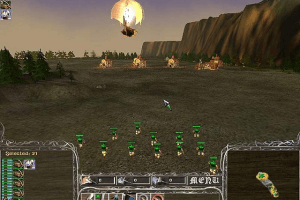
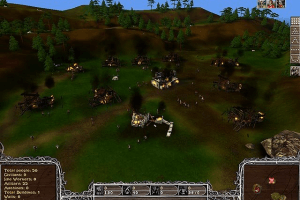
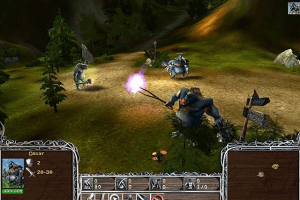
Hello everyone, who knows which file I should download, like in picture 4. They have different plots, and I need this one in particular. Don't give it a -1 rating if you know the answer.
Всем хай кто знает какой файл мне скачать как на картинке 4 просто они различаются сюжетом и мне нужна именно она
Does anyone know how to fix ''Runtime error''? Game plays for around 10 minutes and after that it crashes. Wish to play this game again to remeber my childhood :) Thanks for advice.
To get music working in-game.
Extract the file "l3codecx.ax" from the music fix to System32 and open cmd.exe as Administrator. Type in "regsvr32 l3codecx.ax" without quotation marks.
Now the in-game music works like a charm, I'm running Windows 10.
The read me file in the music fix states you could also run the provided bat file in the game's directory but that didn't work for me and chances are, it won't work for anyone either. Mainly because of permission issues.
The iso in Spanish: https://drive.google.com/file/d/1OfiYPg_GR3l2WNBSDRpqIsBJSxhV28dH/view?usp=sharing
Tested right now in Windows 10 working perfectly without music (you could listen to music using the tracks outside the game, Alt + Tab seems to work correctly). Just need to copy Strategy.exe included in the iso and play omitting the CD check at start
German :
https://archive.org/details/Besieger-DE-trgf
Japanese :
https://archive.org/details/besieger-jp-2004-win-1.04.02.24
ty very much, idk why, but this game made my childhood XD
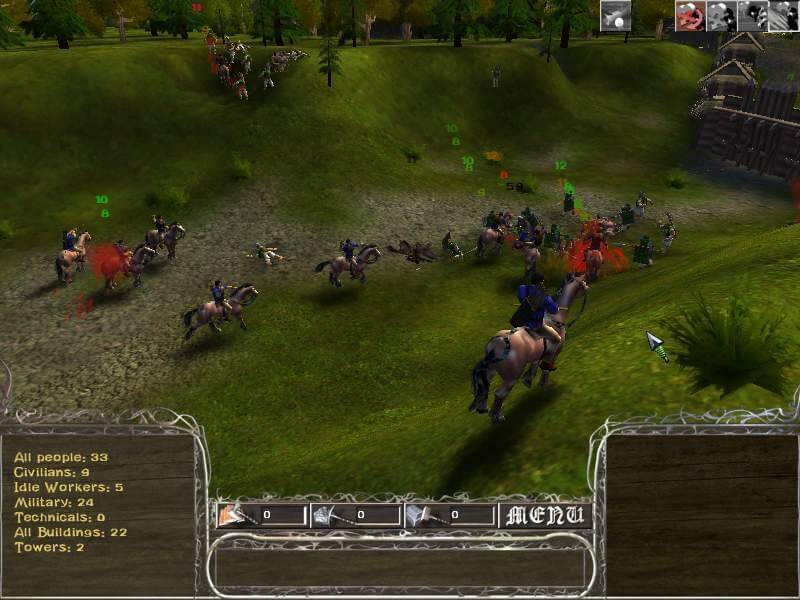
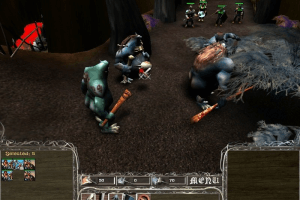
Какой файл я должен скачать как на фото 1 ?
Tenia este juego en español en dvd y lo perdí y nunca mas lo consegui, si alguien tiene una copia que quiera compartir :D ahora a disfrutarlo en ingles
Hello, can you add a version like in 1 picture? Thanks for understanding
Hello, you can add a patch for the ability to build all types of walls (from training enemy walls and walls from the map siege) and also all platforms, you can do this, thanks if you can leave the file here under the name walls and platforms in Russian
How do I resolve the Direct3D error: 0x8876086C
Invalid call
CreatDevice()
?
Thank you
hello guys i'm back at it again... game crashes after i save or after some minutes :( i've tried for month to play but nothing and i need to ask you how i can play this :( antivirus is off
Loved this game growing up.
damn i didint know the English version of this game was rare i have 2 copies!
@DARIO IDK probably your antivirus block .bat file, most of antiviruses doesn't like that kind of files, add it to exceptions
@LILFVCK Unfortunately, we couldn't find any other language versions. If someone has this game on other languages - please contact us https://www.myabandonware.com/contribute/
need this game in spanish pls
Hi guys, i can't use the .bat inside music fix idk why, can anyone help?
heck yeah dude finally i was waiting for someone to upload this beast of a game!
We uploaded a lot of files for different languages, including very rare CDs for English release of the game.
If you stuck and don't know what file to download - just download Setup, it is archive that includes all installation files. Don't forget to use NoCD after you installed the game.
The game engine has some weird bug when music may not work if the game in installed on Windows 7 or later OS, if you can't hear in-game music - use music fix. If it didn't help - try to install the game on Virtual Machine with Windows XP, that way the game works the best
No comment nor review for this game at the moment.