
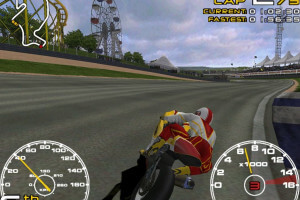
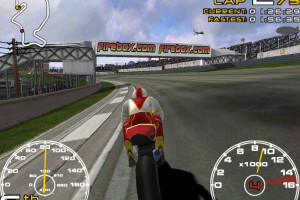
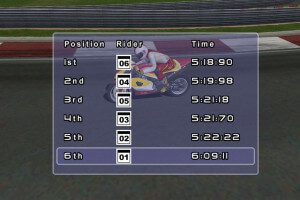
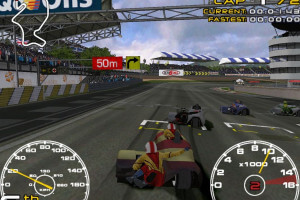
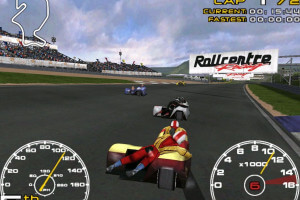
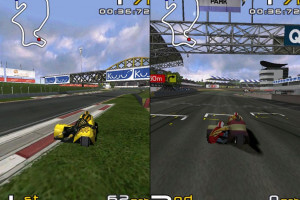
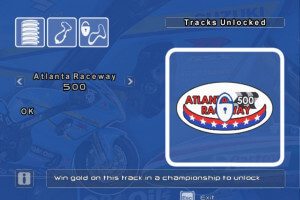
How to Play
Notes:
- To install the game, use the utility for disc image files, like WinCDEmu, UltraISO, Alcohol 52%/Alcohol 120% or Daemon Tools Lite. After you installed the game - make sure to use NoCD to make the game work on Windows 9x systems
- The game works on DirectX 9, so if you're using Windows 8, 8.1, 10 or 11 - you need to enable DirectPlay: Go to Control Panel, and select 'Programs'. Select 'Turn Windows features on and off', click on 'Legacy Components' and check the box 'DirectPlay'. Select OK, once the installation is done, restart your computer
- The game with NoCD and sound fix has been tested on Windows 7 64-bit and Windows 10, works fine. The game supports widescreen. If the game doesn't work - try to launch it in compatibility mode with old version of Windows (Win98/ME, Win2000, XP, etc.)
- If you have troubles with in-game sound - use sound fix, that fix is required for the correct work of in-game sound in Windows 7/8/10 systems
 English
  Russian






Comments and reviews
I like this game for pc Can you load Disney Golf Playstation 2?
They Are mutch over 100, where you not need Points to Progress.
No Nascar Direkt, bud having Cart and Indycar.
No Milestone after 2000, no MotoGP
Having 70 Racing Games, where you do not need Points to Progress.
No Nascar, bud Cart and Indycar.
No Black Rock Studio, No Climax Group, No Interactive Entertainment, Reality.
Having 6 Racing Games where you need Points.
Bud Codemasters and Crytek are one of the Most Stupid Developers.
No comment nor review for this game at the moment.