




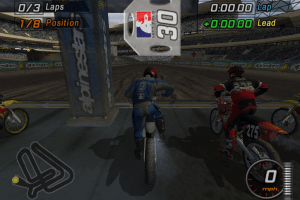
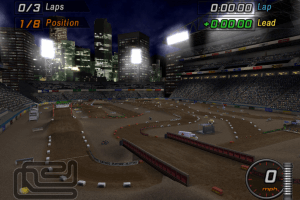
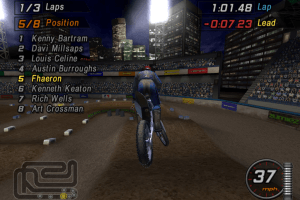
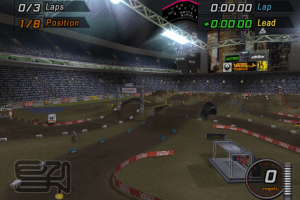
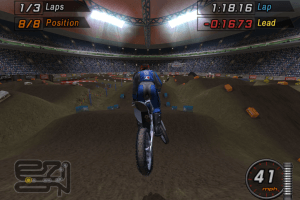
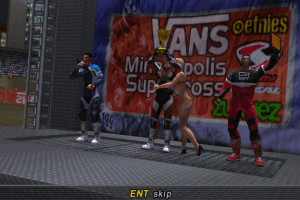
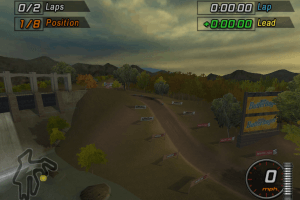
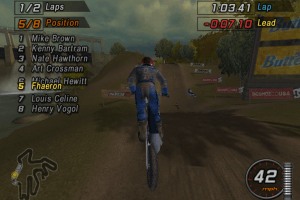
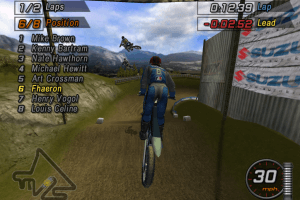
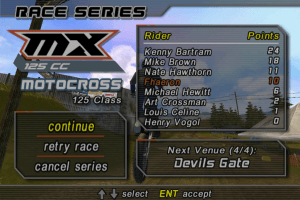
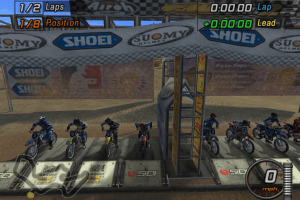
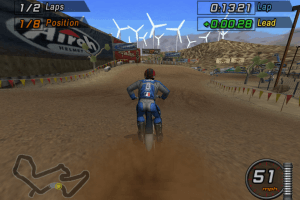
How to Play
Windows
The game has been tested on Windows 7 64-bit and Windows 10, it works fine. You may experience some small troubles when you play the game on modern systems, check our Guide and Notes for details
Install & play guide:
- Mount the disc image of CD1 (Installation Disc). You will need the utility for mounting disc image files, like WinCDEmu, UltraISO, Alcohol 52%/Alcohol 102% or Daemon Tools Lite
- Install the game using serial key
XRCKZFBCHRZSXNKK(if autorun doesn't work - simply launch the installation from Setup.exe inside the disc). It is recommended to install the game not in default path, but in some other, non-system folder, likeC:/Games/MTX Mototrax - After that mount the disc image of CD2 (Play Disc), open it and copy the whole
Moviesfolder (copy the folder itself, not the files inside) from the disc to the directory with installed game, inGamefolder - Then use NoCD, copy MTX.exe and put it into the same
Gamefolder, agree to replace the original file - Open the
MTX Mototrax/Gamefolder and find MTX.exe. Right click on MTX.exe -> Properties -> Compatibility -> Set "Run this app in compatibility mode with Windows XP" and "Run as administrator" - Run the Launcher (Config.exe) to configure the game settings, click on "Save Settings and Quit"
- Launch the game from MTX.exe and play. If the game doesn't work in compatibility mode with Windows XP - try to launch it in compatibility mode with other version of Windows (Windows 98, Windows 2000, etc.)
Note:
- If the installation doesn't start - try to launch Setup.exe in compatibility mode with old version of Windows (98, 2000 or XP). If the installation process shows error at the end - just click "OK", it is non-critical error, the game will be installed fine
- It is recommended to install all versions of Microsoft Visual C++ Redistributable and NET Framework for the correct work of the game. Also it is recommended to install K-Lite Codec Pack for the correct work of in-game videos
- The game works on DirectX 9, so if you're using Windows 8, 8.1, 10 or 11 - you need to enable DirectPlay: Go to Control Panel, and select 'Programs'. Select 'Turn Windows features on and off', click on 'Legacy Components' and check the box 'DirectPlay'. Select OK, once the installation is done, restart your computer
- The game doesn't have any DRM protection, only the simple disc check, use NoCD to remove it. If you see error that there's not enough space on the hard drive when you copy NoDVD files - re-install the game in non-system folder, like
D:/Games/MTX Mototrax, Windows Protection may block copying of files to system folders (likeC:/Program FilesorC:/Windows) - If you're using NoCD - first run the Launcher (Config.exe) and click on "Save Settings and Quit", so the Launcher will create config.ini file. Then launch the game from MTX.exe
- If the game crashes at random moments, disable fullscreen anti-aliasing in the Launcher (Config.exe). That issue may happen on Windows 8 and later
- By default the game supports only 4:3 screen ratio resolutions. But you can run it in higher screen resolutions with dgVoodoo 2 utility: to use it copy the DLL-files from the
MS/x86folder, dgVoodooCpl.exe and dgVoodoo.conf to theMTX Mototrax/Gamefolder, next to MTX.exe, the run dgVoodoo Control Panel (dgVoodooCpl.exe) as administrator and change the settings (don't select "dgVoodoo Virtual 3D Accelerated Card", or the game won't launch); after that close it and run the game. Also, with dgVoodoo you can run the game with Antialiasing or Texture filtering, here the video example how the game looks launched with dgVoodoo 2 - Multiplayer of the game was working through GameSpy servers, but its servers were closed years ago. If you want to play the game in multiplayer, use OpenSpy app, here's the guide how to configure OpenSpy for MTX Mototrax
- The game has controller support. If the game doesn't recognize your controller and you cannot configure it in the Launcher (Config.exe) - try to use one of the additional tools from PCGamingWiki guide for controllers
- Don't forget to check PCGamingWiki if you have troubles!
Mac
A physical copy of the Play Disc must be mounted to play the game. You can avoid burning a physical CD by using the NoCD. For more details and instructions visit MacintoshGarden
 English





Comments and reviews
can you save with this version? it wont seem to let me save the game
FOR SETUP 1.1GB VERSION
1. execute setup in \Installation Files\win. use serial: XRCKZFBCHRZSXNKK
2. copy movies folder from \Installation Files to :\MTX\Game
3. copy playdiskstart from \Installation Files to :\MTX\Game and run it to generate a config file.
4. copy crack from \NoCD
5. run playdiskstart for options, max it out, save & quit.
6. dl and extract widescreen fix to where game exe is:
https://community.pcgamingwiki.com/files/file/3380-mtx-mototrax-widescreen-fov-fix
7. download and extract Win32 winmm.dll to where game exe is:
https://github.com/ThirteenAG/Ultimate-ASI-Loader/releases
8. open MTXMototraxWidescreenFix.ini config file to set resolution.
9. dl and use ds4 or another xbox-360-controller emulator.
10. map controllers like this in playdiskstart - gamepad settings.
Release shocks: left analog up
Compress shocks: left analog down
steer left: left analog left
steer right: left analog right
cam up: right analog up
cam down: right analog down
can right: right analog right
cam left: right analog left
compress: A (same as rls/cmprs shocks)
trick 1: Y
brake: X
trick 2: B
start: start
Camera: select
rotate left: none
rotate right: none
clutch: RB
accel: RT
11. Use mtx.exe for play
Hi games working perfect but i just cant do objectives cuz theres no buton option to press to start them and i already checked the config and theres nothing you can do about it there
Serial number is invalid no matter what I'm doing. Help please
Hi, i need a simple explication, about can i download this game please
@Boj34 - Delete the file with serial key in game's folder in Windows Registry, it is in HKEY_CURRENT_USER\SOFTWARE\Aspyr Media\MTX Mototrax
(press Win+R, enter regedit.exe to open Registry Editor, and go to that path).
Then re-install the game, it should work. If it didn't work - delete 'MTX Mototrax' folder in HKEY_CURRENT_USER\SOFTWARE\Aspyr Media path
I was playing the game fine, started messing with textures and wanted to reset, so I uninstalled and reinstalled. Now the serial key is invalid and I've attempted multiple ways but nothing is working, any help please?
@In10s - try to change the settings in the Launcher (Config.exe). Also, try to run the game in different compatibility settings (in compatibility mode with Windows 98 or 2000, etc.). I'm just not sure what might be the cause of such issue, because the skybox is just a texture, and should work fine like any other texture
I already have the game running dgVoodoo 2 on widescreen. Is there a specific settings I need to make in the tool to have the sky texture working?
what does requires elevation mean and also i can't download direct x because it says out of memory how 2 fix
@in10s - if you have graphics issues, run the game with dgVoodoo 2, it should fix it
How did you got the sky texture working?
Okay, I disabled downloads for Full-Rip, it is another report that Full-Rip doesn't work as intended
I was told that the game uses Hardware ID when it generates a random serial number in Windows Registry for every machine, even if you use the same CD-key. So it seems that it won't work if you copy Registry data from one PC to another :-(
As alternative, I made a Setup with all installation files in one archive, the game should install fine from it.
@Witch - about widescreen resolution: the game doesn't have a native widescreen support, use dgVoodoo 2 to play in high resolution, the link to dgVoodoo website in the guide. The interface will be stretched but the game itself works fine, here's the video example how it looks with dgVoodoo 2 https://youtu.be/XS56RWsOiW4
I fixed it with setup version but is there any way to make widescreen resolution work for this on PC?
confirmed it does not work. I installed full rip and registered as instructed. It still says the serial number is invalid.
We updated this page, now Full-Rip is updated and includes REG-file for the correct work of the game, also we added Setup variant for users who may have troubles with disc images. Plus we updated the guide, as usual :-)
Out of nowhere this game popped in my head after two decades. Last time i played this was when i was a jit on psp. Cant wait to complete this game once again.
Download was simple and game works without any issues.
Voces tem traduzido em brazileiro o jogo??
i used the cd 1 and 2 with the no cd and you can install and run and but once you are in the main menu of the game but yyou cant navigate it i will now try a version from archive.org and the full rip i will update soon
Runs well but sadly doesn't pick up gamepad even though i can map it in the launch screen.
the gamepad is not recognized
Played this game when I was a kid, this brings me so much nostalgy.
And before you wonder, yes this game has all the music and movies
it worked perfectly without any problem on W11, I had to download the Daemon Tools Lite as well as the tutorial on how to install it, don't worry about viruses because they don't have any.
Just follow the instructions and you will be able to play this wonder of games
No comment nor review for this game at the moment.