




Description from the publisher:
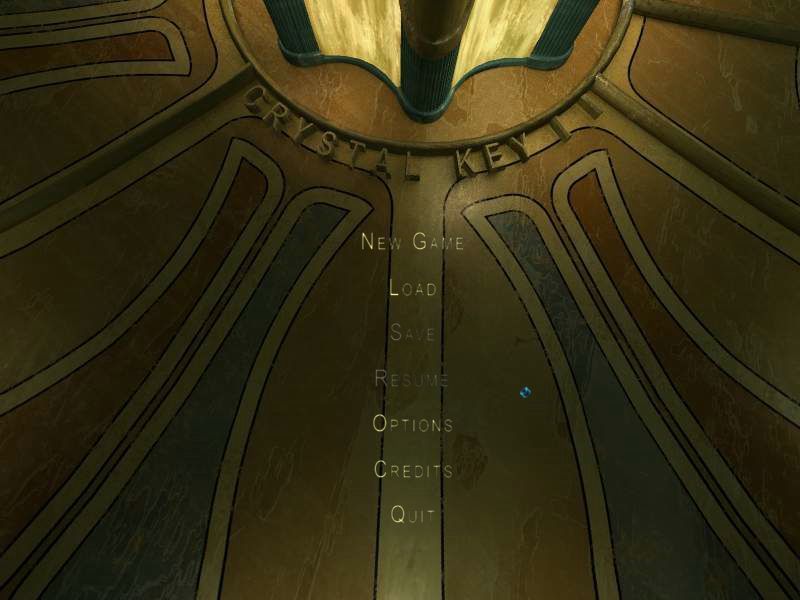
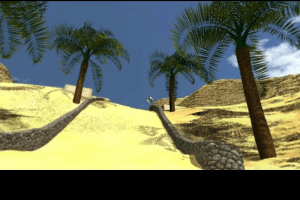
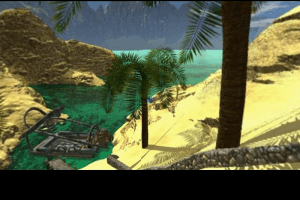
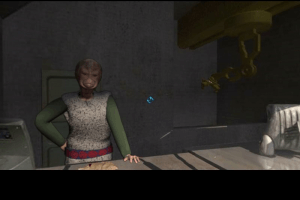
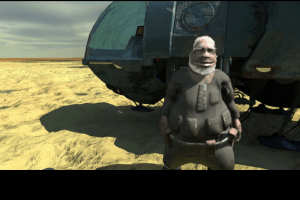
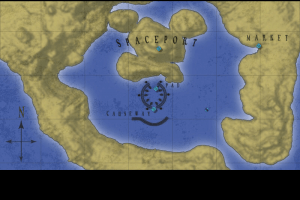
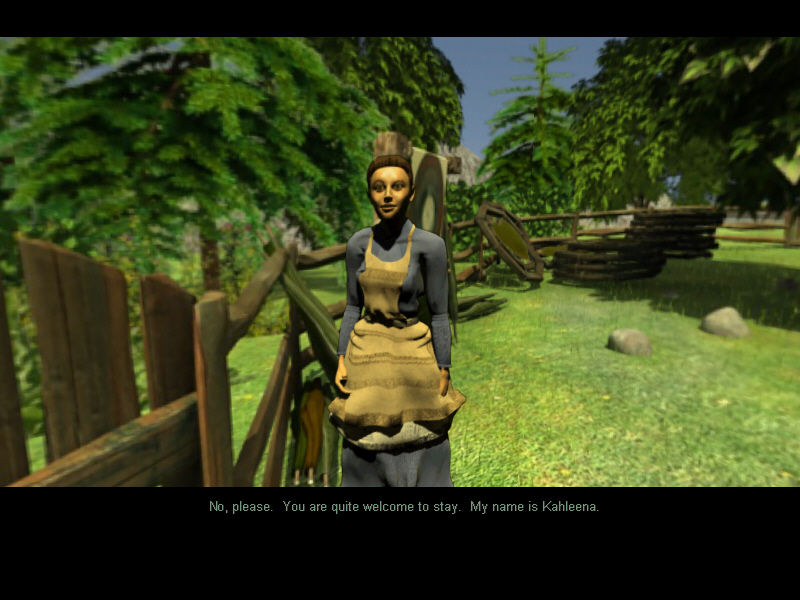
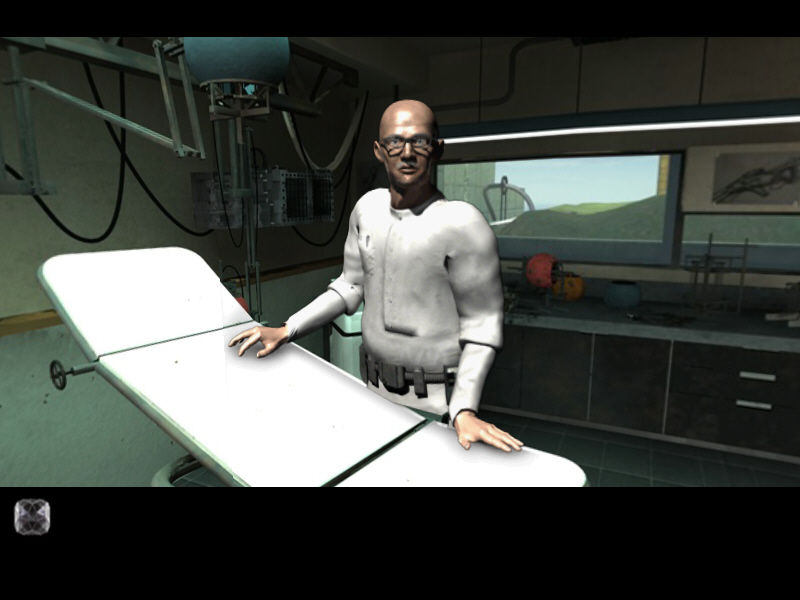
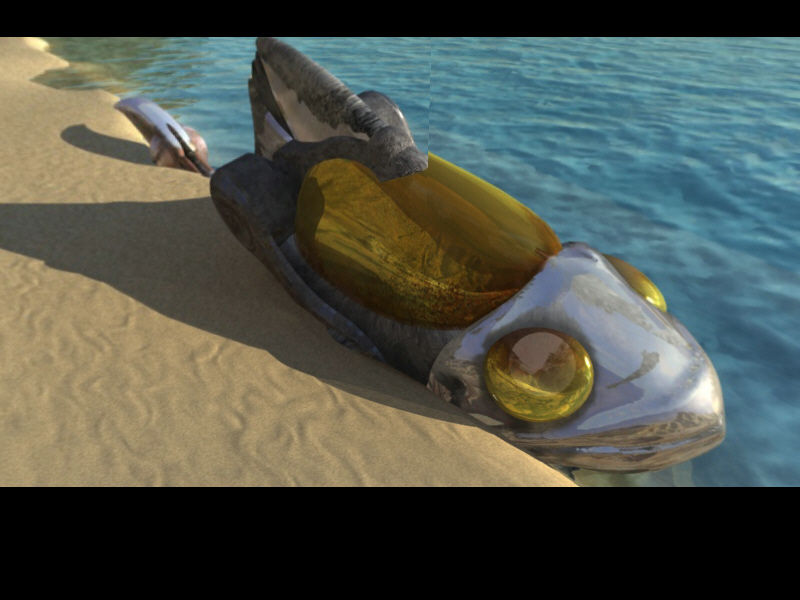
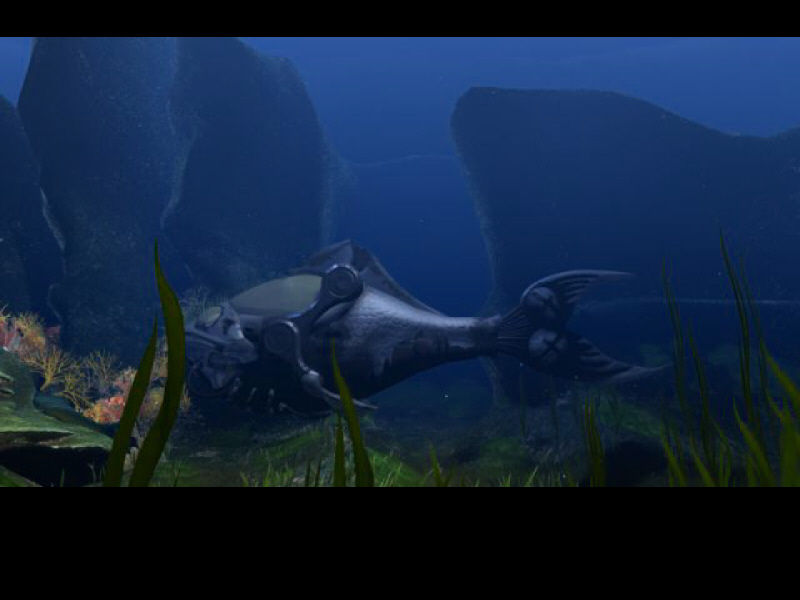
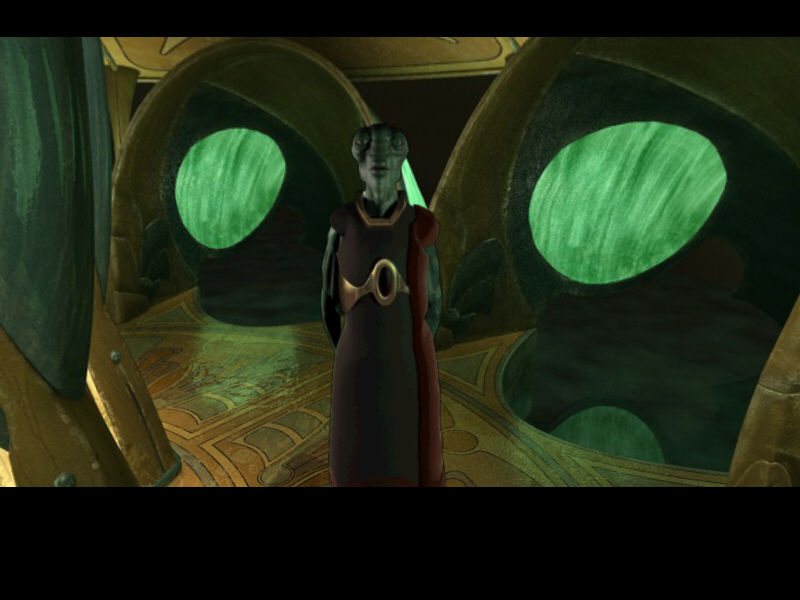
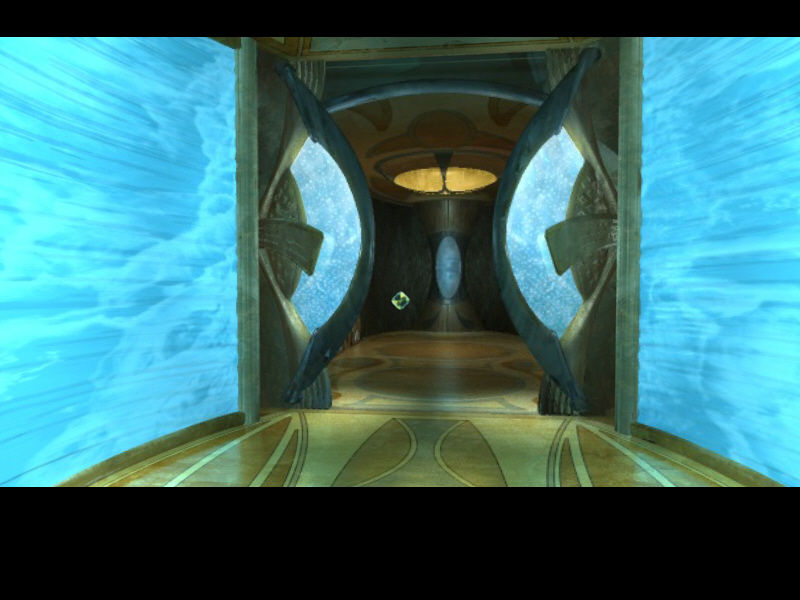
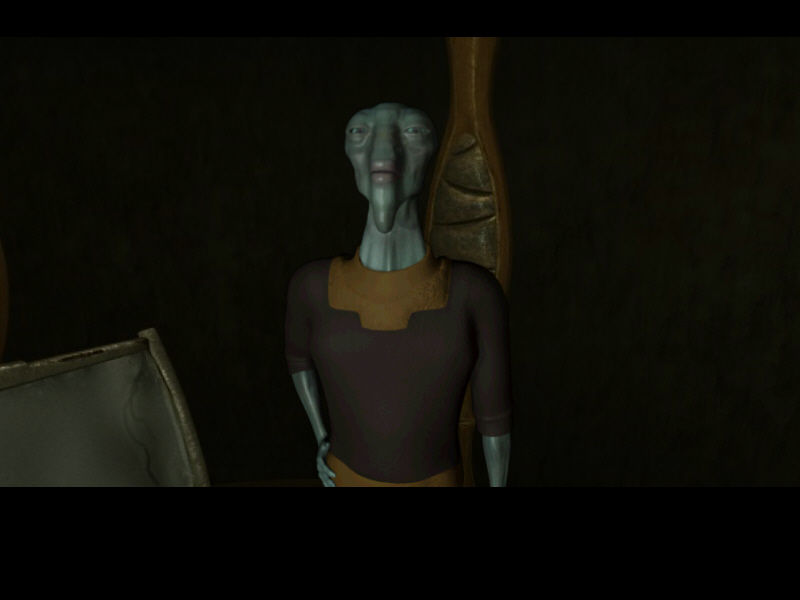
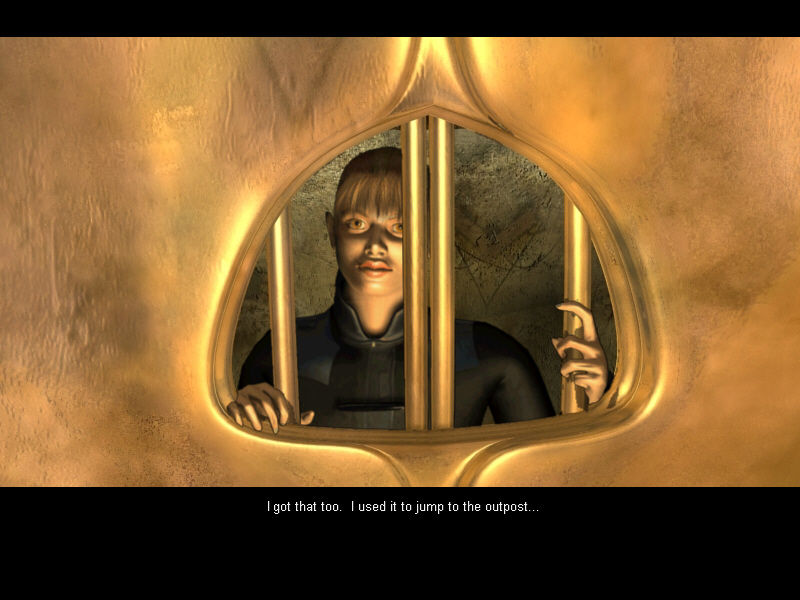
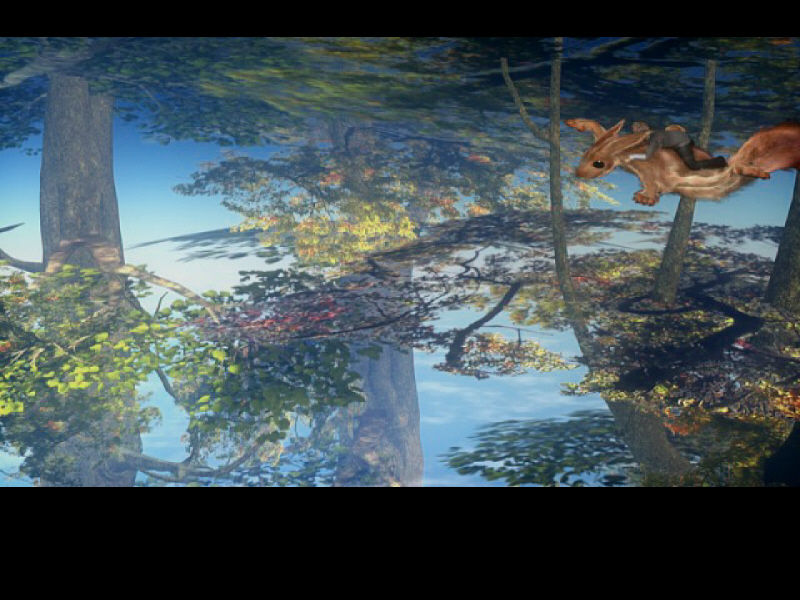
The sequel to the best-selling classic adventure game, The Crystal Key, is here! A mysterious power has stolen control of all the souls of Evany; you escape unscathed. Journey through the far reaches of the galaxy to unknown worlds, as you seek answers to save your homeland.
- Sci-fi, fantasy-themed game; sequel to the classic adventure: The Crystal Key
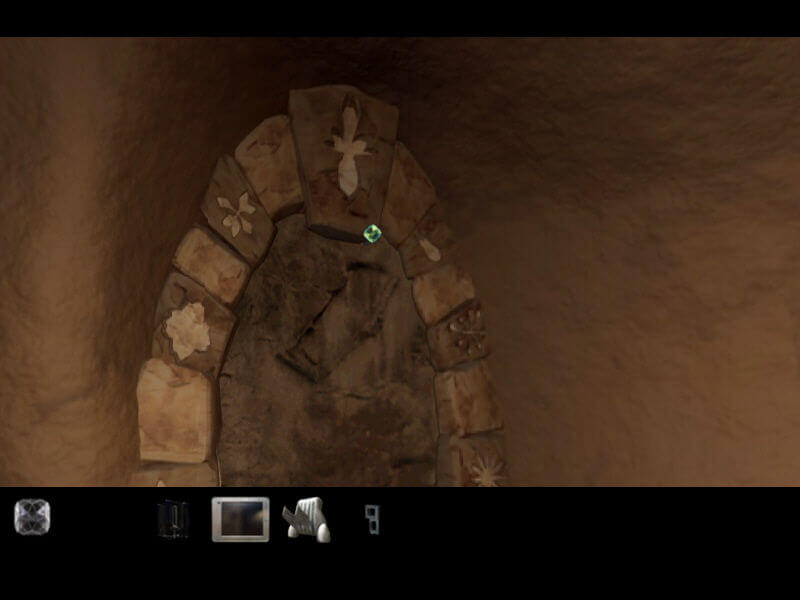
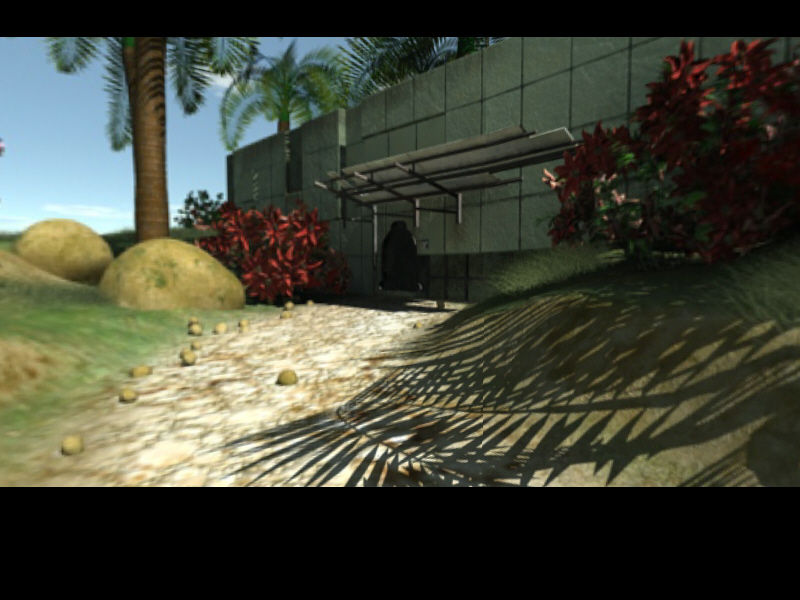
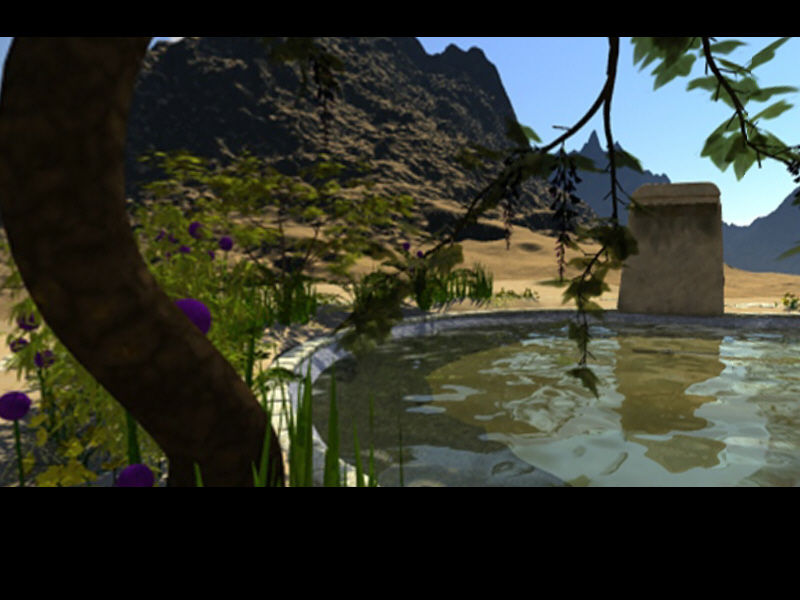
- 47 locations and 10 different environments in 3 different worlds
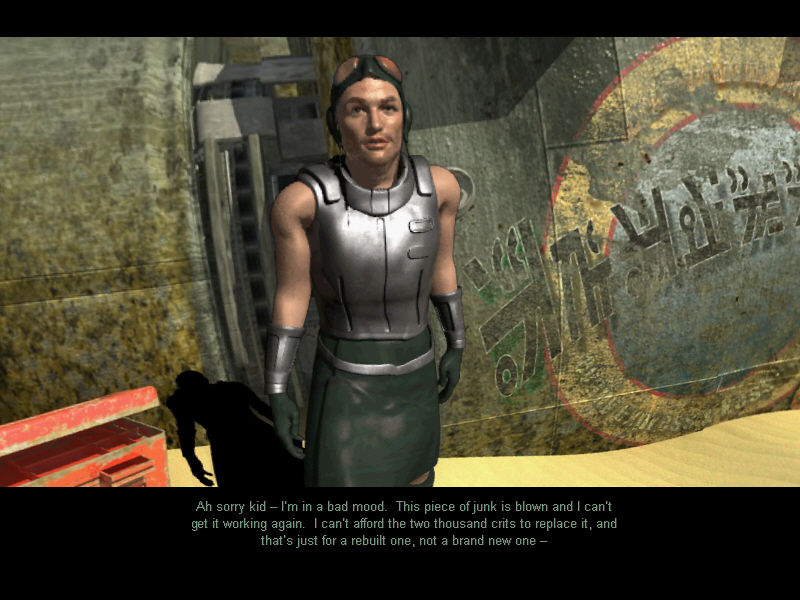
- In-depth story draws you into a universe of unique species and empires
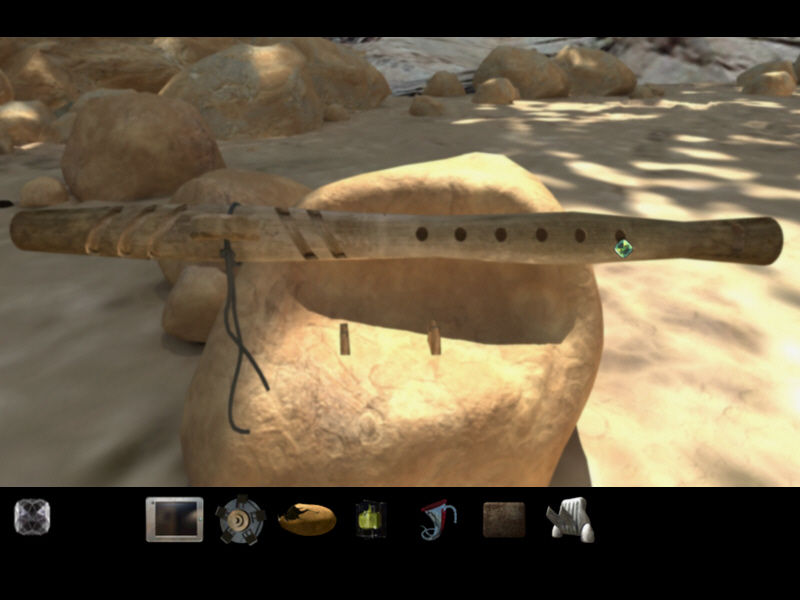
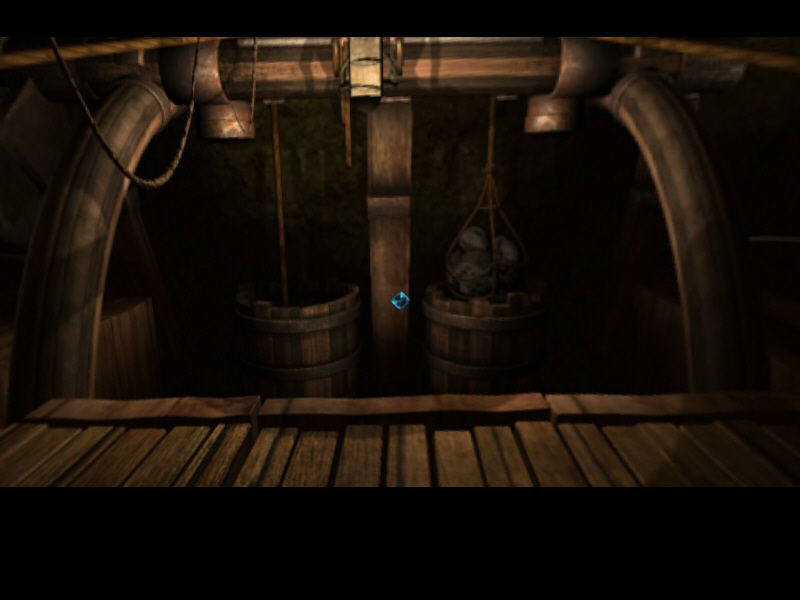
- Engaging tactile, logic, and environmental puzzles move the story forward
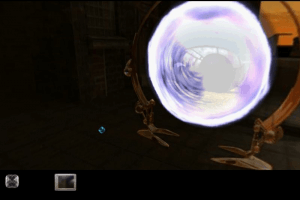
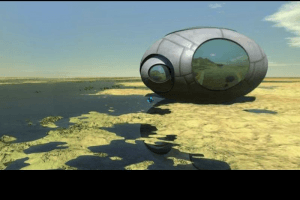
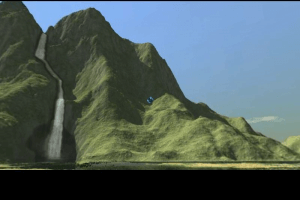
- Experience rich, evocative environments through the eyes of the 2 main characters
 English
  Russian







Comments and reviews
You can choose any one of ways you prefer:
A. Install one of virtual drive software listed under "Windows Games" section of the abandonware guide, and mount the cue/bin files with it.
B. Make an ISO file from the cue/bin files using a conversion tool like WinBin2Iso, and mount it with Windows Explorer "mount" option (right-click the ISO file).
C. Burn the cue/bin files to a CD-R using a burning tool like ImgBurn and use it.
Once you have mounted the image file, run Install.exe from the virtual drive. To eject it, right-click the virtual drive and select Eject.
Hey! I downloaded the game but I'm not quite sure how to install it/get it to run. I couldn't find anything in the Abandonware guide, but I could have missed something. It says it runs on windows, but do I still need to use dosbox to run it? If anyone could give me any advice on how to install it I would be very grateful!
No comment nor review for this game at the moment.