You are on the beta version of My Abandonware. The live site is still myabandonware.com. Your favorites and ratings here are copied to the live site. Comments and other changes are not — we delete them every morning at 08:00 Paris time, when this site goes down for about an hour. Leave feedback through this link to Pastel (email required).
The beta goes down at 08:00 Paris time, in a few minutes. We rebuild the database from the live site. It comes back in about an hour.
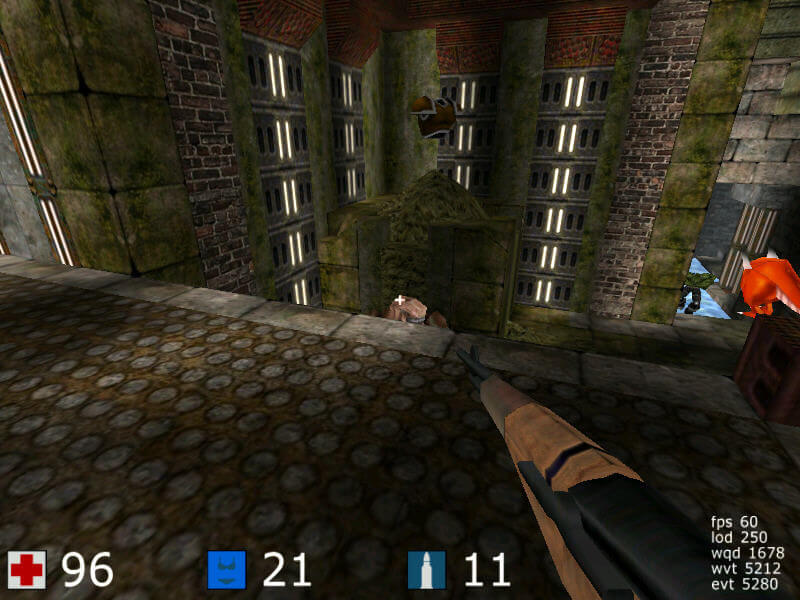
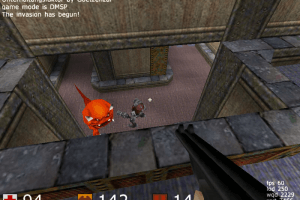
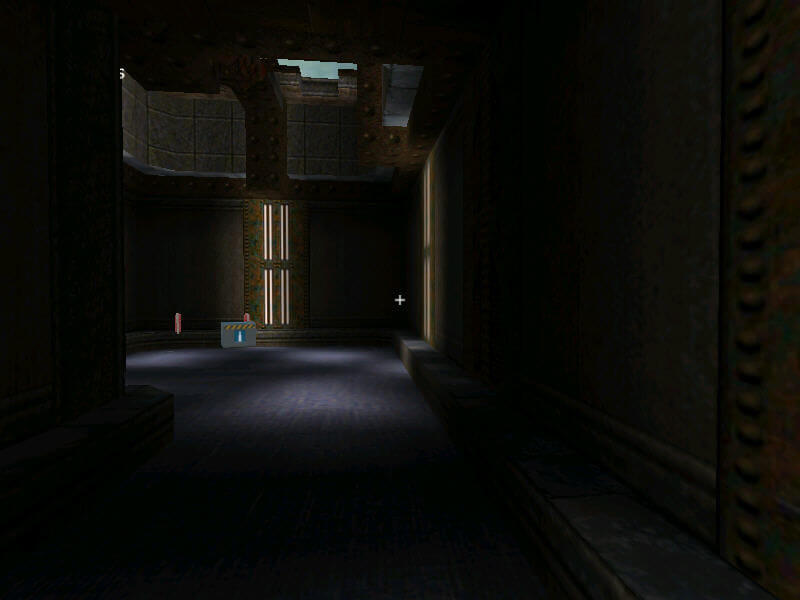
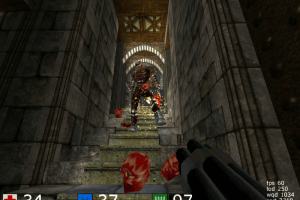
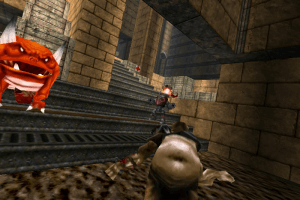
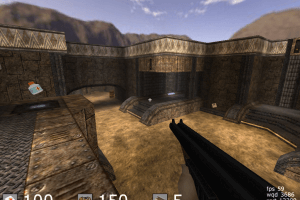
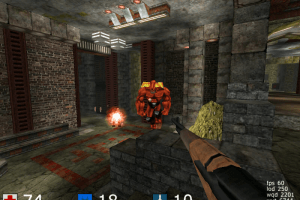
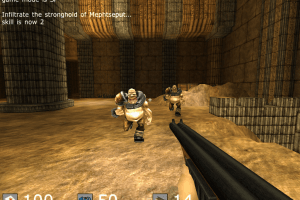
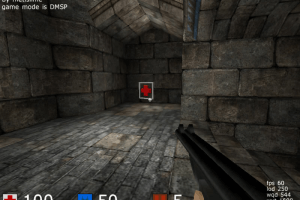
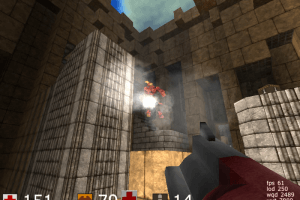
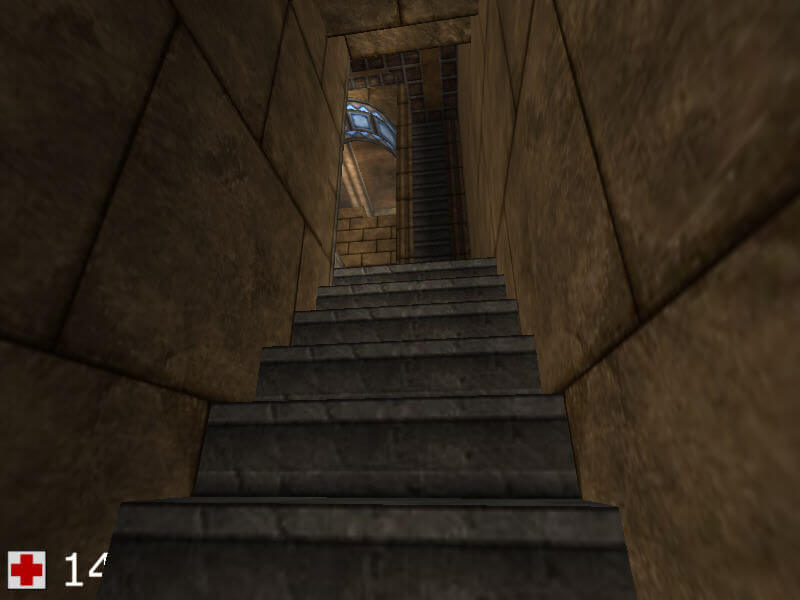
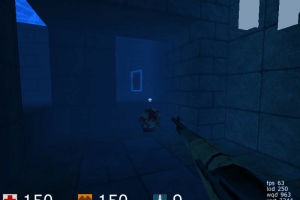
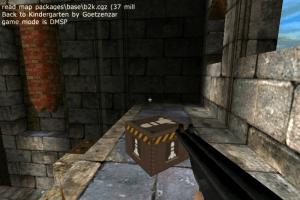
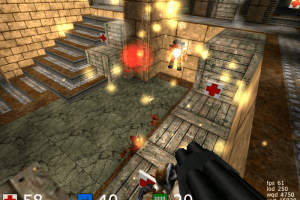
CUBE is a bit like DOOM meets QUAKE but not as dark as those.
The package that you find on this page is a self-extracting file that you can just install to a folder of your choice. After installing CUBE you get a shortcut in the startmenu that you can copy to your desktop. As CUBE uses Open-GL, you must have working Open-gl drivers installed. This should be the
case with most graphics cards software.
On firstrun of the game you will see a dark screen for a moment as the game configures the starting settings, and then you are right in the game, on a default map. While it's fine to try out movement right away, this is neither the first single player map nor is the game fully configured yet. So it's best to next look into the game folder and into
the DOCS folder inside the game folder. Open the readme.html with your favourite browser, it contains links to the game.html and the config.html. Those two help-files should tell you
anything you need to know to configure the game to your liking and to start the single-player mode then which is a series of single player maps.
Settings that you want to change you should place in the autoexec.cfg, NOT in the config.cfg as the short text description in those files explains. So I did the CTRL plus A then CTRL plus C then CTRL plus V routine to copy the whole content of the config.cfg to the autoexec.cfg and then changed some settings in this file. It's always recommendable to first copy any dot-cfg or dot-ini or such file that you find in a game-folder to a different folder as a reference before changing anything. And you can set a write protection on the config.cfg to keep it from being overwritten.
There is an ingame menu but no main menu of the game, so you can't configure the resolution or key bindings in the game. But you can configure the resolution with a command line
extension to the cube.bat, and you can configure key bindings in the autoexec.cfg
Add a command line extension to the shortcut: Rightclick, then choose properties, then add the extension (in most cases after the game.exe, in this case after the cube.bat), with spaces
in between: -wxxxx -hxxxx (replace xxxx with the width and height of your desired resolution).
Change key bindings in the Autoexec.cfg: I for one changed the weapons keys from 0 through 4 to 2 through 6, because I had repeatedly hit the console key (the key left of 1)
unintentionally. Along the same line I took out the E command for activating the edit-mode (just leave the brackets empty). And I changed quicksave/quickload from F8/F9 to F6/F9.
In the autoexec.cfg you can also configure the sound and music volume and the mouse sensitivity (lower values are slower). What I would also recommend - but this is of course a personal
decision - is to set invmouse 1, which gives you the mouselook in the "flight-controls"-style where you look upwards if you move the mouse backwards.
If the game runs faster on your machine than you like, you can add to the minmillis setting, in steps of 5 milliseconds. This means, as is explained in the documentation, that, if you
change minmillis=5 to minmillis=10, each frame stays at least 10 milliseconds instead of 5 milliseconds which means that the game runs slower. This is an estimation, not an exact value,
so you should try out which value works best. Using this setting, I've limited game speed to about 80 frames per second. Now my chances of winning a single player map have increased.
Q: Can I duck in Cube? A: No. This is a very classical fps-game. Q: Can I jump backwards in Cube? A: Yes. This is a very classical fps-game.
4
No comment nor review for this game at the moment.



 English




Comments and reviews
Linux Mint refuses to open this file too...
good engine tho
CUBE is a bit like DOOM meets QUAKE but not as dark as those.
The package that you find on this page is a self-extracting file that you can just install to a folder of your choice.
After installing CUBE you get a shortcut in the startmenu that you can copy to your desktop. As CUBE uses Open-GL, you must have working Open-gl drivers installed. This should be the
case with most graphics cards software.
On firstrun of the game you will see a dark screen for a moment as the game configures the starting settings, and then you are right in the game, on a default map.
While it's fine to try out movement right away, this is neither the first single player map nor is the game fully configured yet. So it's best to next look into the game folder and into
the DOCS folder inside the game folder. Open the readme.html with your favourite browser, it contains links to the game.html and the config.html. Those two help-files should tell you
anything you need to know to configure the game to your liking and to start the single-player mode then which is a series of single player maps.
Settings that you want to change you should place in the autoexec.cfg, NOT in the config.cfg as the short text description in those files explains.
So I did the CTRL plus A then CTRL plus C then CTRL plus V routine to copy the whole content of the config.cfg to the autoexec.cfg and then changed some settings in this file.
It's always recommendable to first copy any dot-cfg or dot-ini or such file that you find in a game-folder to a different folder as a reference before changing anything.
And you can set a write protection on the config.cfg to keep it from being overwritten.
There is an ingame menu but no main menu of the game, so you can't configure the resolution or key bindings in the game. But you can configure the resolution with a command line
extension to the cube.bat, and you can configure key bindings in the autoexec.cfg
Add a command line extension to the shortcut: Rightclick, then choose properties, then add the extension (in most cases after the game.exe, in this case after the cube.bat), with spaces
in between: -wxxxx -hxxxx (replace xxxx with the width and height of your desired resolution).
Change key bindings in the Autoexec.cfg: I for one changed the weapons keys from 0 through 4 to 2 through 6, because I had repeatedly hit the console key (the key left of 1)
unintentionally. Along the same line I took out the E command for activating the edit-mode (just leave the brackets empty). And I changed quicksave/quickload from F8/F9 to F6/F9.
In the autoexec.cfg you can also configure the sound and music volume and the mouse sensitivity (lower values are slower). What I would also recommend - but this is of course a personal
decision - is to set invmouse 1, which gives you the mouselook in the "flight-controls"-style where you look upwards if you move the mouse backwards.
If the game runs faster on your machine than you like, you can add to the minmillis setting, in steps of 5 milliseconds. This means, as is explained in the documentation, that, if you
change minmillis=5 to minmillis=10, each frame stays at least 10 milliseconds instead of 5 milliseconds which means that the game runs slower. This is an estimation, not an exact value,
so you should try out which value works best. Using this setting, I've limited game speed to about 80 frames per second. Now my chances of winning a single player map have increased.
Q: Can I duck in Cube? A: No. This is a very classical fps-game. Q: Can I jump backwards in Cube? A: Yes. This is a very classical fps-game.
No comment nor review for this game at the moment.