





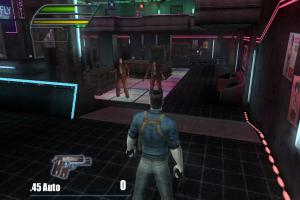
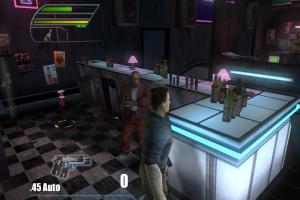
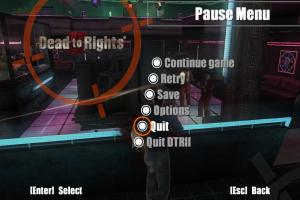
How to Play
The game has been tested on Windows 7 64-bit and Windows 10, it works fine. You may experience some small troubles when you play the game on modern systems, check our Guide and Notes for details
Install & play guide:
- Mount the disc image. You will need the utility for mounting disc image files, like WinCDEmu, UltraISO, Alcohol 52%/Alcohol 120% or Daemon Tools Lite
- Install the game (if autorun doesn't work - simply launch the installation from Setup.exe inside the disc). It is recommended to install the game not in default path, but in some other, non-system folder, like
C:/Games/Dead to Rights II - After you installed the game - use NoCD, simply copy all files from the archive and put it into game folder, agree to replace the original files
- Open the game folder and find DTR2.exe and Dead to Rights II.exe. Right click on both exe-files -> Properties -> Compatibility -> Set "Run this app in compatibility mode with Windows XP" and "Run as administrator"
- Run the Launcher (Dead to Rights II.exe), select the settings and play. If the game doesn't work in compatibility mode with Windows XP - try to launch it in compatibility mode with other version of Windows (Windows 98, Windows 2000, etc.)
Notes:
- If the installation doesn't start - try to launch Setup.exe in compatibility mode with old version of Windows (98, 2000 or XP)
- It is recommended to install all versions of Microsoft Visual C++ Redistributable and NET Framework for the correct work of the game. Also it is recommended to install K-Lite Codec Pack for the correct work of in-game videos
- The game works on DirectX 9, so if you're using Windows 8, 8.1, 10 or 11 - you need to enable DirectPlay: Go to Control Panel, and select 'Programs'. Select 'Turn Windows features on and off', click on 'Legacy Components' and check the box 'DirectPlay'. Select OK, once the installation is done, restart your computer
- NoCD is required for the launch because the game is using ActiveMark DRM protection, which doesn't work correctly on modern systems. That NoCD "breaks" DRM protection and allows the game to work on modern systems. If you see error that there's not enough space on the hard drive when you copy NoCD files - re-install the game in non-system folder, like
D:/Games/Dead to Rights II, Windows Protection may block copying of files to system folders (likeC:/Program FilesorC:/Windows) - You can change the settings and controls in the Launcher (Dead to Rights II.exe). If the Launcher doesn't start - remove "Read-only" attribute from the game folder. If it didn't help - move Dead to Rights II.exe to some other folder, run it and change the settings; Launcher will automatically create the settings files pc.cfg & pc.ini. Copy that pc.cfg & pc.ini files to game folder with replacement. Next time you will want to change the settings - copy all 3 files (Dead to Rights II.exe, pc.cfg & pc.ini) to another folder, change the settings, then copy pc.cfg & pc.ini back to game folder
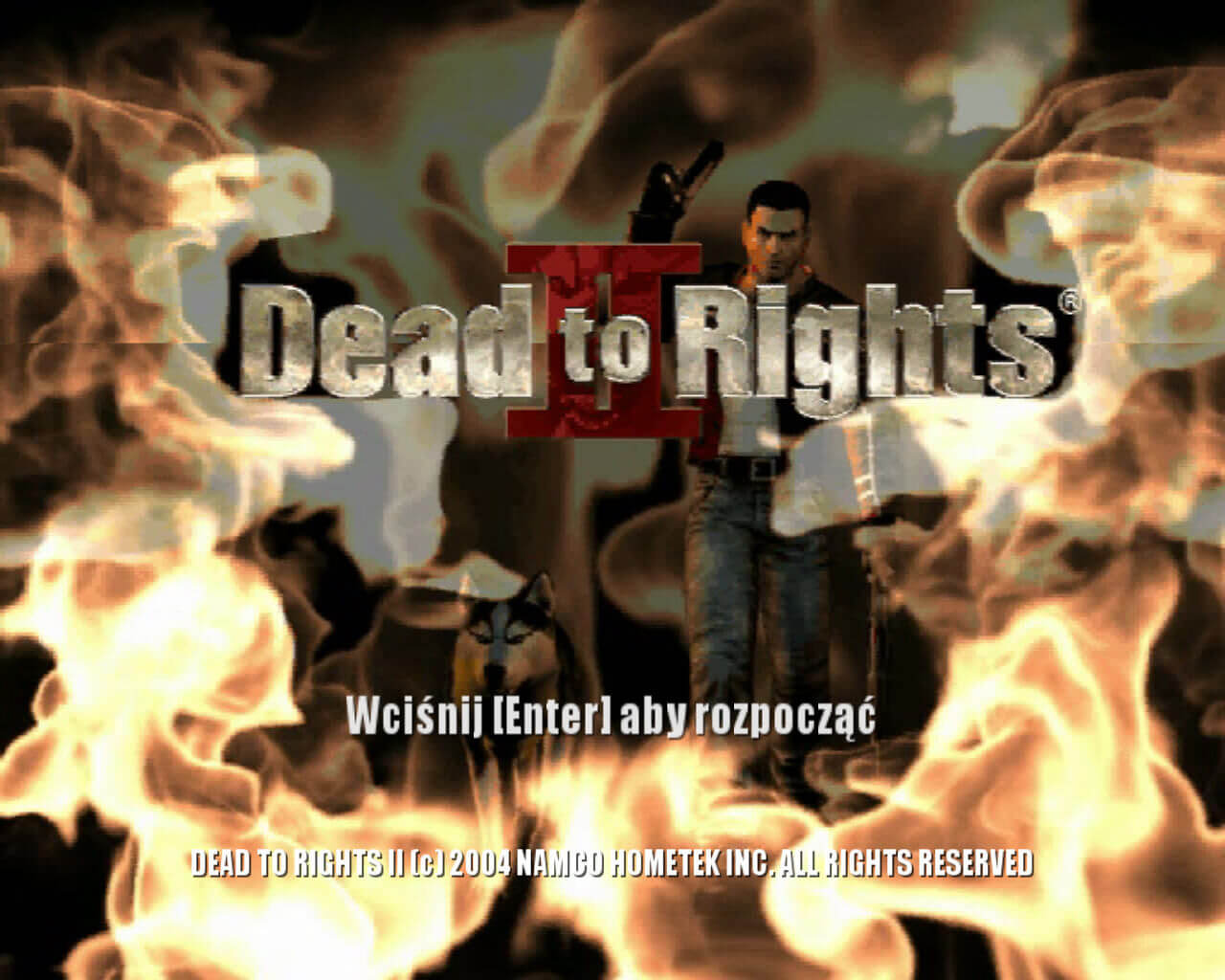
- If the game stucks at starting screen with "Press "Enter" to start" - make sure that you selected the controls in the Launcher (Dead to Rights II.exe)
- By default the game works only in 4:3 screen ratio, but you can easily run it in wide screen resolution by editing the config-file, follow this guide. After you edited the config-files, run the game from DTR2.exe. Please note that if you run the Launcher (Dead to Rights II.exe), the screen settings will get back to default, you'll need to edit it again
- If you have any graphical issues, try to run the game with dgVoodoo 2. Also, with dgVoodoo you can run the game with Antialiasing or Texture filtering
- The original Russian release of the game was protected with infamous StarForce DRM protection. The Russian version uploaded on our website is DRM-Free re-release, it doesn't have any protection. We uploaded NoCD for Russian version just in case if someone will be looking for it, it is not required for DRM-Free Russian version
- Russian version may have a video playback error on some systems, when the video doesn't work or the game crashes when the video is starting. Use Video Fix for Russian version if you have such an issue
- The game has controller support. If the game doesn't recognize your gamepad - try using one of the additional tools from PCGamingWiki guide for controllers. If you have XInput-compatible controller (Xbox gamepad or similar), it is recommended to use XInputPlus tool
- If un-installer of the game show error, use the special utilities like Revo Uninstaller to delete the game
- Don't forget to check PCGamingWiki if you have troubles!
 English
  Polish
  Russian





Comments and reviews
I ,ove this game
I can't use enable controller option or map WASD it only give me right side buttons keys, it's messed up. the russian version had the controller option
anyone help?
I'm not sure how simple or complicated the game installation process would have been for me in using what's available here, but what I do know is that using the ISO and NoCD fix available on the webpage below was easy for me and required taking no further steps in getting the game to work on Windows 10.
https://oldgamesdownload.com/dead-to-rights-ii/
We updated this page, added more language versions, plus detailed guide for the most common troubles of the game
@bob English and Polish versions has ActiveMark DRM, not dangerous for modern systems, simply use NoCD. Russian version originally had infamous StarForce DRM, but we found DRM-Free version
so does this have Starforce drm removed or not?
or is it just not an issue as get bypassed on Win8+ or linux?
Polish version provided :
https://archive.org/details/dead-to-rights-2-pl
i have recently installed dead to rights 2 in my pc and whenever i open it its pop up a website name gamespy and gives option to connect me to the internet i will click on this option then it shows some error in my connection but my connections are fine. please solve this problem or give me the solution
English version when?
I'm using an English version found elsewhere, but it didn't include a launcher exe or shortcut, would someone mind telling me what their launcher shortcut's "Target" points to under properties? I'd like to remap some keys.
Can you please upload the English version from here:https://steamunlocked.net/dead-to-rights-2-free-download/. It's without Starforce, because this game is only in Russian.
I forgot to add that someone will probably say use a PS3 or Xbox emulator but I have already tried the PS3 emulator and it always freezes at startup.
I have a question why Dead To Rights Retribution did not get the pc port. Can anyone answer this question?
run flawlessly in win10 x64 .. but a little bad control bindings
to change the controls, after the installation select run dead to rights 2 and a launcher will appear with controls, resolution etc. change them however you want, because that will be the last time you will see it, i cant for the life of me find its location. afterwards, when you copy the english crack, dont copy the pc.cfg file, because it contains the default controls.
Does anyone know how to change the controls to work with WASD?
I'm sad because I'm looking for this game in my language and can't find it anywhere. That game was released in Poland with Poland dubbing
The included nocd patch doesn't work. I have attached a link to one that does
http://www.mediafire.com/file/s9kxdhbtnzy63cd/DeadtoRights2CrackengwinX64.7z/file
Just install the game as normal and apply this crack instead, You can also change the resolution in the "pc.cfg" file, just replace the aspect ratio and resolution values within
The game is in Russian Language.
I got the same problem, Admin!
The game doesn't run with or without crack
Doesn't run on Windows 7 or Linux, asks for CD, then once the NoCD patch is installed game crashes on start on both.
thanks..rare stuff
No comment nor review for this game at the moment.