




The sequel to Dawn Patrol and one of Rowan's last games, Flying Corps is arguably the best World War I-era sim since Red Baron, and in many ways it surpasses even that venerable classic.
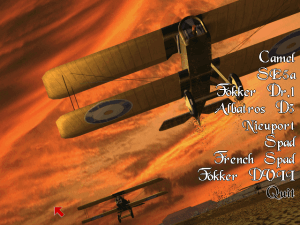
PC Gamer review says it all: "Flying Corps offers six planes in both instant and campaign-based missions: the German Fokker Tri-plane and Albatross DIII, and the Allied Nieuport 28, Sopwith Camel, Spad, and SE5a. Flight models are strong across the board (see sidebar for more details), and go into areas rarely modeled in sims of this area. The planes just feel right, and flying them on full realism is a true challenge. One thing I didn?t care for was the planes being set to full throttle when you entered a new mission: I found this disorienting.
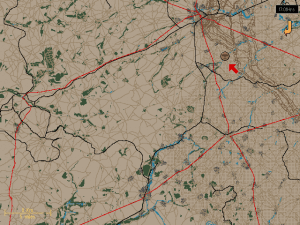
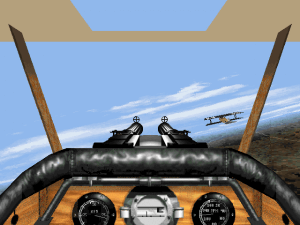
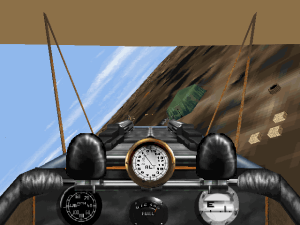
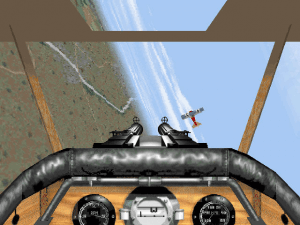
Gamers used to waypoint carats on their HUD will be shocked to find navigation is pretty much by dead reckoning, unless you call up the information panel along the top of the screen. This panel has all relevant information on speed, altitude, heading, required heading, situational awareness, and so on. In one corner, there are even two little bars representing the lift of each wing in terms of color: green is good, red means that wing is stalled. Because of Flying Corps? sensitive controls, rudder pedals are almost essential. The controls are so well modeled that they almost feel "wrong" to modern sensibilities. The rudder really threw me the first time I flew, but after some maneuvers, I realized that someone had finally gotten it right, or at least tried to approximate the feel.
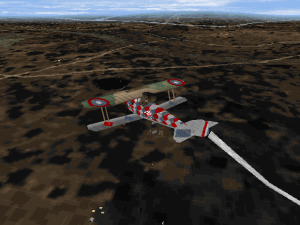
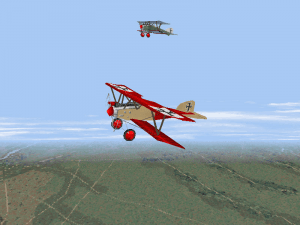
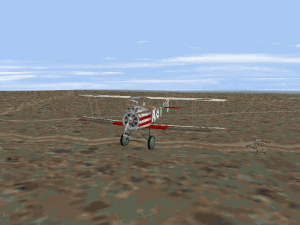
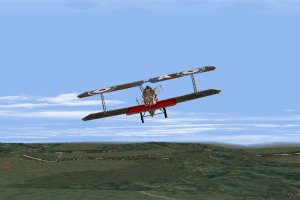
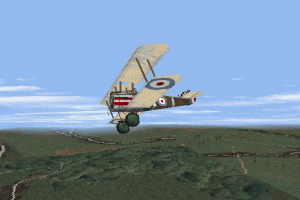
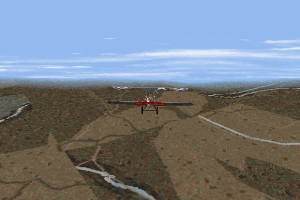
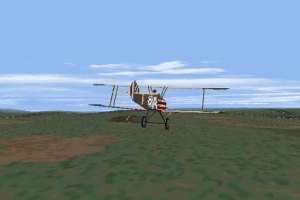
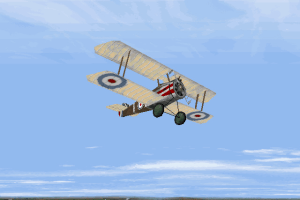
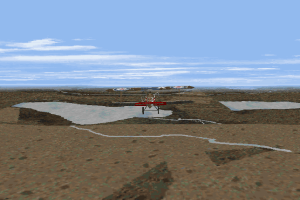
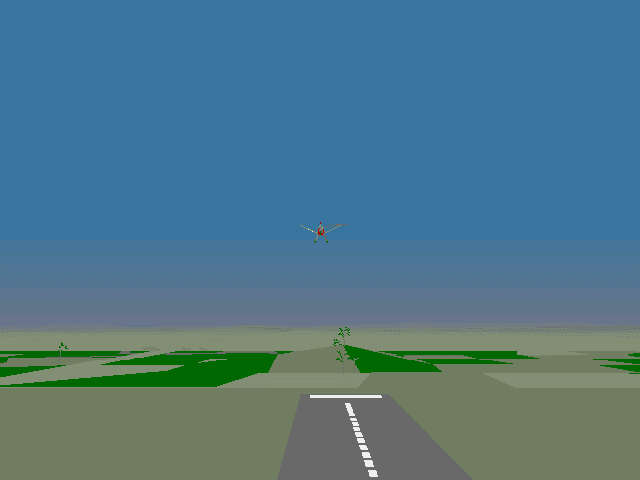
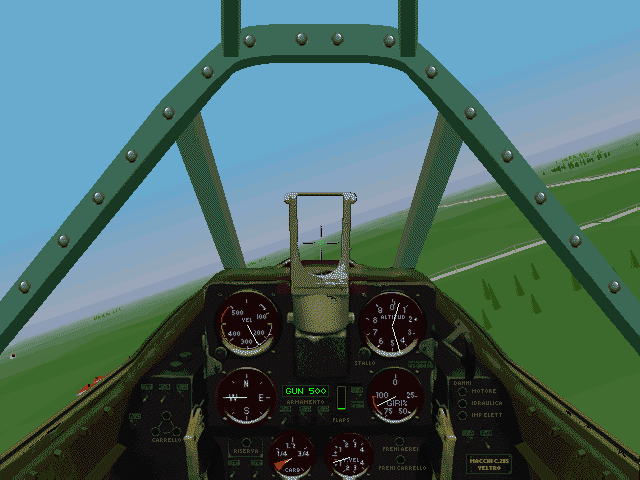
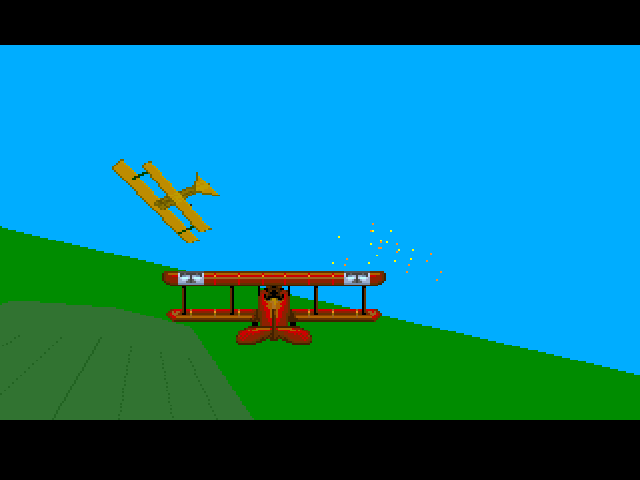
Graphically, Flying Corps is outstanding, with super-detailed planes, gorgeous colors, wonderful landscapes, and high resolutions. In the campaign game, you can even custom paint your planes and provide nose art. The trade-off is in processor speed. You?ll need a monster to run it, and forget about the Win95 mode until some form of 3D card support becomes available in a patch: the game is hopelessly jerky in native Win95. But in DOS, it runs well on a P200, even on higher resolutions and with full details. Missions run the gamut: ground strikes, patrols, escort runs, balloon busting. But the most prominent is straight-forward dogfighting, with enemies that we found mostly very challenging on harder settings. All planes can drop bombs (an acceptable realism concession made for the sake of gameplay), but I found ground strafing unrealistically effective: guns don?t usually blow up large houses. The viewing modes in the initial release offered a bewildering variety of padlock and external views, and I was never very comfortable with the glitchy padlock. (I?m not a fan of padlock in general, however.) You can smooth-scan around the cockpit, but this is processor intensive, so Rowan has already issued a patch with quick-look features so you can glance around rapidly. We highly recommend downloading the patch; it?s a big help.
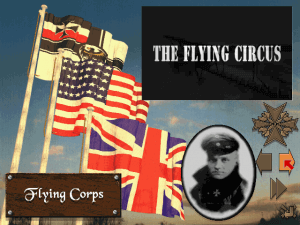
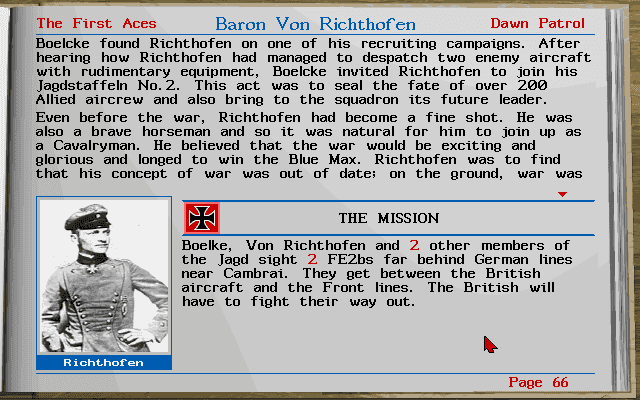
In campaign mode, you have a choice of four semi-narrative campaigns: leading the Flying Circus in May 1917, a German pilot in the battle of Cambrai, a British pilot in 54 Squadron in February 1918, and as American ace Eddie Rickenbacker. You usually get a couple of different planes in the campaigns, and get to plan missions and set-up your squadron. The campaign is the weak link in Flying Corps: it?s nicely done, with animations and good squadron control, but it feels canned rather than dynamic. Flying Corps has its problems, but that it can weather these flaws and still leave such a favorable impression speaks volumes for its quality. Rowan seems to be supporting it well, with one patch already out and another due out soon that will feature 3D support and modem play. This is not just something to play while waiting for Red Baron II: it?s serious competition. Flaws and all, it is a superb piece of work." Two thumbs up!
Review By HOTUD



Comments and reviews
standard version is dos, gold version is adjusted for windows plus patch , probably , no different content
Anyone else having this problem? Everytime I start a mission the plane is in freefall facing down, I have never seen this happening before. Is this a quirk of the original version? Or is it something related to Dosbox? Anyway, thankfully I can press "U" to raise the plane 500ft and I can manouver it back to normality.
This game is brutal, I have a succesful mission with A LOT of kills but then I crashed my own plane when attempting to land. Oh boy...
just to add that unfortunately this game doesn't have a Compass showing what direction you're flying in, it only shows Degrees... 0 degree means North, 90 means East, 180 South and 270 West... Good luck, Pilot!
Wow, thanks for this, I can finally play this game again after losing the CD.
Using Dosbox on Linux I had to ramp up the cycles up to 90.000 for the game to run at the correct speed. If you have Dosbox too slow, the plane will start missions looking down and crash immediately.
Took me years to finally learn how to play this, so here goes the controls for everyone:
press I three times to show information status bars, this is super useful to know where to go, to view messages, etc
press F2 to show external view of your plane
press F4 repeated times for external views aimed at waypoints (the places in the map you're supposed to go)
press F8 for crosshair 1st-person view, super useful to shoot down stuff
press TAB to fast forward between waypoints or encounters if you don't feel like travelling manually (travelling is half the fun!!)
press 1-0 Numbers to change engine speed, press Comma or Period to cycle engine Off/On
I don't remember if it's necessary to turn wheel brakes to land the plane in this game, but if so try W (like in Dawn Patrol) Mission ends automatically when you land. (just turn engine Off)
F12 to access the Options menu (changing resolution is only available mid-game)
Does anyone know what's the difference between the original version and the Flying Corps Gold version? Will I miss out any content by playing the Gold version? I had the Gold CD growing up, they perfected the formula in this game. The controls and user-interface are very much improved and user-friendly (Dawn Patrol was a pain when it comes to controls)
No comment nor review for this game at the moment.