




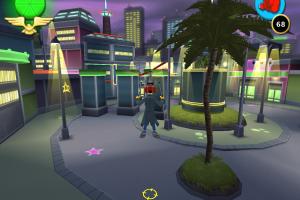
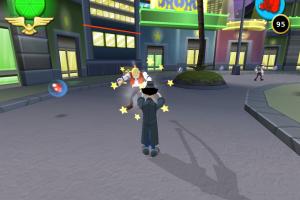
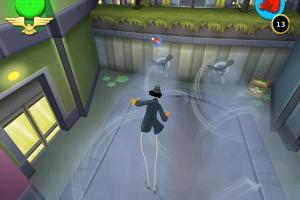
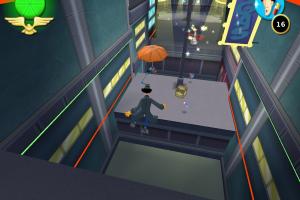
How to Play
Be careful, all versions of the game was protected with StarForce DRM that can ruin your system, especially if you use 32-bit variant of Windows! StarForce DRM drivers are not compatible with modern systems, make sure to use NoCD before the first launch!
The game with NoCD has been tested on Windows 7 64-bit and Windows 10, it works fine. You may experience some small troubles when you play the game on modern systems, check our Guide and Notes for details
Install & play guide:
- Mount the disc image. You will need the utility for mounting disc image files, like WinCDEmu, UltraISO, Alcohol 52%/Alcohol 120% or Daemon Tools Lite
- Install the game (if autorun doesn't work - simply launch the installation from Setup.exe inside the disc). It is recommended to install the game not in default path, but in some other, non-system folder, like
C:/Games/Gadget & Gadgetinis, so you won't have troubles with NoCD - At the end of installation, uncheck the box "Run the game", to avoid the installation of StarForce drivers!
- After you installed the game - install NoCD, simply copy all files from the archive and put it into the game folder, agree to replace the original files
- If you installed European multilingual version, run the game from MAIN_EURO.exe, if you installed Russian version - run MAIN_RUS.exe. DO NOT run the game from MAIN.exe or desktop shortcut (by default the installer creates desktop shortcut for MAIN.exe), that file is protected with StarForce
- Launch the game and play. If the game doesn't work - try to launch it in compatibility mode with old version of Windows (Windows 98, 2000, XP, etc.)
European multilingual version has 6 languages: English, French, German, Italian, Spanish & Dutch, you can select the language on the start screen
Notes:
- If the installation doesn't start - try to launch Setup.exe in compatibility mode with old version of Windows (98, 2000 or XP)
- It is recommended to install all versions of Microsoft Visual C++ Redistributable and NET Framework for the correct work of the game. Also it is recommended to install K-Lite Codec Pack for the correct work of in-game videos
- The game works on DirectX 9, so if you're using Windows 8, 8.1, 10 or 11 - you need to enable DirectPlay: Go to Control Panel, and select 'Programs'. Select 'Turn Windows features on and off', click on 'Legacy Components' and check the box 'DirectPlay'. Select OK, once the installation is done, restart your computer
- Be careful, the game was protected with StarForce DRM that has serious compatibility issues with modern systems! It even can break your system especially if you use 32-bit variant of Windows. Make sure to use NoCD before the first launch of the game! If you see the error that there's not enough space on the hard drive when you copy NoCD files - re-install the game in non-system folder, like
D:/Games/Gadget & Gadgetinis - The game support widescreens resolutions up to 1920x1080. If you want to change the screen resolution or any other settings - run Detect.exe in game folder
- The game with NoCD should work fine, it was tested on Windows 7 64-bit and Windows 10. But if you have graphical glitches or any other graphical issues - try to run the game with dgVoodoo 2, it should help
- The game should have controller support, the launcher has the option to configure the gamepad settings. But if the game doesn't recognize your controller, try to use one of the tools that allow to bind keyboard keys to controller buttons, check PCGamingWiki guide for controllers
- The sound in game may disappear if you minimize the game's window, by pressing Alt+Tab or Windows button, it is a bug
- Don't forget to check PCGamingWiki if you have troubles!


 Russian









Comments and reviews
Here is my gameplay of this game feel free to use it: https://youtu.be/Dx85bz4zjmM
No comment nor review for this game at the moment.