You are on the beta version of My Abandonware. The live site is still myabandonware.com. Your favorites and ratings here are copied to the live site. Comments and other changes are not — we delete them every morning at 08:00 Paris time, when this site goes down for about an hour. Leave feedback through this link to Pastel (email required).
The beta goes down at 08:00 Paris time, in a few minutes. We rebuild the database from the live site. It comes back in about an hour.
1. Extract both cds from zip 2. Mount the first iso, and start installing the game 3. After asks for disk 2, eject the disk 1, and mount second iso, and continue the installation. Both iso's should be mounted in same drive D let say 4. After installation go to the folder where GROM is installed, and copy/cut everything from bin folder and move into the root of the installation folder 5. For data folder, just copy whole folder into the root, not the content 6. From second iso, copy just SecuROM folder 7. Copy and paste the crack from first iso into the root of installation folder
1
[deleted]24 Apr. 2025
@Rugerman357
Here you go: https://www.gamepressure.com/download/grom-eng-demo/zd805
2
Rugerman35717 Jan. 2025
Seems interesting. I've read somewhere, that there is a demo version of this game. Can anyone find it and/or link it? It would be good to try it first.
2
Crimson07 Sep. 2024
Doesn't work, not even a little bit...
2
ShinoSarna23 Apr. 2024
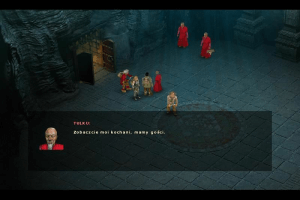
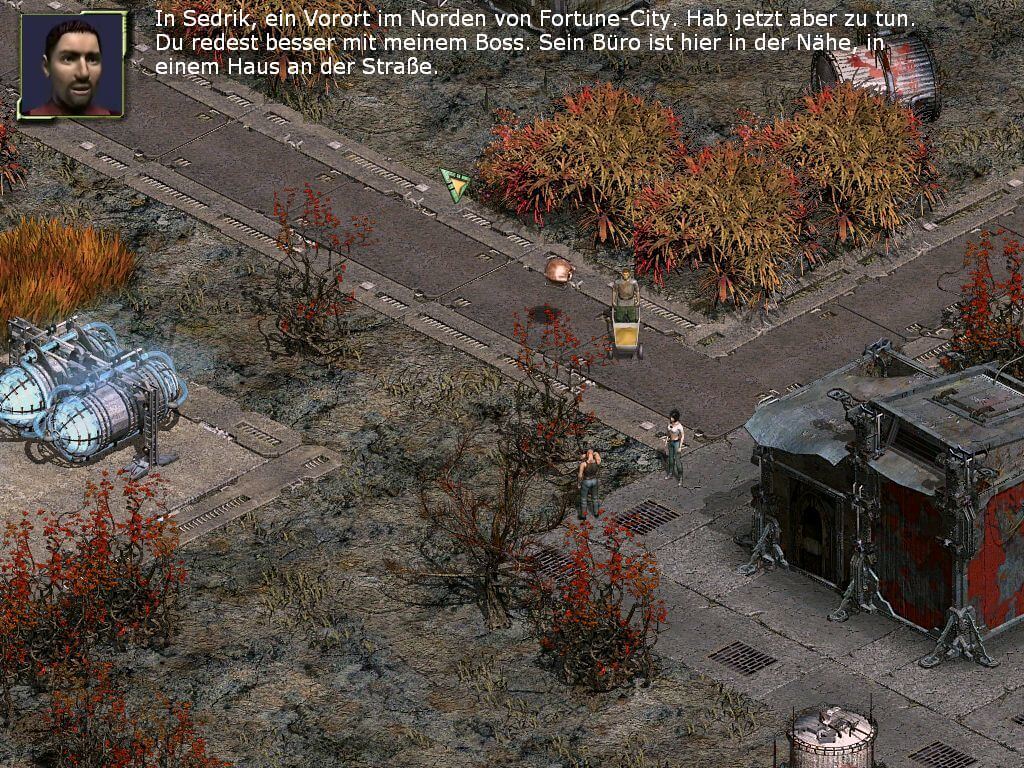
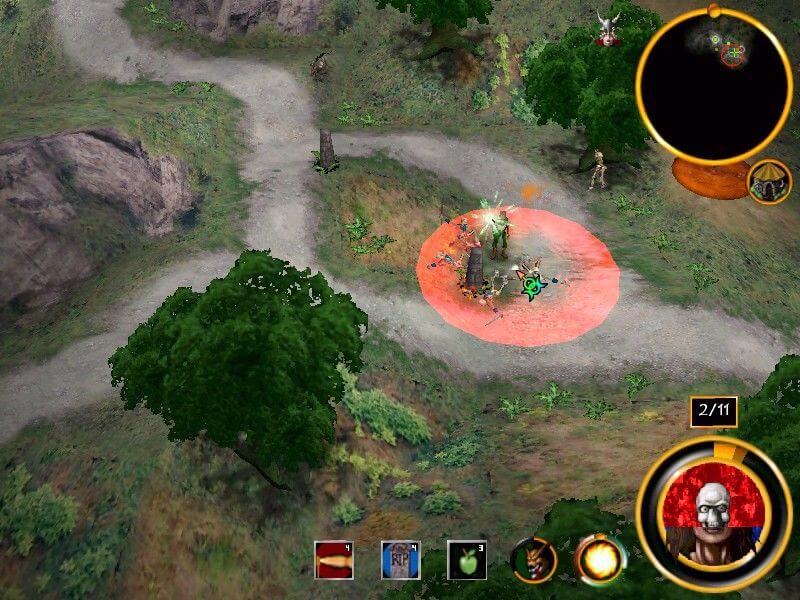
I loved this game as a kid! For those interested, this is less of a typical RPG and more a linear tactical RPG, with tactical battles interspersed with story cutscenes. There technically is ability to travel and free roam, but there is very little reason to do so and the game is pretty linear. It's more like an interactive adventure movie in tradition of Indiana Jones etc.
1
Leviathan199014 Dec. 2022
Top comment
This game (I hope) will be added to zoom platform, and will be fixed for modern OS like win 10/11.
Now I'm working on some documentations for this game: binary container files were created with a Radtool's program: Granny that you can download from radtools website bay waybackmachine. More to come soon!
6
help grom01 Jul. 2022
Top comment
i successfully installed the game by making a seperate folder and combining both cd1 and cd2 together, but after that i tried launching the game and it said i need cd2 to play, but i mounted the image already..
8
A Retro Gaming Enthusiast17 Nov. 2021
Tried it on Windows 10. It works flawlessly, no tweaks needed.
-3
No comment nor review for this game at the moment.



 English
  Polish





Comments and reviews
Working solution on Windows 11 25H2:
1. Extract both cds from zip
2. Mount the first iso, and start installing the game
3. After asks for disk 2, eject the disk 1, and mount second iso, and continue the installation. Both iso's should be mounted in same drive D let say
4. After installation go to the folder where GROM is installed, and copy/cut everything from bin folder and move into the root of the installation folder
5. For data folder, just copy whole folder into the root, not the content
6. From second iso, copy just SecuROM folder
7. Copy and paste the crack from first iso into the root of installation folder
@Rugerman357
Here you go:
https://www.gamepressure.com/download/grom-eng-demo/zd805
Seems interesting.
I've read somewhere, that there is a demo version of this game.
Can anyone find it and/or link it? It would be good to try it first.
Doesn't work, not even a little bit...
I loved this game as a kid! For those interested, this is less of a typical RPG and more a linear tactical RPG, with tactical battles interspersed with story cutscenes.
There technically is ability to travel and free roam, but there is very little reason to do so and the game is pretty linear. It's more like an interactive adventure movie in tradition of Indiana Jones etc.
This game (I hope) will be added to zoom platform, and will be fixed for modern OS like win 10/11.
Now I'm working on some documentations for this game: binary container files were created with a Radtool's program: Granny that you can download from radtools website bay waybackmachine.
More to come soon!
i successfully installed the game by making a seperate folder and combining both cd1 and cd2 together, but after that i tried launching the game and it said i need cd2 to play, but i mounted the image already..
Tried it on Windows 10. It works flawlessly, no tweaks needed.
No comment nor review for this game at the moment.