






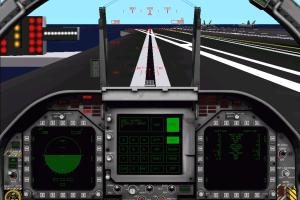
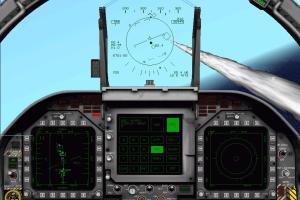
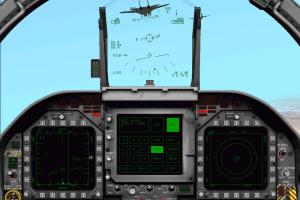
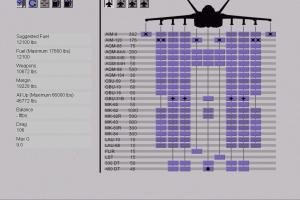
How to Play
Notes:
- The installer of the game doesn't work on modern systems, use WineVDM tool to install the game - simply mount the ISO image, run WineVDM and show the path to installer, the game should install okay. After you installed the game, install the patch v1.2 by copying the files to game directory. Then rename IF18.exe to IF18A.exe, it is important, otherwise the game won't work! You need to do this because the Windows compatibility settings are already applied to the IF18.exe file by default, which makes the game unplayable on modern systems. A simple rename to IF18A.exe should fix it, according to this thread
- After you installed the game, use one of display wrappers to run the game. It is recommended to use DDrawCompat or dgVoodoo 2, the game should work fine with both wrappers. You can also experiment with DxWnd, check this thread for more details how to run the game with DxWnd
- If you couldn't manage to run the game on modern system, the best variant to play the game is to use Virtual Machine with old Windows, like Windows 95, 98 or 2000. The game should work fine on VirtualBox + Windows 98, here's the video demonstration. Also, the game should work good on PCem v15 + Windows 95
- It is highly recommended to use joystick or gamepad to play the game. If the game doesn't recognize your controller - try to use one of the additional tools from PCGamingWiki guide for controllers
- Pressing Alt, Ctrl or Shift key will pause the game, it will un-pause when you press any other key after that. Better to use joystick or gamepad and configure it to avoid the need to press any of these keys at all
- The game may have some small issues, according to this thread: Intro videos may not work or show only the black screen with sound, press Alt+Tab to center playback window or disable intro videos in options. After you installed Theater, restart the game or it may crash when you start the mission. Entering Instant Action may result in crash to desktop, to avoid that first load some mission or training, then press Ctrl+Q to exit to the menu, after that Instant Action should work fine
 English
  German





Comments and reviews
No comment nor review for this game at the moment.