




How to Play
Windows
The game has been tested on Windows 7 64-bit and Windows 10, it works fine. The game supports widescreen and high screen resolutions. You may experience some small troubles when you play the game on modern systems, check our Notes for details
Notes:
- The game is DRM-Free, simply install & play. If the installation doesn't start - try to launch Setup.exe in compatibility mode with old version of Windows (98, 2000 or XP)
- It is recommended to install all versions of Microsoft Visual C++ Redistributable and NET Framework for the correct work of the game. Also it is recommended to install K-Lite Codec Pack for the correct work of in-game videos
- The game works on DirectX 9, so if you're using Windows 8, 8.1, 10 or 11 - you need to enable DirectPlay: Go to Control Panel, and select 'Programs'. Select 'Turn Windows features on and off', click on 'Legacy Components' and check the box 'DirectPlay'. Select OK, once the installation is done, restart your computer
- If the game doesn't work - try to launch it in Compatibility mode with old version of Windows, like Windows XP, and as Administrator (right click on FA-18 Op Iraqi Freedom Flight.exe -> Properties -> Compatibility). If it didn't help or you have the other technical issues, try to run the game through dgVoodoo 2
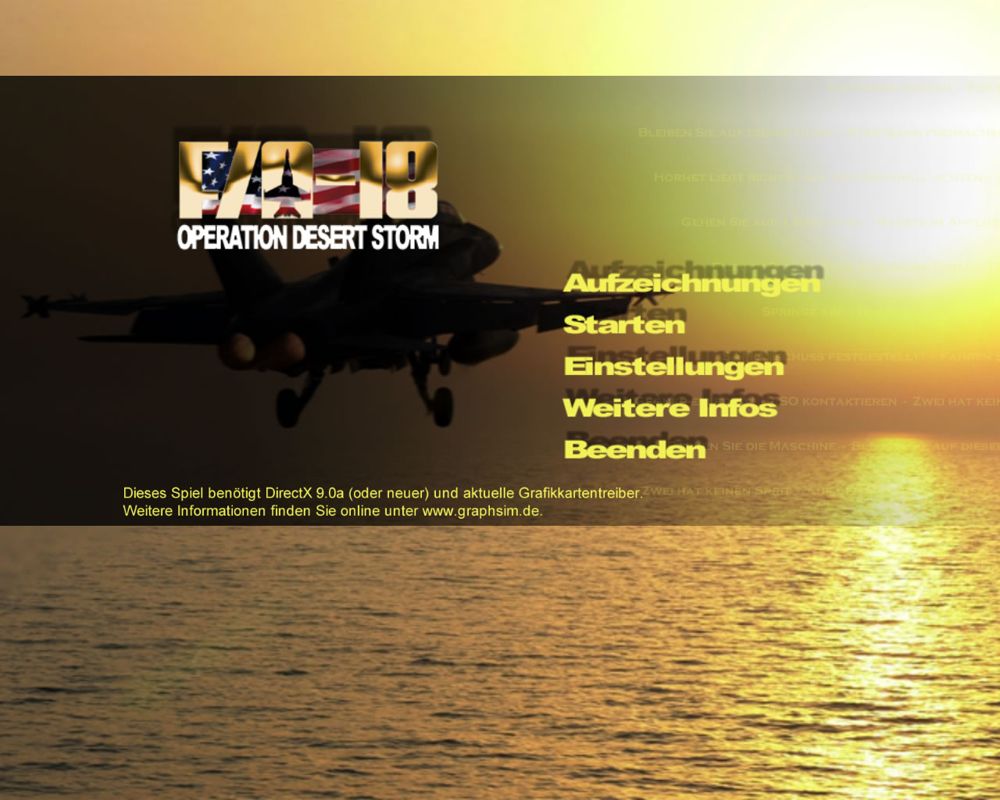
- The game was released as F/A-18 Operation Iraqi Freedom in USA/North America and as F/A-18 Operation Desert Storm in Europe. The content in both releases is identical, the only difference in the picture in main menu. Patch v1.01 were made for US release but can be installed on European release too, the installed patch will automatically change the game to US version (Operation Iraqi Freedom)
- Make sure to check the manual in
User Manualsfolder, it has the detailed instructions how to control the plane in the game. We additionally added the small text-file with hotkeys bindings. Also, if you play the game with mouse & keyboard, check the controller settings - by default the game selects joystick as the primary device. It is recommended to select the mouse as the primary device, for better plane controlling
Mac
Visit MacintoshGarden for more details about Mac version
 English
  German
  Russian






Comments and reviews
No comment nor review for this game at the moment.