
Love, love, love this game.
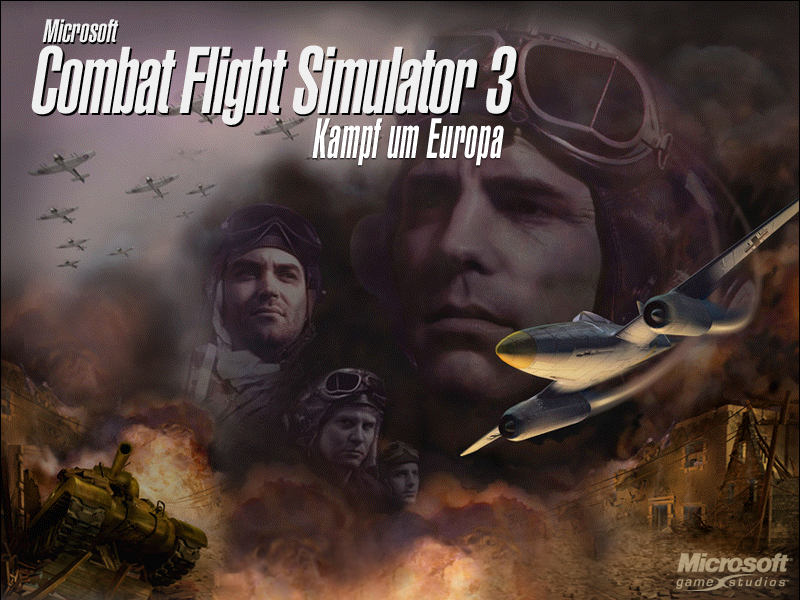
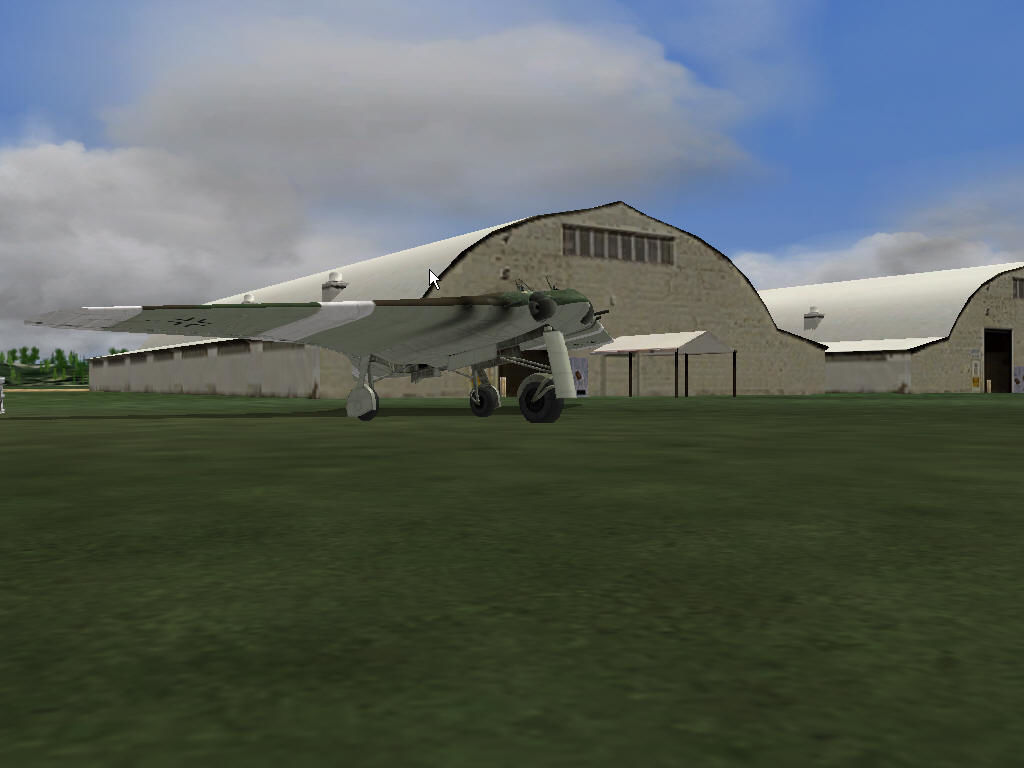
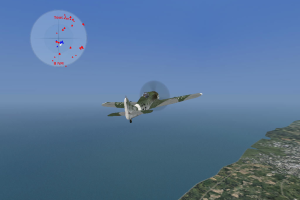
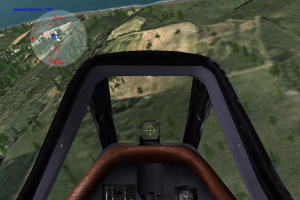
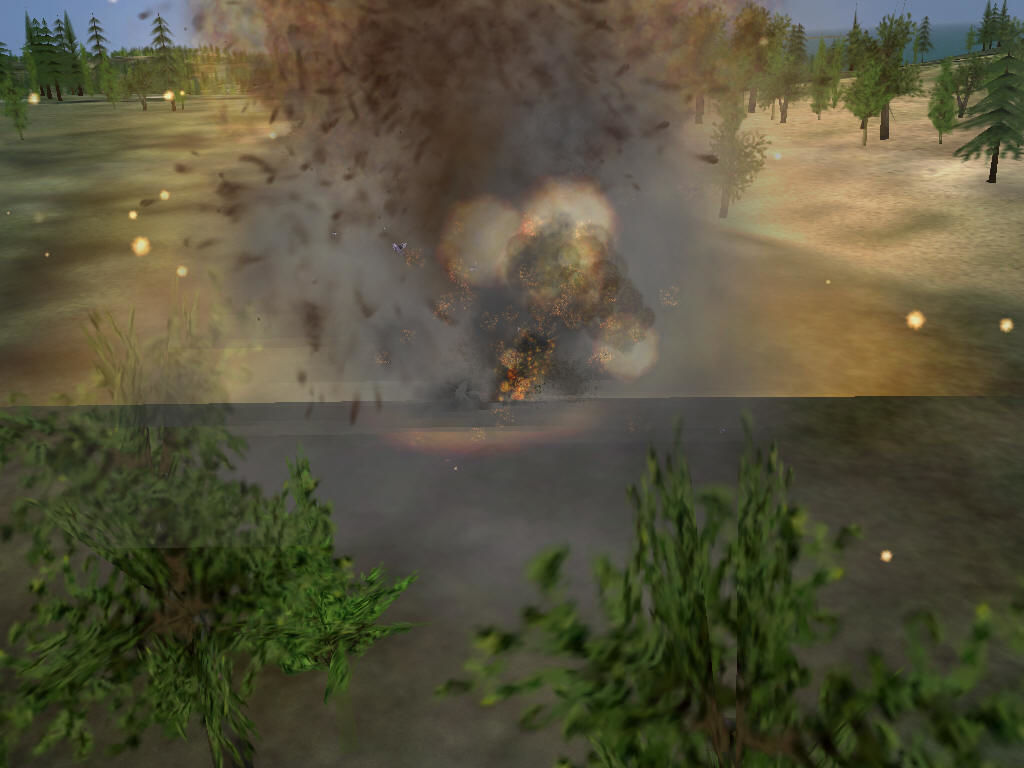
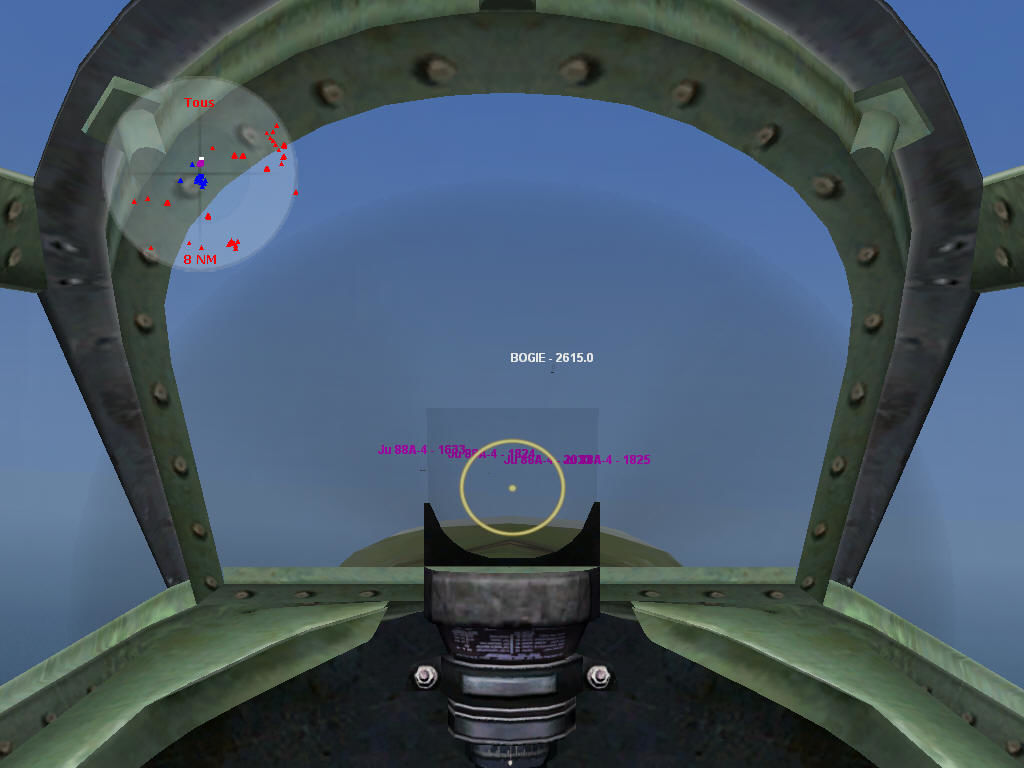
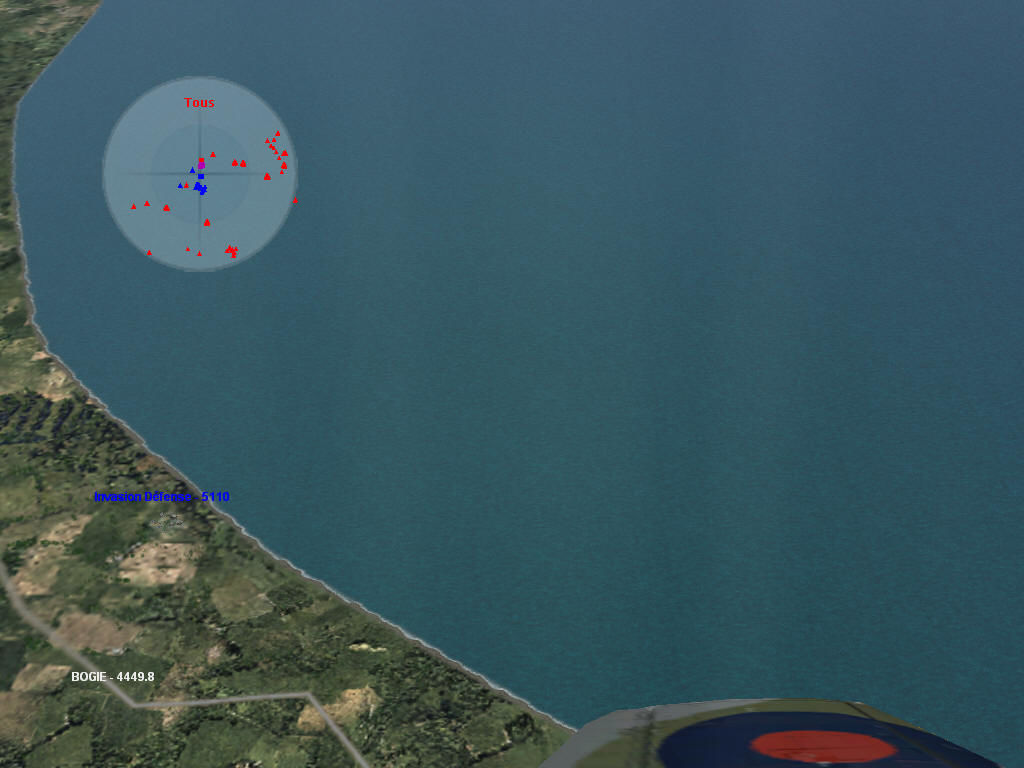
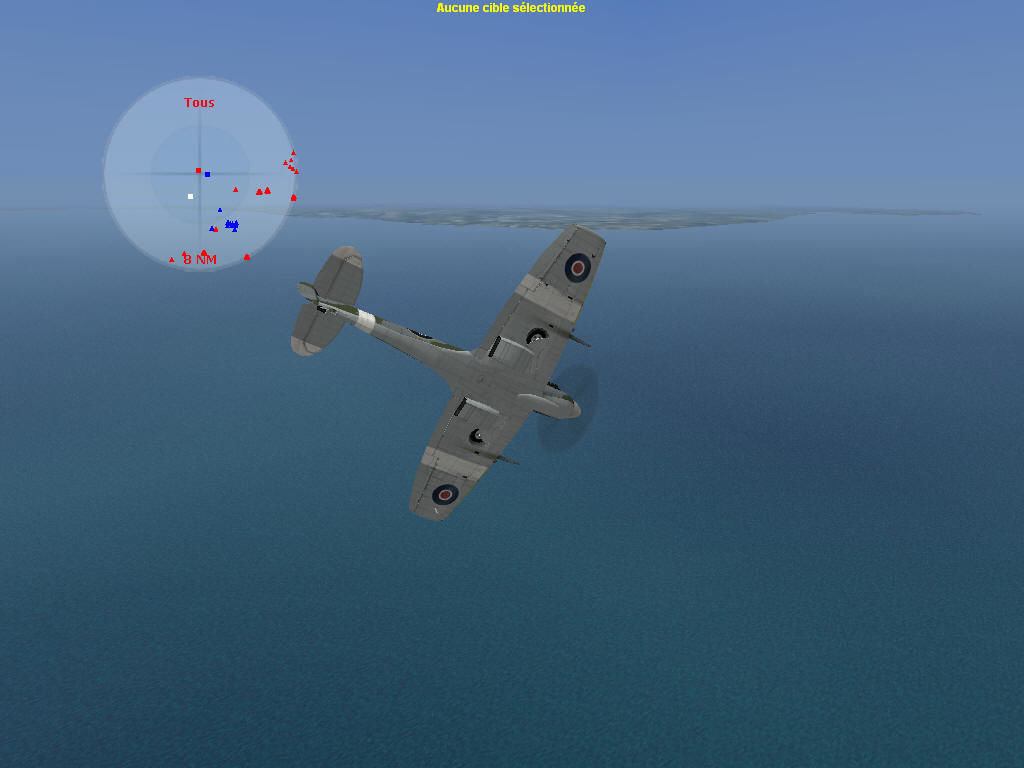
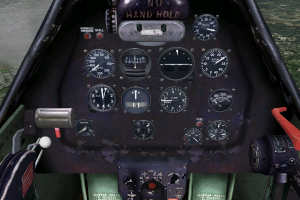
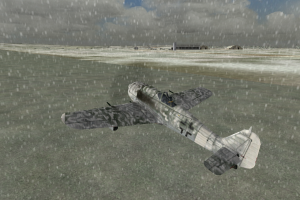
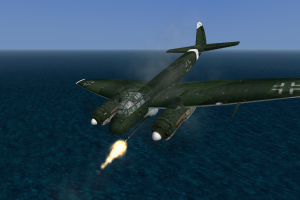
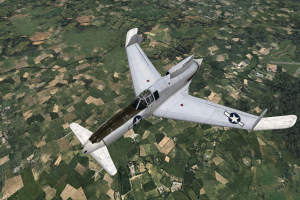
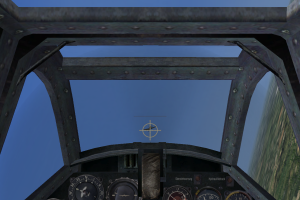
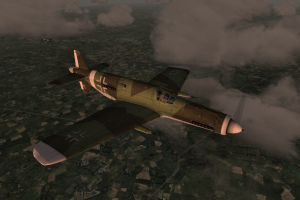
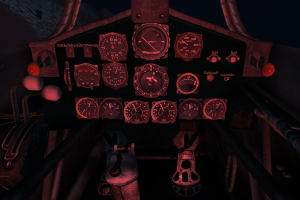
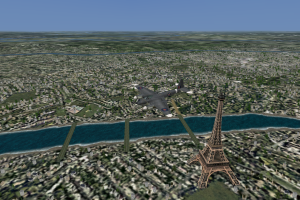
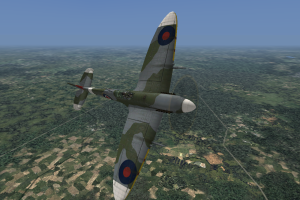
I've played a lot of flight sims and this is one of my favorites. Like all of the Microsoft sims there is a lot of attention to detail with the modeling, and characteristics of the available planes, ballistics and bomb trajectories. Even dropping an external fuel tank works as a damage multiplier. The cockpits look great, the gauges look and work great and actually display relevant information, not just decals with no functionality. There is a steep learning curve if playing this in a sim mode, but everything I learned playing this game has served me in every other flight simulator (using prop driven aircraft) I have ever laid my hands upon. The manual for this game is a massive volume with specs, history, tactics and instructions for any given scenario. There are animated addendum for many of the tactics, and really diving (pun intended) into the manual will make you a better pilot. The missions are excellent, the campaign(s) with dynamic battle lines (determined by your mission type/timing/performance), and pilot experience modifiers along with terrain, historical enemy tactics, and no nonsense/brutal AA weapons make this sim a real gem. I really can't recommend it enough. The closest thing I have found that gives me the sense of WW2 air combat is War Thunder, vs true sim fans, and even that lacks comparatively in some regards - I'm quite sure though that many of the devs were fans of this title as you can recognize the DNA.
I highly recommend learning all aspects of the manual in full sim mode - such as pre-flight check, the vagaries of oil pressure, flap controls, engine stalling/restarts, landing/take-off procedures, structural limitations, bullet arc, dive bombing, and all things flight. The game is fully playable with a standard joystick, but for a full experience a flightstick/rudder combo is required. There is a lot of key mapping to remember, but another nice feature is the ability to mouse control the various levers and switches in the cockpit.
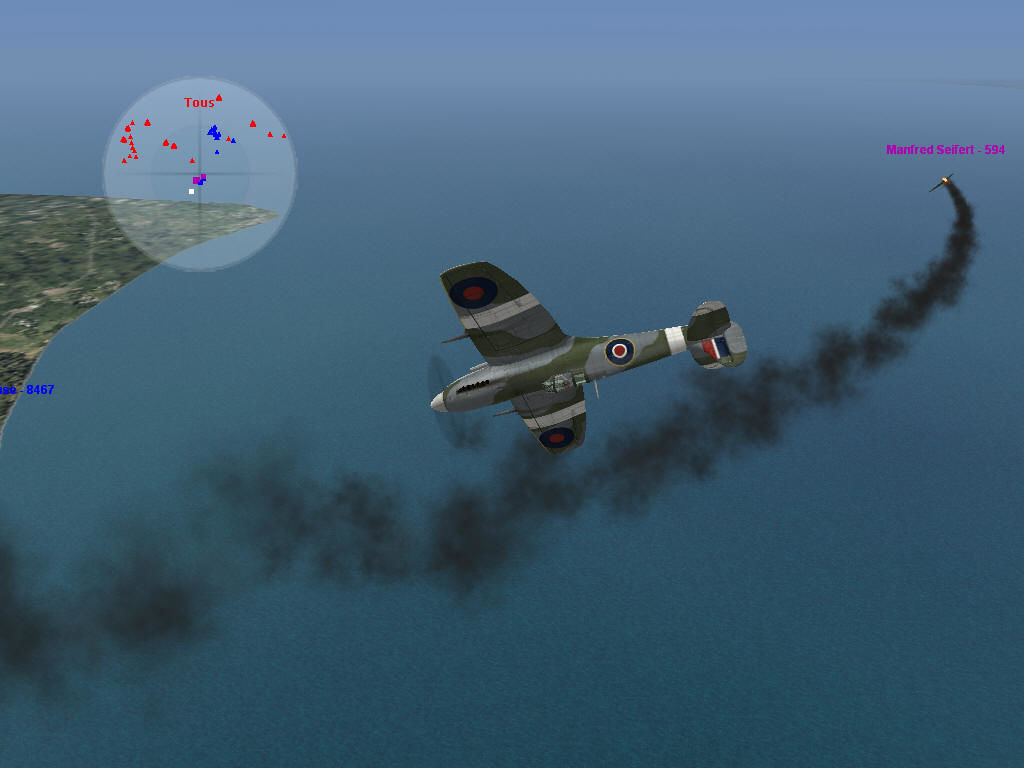
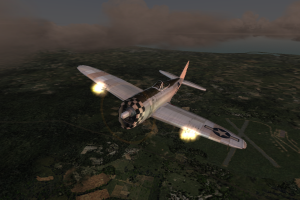
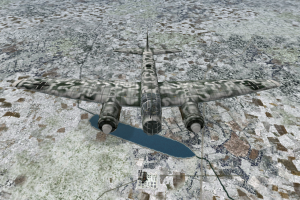
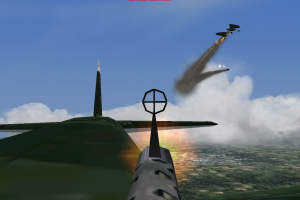
Early gameplay is HARD and the game seems un-winnable then one day you get in your P47-D or P-51 and it all just clicks - there is no panic when your monstrous Rolls Royce engine takes a few rounds, oil is splattering all over your windscreen, the prop is just sitting there doing nothing, and your training kicks in, you carefully shut down all the systems and do a mid-flight engine restart ignoring the fact you are a big, shiny lawn dart, your altimeter resembling a cooling fan - it sputters back to life, and you limp the 30 KM home by carefully converting your energy into altitude and vice versa, alive to take on a new mission. ...The massively gloating feeling of a 0.5 second squirt of .50 cal rounds shredding a BF 109 from half a KM or in the 10th of a second it passes your line of sight in an intense 4 vs. 1 jousting dogfight. ...The respectful trepidation of approaching a full flight of bombers bristling with flaring guns, hundreds of tracers arcing at you, a full escort, and friendly AA bursts popping all around you.
If you follow your training, and learn the procedure of a full speed approach, bleeding 75% of your speed, letting your dive bomber tip over, and dropping the pickle moment before gravity is about to rip your wings off, and pulling out to a safety; as moments later you hear your bomb rending a destroyer in two.... Just... the best! If you like to fly, and want the feel of a WW2 career pilot, this is the game for you.
I will do my best to find the manual and keyboard template for this game. I hope they and my gushing review will inspire people to try this truly great sim.
Review By Capt. Obvious
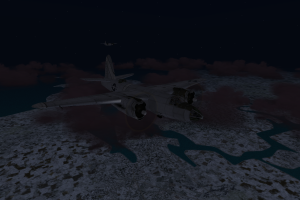
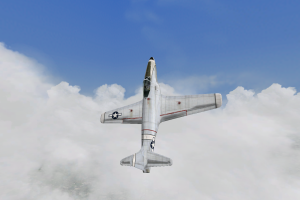
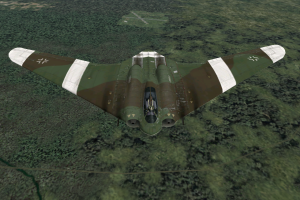
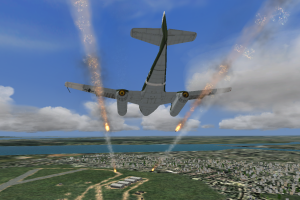
 English
  German
  Spanish
  French
  Italian
  Japanese
  Polish
  Russian





 Czech
Czech 




Comments and reviews
i love u for this
In Win10/11, from what I tested, Joystick or Keyboard Controls works at first, but not correctly. The elevator controls are not correct.
Works excellent in windows11!!
Thank you sooo much for providing the files. been looking for this for decades since i lost my cds.
tip: run the iso(s) patch to 3.1 and apply the nocd patch for 3.1.
change your video settings to your preferences and you're good to go
My il-2 is going on the shelf now!!
thanks a lot!!!
WILL IT RUN ON WINDOWS 11
i still have my disc and the game works on windows 10 the only thing i need to do is run as administrator and use safediscshim
There is no .exe file in this download.
does this include the Firepower expansion pack?
Italian :
https://archive.org/details/pc-game-ita-combat-flight-simulator-3-full-2-cd-crack
Polish :
https://archive.org/details/cfs-3_202203
@MANDRAKE, have you tried using an emulator like CDemu or D-Fend?
Thank you for the download. Trying to make the world safe for democracy again. Had mscfs 1. Won't work in win 11 unless you have a PHD in computer science.
In very simple words...nothing works. Because we are already starting off very badly with the fact that he does NOT intend to install himself. I've tried everything, win 7 32 bit; win 7 64 bit; XP emulator "oracle"; win 10; I would also like to try it with a real PC with XP operating system... but I'm sure it doesn't work there either. At that point all I need to do is do a "macumba" or some other propitiatory dance.
I managed to get the installed, when I tried to launch the campaign...it says "No British HQs/squadrons can be properly placed with spacing 2 given the current squadron data and front-line shape." Is there a way to fix this issue? Or do I have to look elsewhere for fix the problem? Thank you!
does this include the Firepower expansion pack?
how do i get the file to work after i downloaded and extracted the zip so will you send me the instructions on the microsoft combat flight simulator
I downloaded the game and the NOCD patch (original CFS3 file has been replaced with the NOCD file). Everything installed okay and setup.exe ran just fine. However, when I go to run the game, the loading screen appears for a moment and then disappears. The game runs in the background, but nothing shows up.
When I test the program in Windows XP compatibility mode, some errors pop up. The first set tells me "Font OCRB(-13) is not found. Using Arial instead." There are also several .bmp files that cannot be loaded. I don't know if this is helpful.
It would be greatly appreciated if anyone could give me advice on how to proceed.
When i try to open Setup.exe its just say it can`t read the specific language with .dll help??
In Windows 10 and a GTX1050ti graphics card, what is the highest resolution you can play this on? I've tried all the resolutions and it seems fine but high resolutions tend to stretch planes and the landscape seems to be "bend" a bit when flying.
hello, i have the original flight manuals for MCFS 3 and 2 and i have the keyboard layout for MCFS3 3 also. Dennis
Sorry, simple question that I think I've seen answered elsewhere but I can't find it. I've had to reinstall to a new HDD but still have old HDD and want to copy CFS3 user data (pilots/mission/campaign history etc.) to new installation. Does anybody know where and what the user files are called?
BTW, thanks Pilot_Kaboom - instructions worked perfectly.
lokking fwd to good times.
(wrote this for a friend, thought it might help someone here)
what I did to install it was go to https://www.myabandonware.com/game/microsoft-combat-flight-simulator-3-battle-for-europe-bwe
I scrolled down to the bottom of the page where the downloads options are. Usually there is an add covering up the labels next to the download buttons, so you have to wait for it to disappear long enough to see which one is called the English ISO. Download that one. While you are there, also download NOCD and patch 3.1 english. While you are waiting for downloads, go to this link: https://www.redfox.bz/download.html
and download the Virtual CloneDrive. This is what lets the computer think it has a disk when it doesn't.
Once the files are all installed, unzip the CFS3 file. In that you will find the files called CFS3_CD#. Right click the first cd file (it should be the large one, there may be two). Go down to Mount and click it.
This will virtually insert the disk. Once it is in, run the setup file like normal, but make sure to use Windows XP compatibility settings. Right click on the icon, then hit troubleshoot compatibility. Windows takes it from there.
When installing, make note of the file path. You will need to know later. Once you have installed the first disk, it will prompt you for the second disk, like normal. Now mount the second disk from the file. It will finish the installation.
Once the installation is complete, go ahead and run the 3.1 patch file you downloaded to install the patch. Then, once everything is installed, take the NOCD file that you downloaded, go to the place that the game is installed, and replace the file that is the same name as the NOCD file with the NOCD file.
The game should run when you try to launch it at this point.
Hope this works! Have a lot of fun!
Have had both games on cd and can not get them to load same as world at war call of duty. so i hope this works.
for you to get it to work, search for flight combat simulator no cd, copy and paste to directory, viola
Hey! If anyone is having troubles with the "insert CD 2" what I found that works is using a program like PowerISO to mount the disks (like another comment here) However, once you extract the first disk ISO, and run the Setup.exe (and begin to install the program), once it's asks you to insert Disk 2, mount Disk 2 to the same virtual drive, but then run "SETUB.exe" and then click OK in the installer. It worked for me!
Este juego me trae muchisimos recuerdos porque mi padre lo tenía y yo mr tiraba horas jugando
Changing both files to ISOs did nothing. I am at a loss.
I have also downloaded everything and mounted the drives as well as tried the no_cd fix. Nothing works. error messages pop up stating that common.dll and other .dll drives are missing or not installed? im gonna try the ISO fix..
I downloaded everything, did the compatibility mode for Windows XP, but If i start it the admin thing shows up i press on yes anf nothing happens
Just rename the .BIN to .ISO.
There is no iso in the file! Can anyone help please!
To everyone wondering how to install, you will need a free program like PowerISO. Once you have that installed and your PC restarted, you will right click the first disc to mount it to a drive. After that open the drive like you would any other, find the setup.exe and run it. When it prompts for disc 2, mount the second file on the same drive you mounted the first. Return to the installer and hit OK. Once the game finishes installing remember to set the game to run in compatibility mode for Windows XP. The game works fine for me on windows 10 following these settings and even displays in 1920x1080.
Does anyone know how to install disc 2?
Impossible to install. Prompts for "CD 2" then when you click the other file, nothing happens. Pile of shit.
Hi. I downloaded the CFS3, however there is no setup file with it.
Does anyone know how I can install it on my Windows 10 without a setup.exe?
Any help would be appreciated.
Hi, CSF3 flyers,
I'm trying to install CFS3 on my CD-less PC. I'm not totally illiterate, but I'm struggling with the installation after I downloaded the zip files "Microsoft-Combat-Flight-Simulator-3-Battle-for-Europe_Win_EN_ISO-Version" and the No-CD zip file "Microsoft-Combat-Flight-Simulator-3-Battle-for-Europe_NoCD_Win_EN". I read the support material, but honestly the jargon is a bit too much for me and I can't get this to work :-(
Is there a step by step set of instructions?
I'm running Windows 10.
Many thanks!
To read a disc image you need a disc drive emulator like Daemon Tools or PowerISO, once you have one of those installed (most are free or have shareware versions) you can read disc image files in the same way your computer would read a real CD. It's similar to opening an archive such as .rar or .zip
Common image formats for discs are...
.iso (international standard image)
.bin (raw image)
.ccd (CloneCD image)
.nrg (Nero image)
.bwi (BlindWrite image)
Most drive emulators can read all of these so long as any accompanying files (.cue, .sub, .img, etc) are kept in the same directory as the image, these smaller files usually contain necessary information for the file to load.
On top of that you can burn these images onto a real disc if you have a disc burner and the relevant software, though in these times of gargantuan hard drives it's less space and time consuming to just keep the images on your hard disk somewhere.
How do I even open this
what is a .cue?
Very happy to have found this software. I have an older version of the game (1998), runs well under Windows XP but doesn't find the joystick when installed on my new PC under Windows 10. With this version 3, I succeeded in installation and first tests are quite OK, no more joystick problems and graphics quality is better. And French language is OK for me - I downloaded the French ISO version (869 MB).
Comments from JUSTSOMEGUY (2019-07-25) helped me, I did something similar, although with some differences as my PC is with W10 and I have different utility software:
- Mounted the .iso file using CyberLink Power2Go 8. As there are 2 CD images, I mounted the CD1 image first, then when install process requires CD2, unmounted and mounted CD2 image with the same drive letter.
- After install, replaced the installed cfs3.exe with the one included inside the NoCD zip file.
No missing file problem encountered. The game runs well now without mounting the .iso file anymore.
Up to now I didn't use the patch "3.1" - I'll test that later...
keeps giving me a (null) error in little box when i try to configure. Can anyone help?
I also have the "No British HQs/squadrons can be properly placed with spacing 2 given the current squadron data and front-line shape." Is there a fix to this, or where can I fix the code?
Ok, I hope it works at windows 10.
i keep getting the following message when I attempt to start a campaign:
No British HQ squadrons can be properly placed with spacing 2 given the current squadron data and frontline shape
How can I fix this???
It appears that the link to the Rising Sun expansion that are available from the previous comment are no longer available, the pages linked on the site in the comment (which itself does not host the expansions, thankfully the Solomon Islands campaign is here) have apparently been lost. Please add if you have it.
the version here is not an iso so you don't have a disc in a cd drive. (So you need BOTH the 3.1 patch and the no cd patch). The no cd patch is just a replacement for the file cfs3.exe.
for game expansion (i.e. battle of britain, Pacific Theater (including Pearl Harbor), just go download them at: http://www.mrjmaint.com/cfs3/PTOHome.html
or search for this webpage:
MRJMAINT's CFS3 Missions and Campaigns for Microsoft's "Combat Flight Simulator 3"
have the original box set,cd's in pristine order and manuals...been trying all my old sets on w10...got a logitech extreme joystick too,in fact got both for $15.00 at a thrift store.Wish me luck!...have a wxp tower but unsure if it is powerful enough.
Made it run on win 7 professional after a few tries, at first it would install but would not start!!!.
THIS IS WHAT I DID TO MAKE IT RUN Mounted the .iso using PortableWinCDEmu 4.0 (google it) first, then ran the installler under win xp sevice pack 2 compatible mode in win 7.
After install replaced the installed cfs3.exe with the one included inside the NOCD patch, after that it would start but kept showing an error about file cfs3configdatabase.txt not present, fortunately there was a file named cfs3configdatabase.txt.bak just made a copy of that file and renamed it cfs3configdatabase.txt and that's all... It worked perfectly afterwards, can even play without mounting the ISO file now.
Ok --i have downloaded the cfs3 prgram many times--but these new downloads will not accept my joystick controls or keyboard again such as keyf6 goes to pilot seat no it does nt bro--the joystick will only operate the wing flaps right wing up left wing down at the same time--now previously the joystick and keyboard worked perfectly and they are basically less than a year old thats why i keep trying to download a proper program --let me try another program like pacific ww2 --please ok??
I have tried ot run the program but its PDF ADOBE and it keeps telling me that there is an error on opening and someone else could be running it all i want to do is run the program and fly the blue also my joystick is having trouble with the last download -just download me the program CFS3 PLEASE
Played this in my childhood and its absolutely amazing
works awesome on windows 10 and even comes with some extra planes! just download and unpack and its good to go
Downloaded, unzipped, ran CFS3.exe, "MS CFS 3 has stopped working"...any solutions?
i have the original manual for this game. My program on disk got corrupted and I am so glad you are allowing me to download another program to try. I would be so very willing to share the whole manual, it's by no means small, but I haven't the ability to copy it. Suggestions/
SUPER !
J'ai le jeux en boite 2CD depuis des années mais impossible de l'installer sur XW10/64 .
Et je viens de charger celui-ci sur votre site et après l'avoir dé-zippé dans un dossier , le jeux se lance du premier coup, c'est génial !!!!
Bon, il est en anglais mais c'est pas grave...
Un Grand Merci à vous !!!
the game will not load just keeps crashing, anyone have a fix for this?
Goes without saying, we have to unzip the downloaded zip file first! I also selected my nVidia GTX 950m to run the program and could max out all graphics settings!
Wonderful entry! Download is a ZIP file without password, which contains an installed version of Microsoft Combat Simulator 3. All we have to do is run cfs3.exe. Display setup (e.g. resolution) may be set up by running cfs3setup.exe. Game is awesome and plays flawlessly in Windows 10 64-bit. Many thanks and Happy Holidays!
This game was my addiction back then! Now i can play it all again! Thanks, MyAbandonWare! My nostalgia is satisfied :)
No ISO file included. No way to run or install game.
Needs a password. Can't find password.
really awesome
No comment nor review for this game at the moment.