



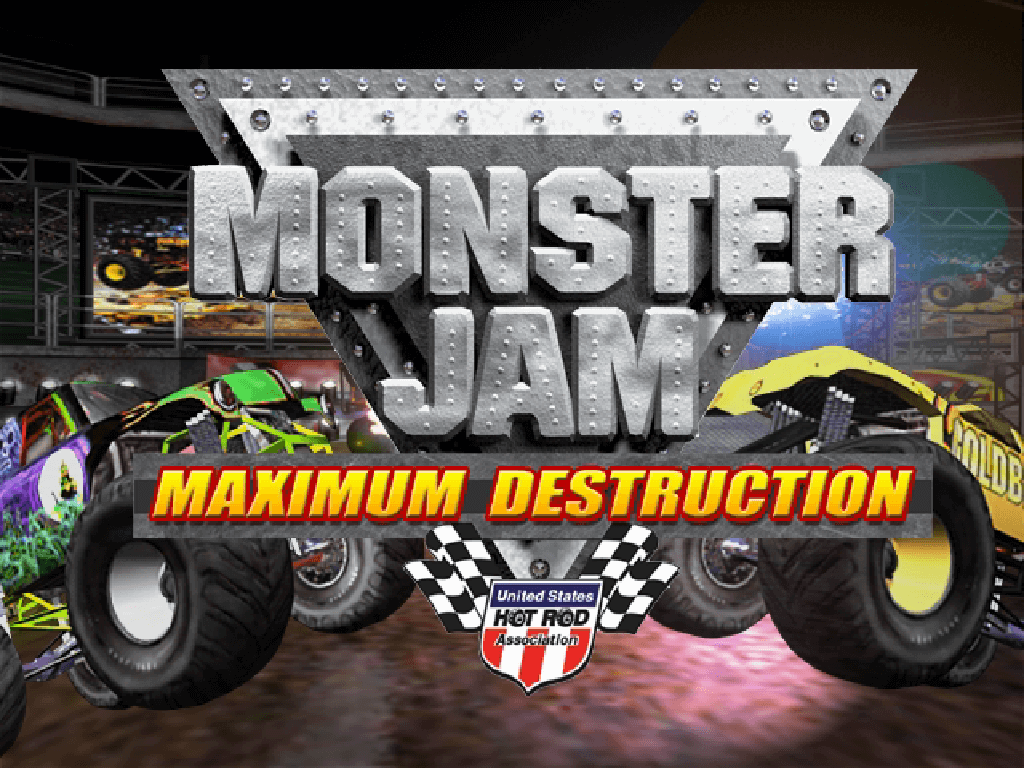
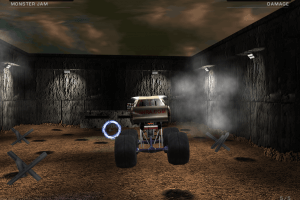
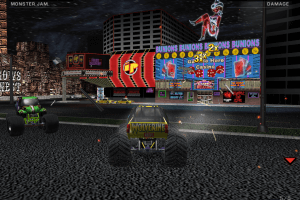
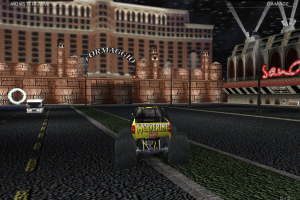
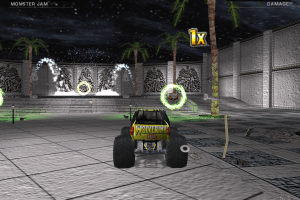
How to Play
Install & play guide:
- Mount the disc image. You will need the utility for mounting disc image files, like WinCDEmu, UltraISO, Alcohol 52%/Alcohol 102% or Daemon Tools Lite
- Install the game
- Also it is recommended to install DirectX 9 from the disc (if you're using Windows 10 - enable DirectPlay, read this or this guide how to do it)
- After you installed the game there will be a window with Ubi Soft registration - just close it (press "Cancel")
- At the end of installation process the installer will force restart your computer, that sometimes happens with old games. Better close all apps before installing the game
- Open the directory with the game and find MTRUCK.exe (in "MTruck" folder). Right click on MTRUCK.exe - Properties - Compatibility - Set "Run this app in compatibility mode with Windows XP" and "Run as administrator"
- Launch the game from Launcher.exe or desktop shortcut, configure your settings and play. If the game doesn't work - try to launch the game, then open Task Manager (Ctrl+Alt+Del by default) and check for processes MTRUCK.exe and rundll32.exe. Close MTRUCK.exe but don't touch rundll32.exe (it's a Windows app for running old apps from 32-bit operational systems, most old games running through rundll32.exe). Now try to launch the game again, it must work. Don't forget to close rundll32.exe process in Task Manager after finishing playing
The game has been tested on Windows 7 64-bit, works with no problem
Notes:
- If you have freezes or lags during playing - open Task Manager, find MTRUCK.exe, click on it with right mouse button - Set affinity - disable all cores excepet "CPU 0" (leave only "CPU 0"). This game is from the times when the was no such thing as HyperThreading
- By default the max resolution of the game is 1280x1024, but you can launch the game in higher resolution through dgVoodoo (also, with dgVoodoo you can launch the game with texture filtering and antialiasing; please note that dgVoodoo doesn't work on Intel graphics)
- If you have troubles with in-game music or video - install RAD Video Tools, also we recommend to install K-Lite Codec Pack
 English
  Russian





Comments and reviews
both full rip and iso version crash after 1 second of gameplay, it says 3..2...1.. go! and i can drive around for 1 whole entire second then it crashes. This is unsual. Games never crash after they launch for me. Must be bad game developers because i can get every game on this website to work fine. And you need to reboot PC after every crash because game thinks its still running when it isnt. Amateur developers.
this is epik
this thing is bullshit
I can start a launcher, install the game and configure its settings on Windows 10, but It does not launch after clicking a "play" option. Just a grey screen shows up for a short moment in a set resolution mode and it goes back to the desktop. Suggested tricks do not help as well.
No comment nor review for this game at the moment.